Seamless texture maps
Albedo, height, normal, roughness, metalness and ambient-occlusion maps for any of the 145 patterns, tiled so the image repeats without a visible seam. Use them in SketchUp, Blender, Unreal, V-Ray, Enscape or any renderer.
 Motif
Motif
Pick a laying pattern and a material: get seamless albedo, height, normal, roughness, metalness and ambient-occlusion maps, CAD hatches (.pat, DXF, SVG) and real 3D tiles on a floor and wall. No account, no watermark. In SketchUp: 10 free uses a day, then a lifetime Pro license.
Albedo, height, normal, roughness, metalness and ambient-occlusion maps for any of the 145 patterns, tiled so the image repeats without a visible seam. Use them in SketchUp, Blender, Unreal, V-Ray, Enscape or any renderer.
AutoCAD .pat, Revit model and drafting .pat, SVG and DXF, drawn from the exact tile edges, with single or double (grout) joint lines.
Tiles with thickness, grout and bevel on a floor and wall you size yourself, each with its own random crop of the photo and its own tone. Try it in the tool above.
Every pattern has adjustable tile size, grout, angle and seed. Pick one in the tool to use it, or open its page for free hatch files, a texture preview and a tile calculator: all patterns, hatch (.pat) index, tile calculator, lát gạch xương cá.
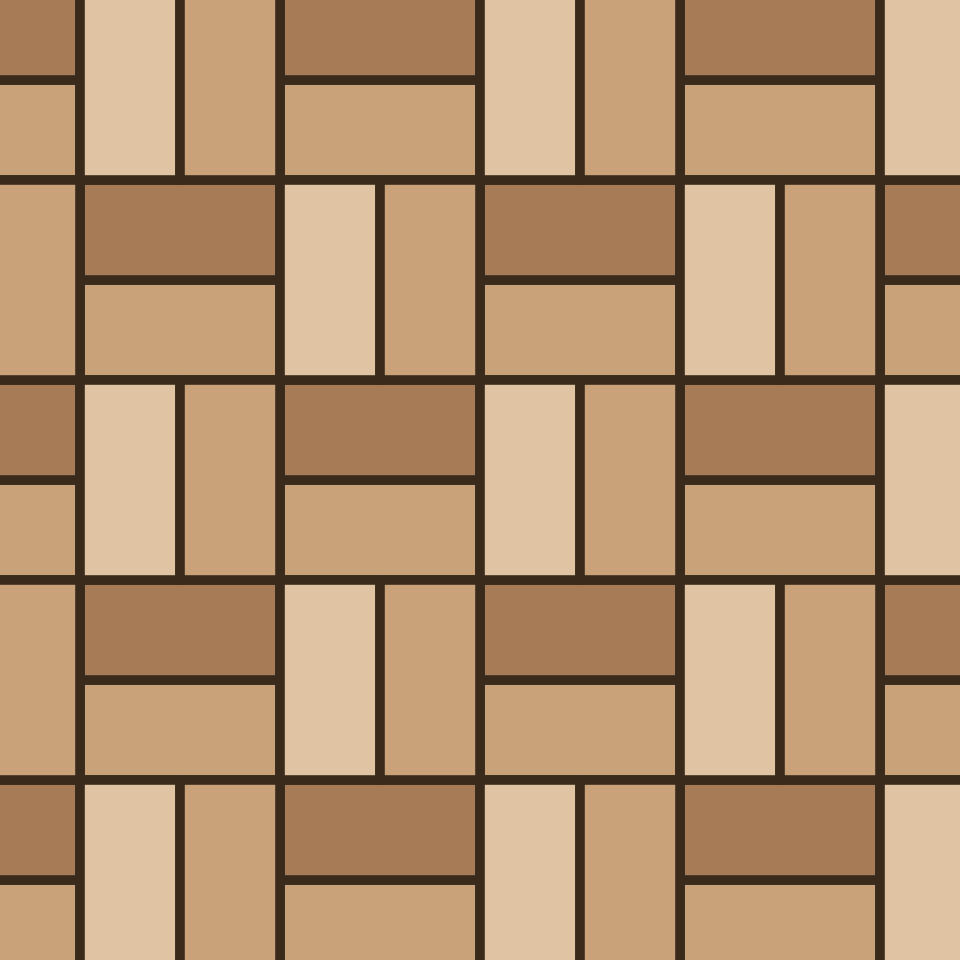 Basketweave
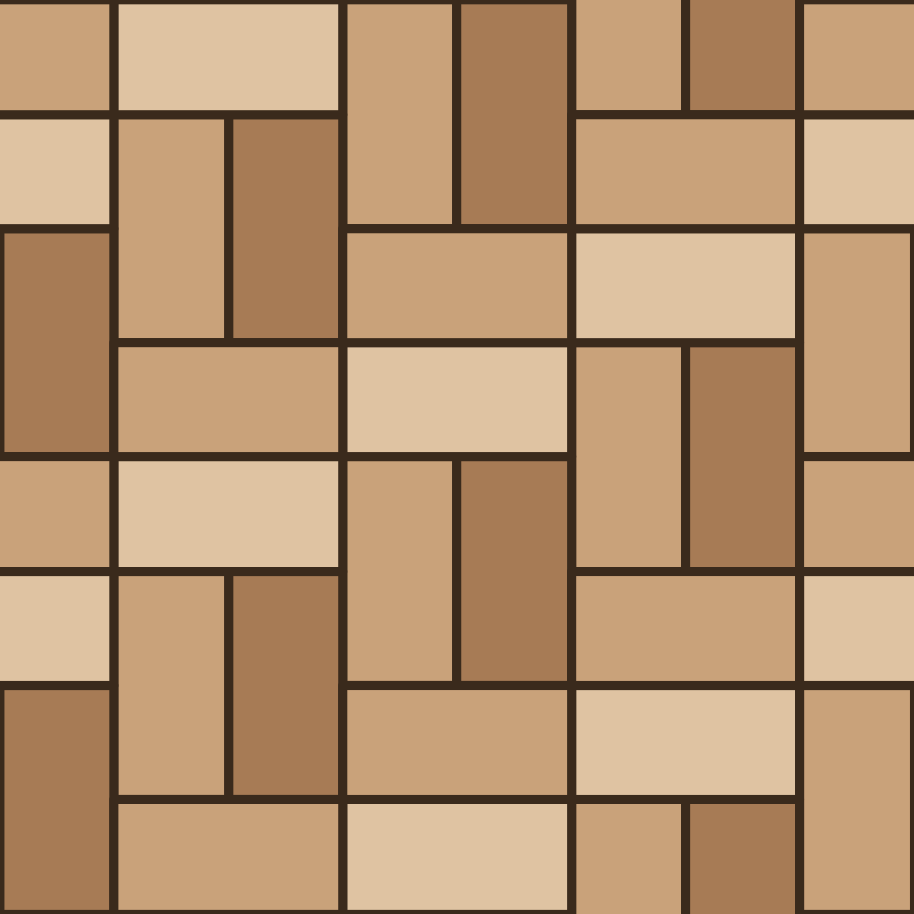 Block parquet (pave)
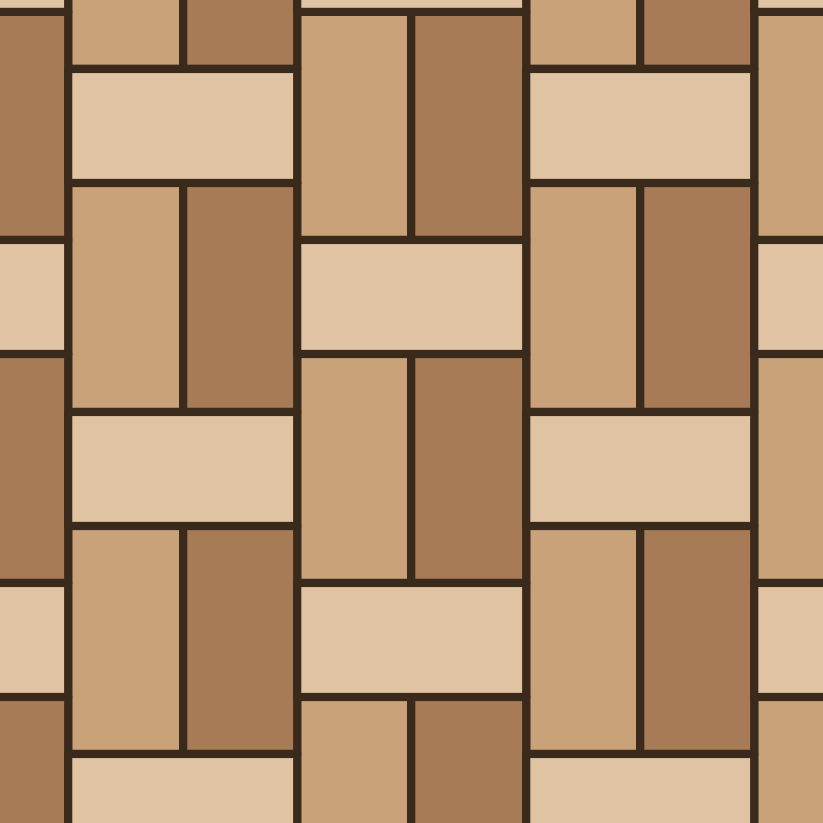 Block parquet (weave)
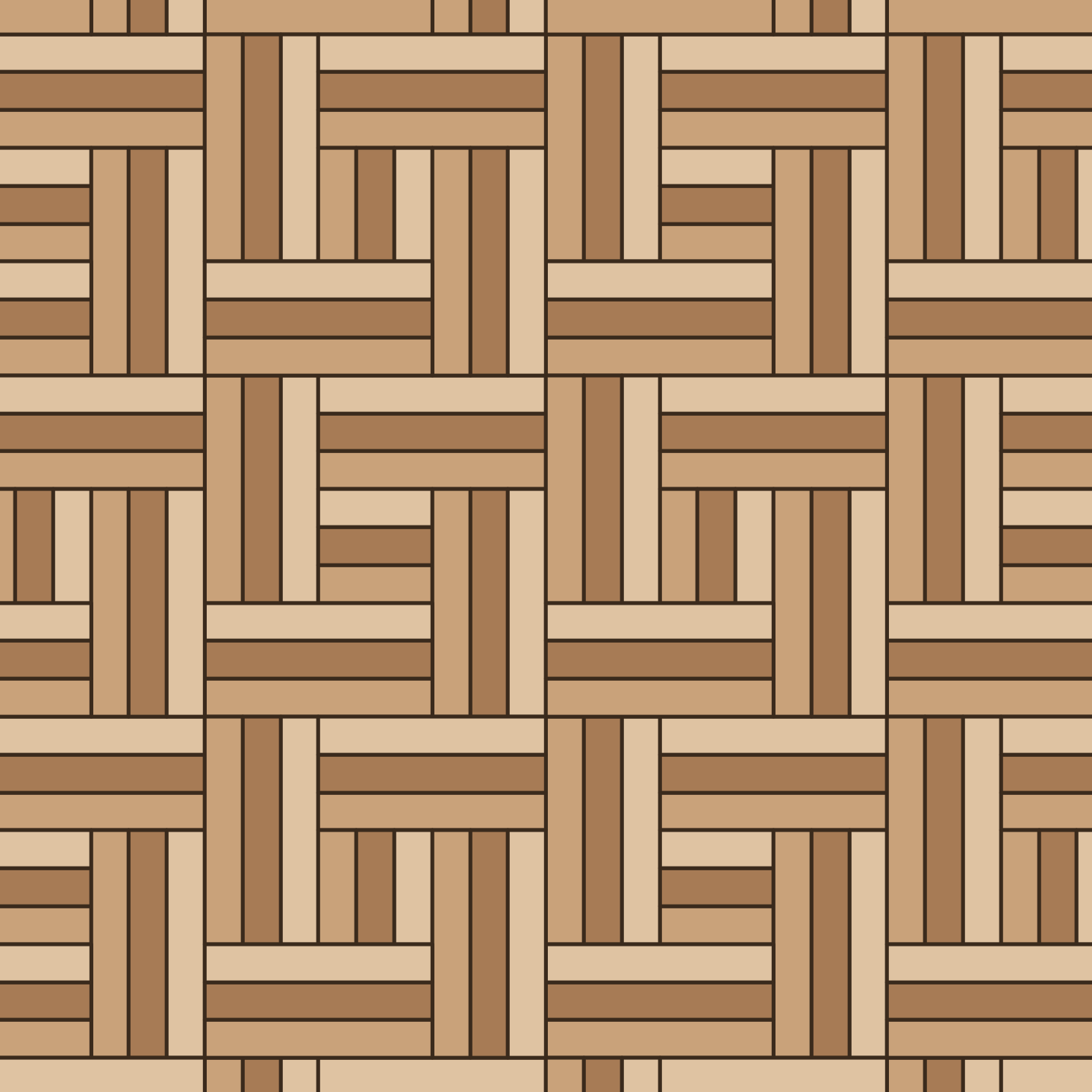 Chantilly weave
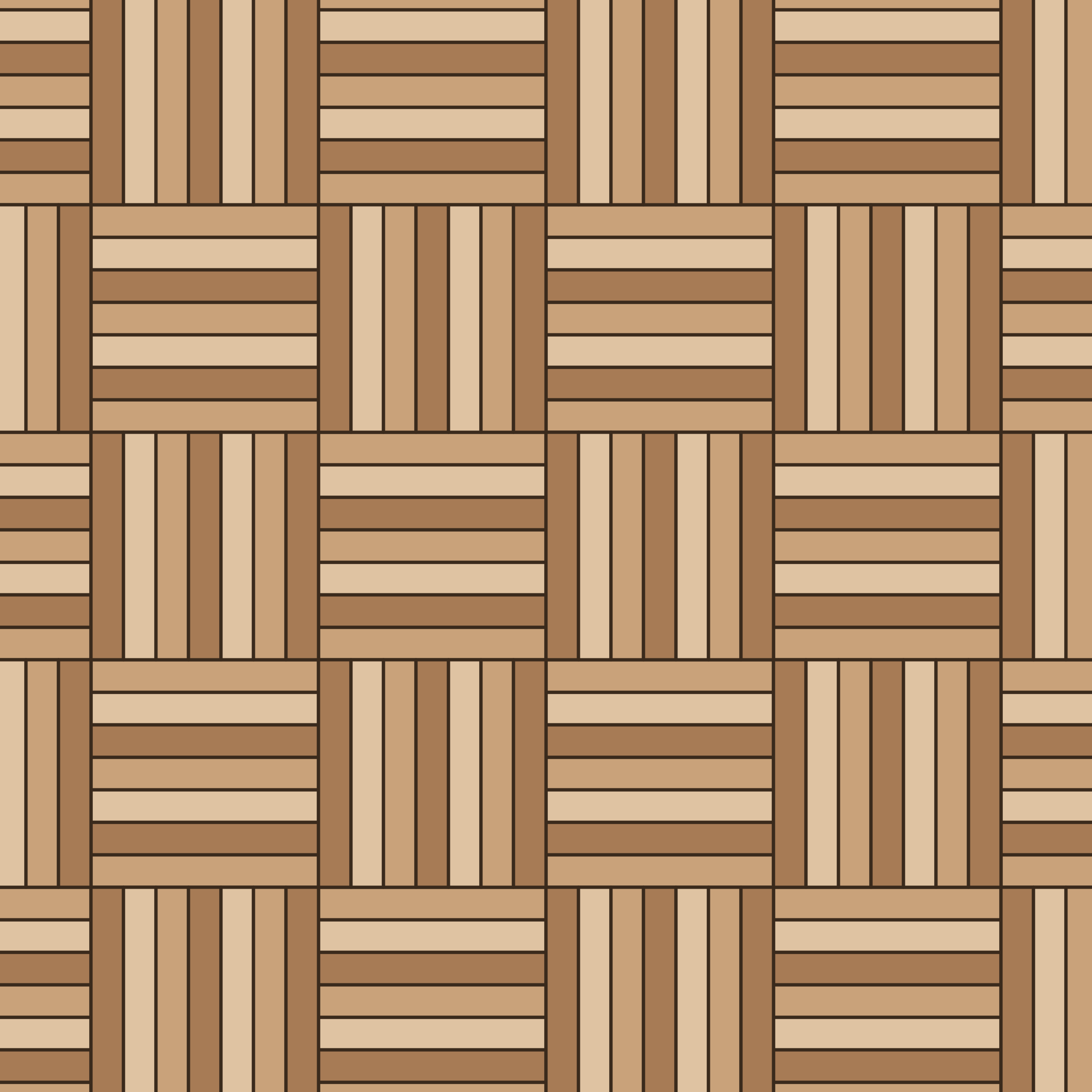 Check parquet (7 strips)
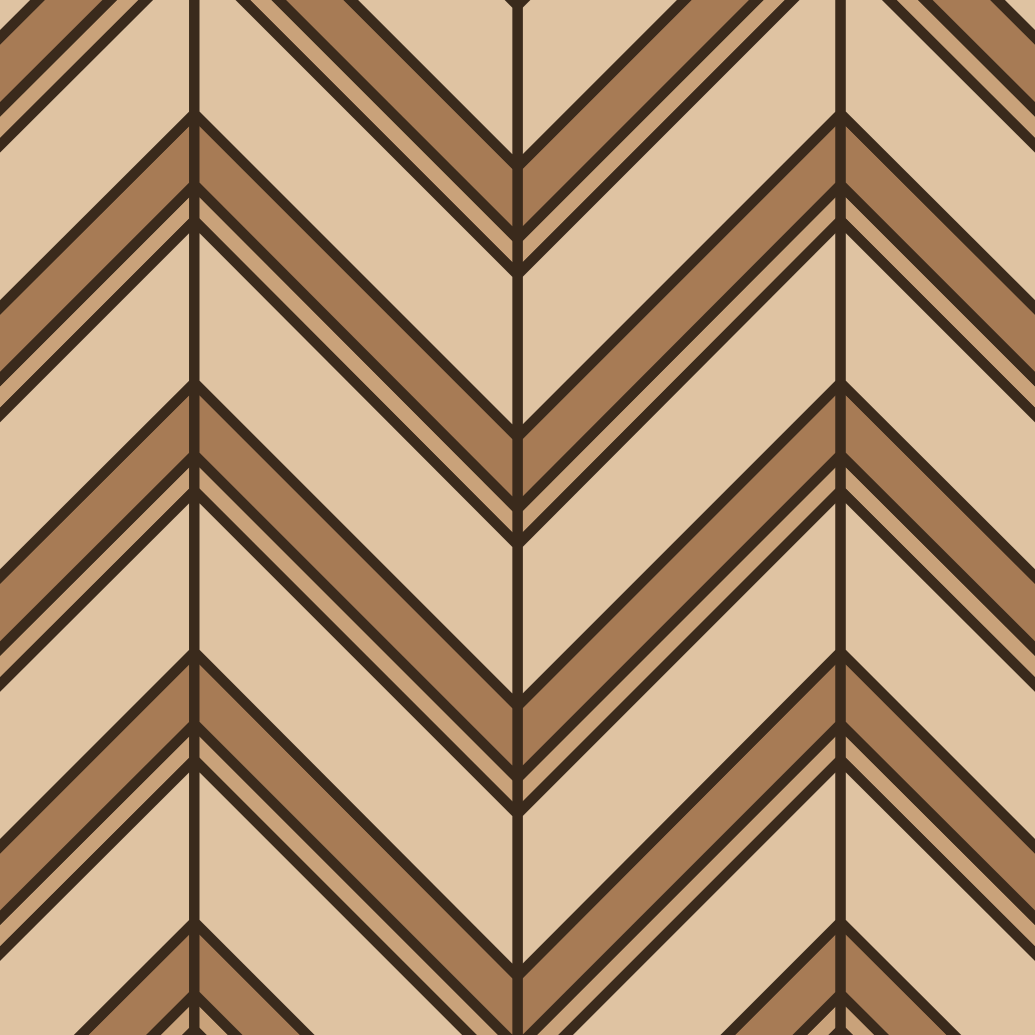 Chevron (three plank widths)
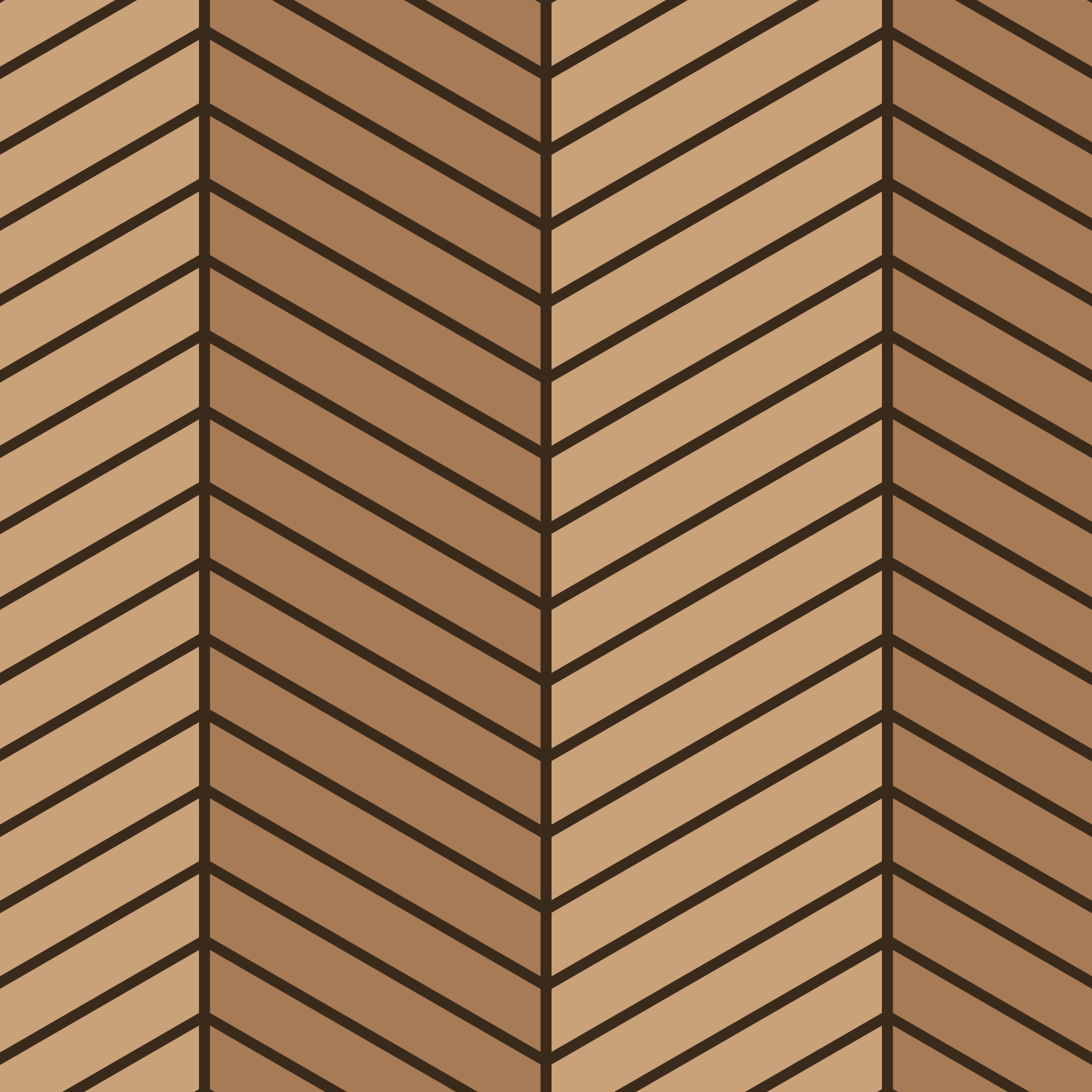 Chevron
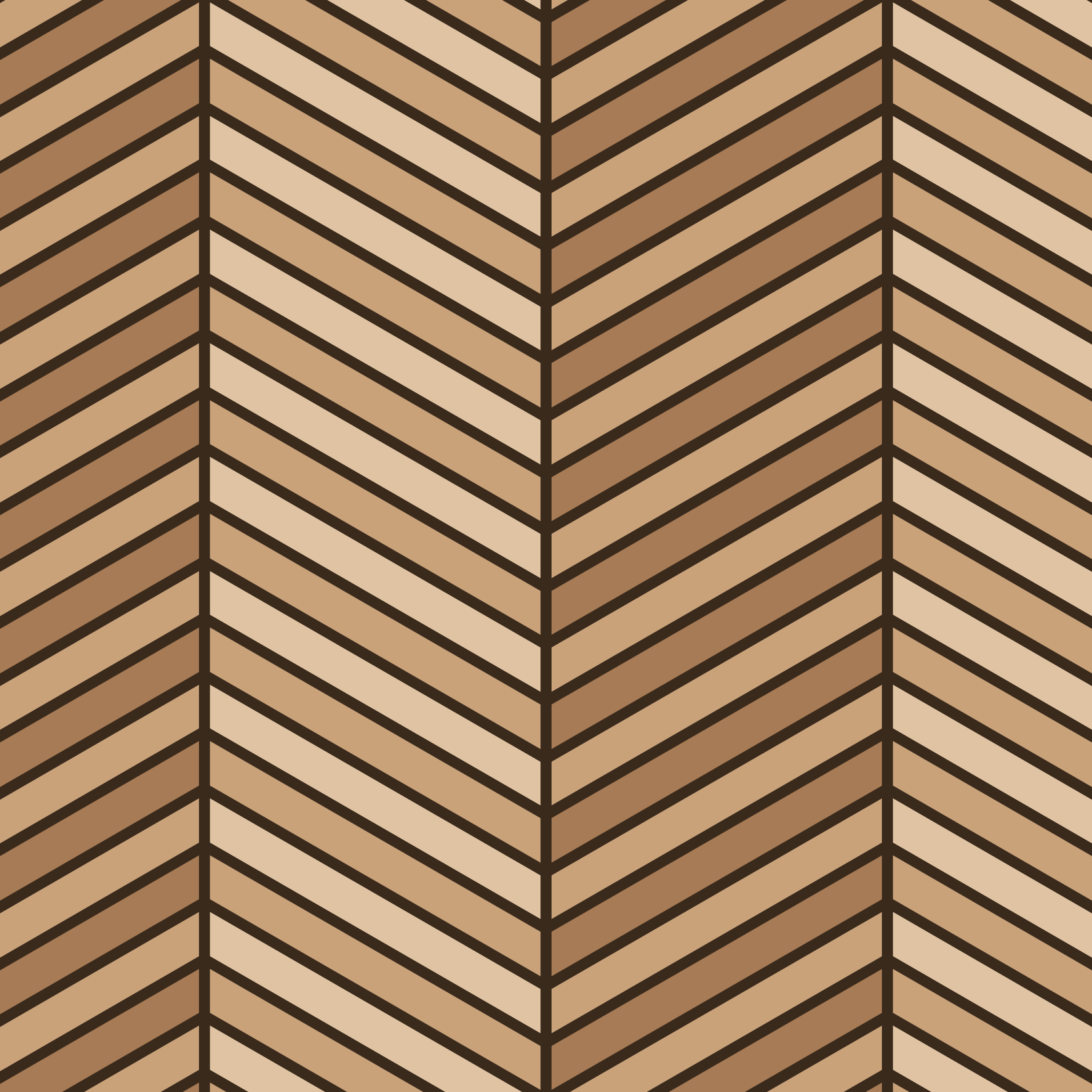 Double chevron
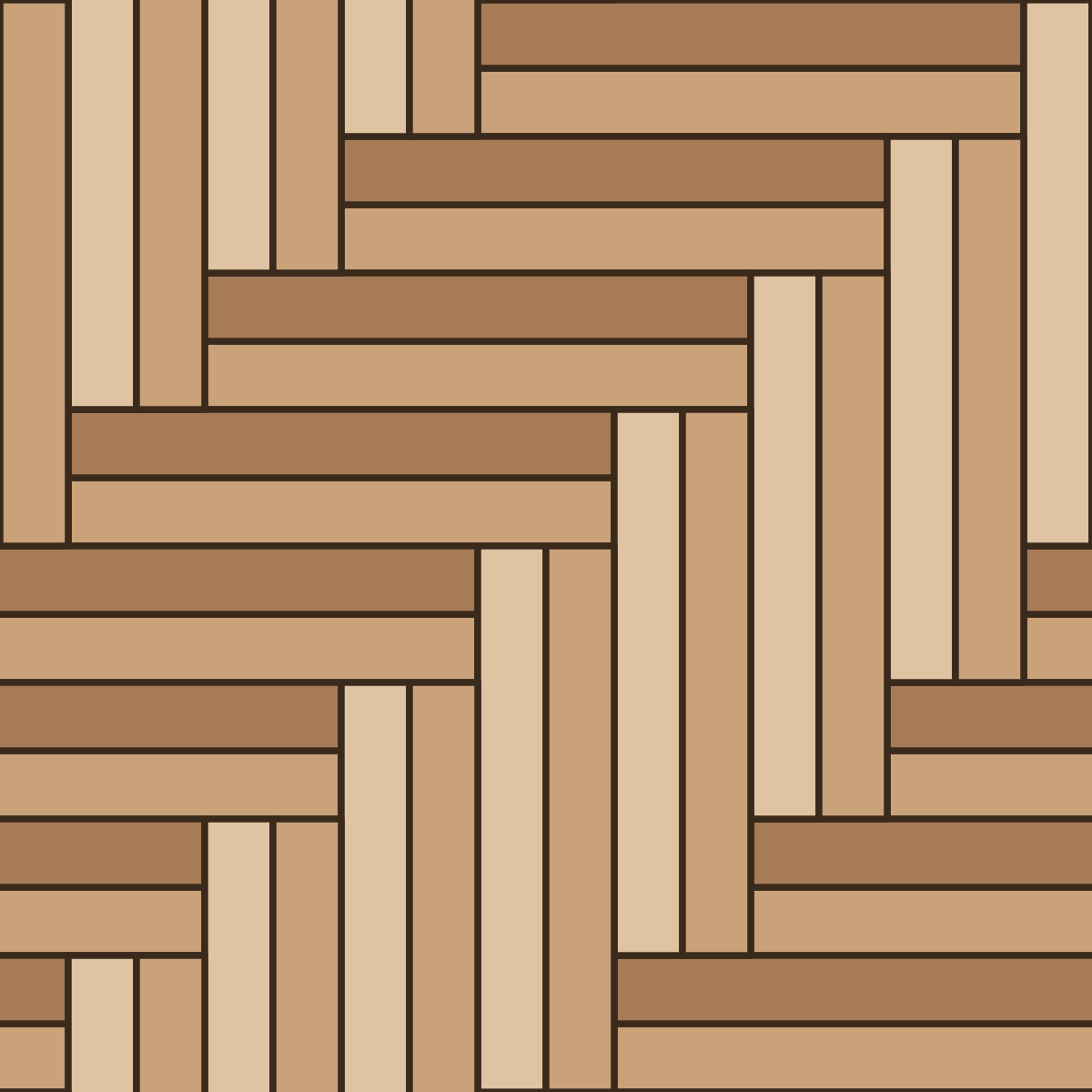 Double herringbone
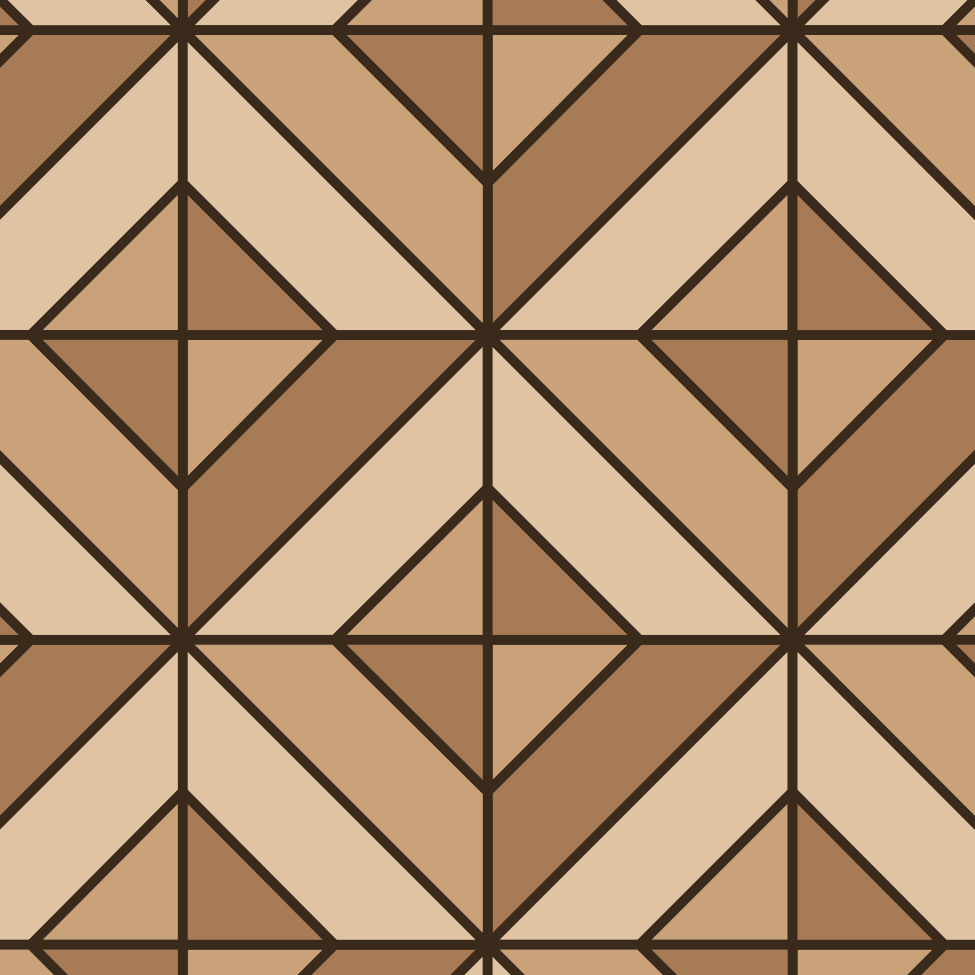 Gable parquet (wide strips)
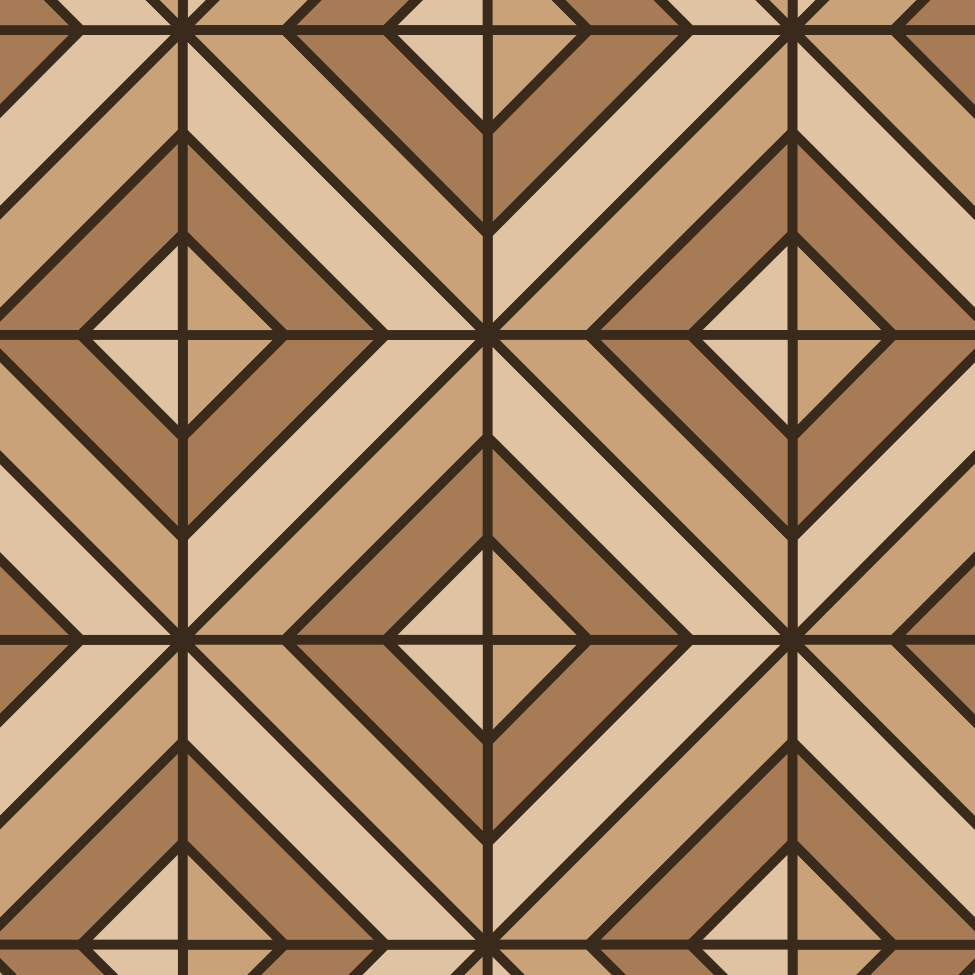 Gable parquet
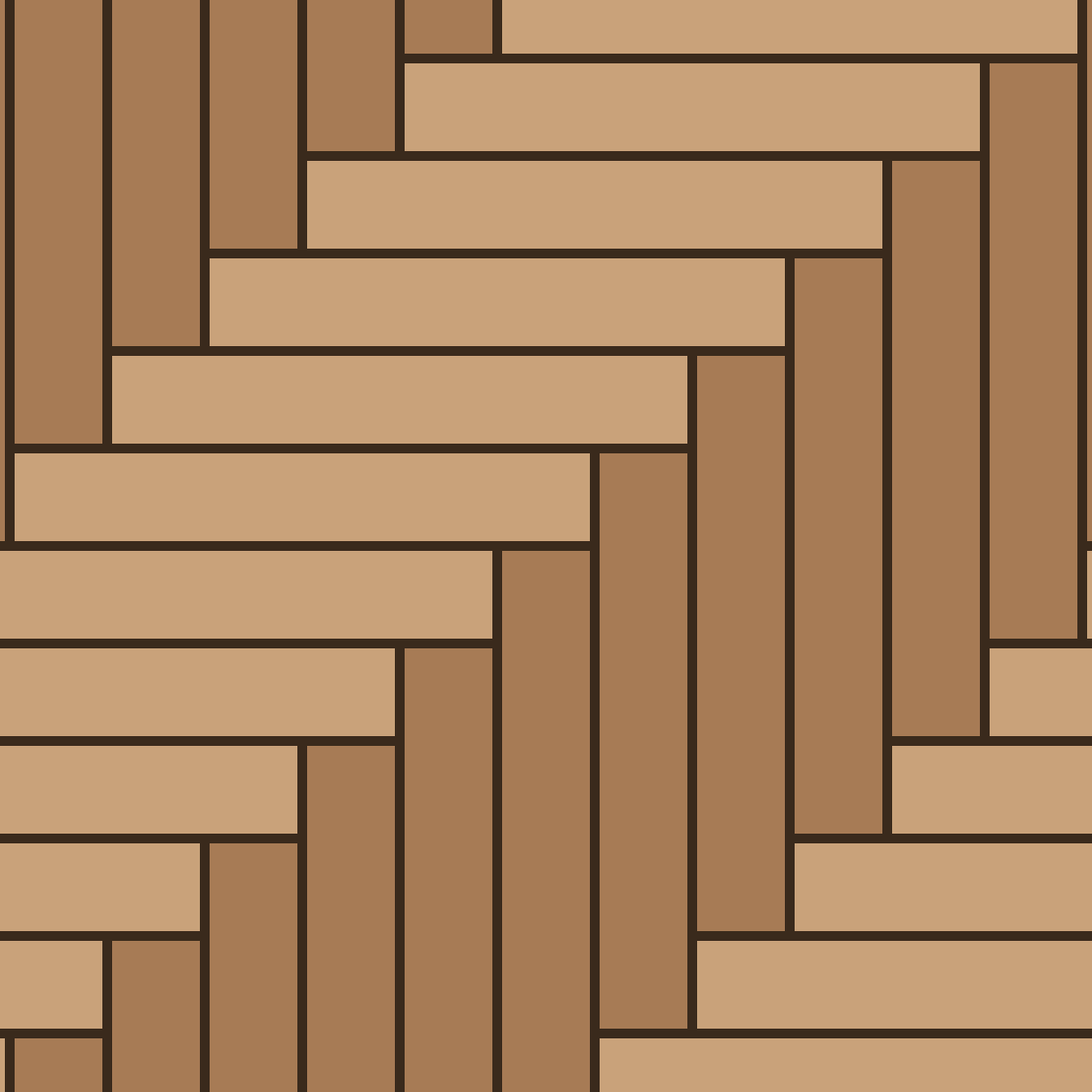 Herringbone
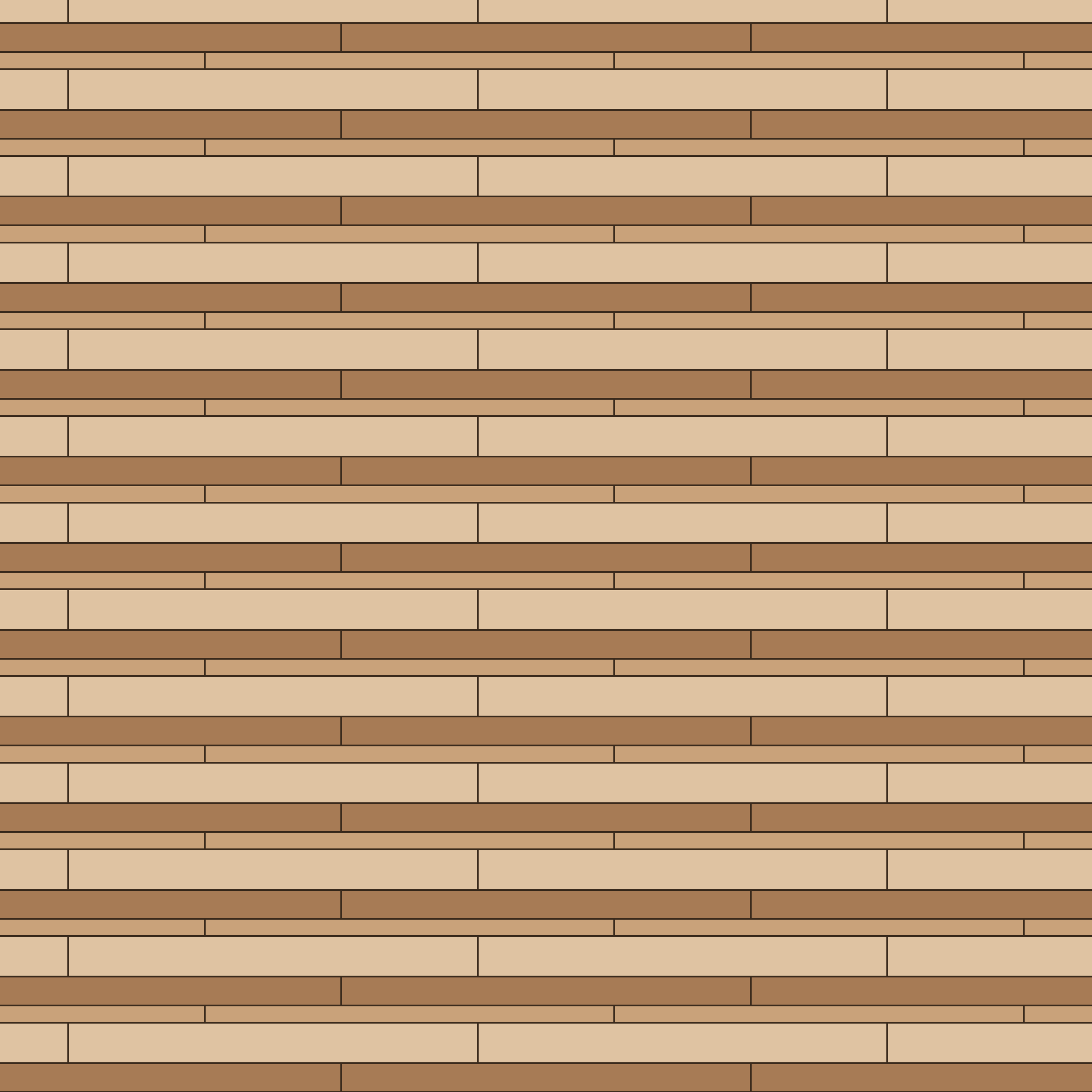 Mixed width plank (3 widths)
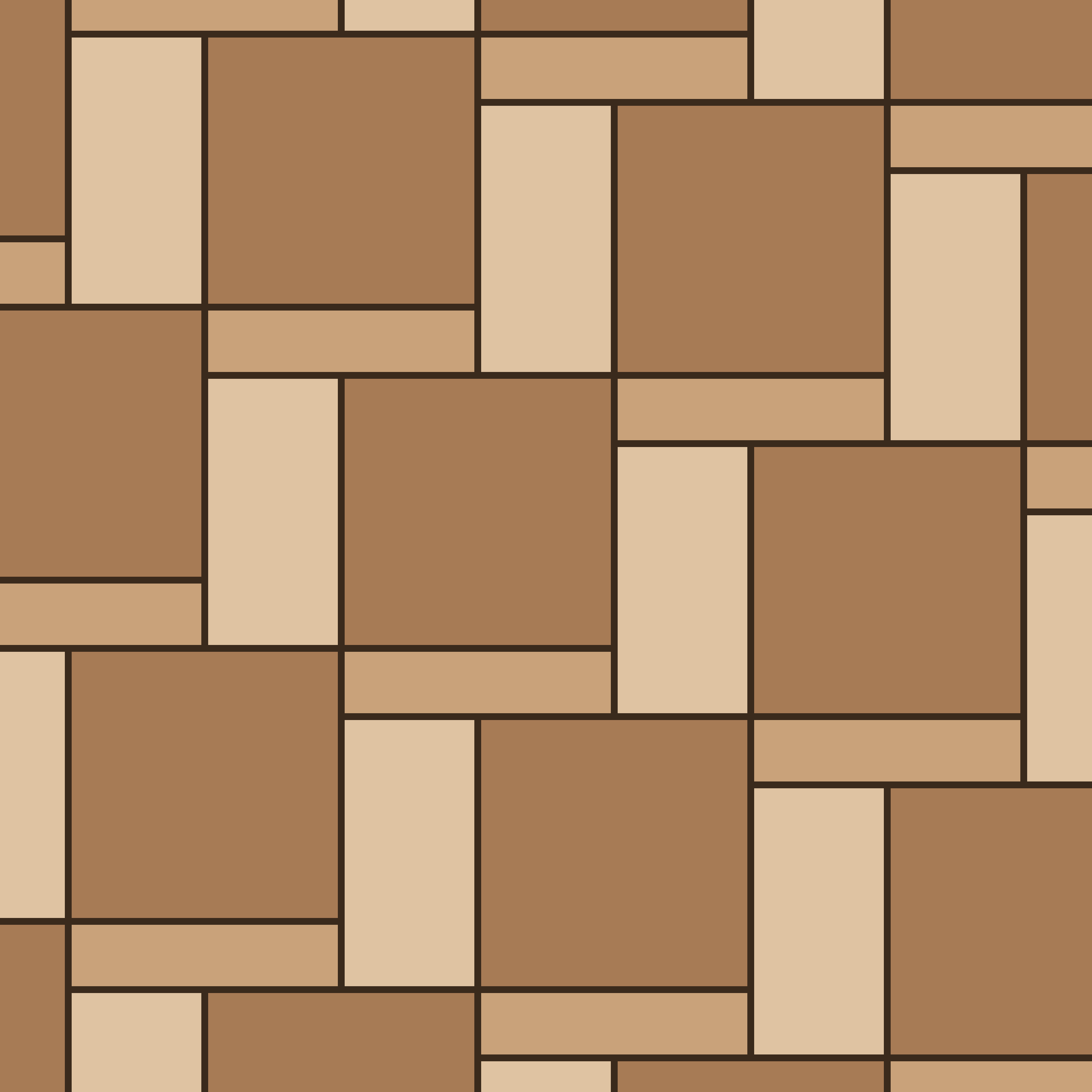 Opus Romano (plank format)
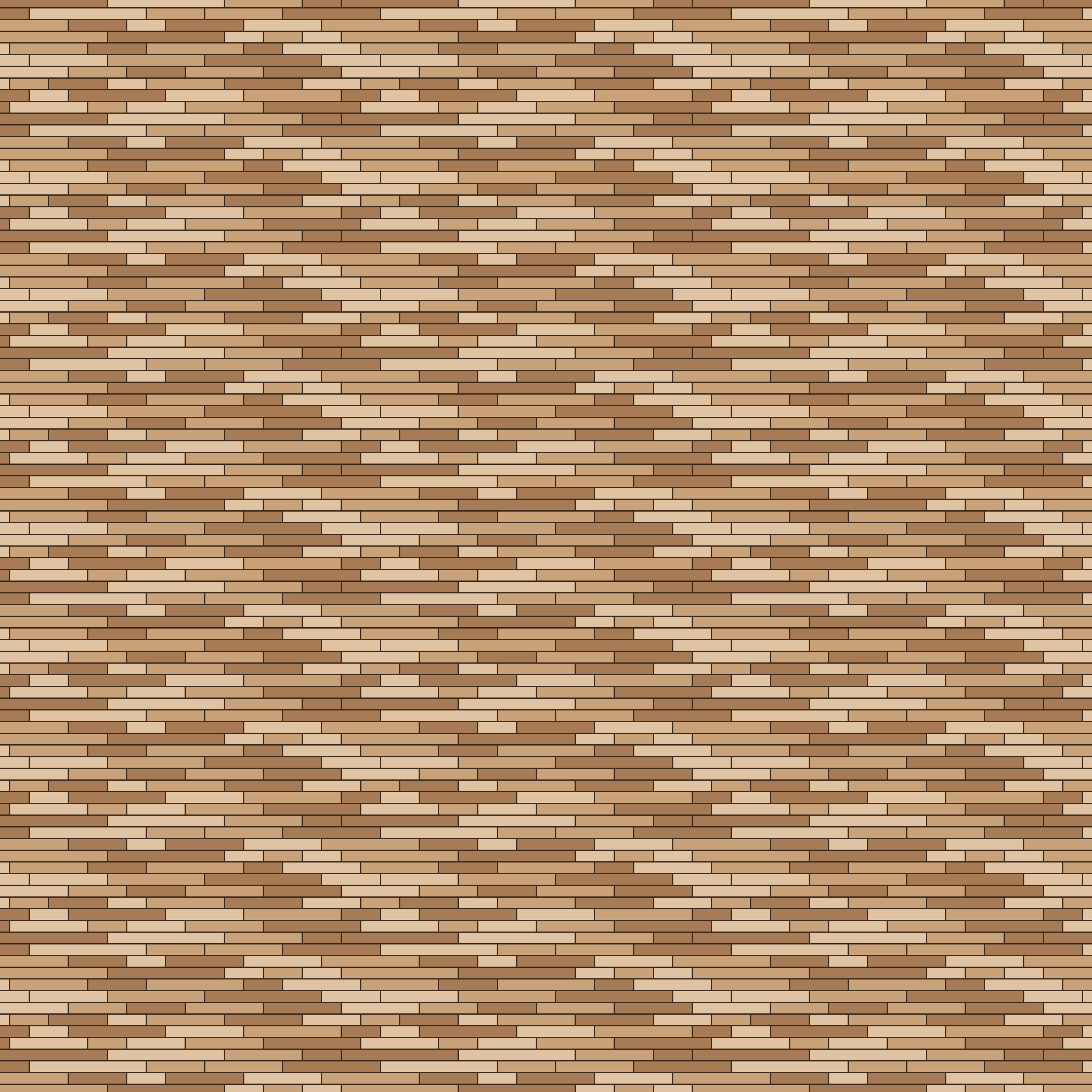 Random plank (narrow)
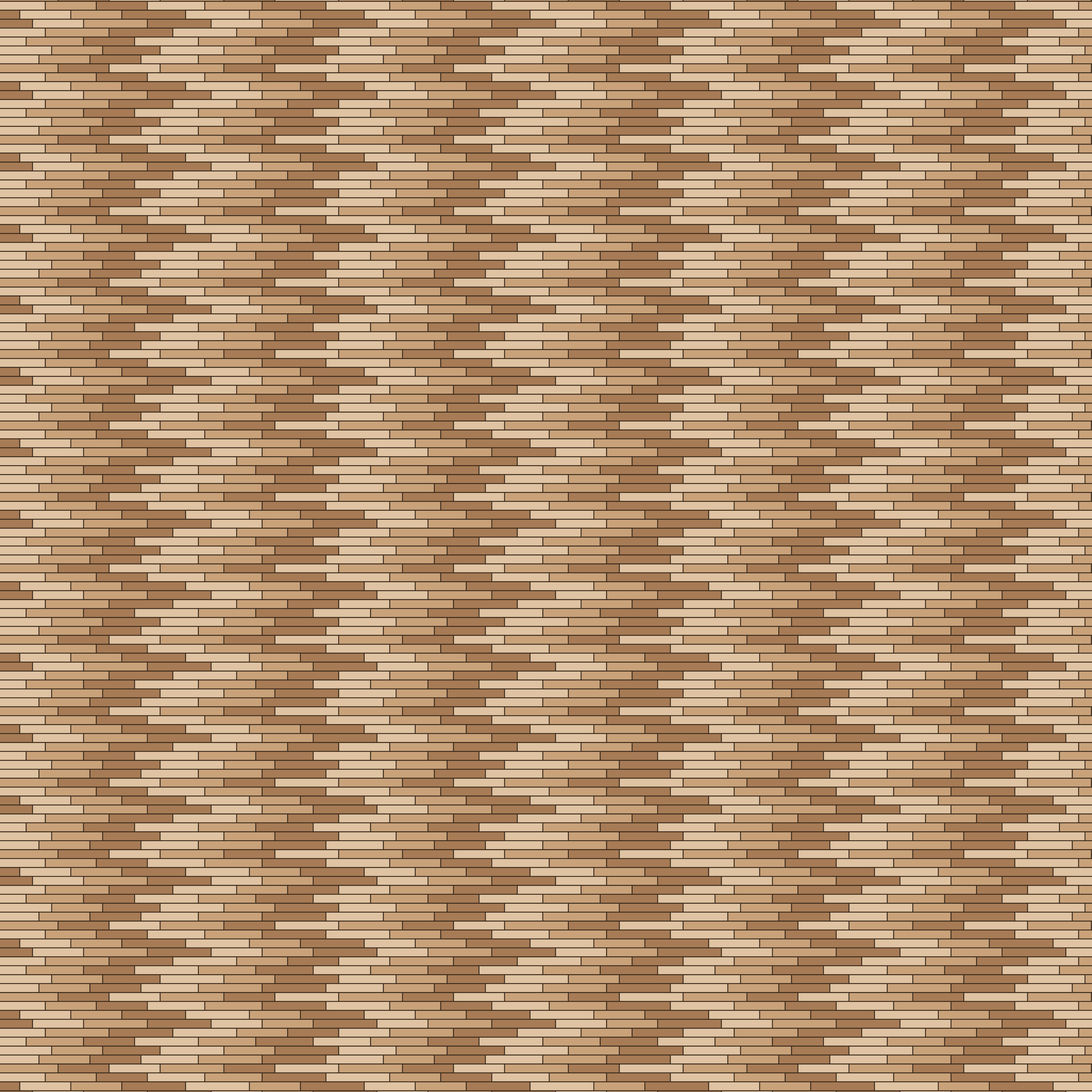 Random plank (ship deck)
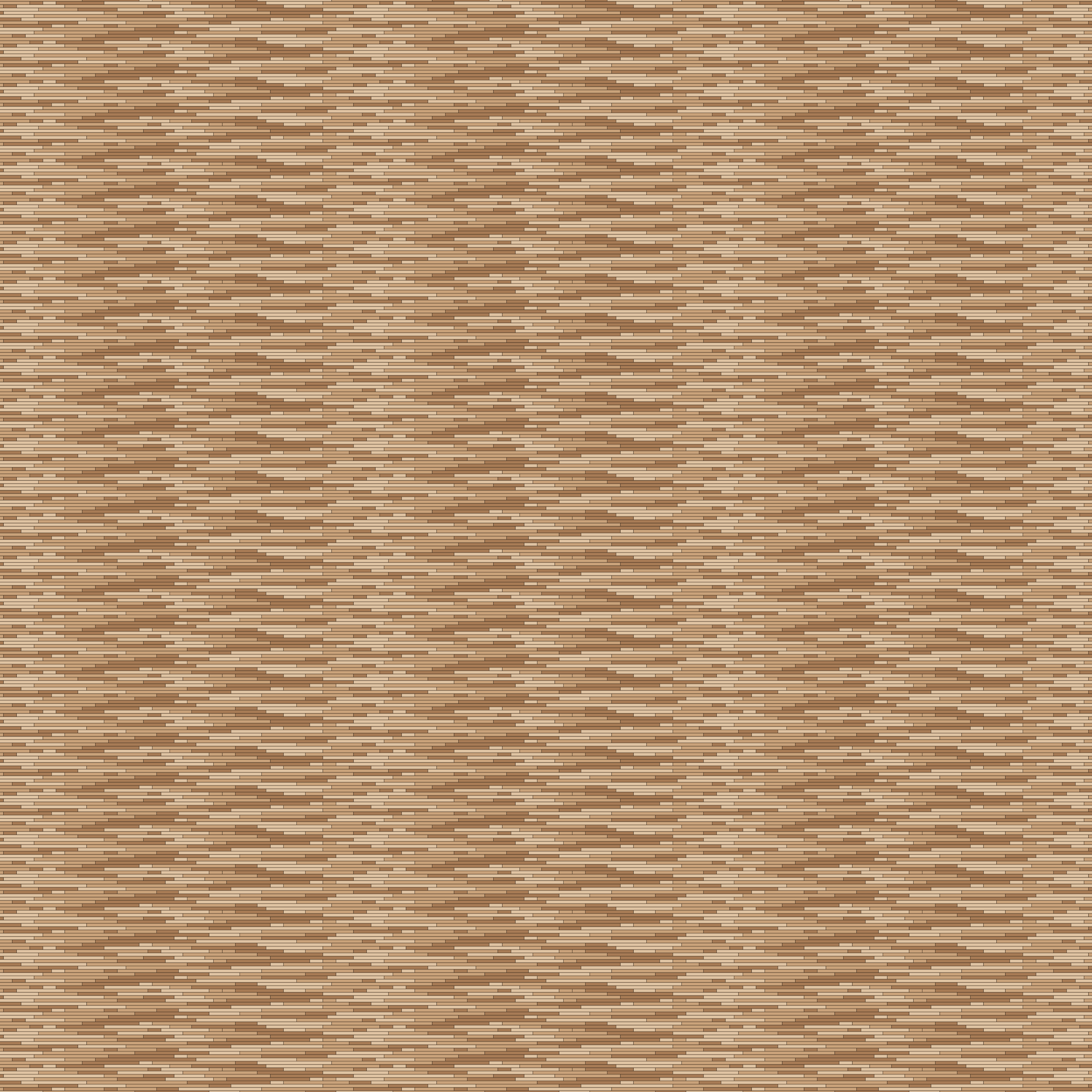 Random plank (end-matched strip)
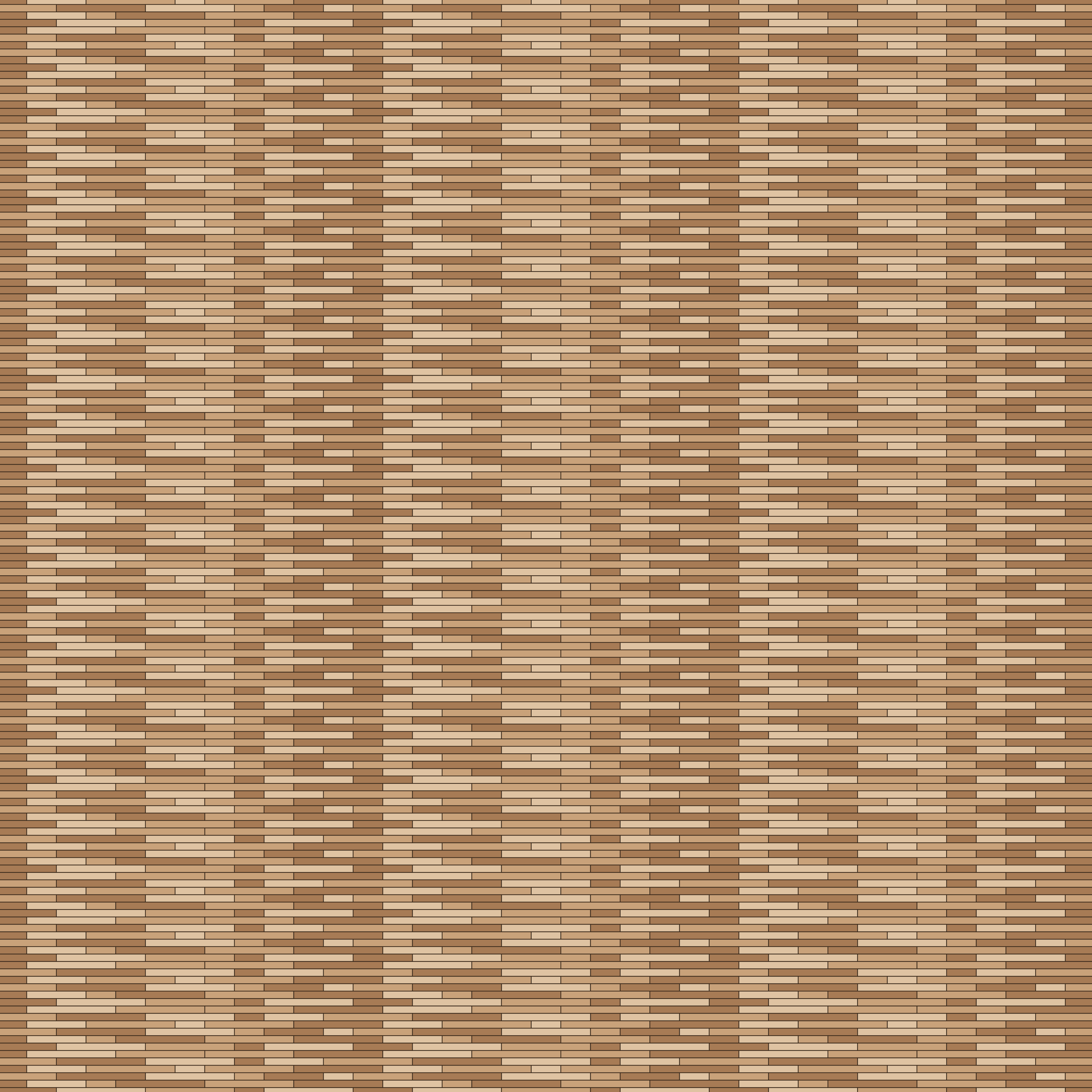 Random plank (three lengths)
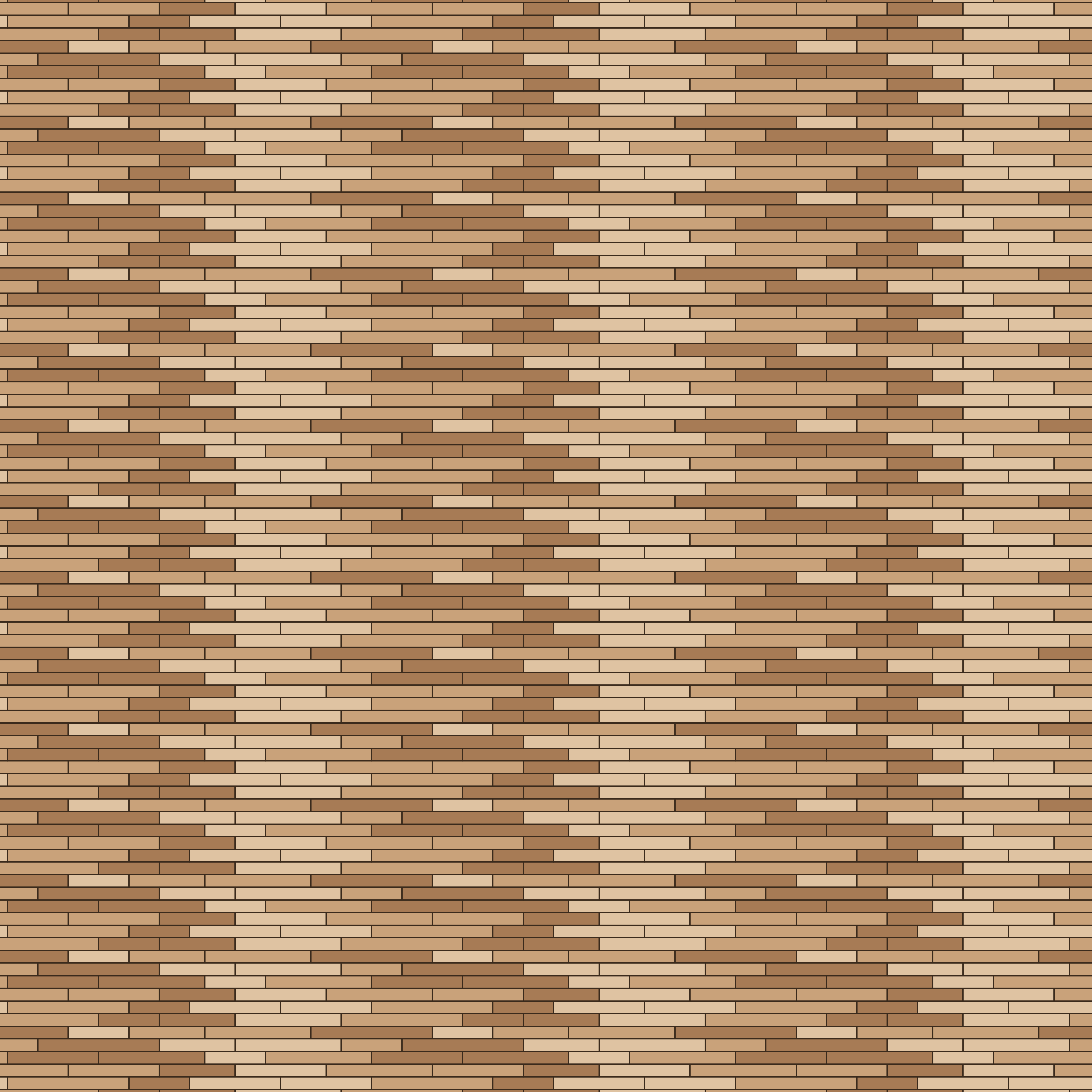 Random plank (wide)
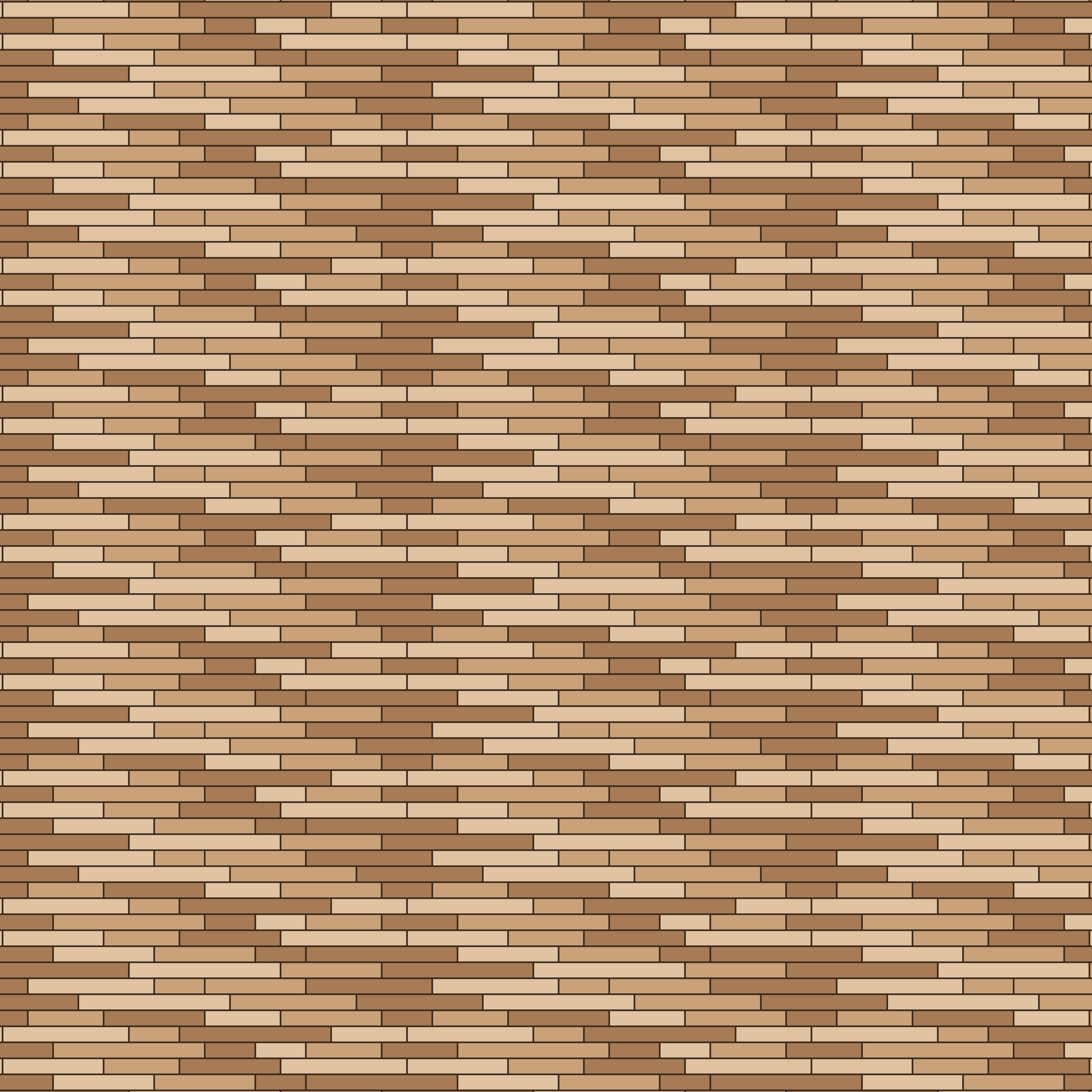 Random plank
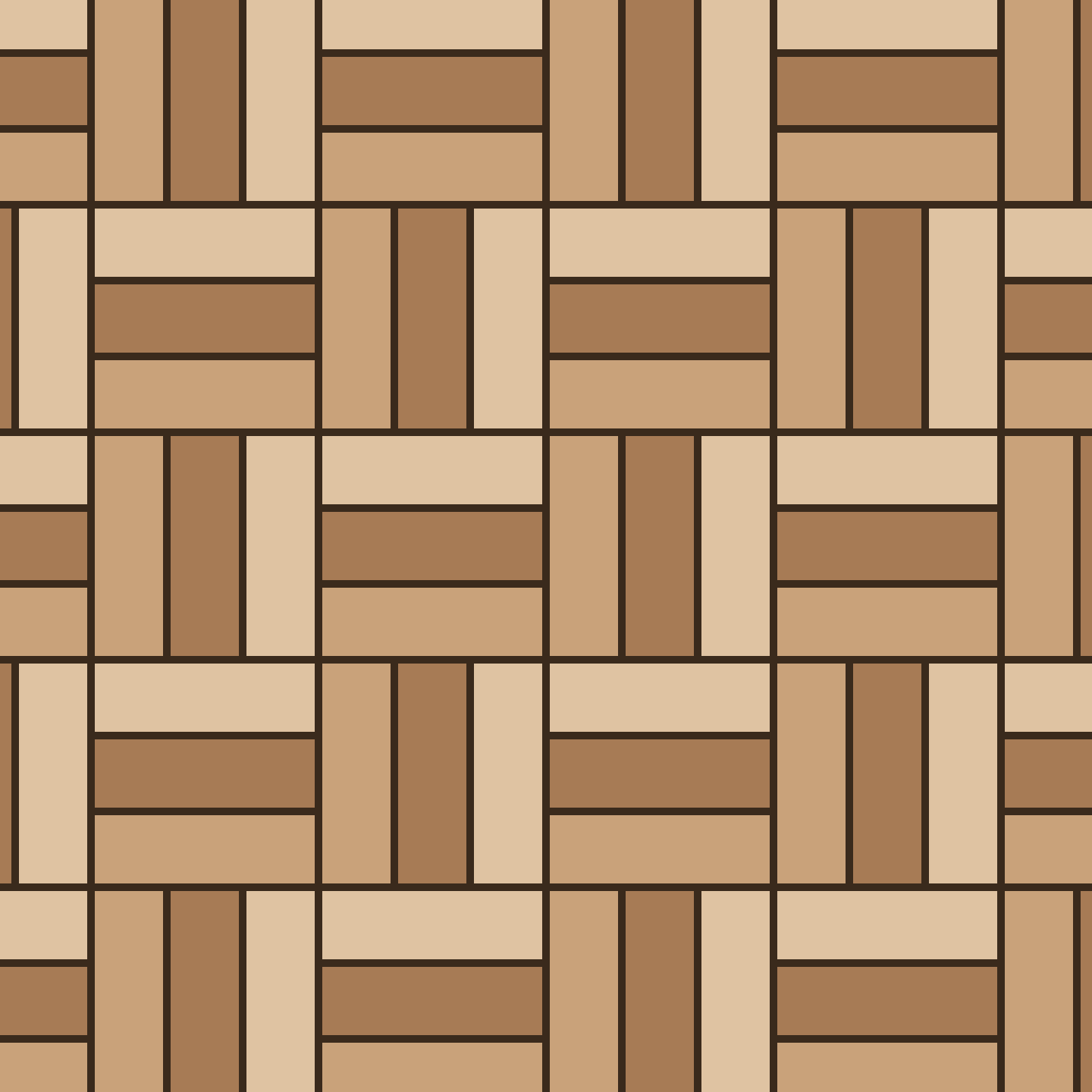 Triple basketweave
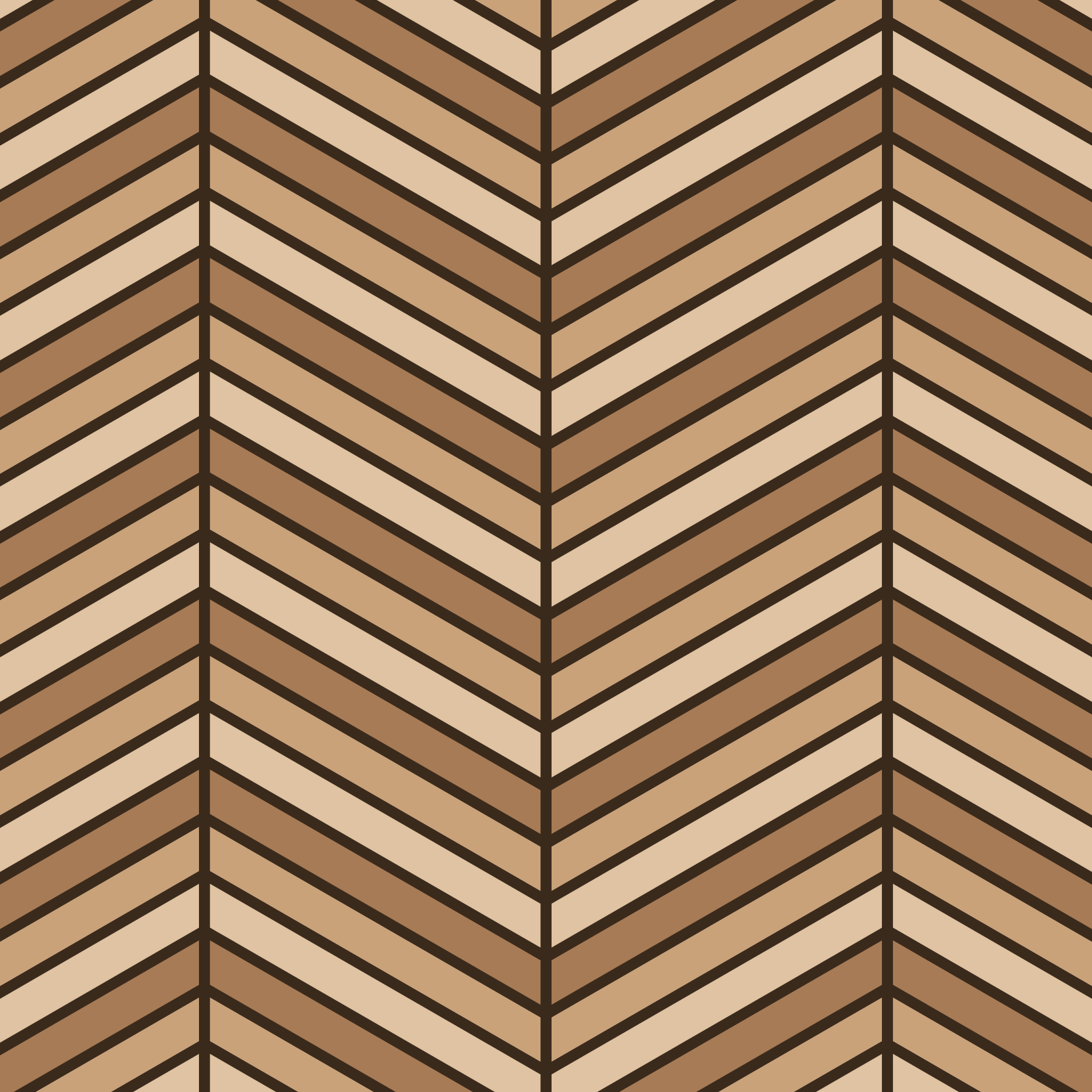 Triple chevron
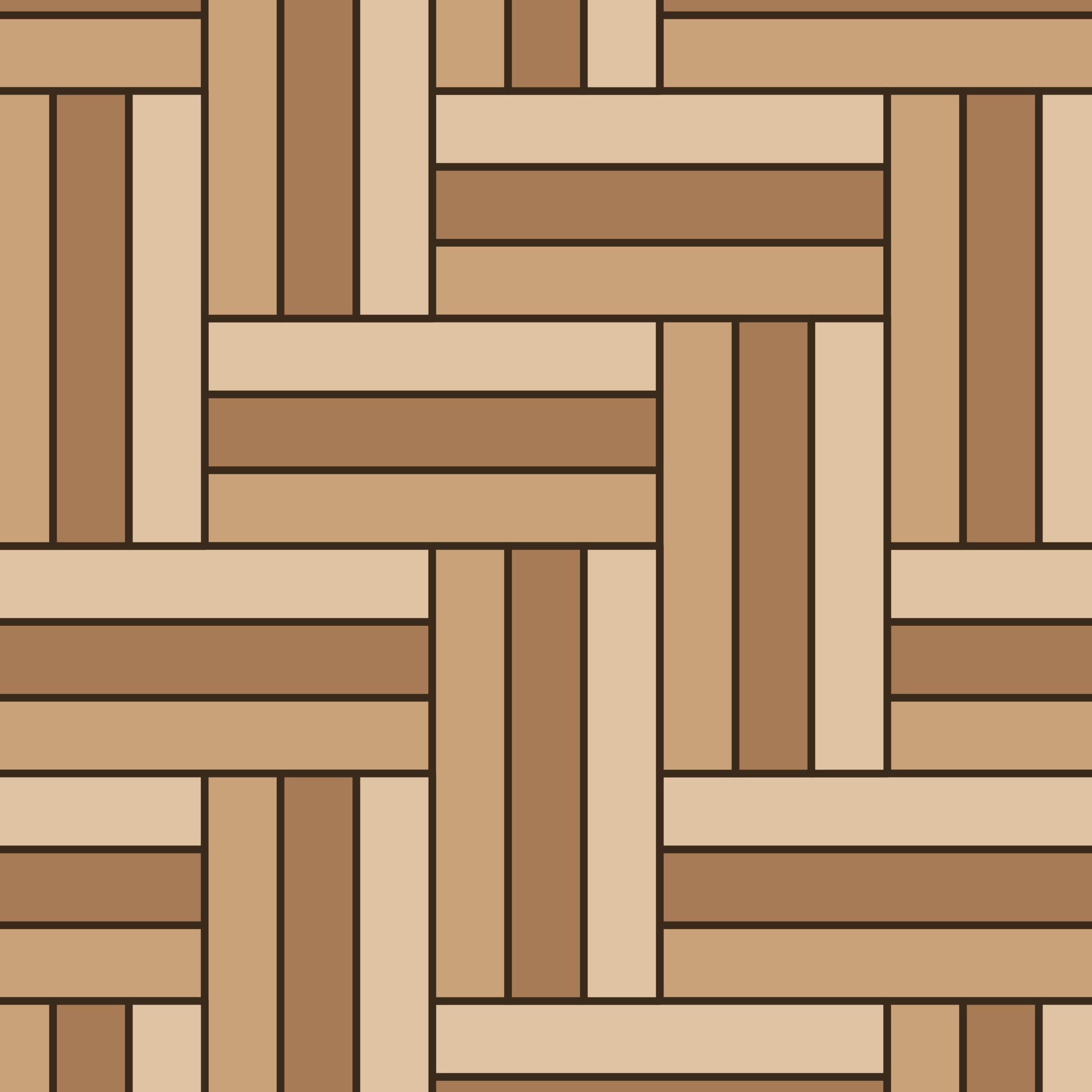 Triple herringbone
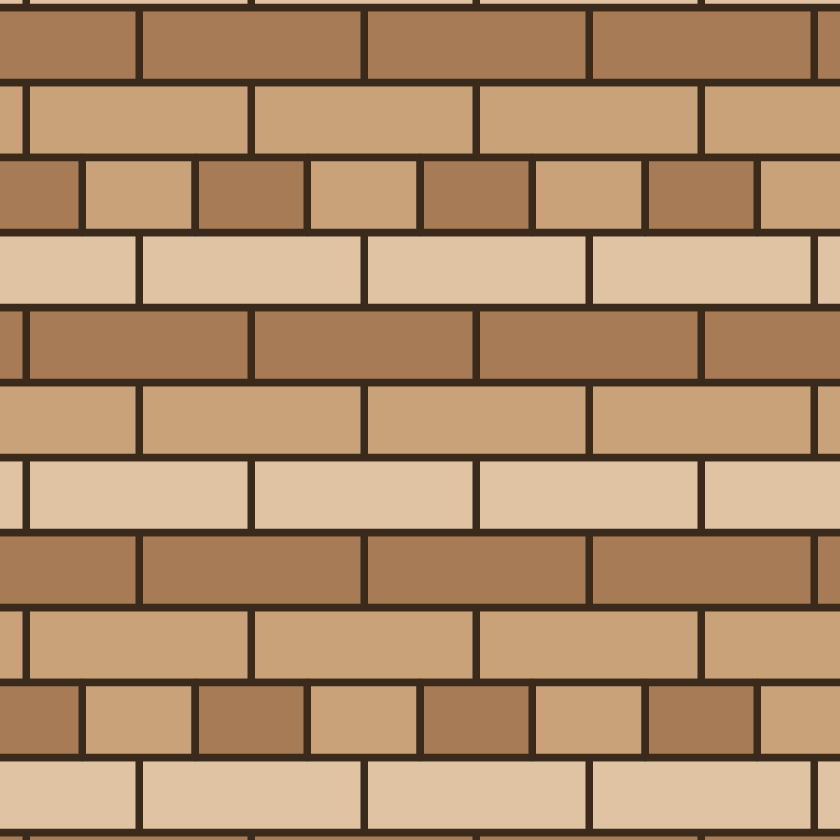 Common bond
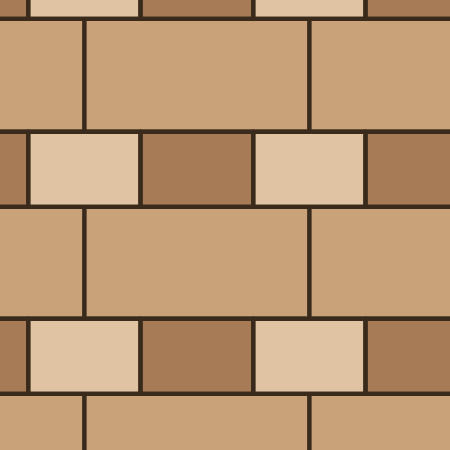 Dearne's bond
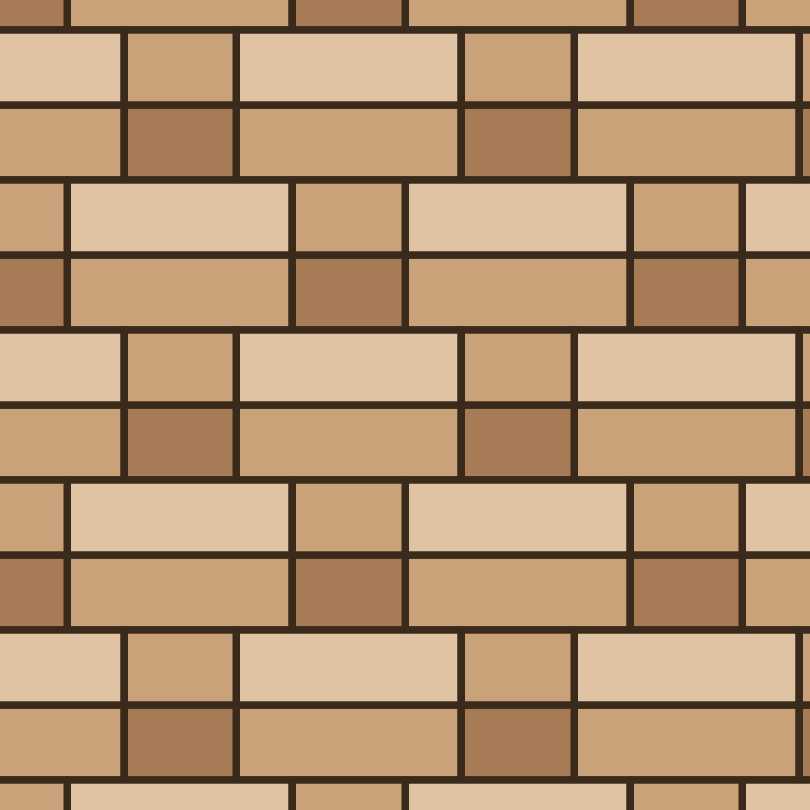 Double Flemish bond (paired courses)
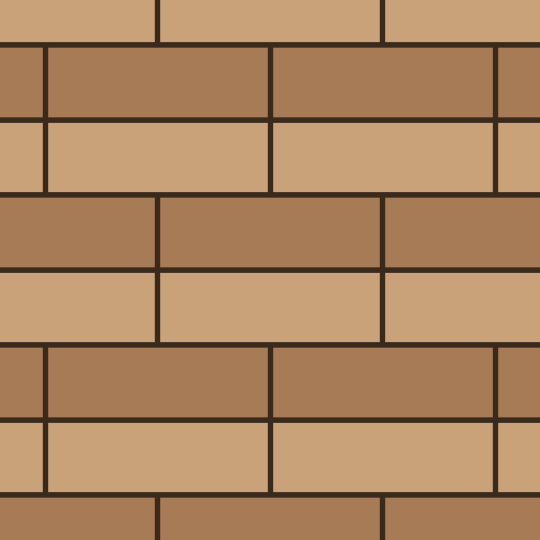 Double stretcher bond (paired courses)
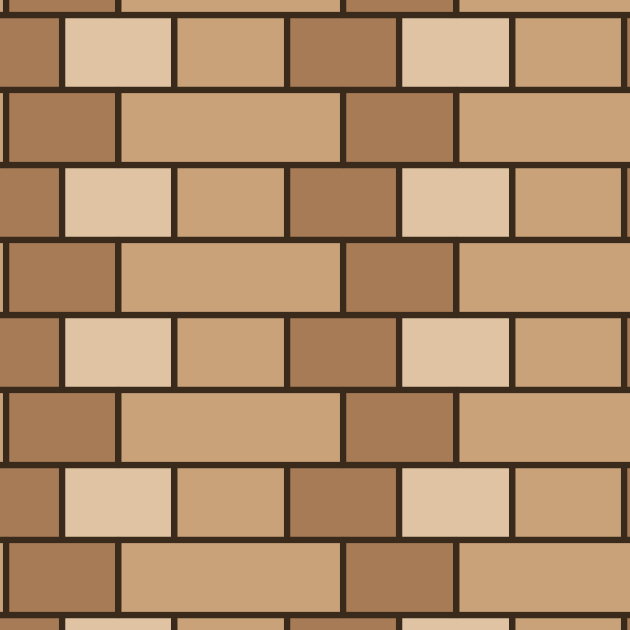 Dutch bond
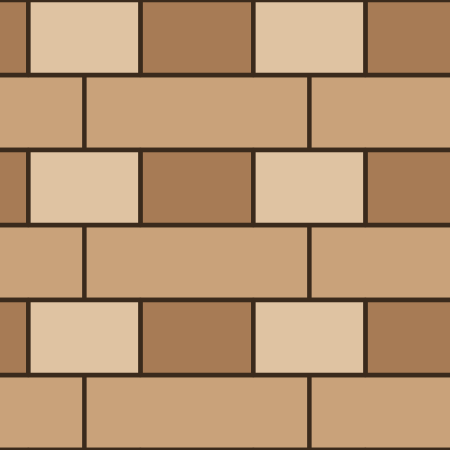 English bond
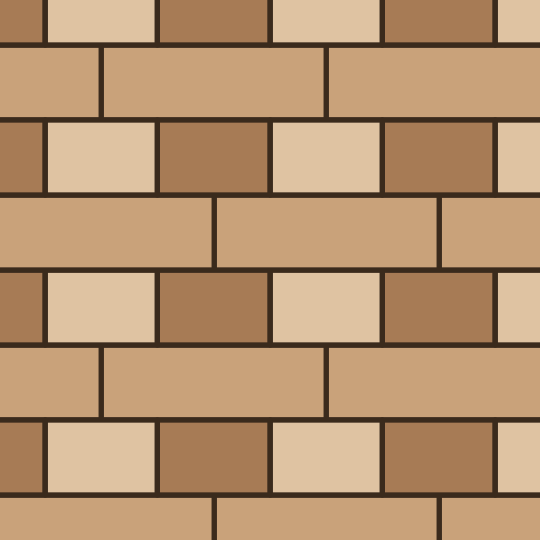 English cross bond
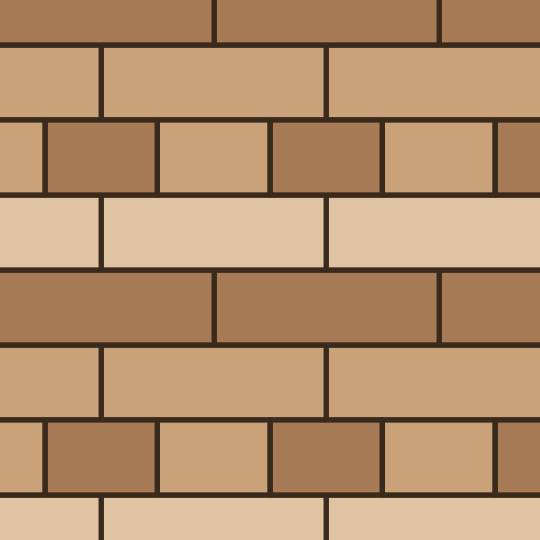 English garden wall bond
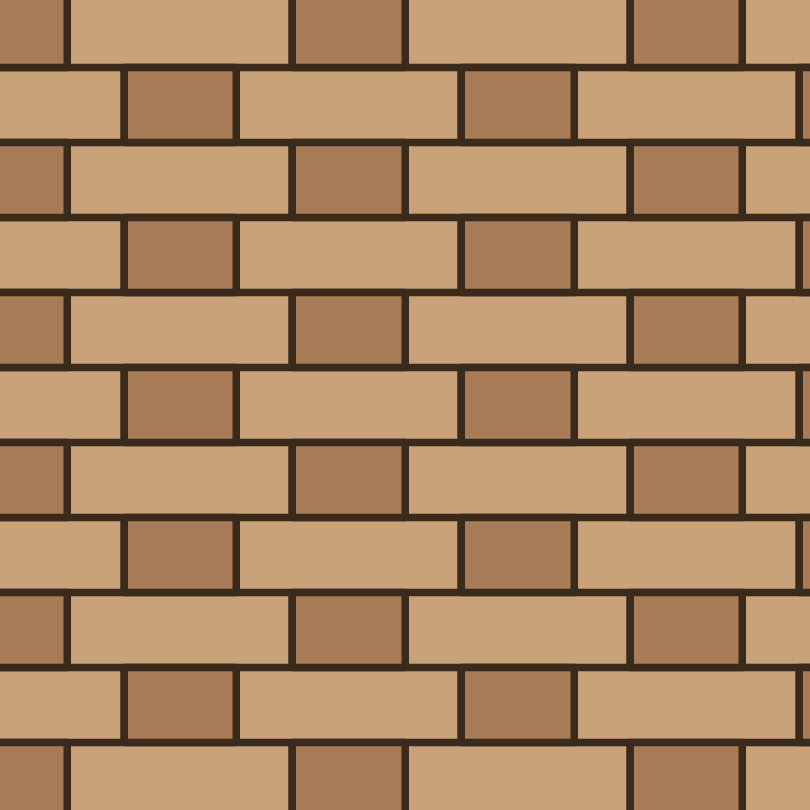 Flemish bond
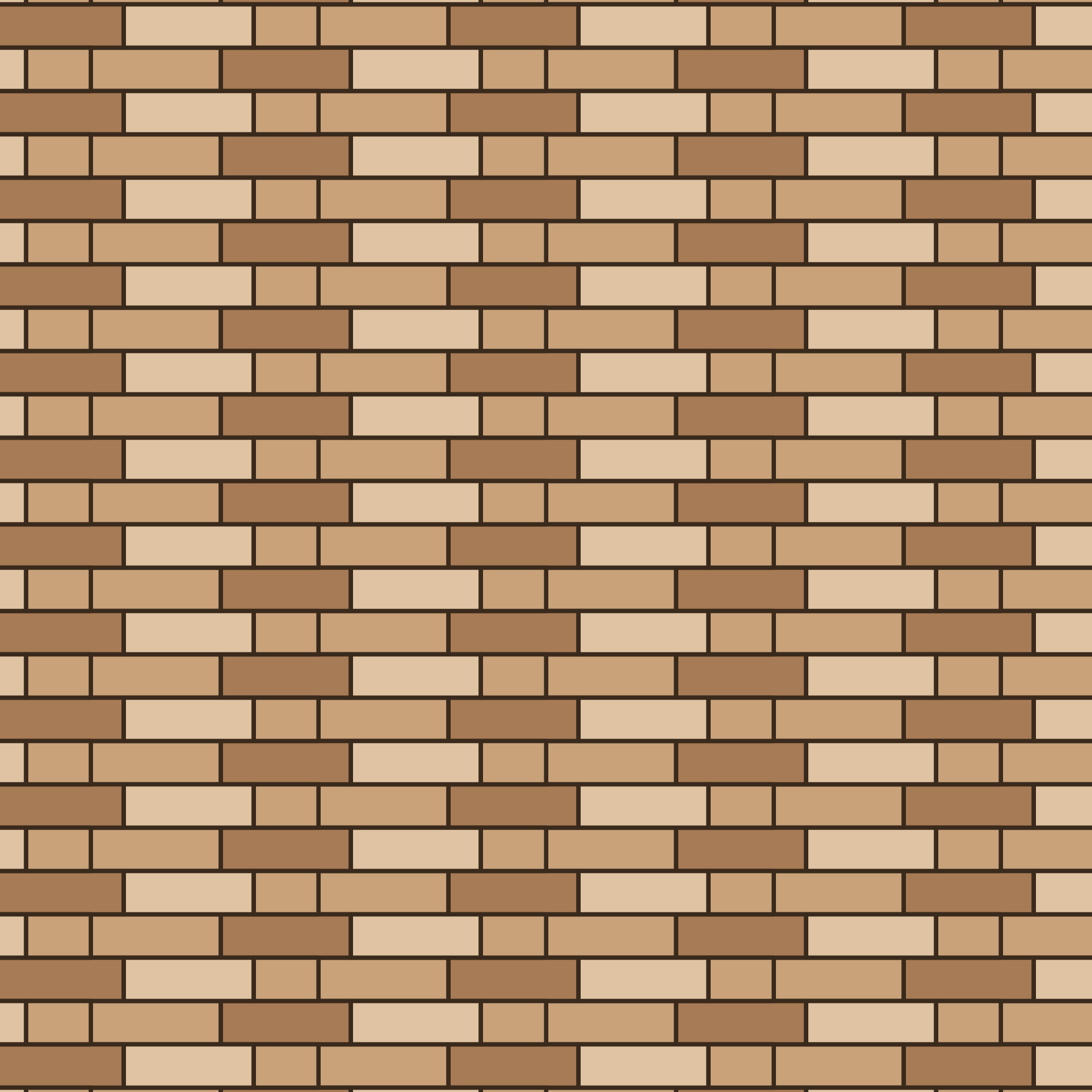 Flemish garden wall bond
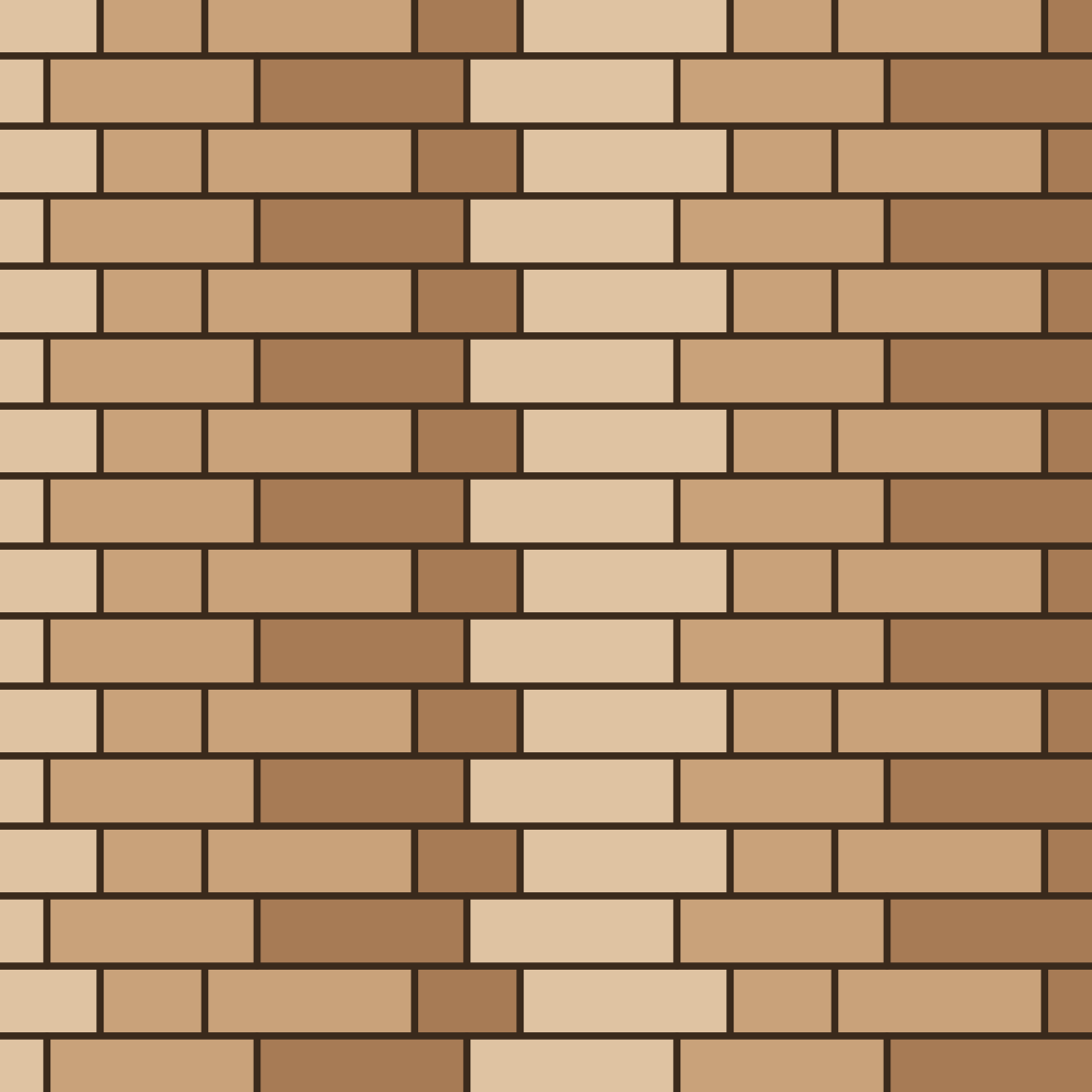 Flemish stretcher bond (1 stretcher course)
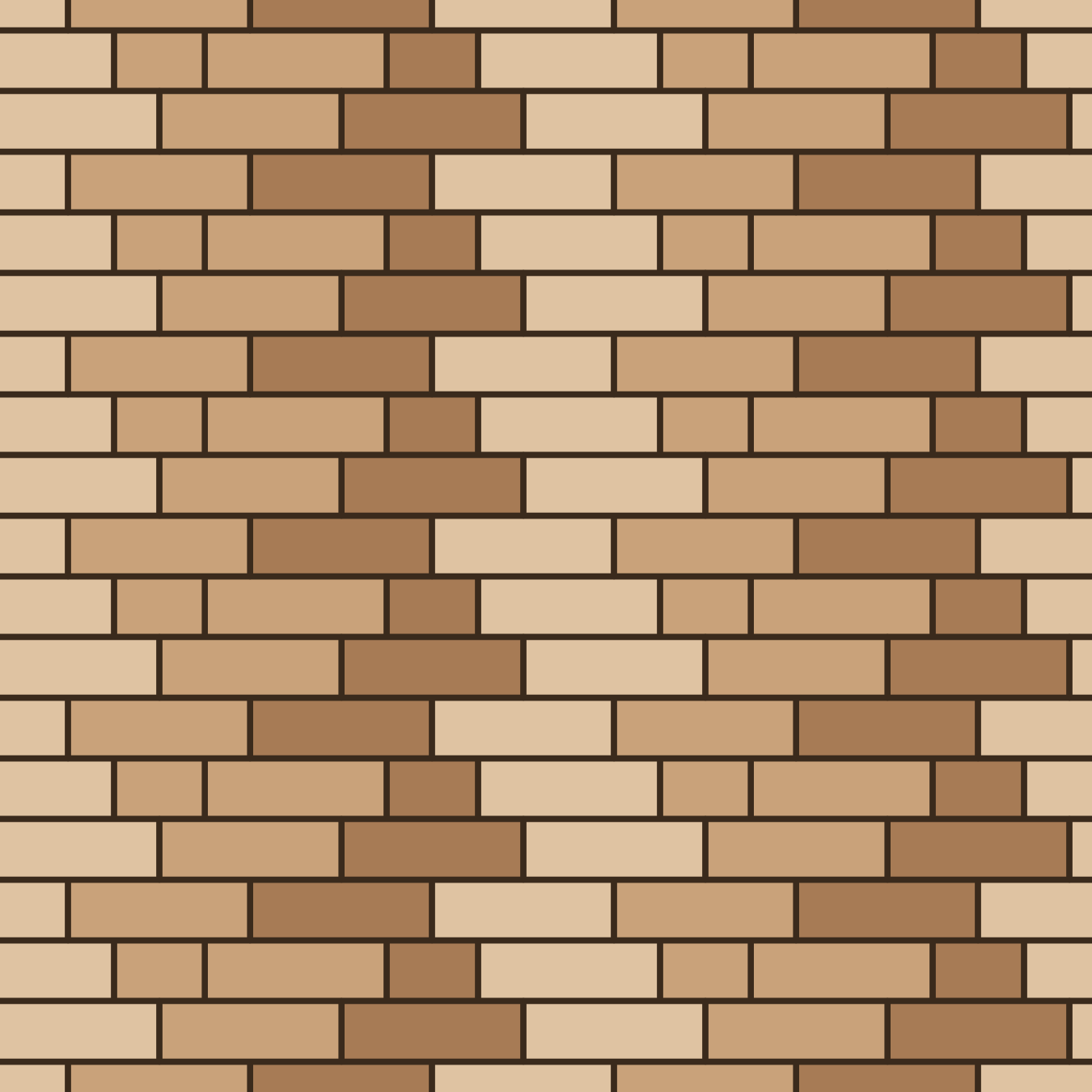 Flemish stretcher bond (2 stretcher courses)
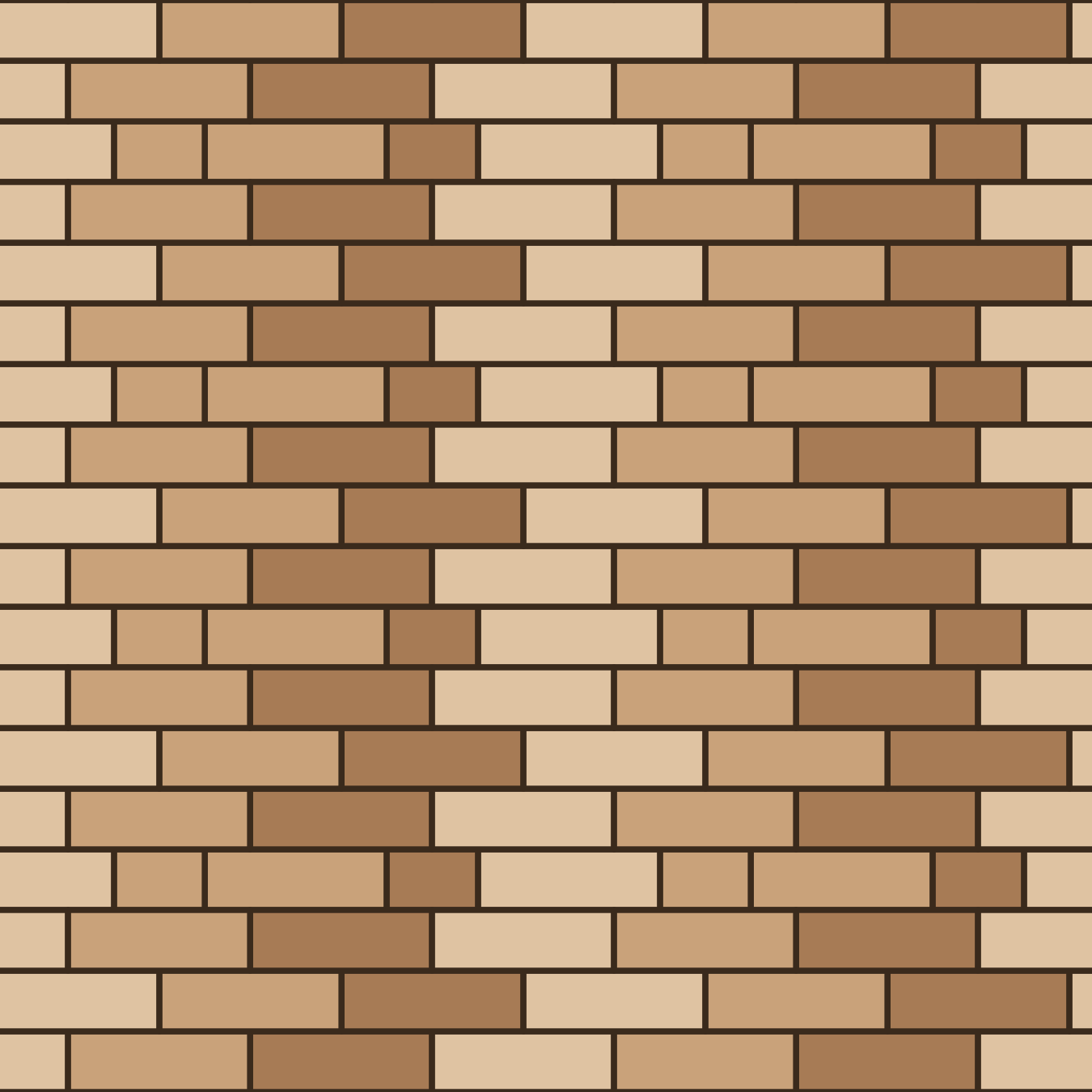 Flemish stretcher bond (3 stretcher courses)
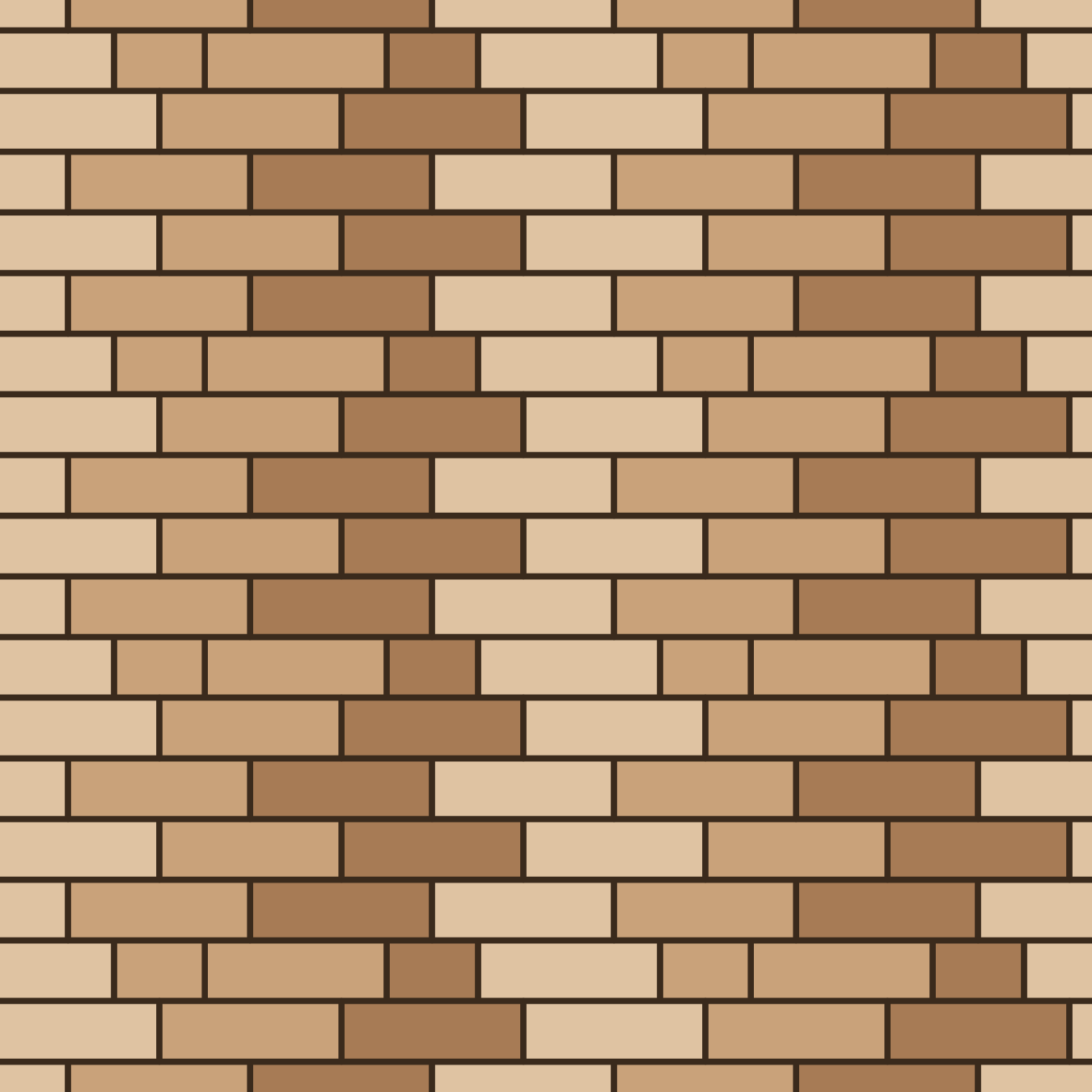 Flemish stretcher bond (4 stretcher courses)
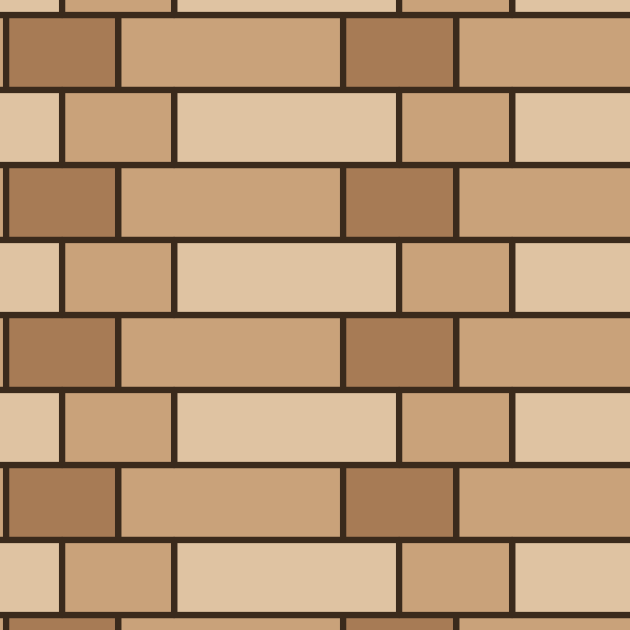 Gothic bond
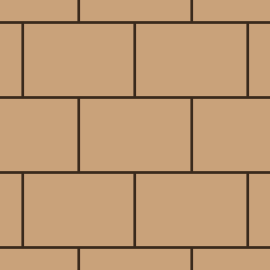 Header bond
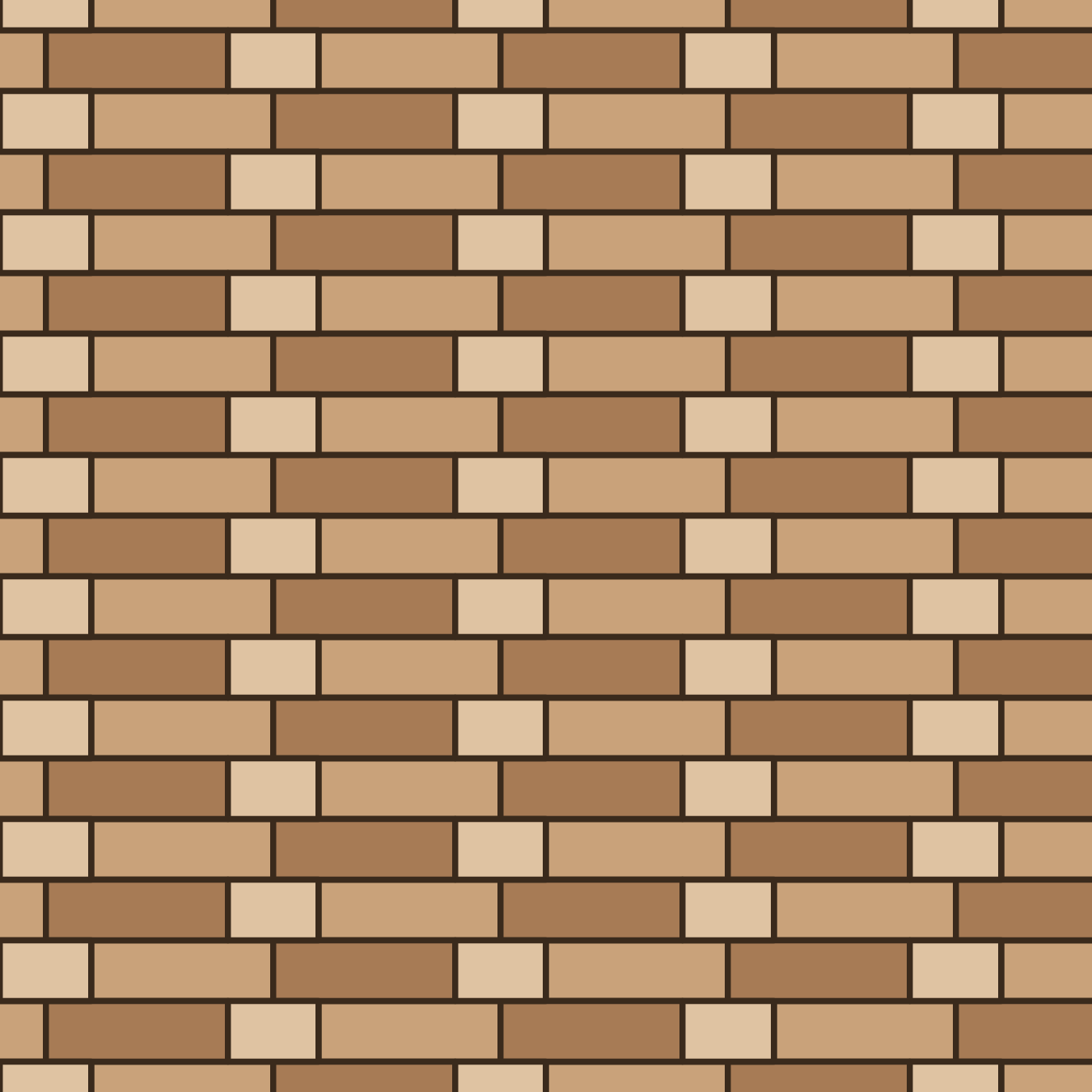 Monk bond
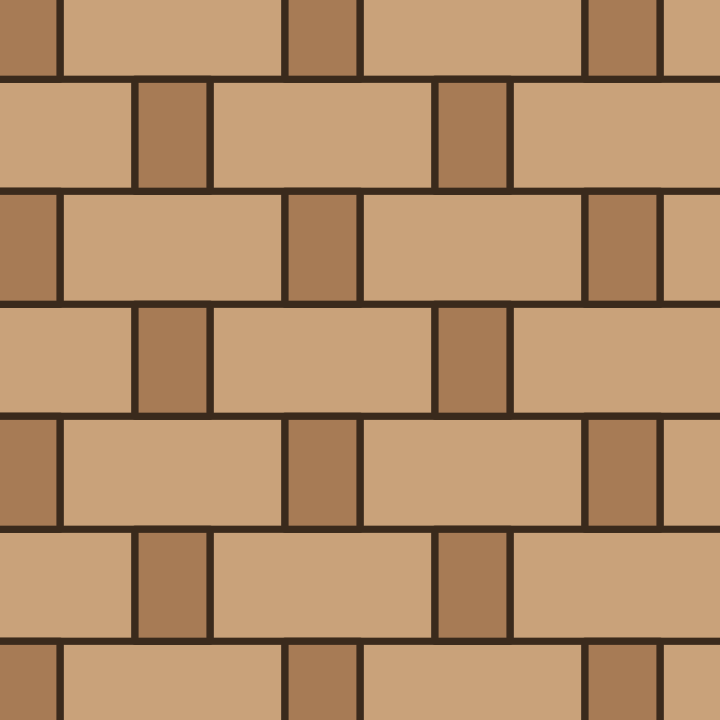 Rat-trap bond
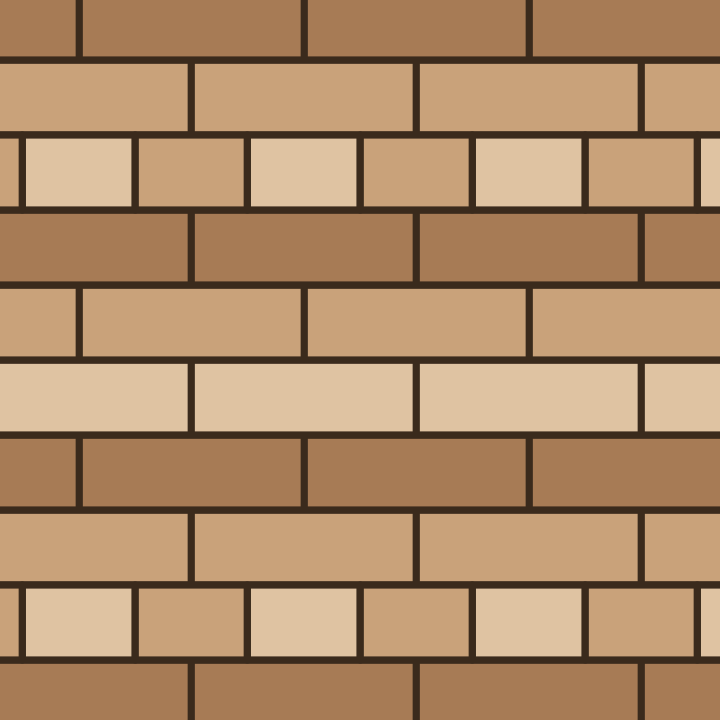 Scottish bond
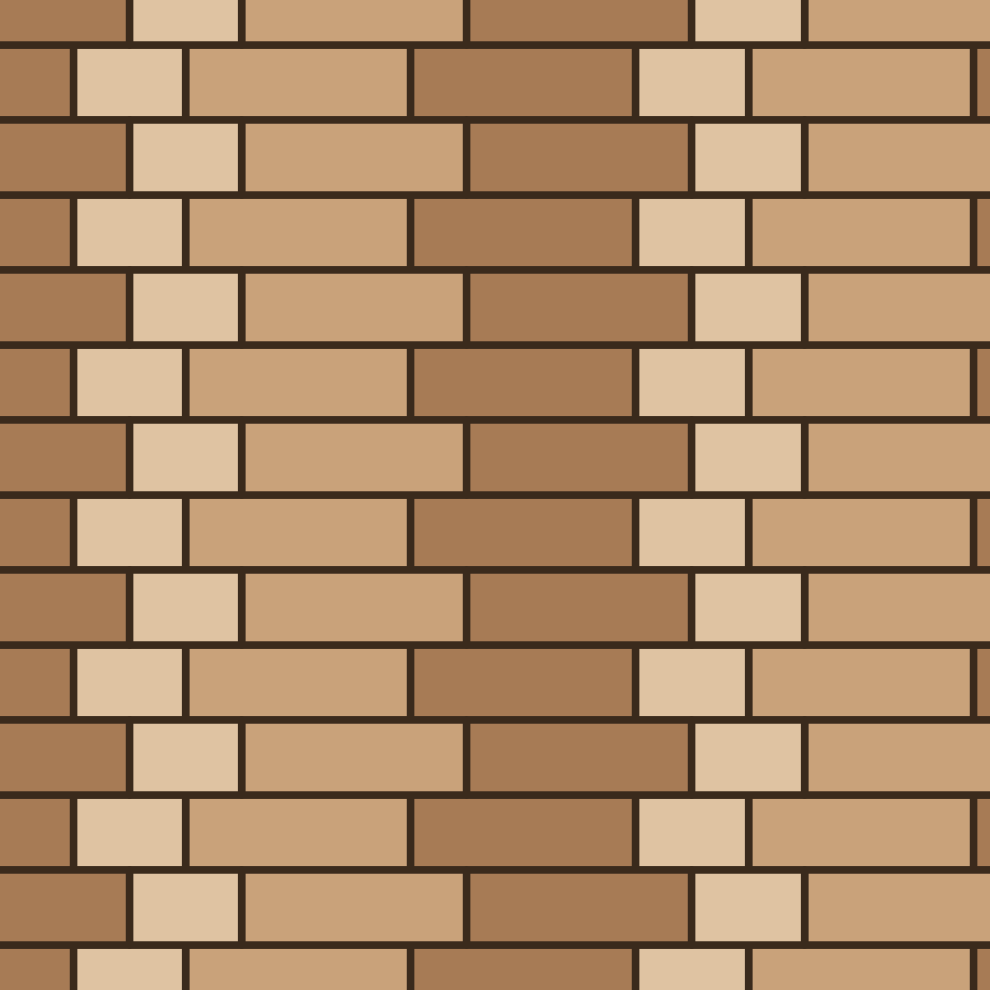 Silesian bond
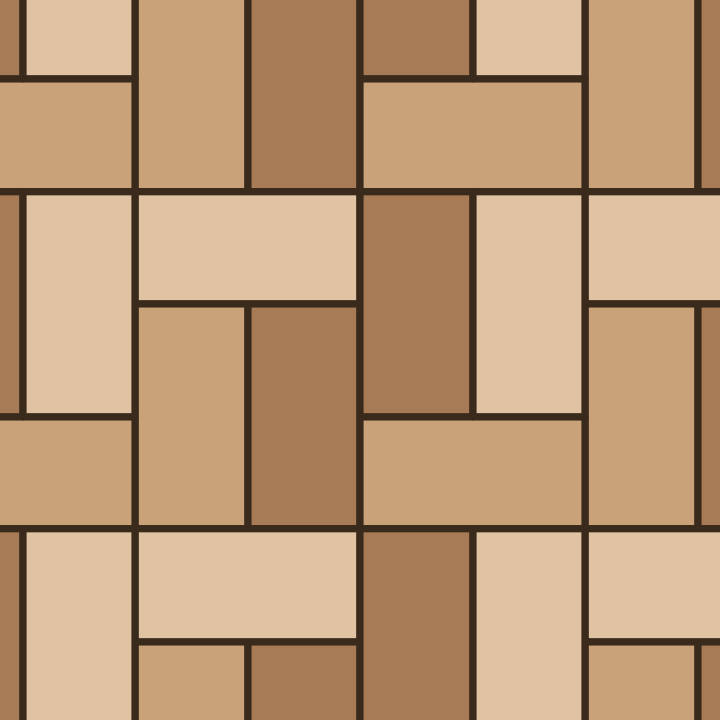 Single basket weave bond
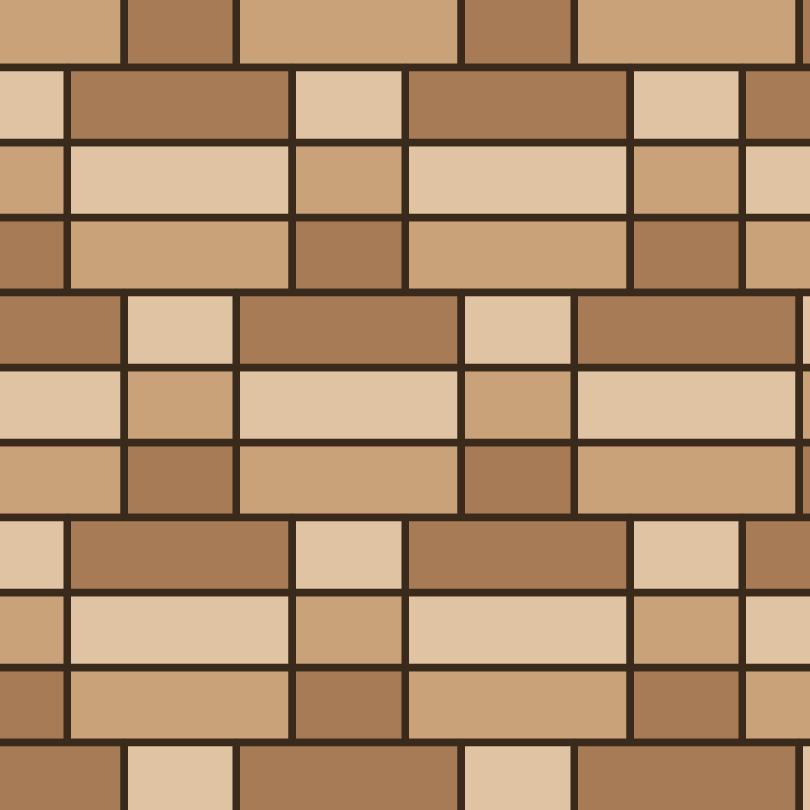 Triple Flemish bond (tripled courses)
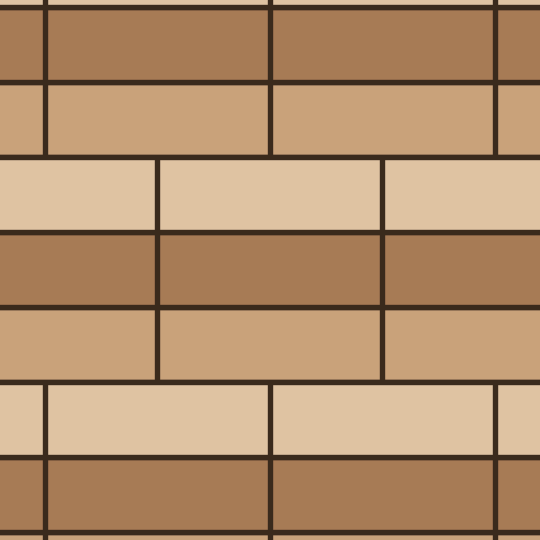 Triple stretcher bond (tripled courses)
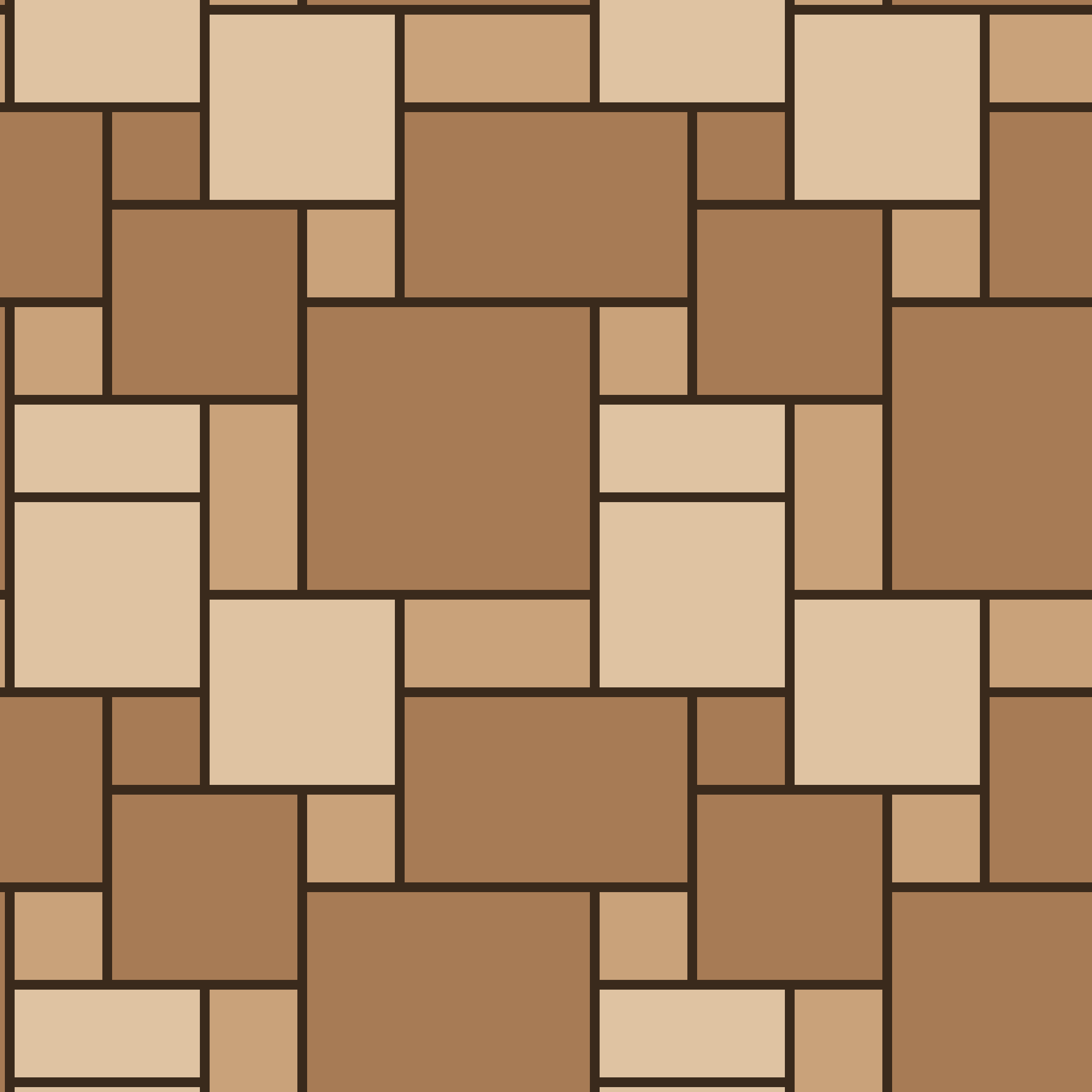 Ashlar
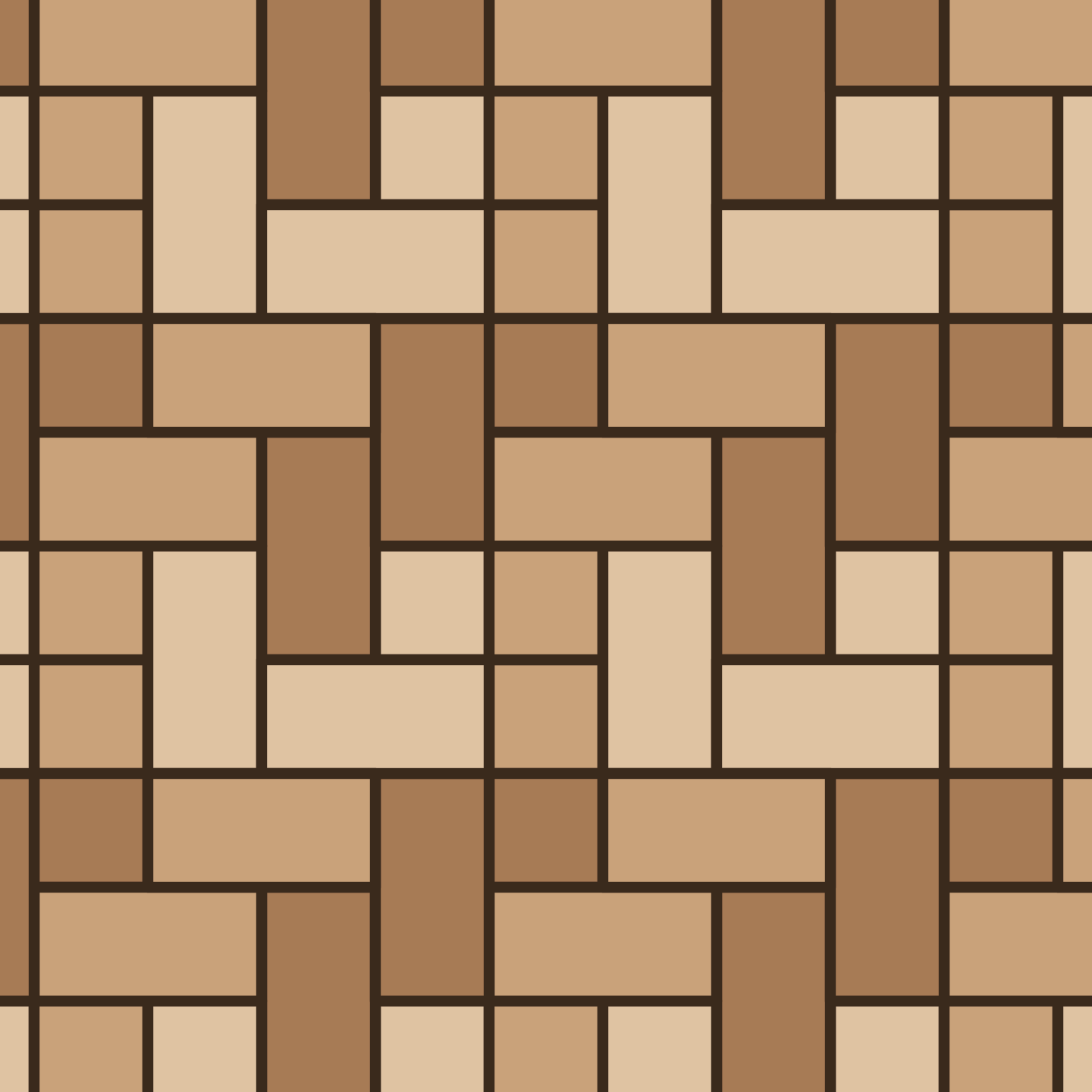 Cobblestone
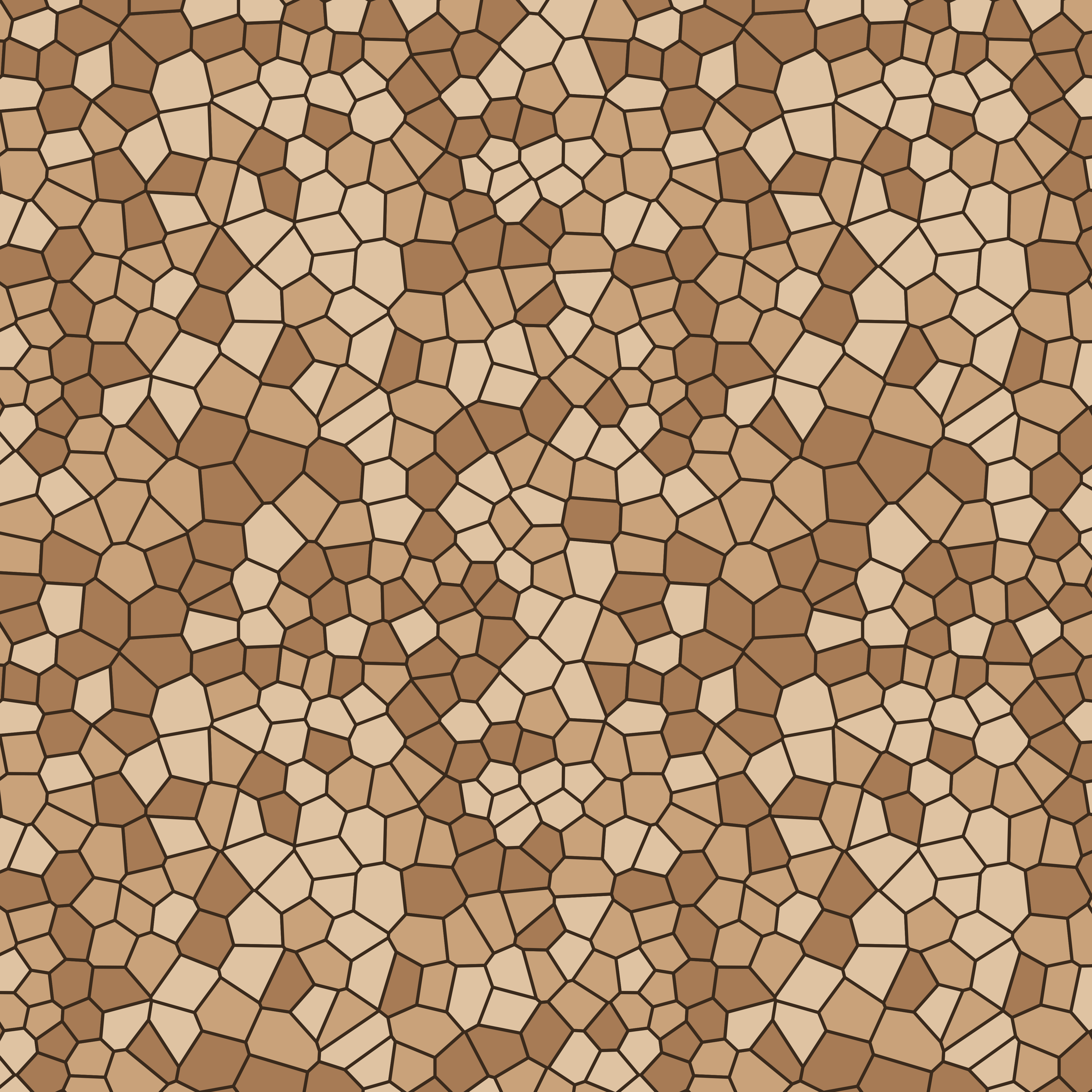 Crazy paving
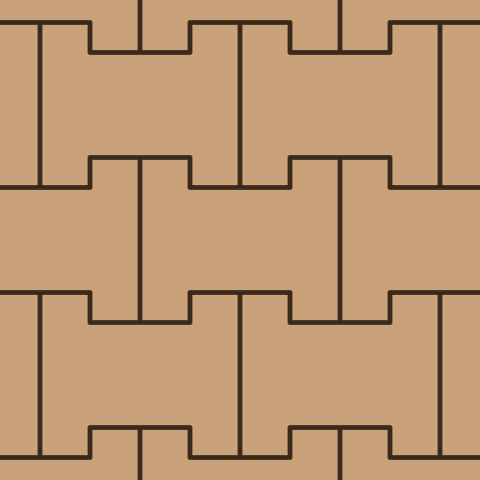 Double-T
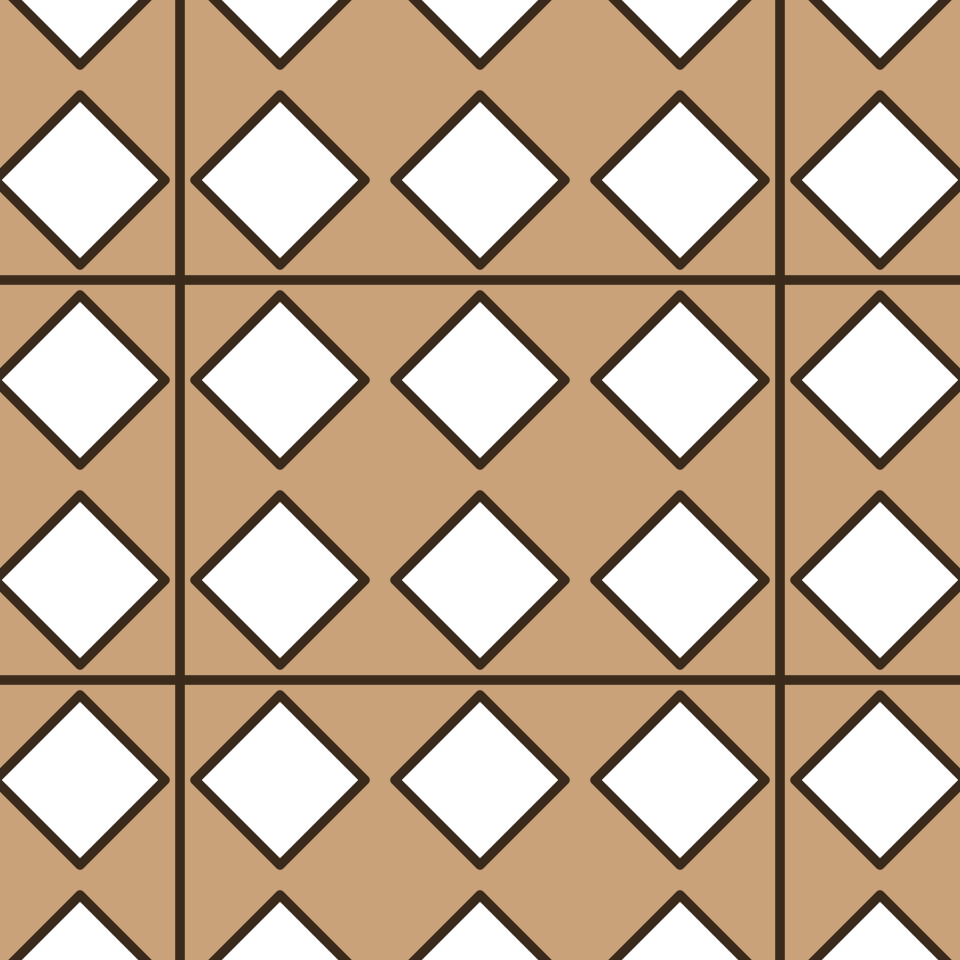 Grass grid, diamond voids
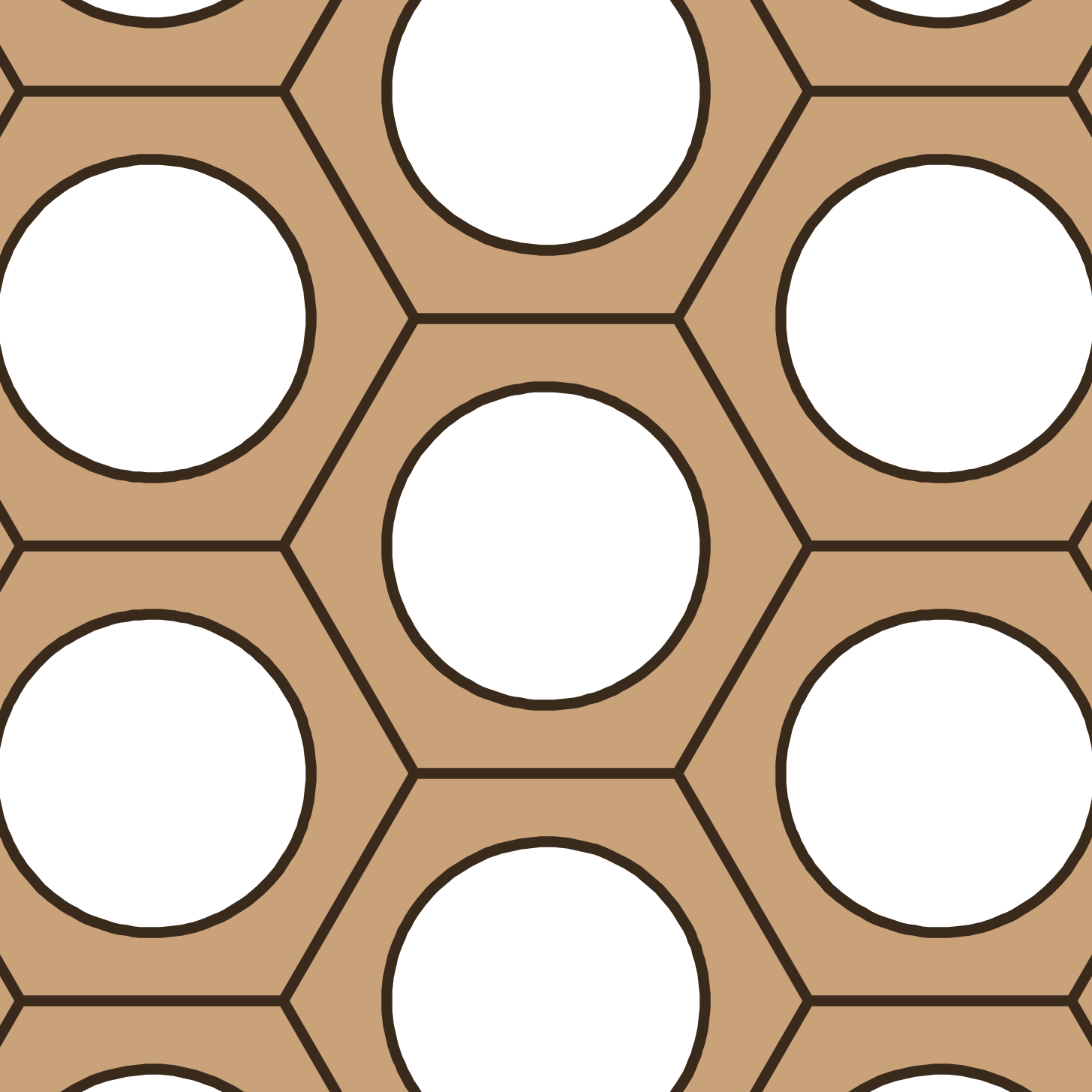 Grass paver, hexagon with round hole
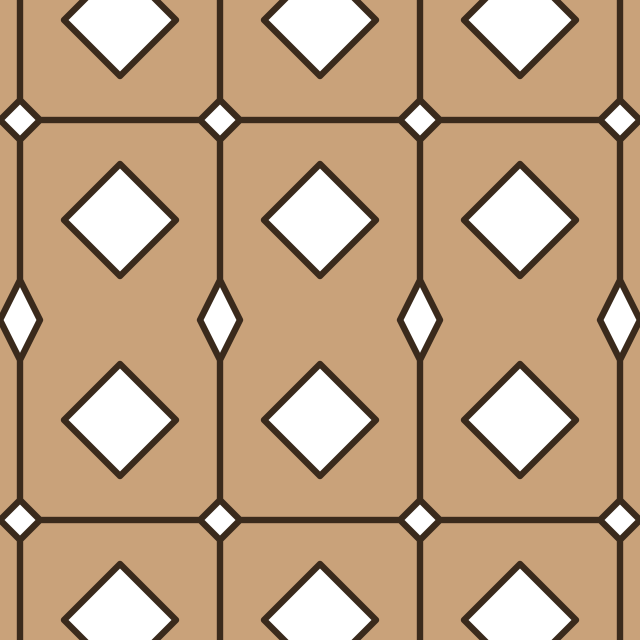 Grass paver, 2 holes (figure 8)
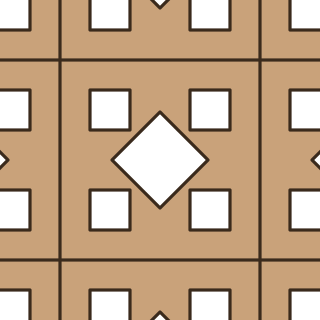 Grass paver, 5 holes
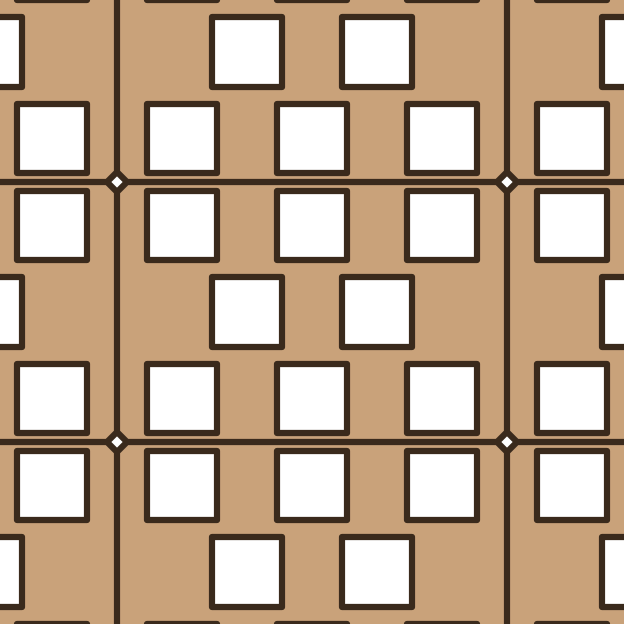 Grass paver, 8 holes
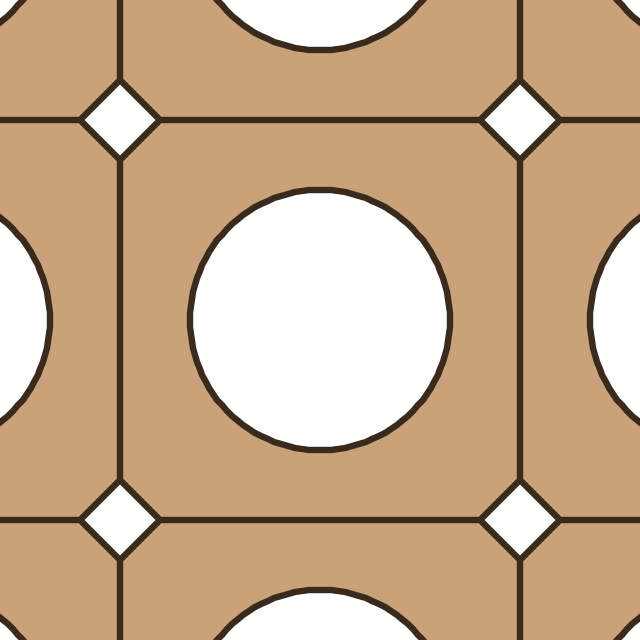 Grass paver, square with round hole
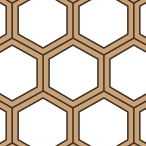 Honeycomb grid
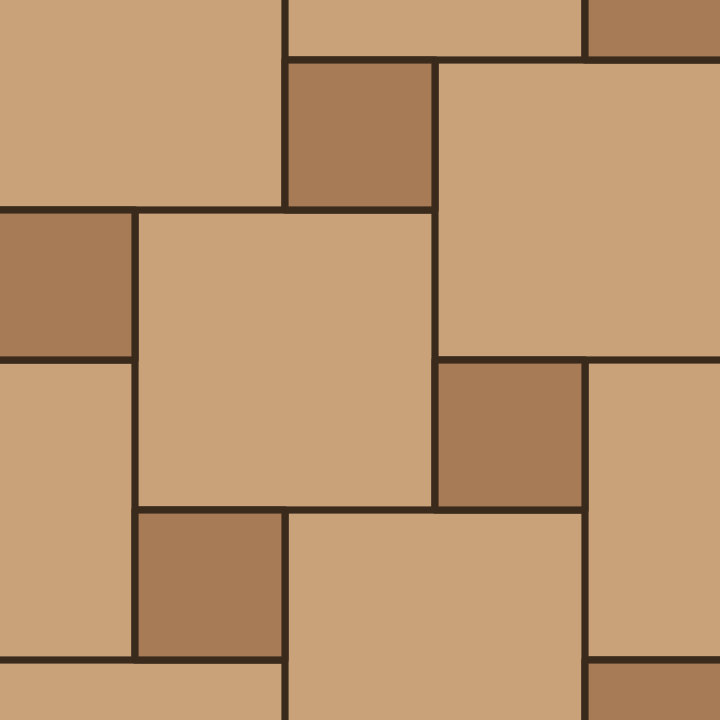 Hopscotch
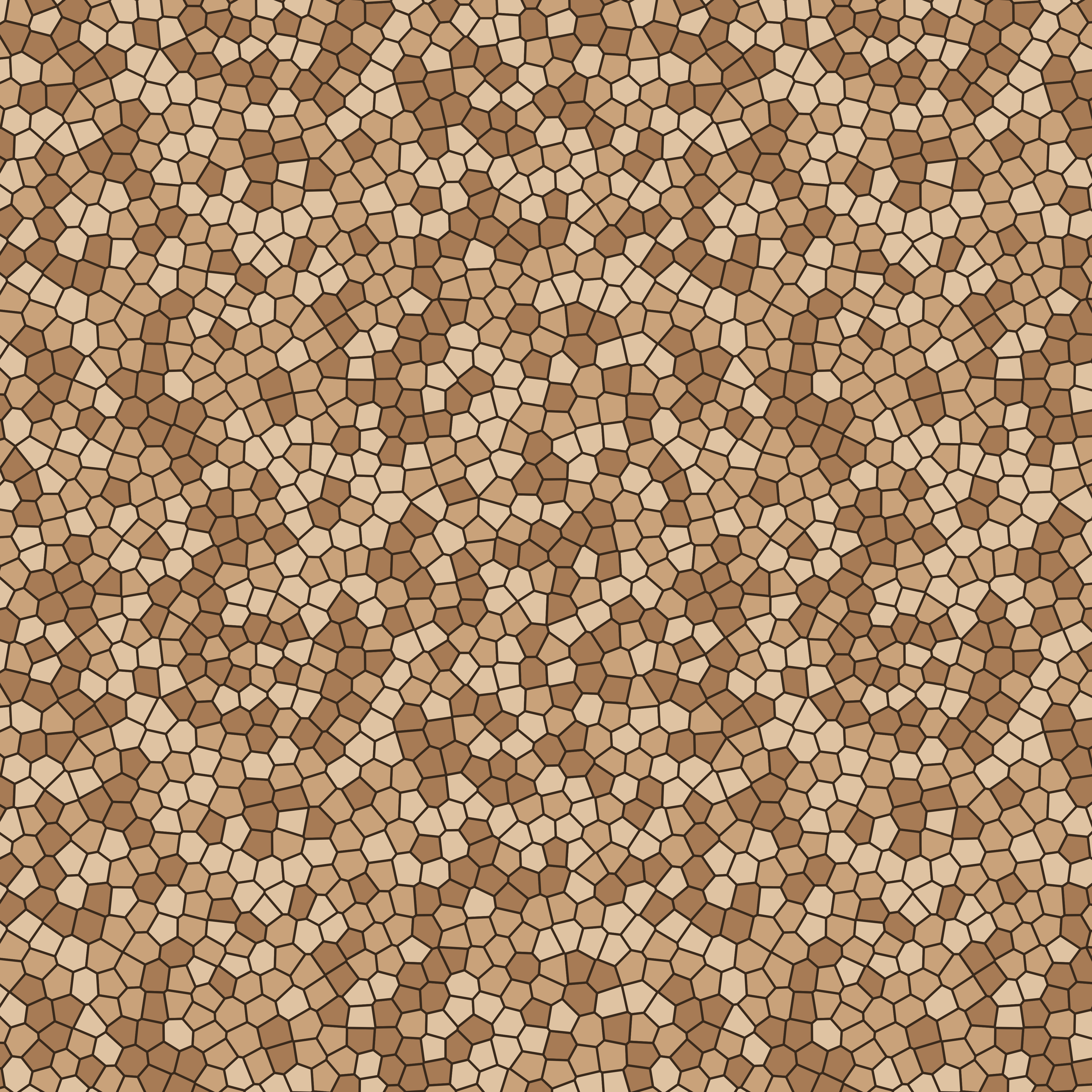 Irregular cobble
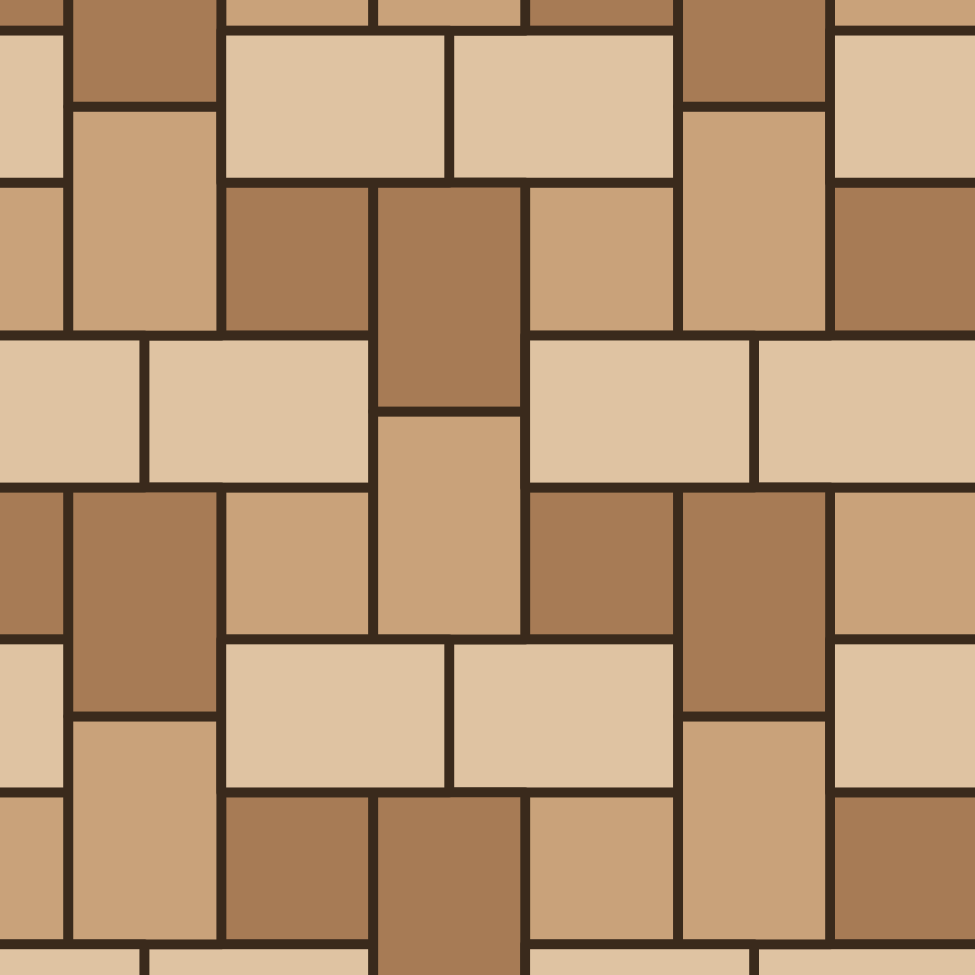 Muster K
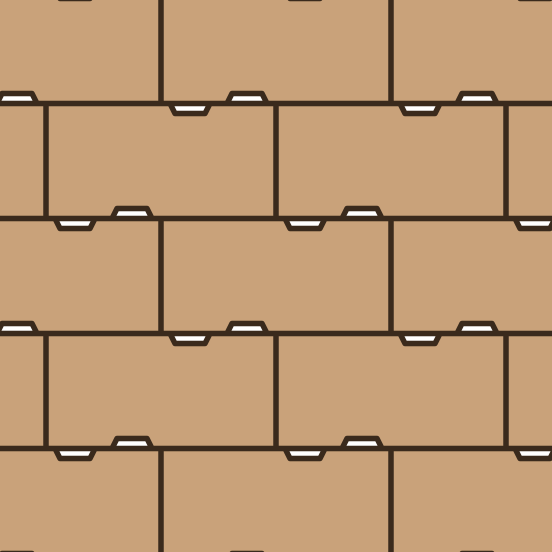 Notched paver
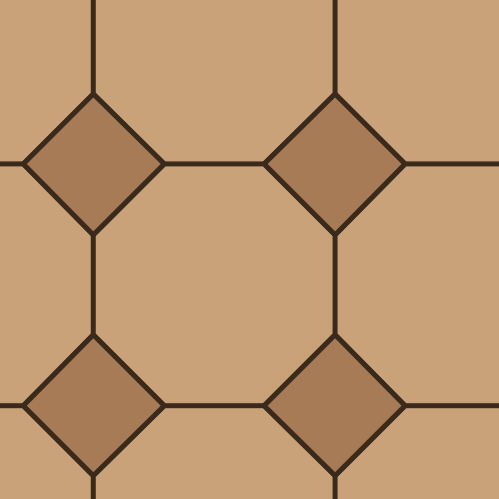 Octagon and dot
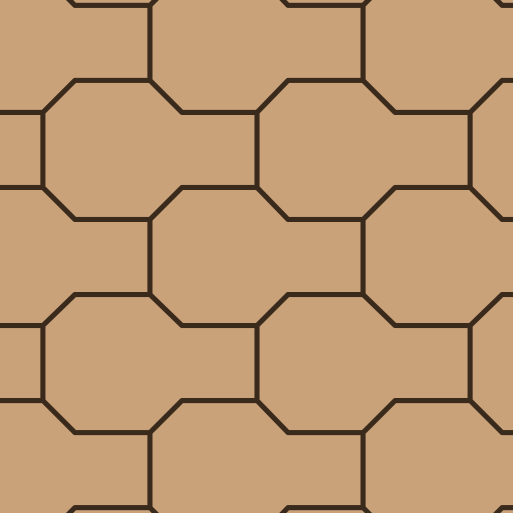 Octagon with stem
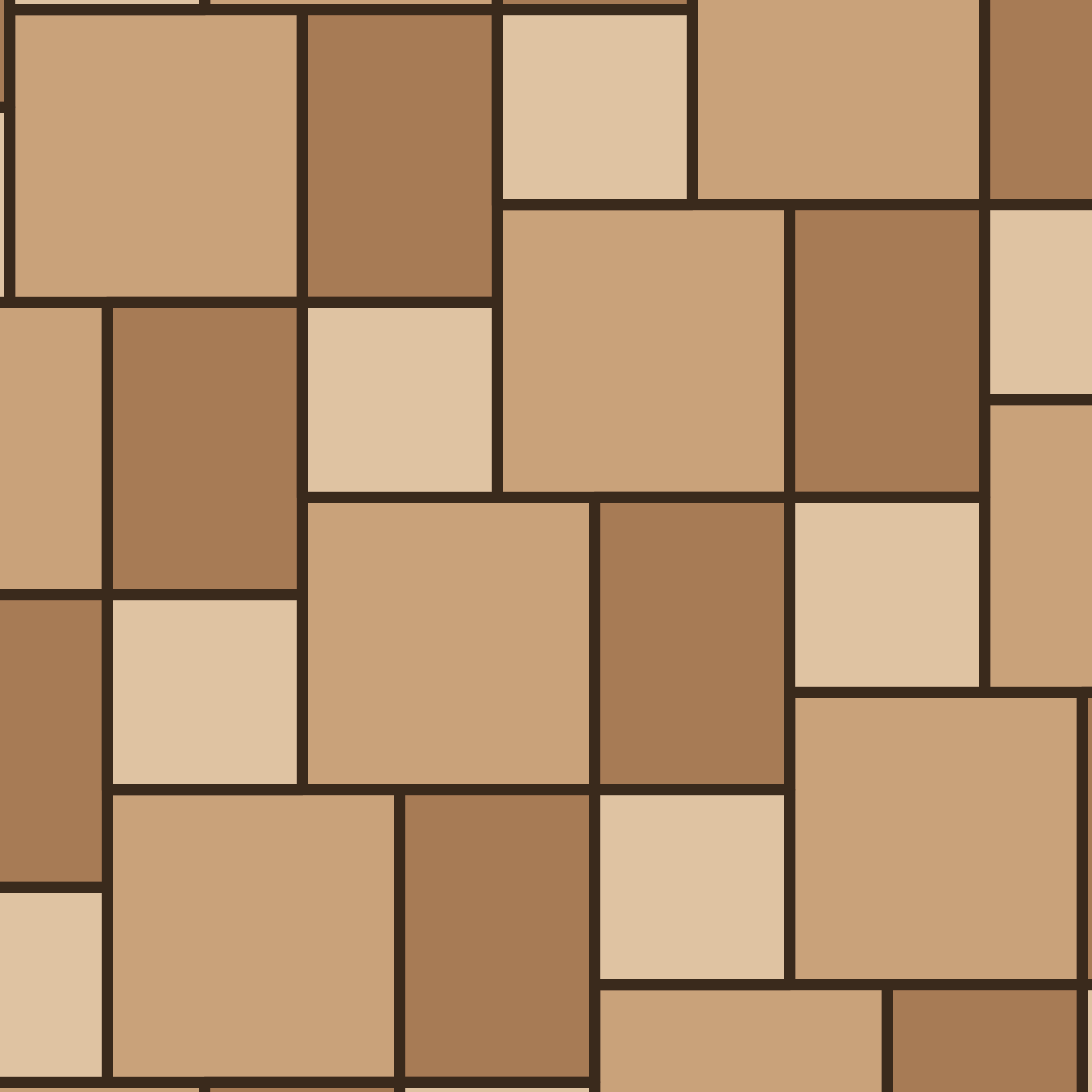 Opus Romano (three sizes)
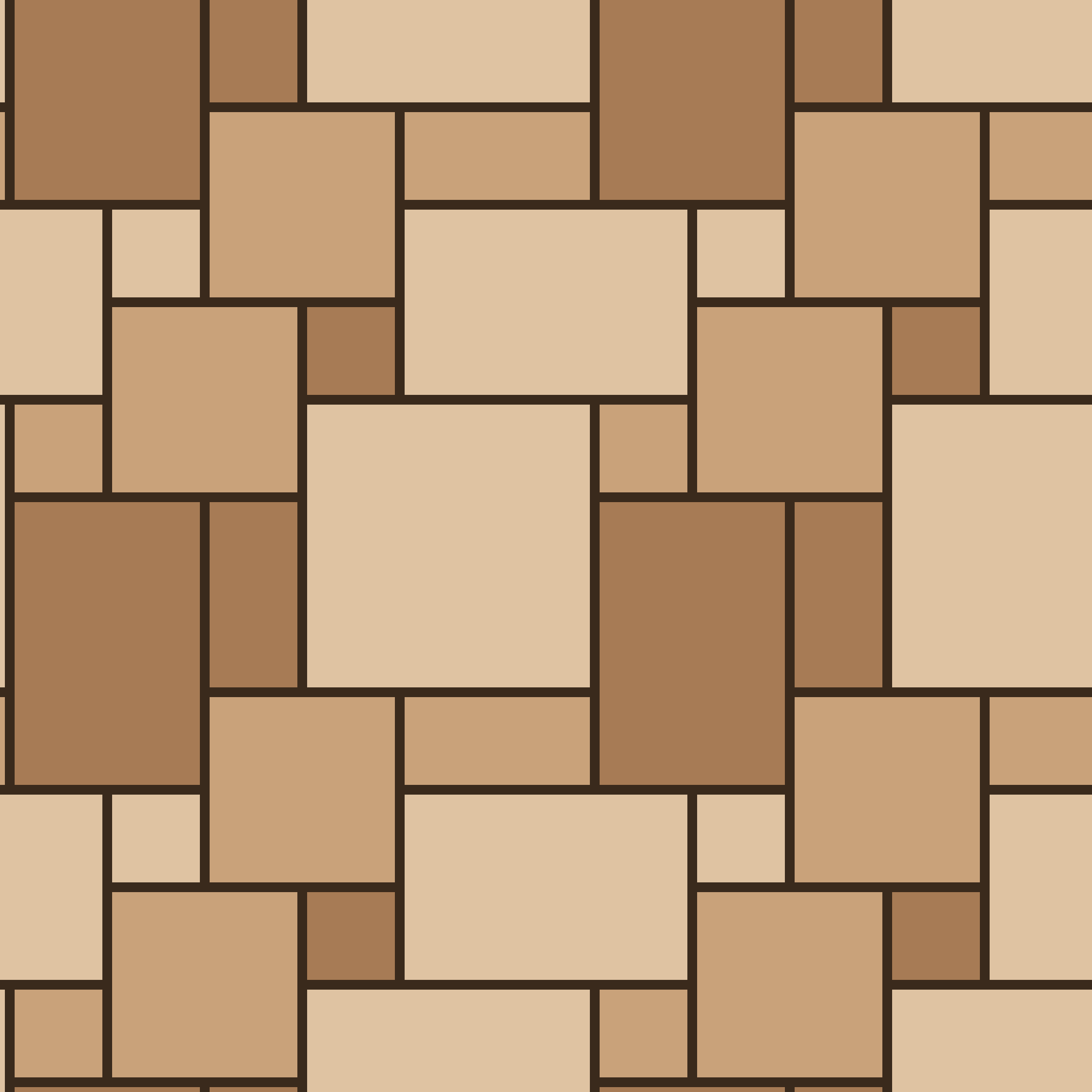 Opus Romano
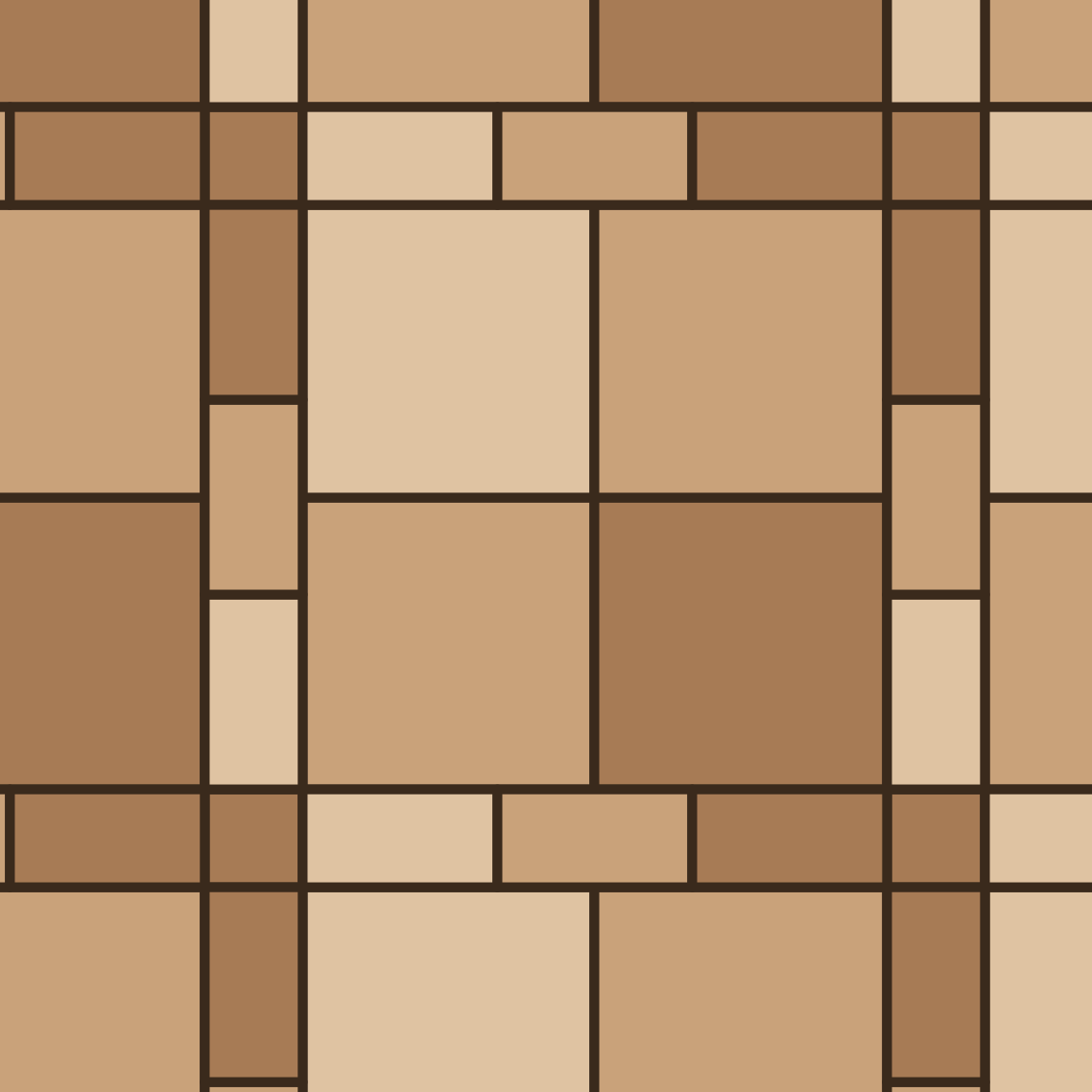 Paver 12x12, 4x8 and 4x4
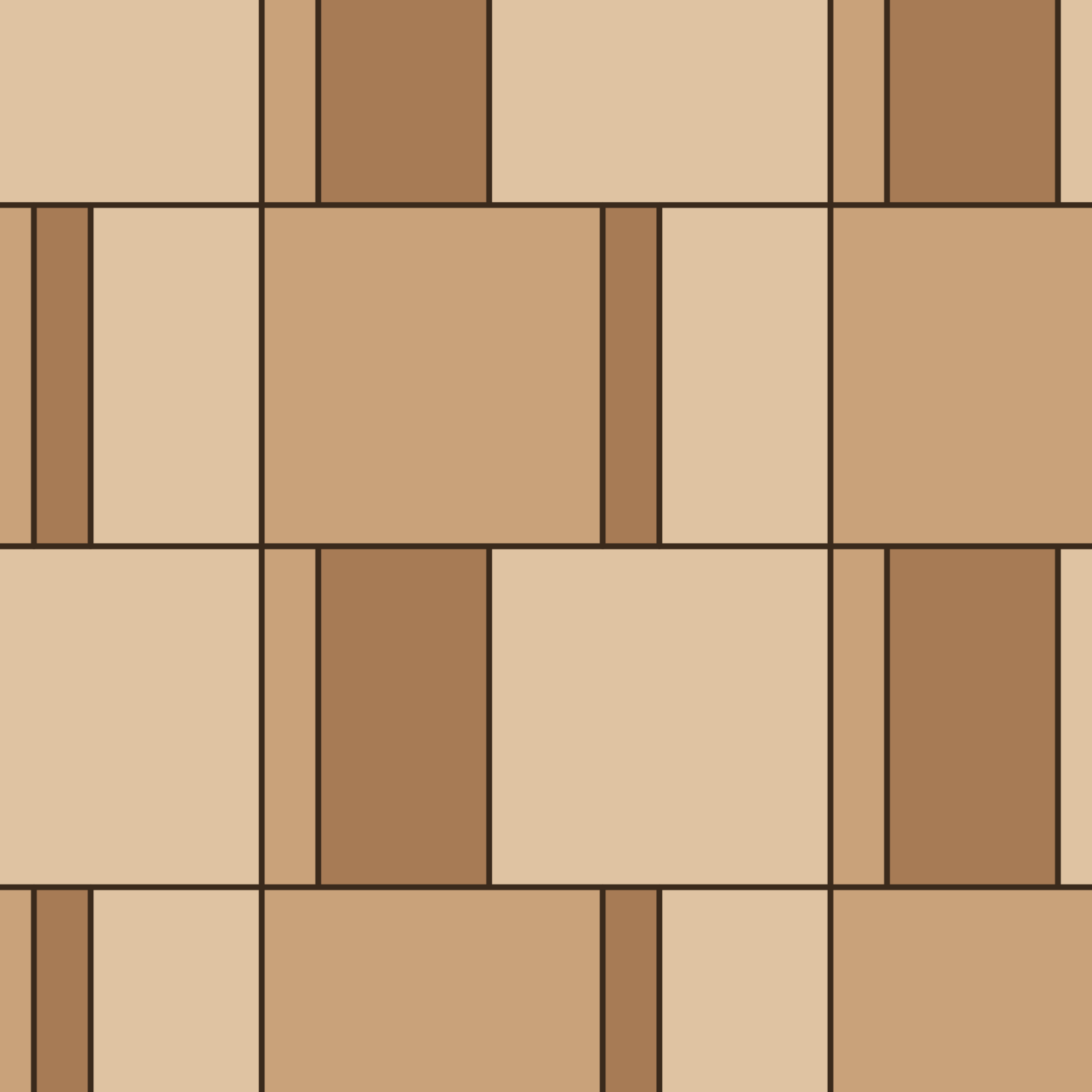 Paver 3x18, 9x18 and 18x18
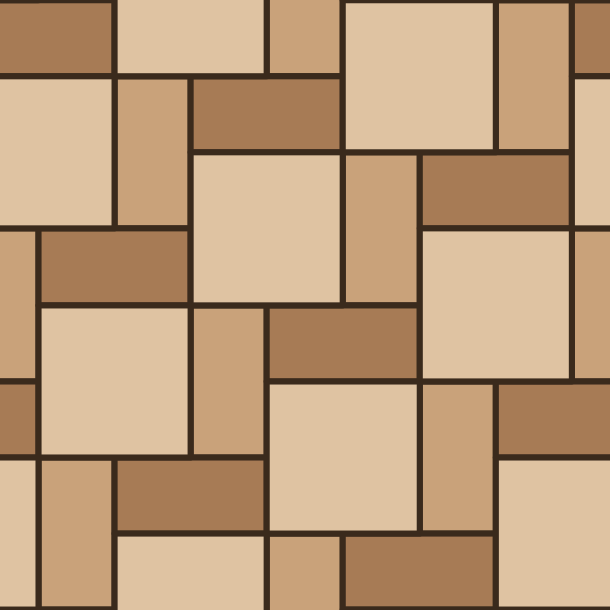 Paver 3x6 and 6x6
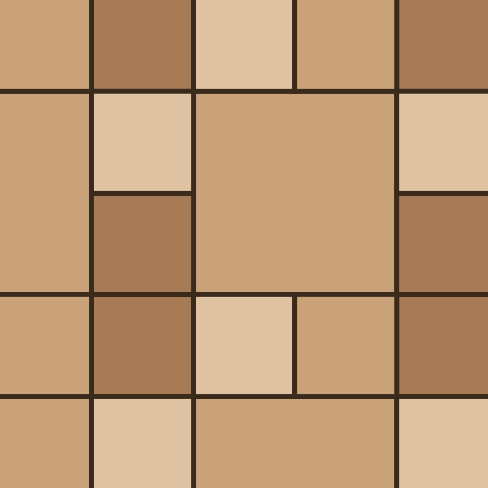 Paver 8x8 and 4x4
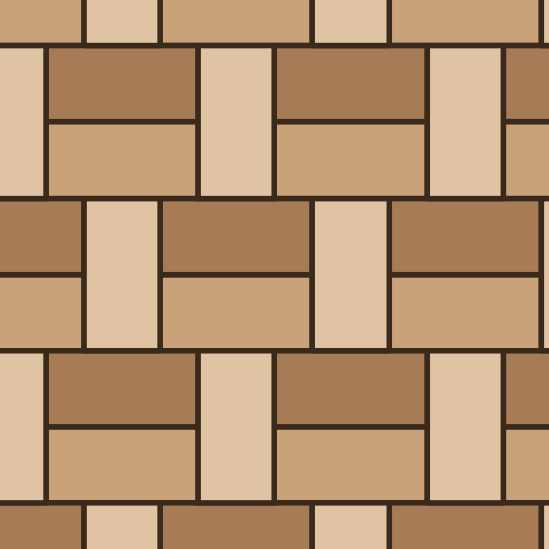 Paver basketweave 1:2
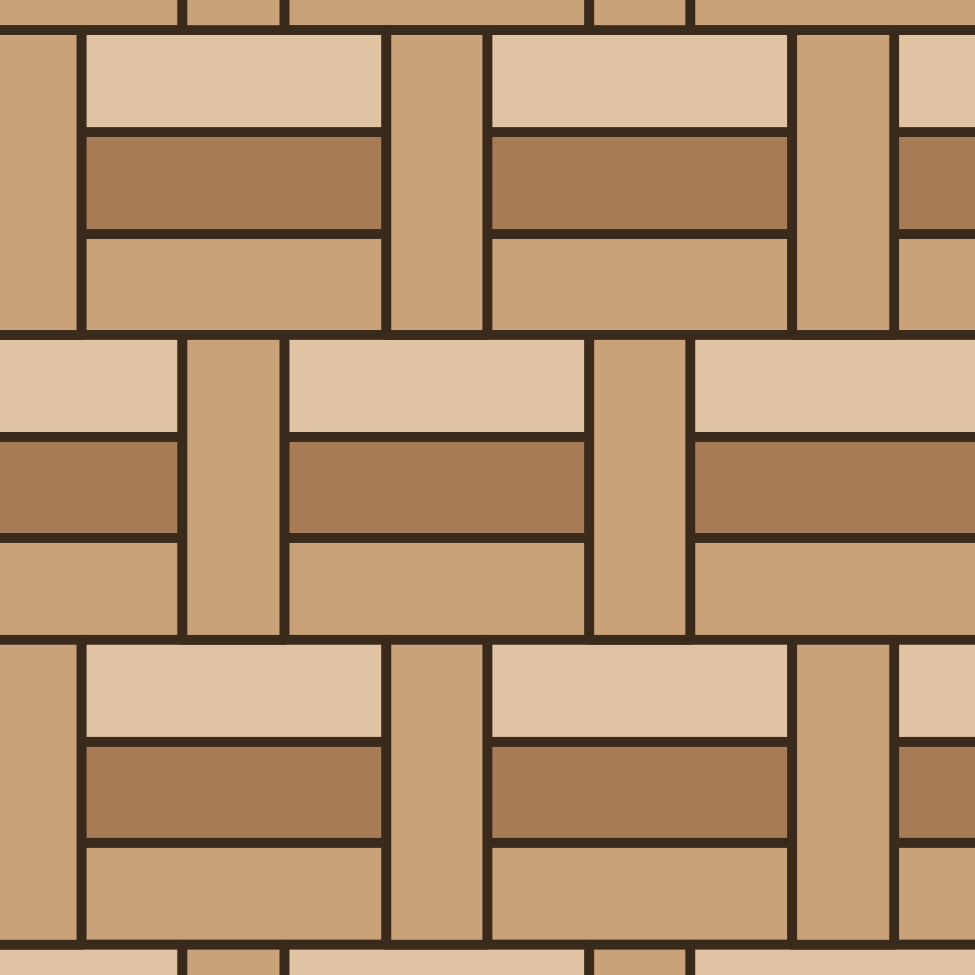 Paver basketweave 1:3
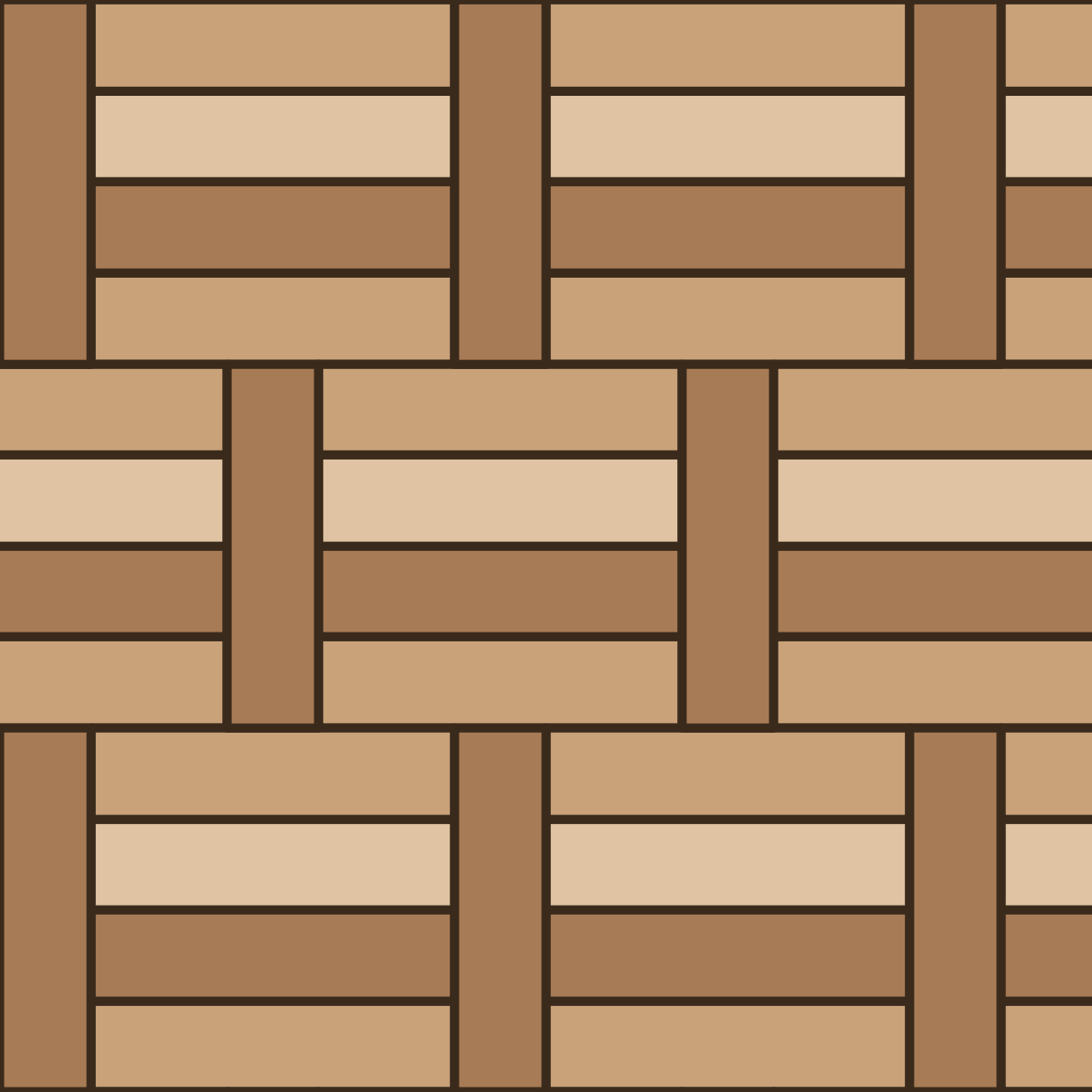 Paver basketweave 1:4
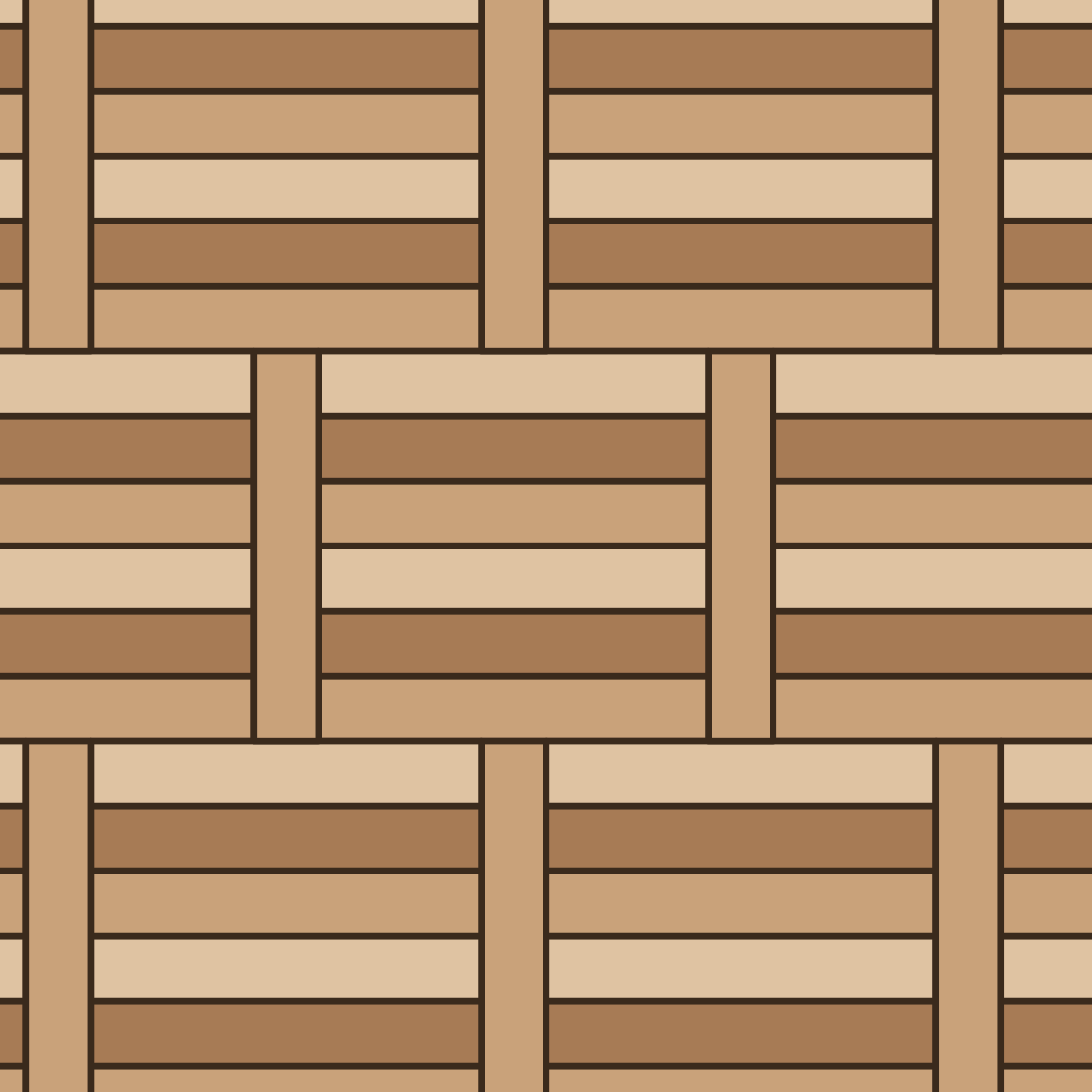 Paver basketweave 1:6
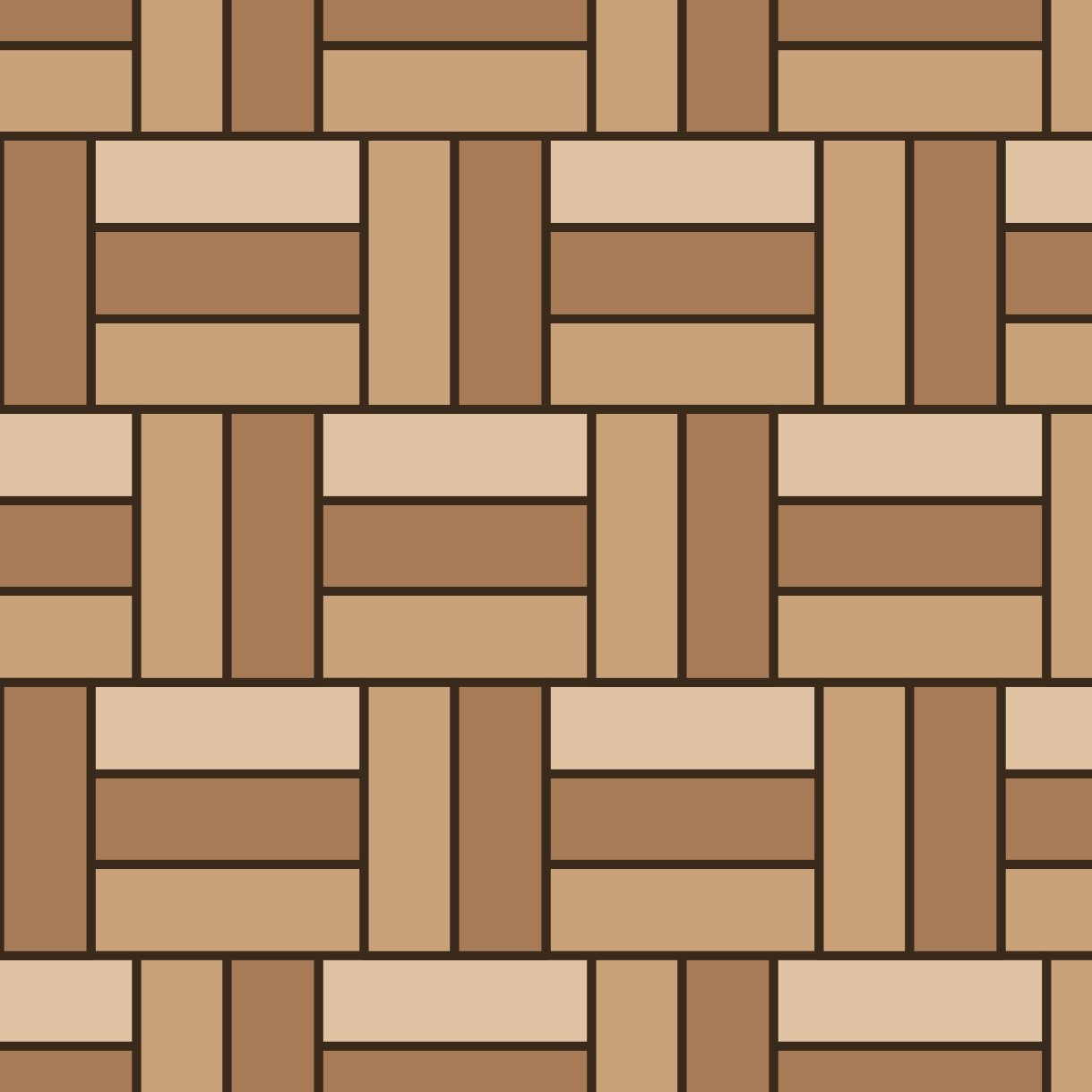 Paver basketweave 2:3
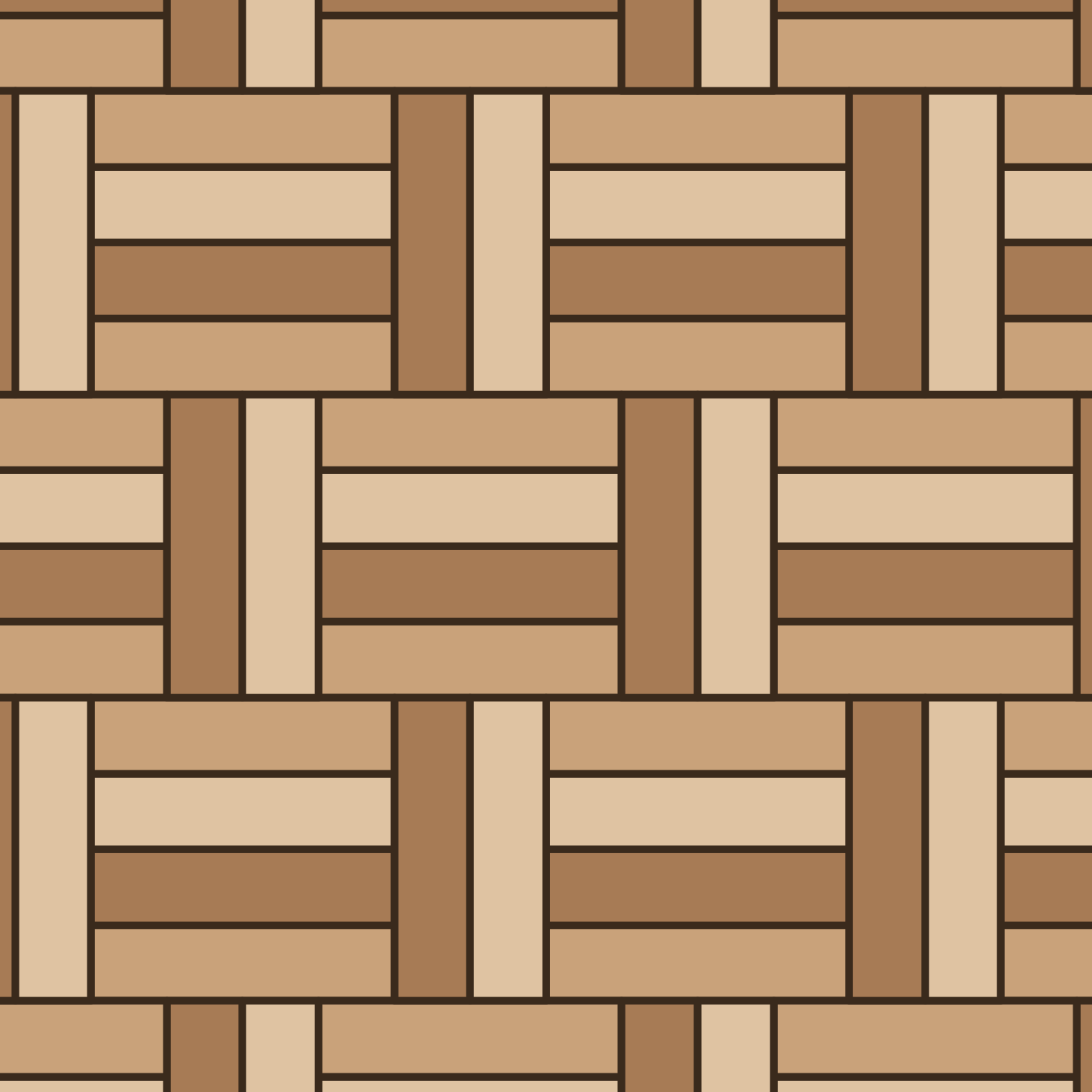 Paver basketweave 2:4
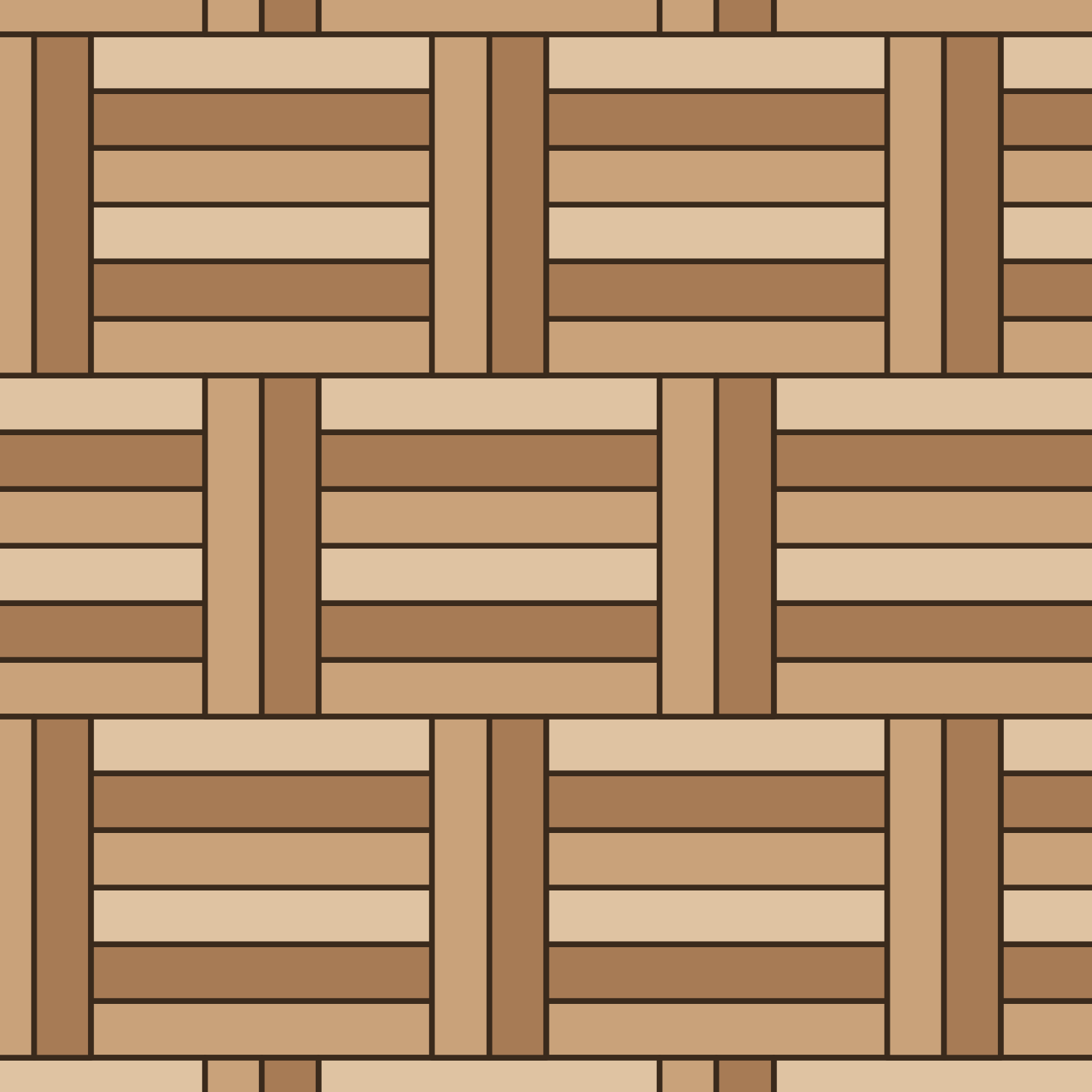 Paver basketweave 2:6
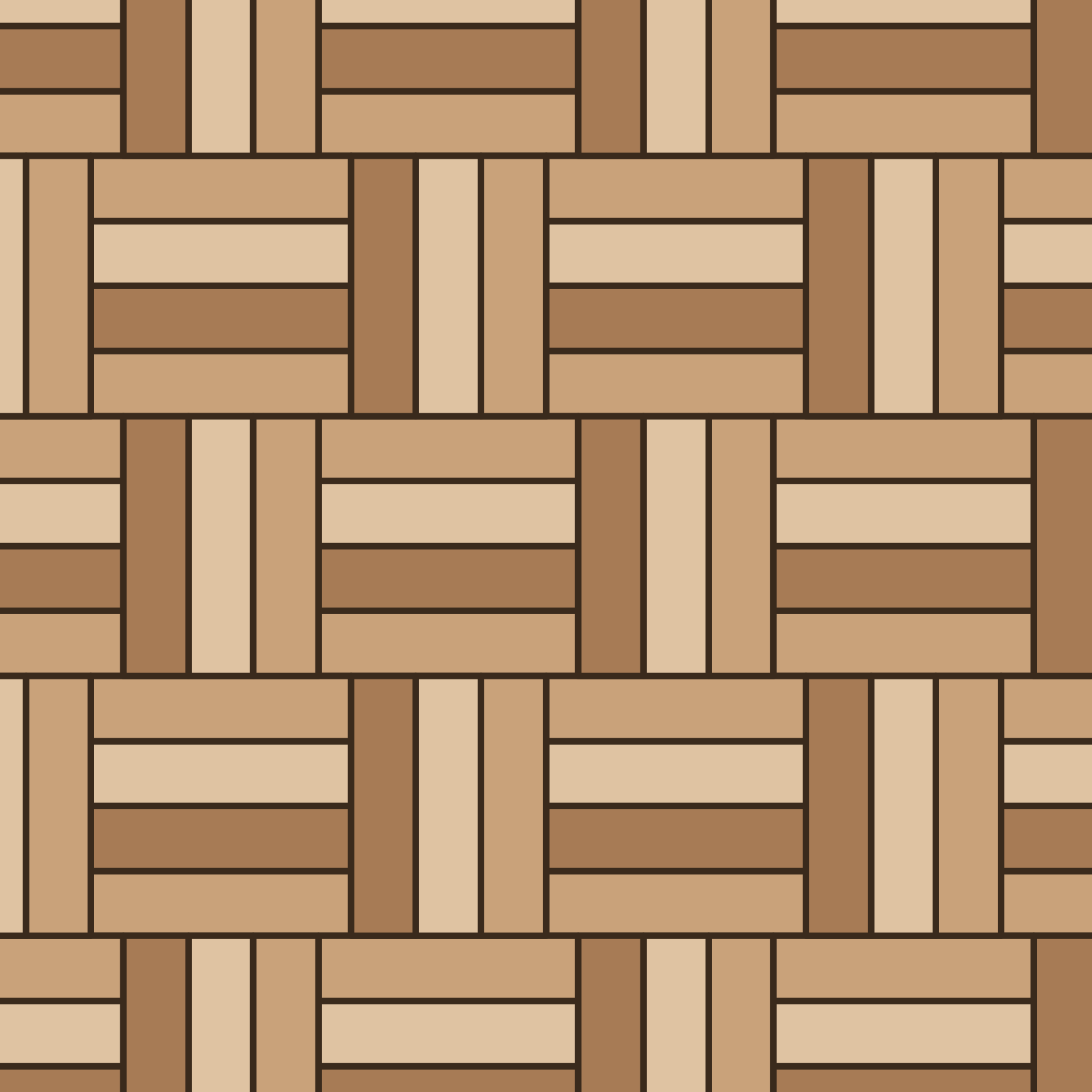 Paver basketweave 3:4
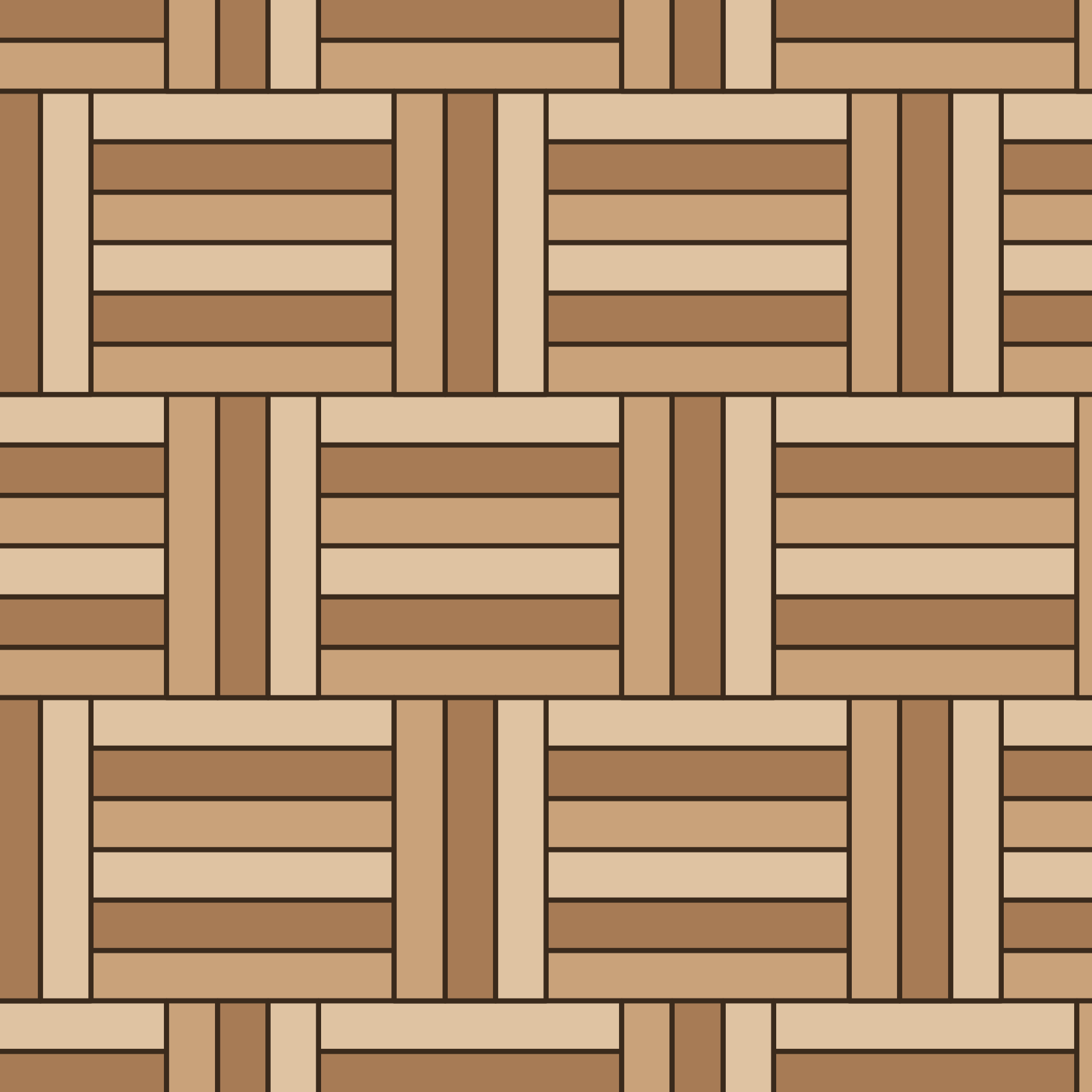 Paver basketweave 3:6
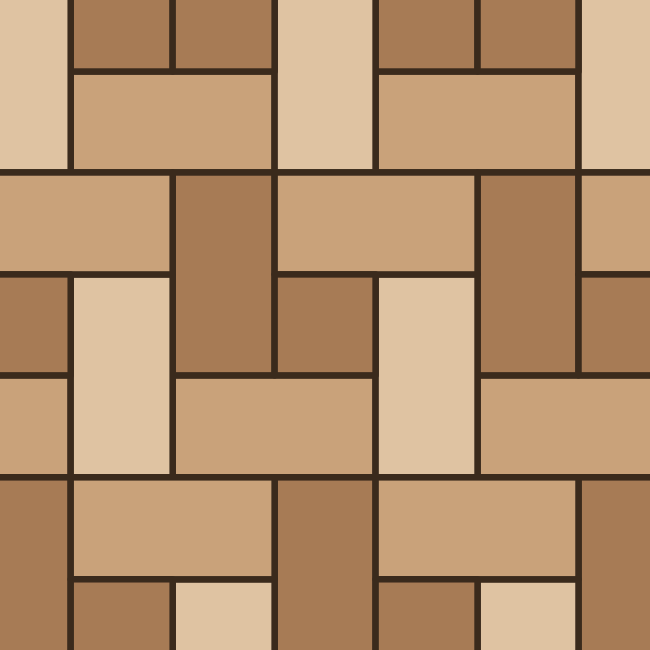 Paver basketweave offset with square
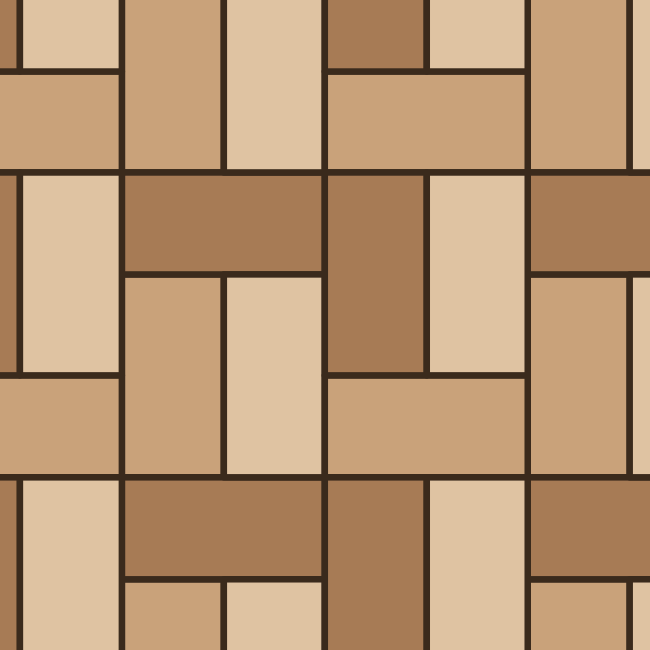 Paver basketweave traditional
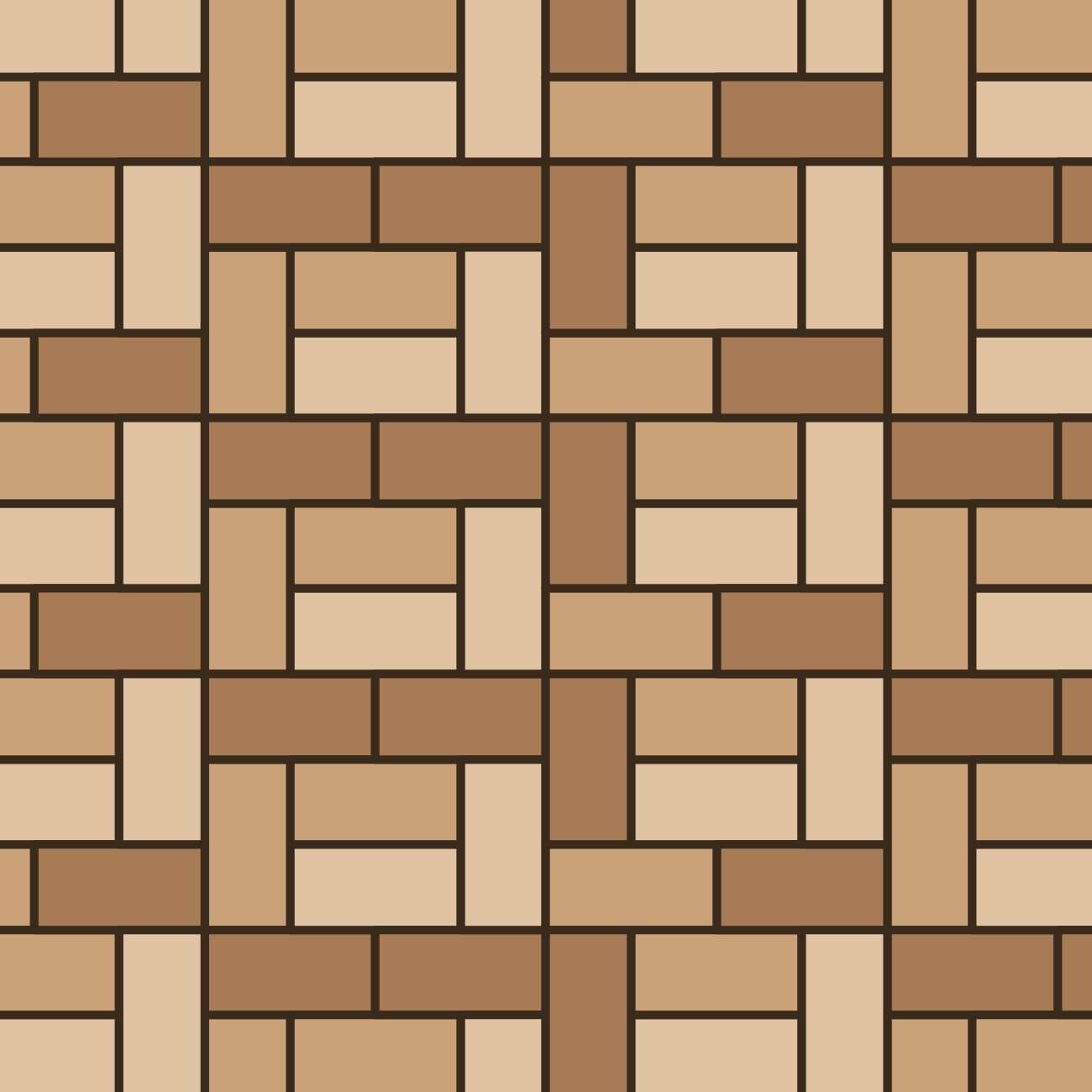 Paver basketweave variation
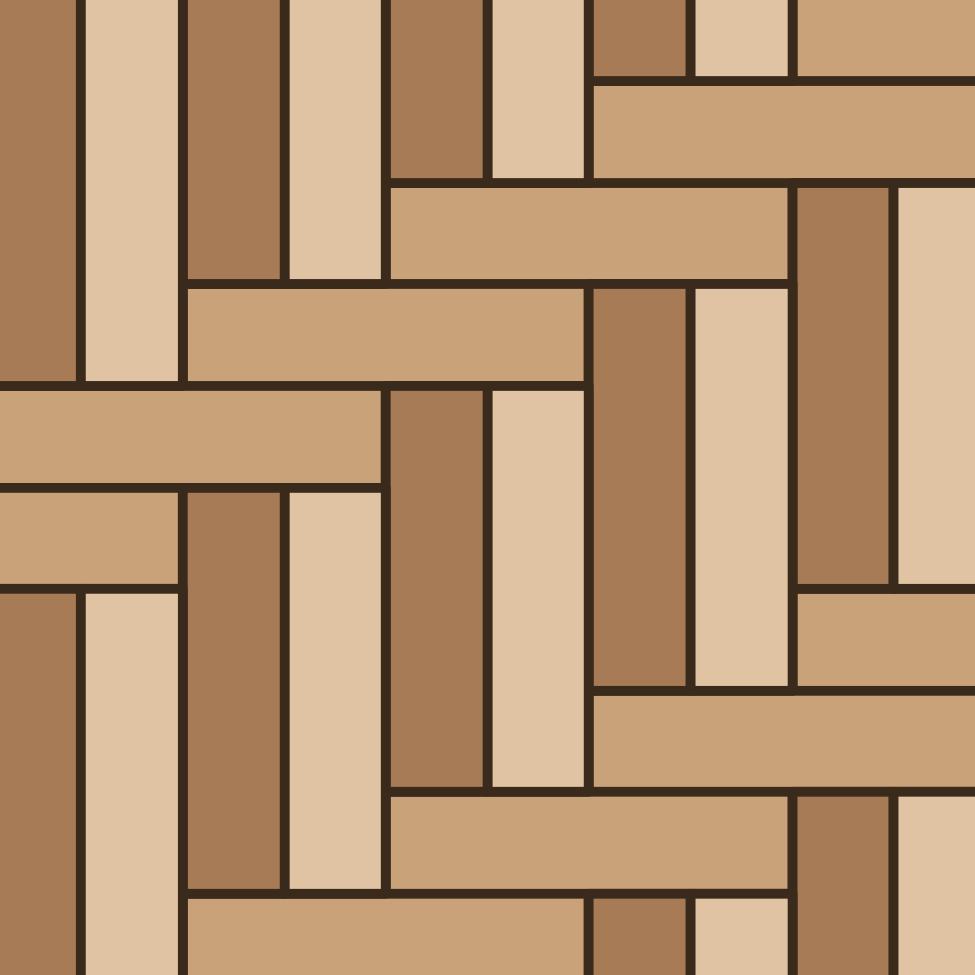 Paver herringbone 1:2
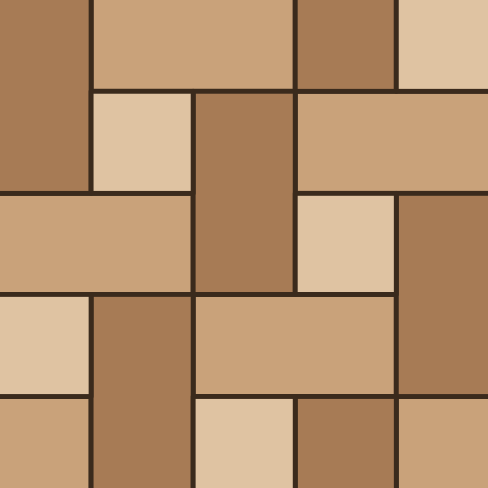 Paver herringbone with square
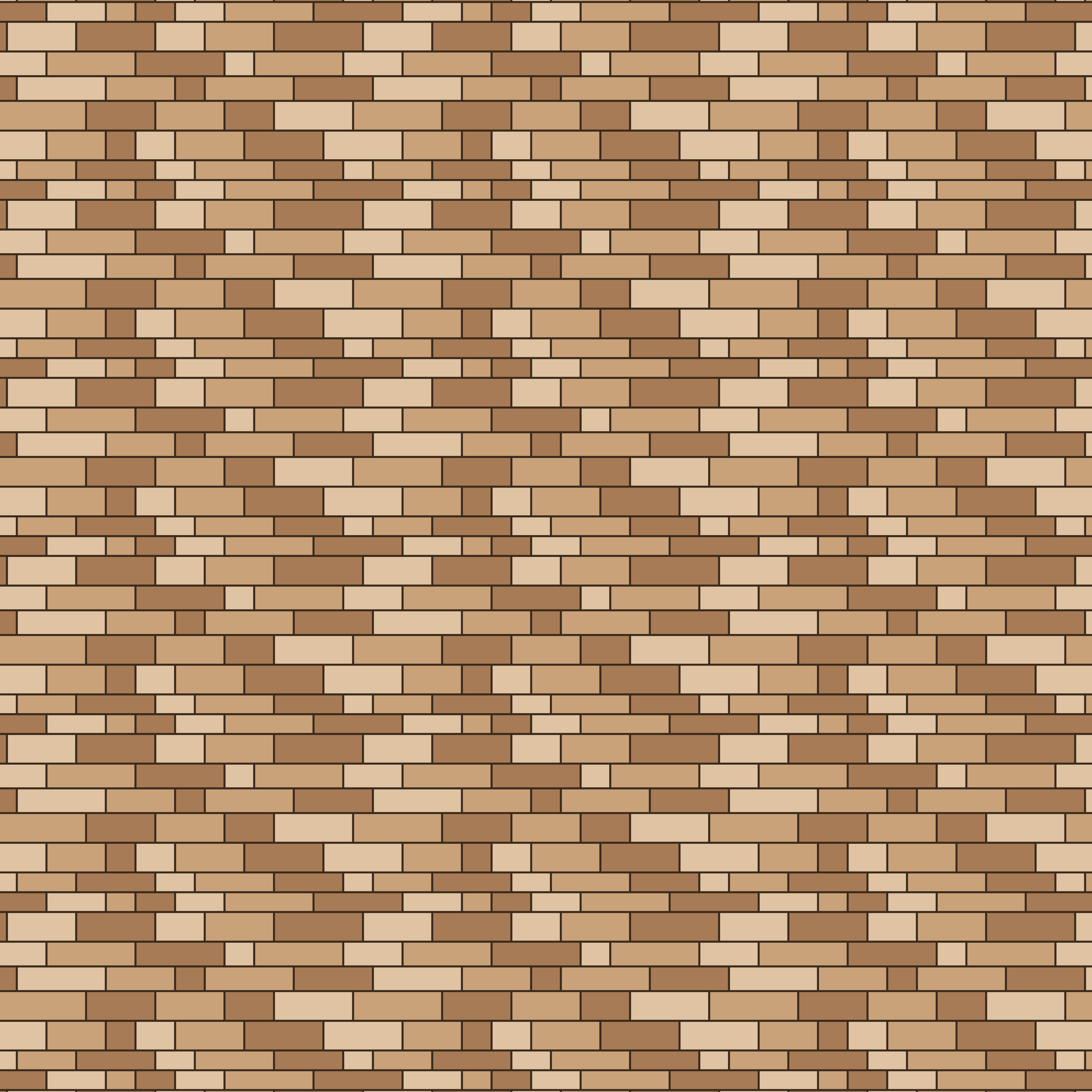 Random ashlar
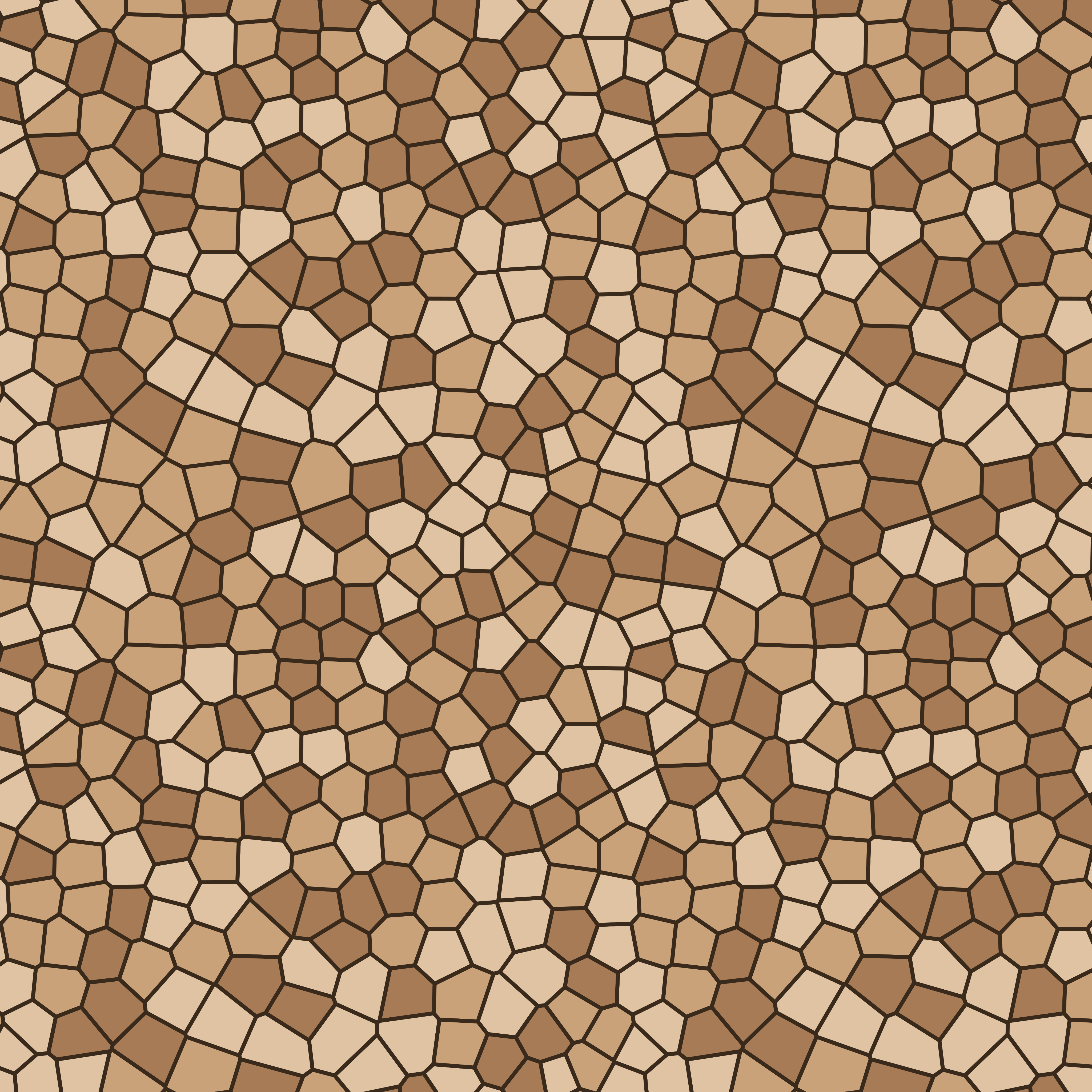 Random flagstone (large)
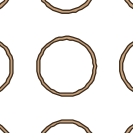 Ring grid
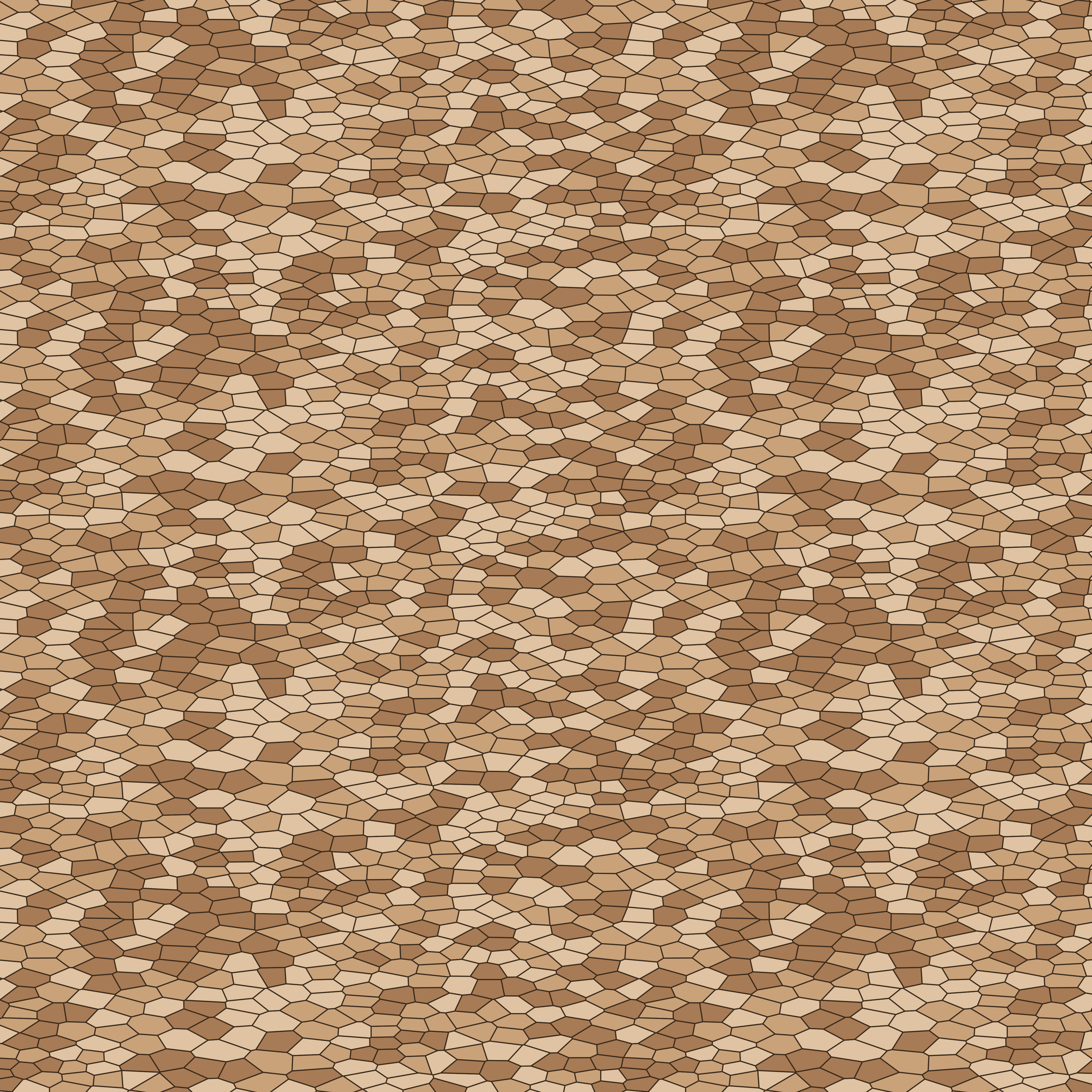 Rubble wall
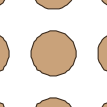 Tactile blister
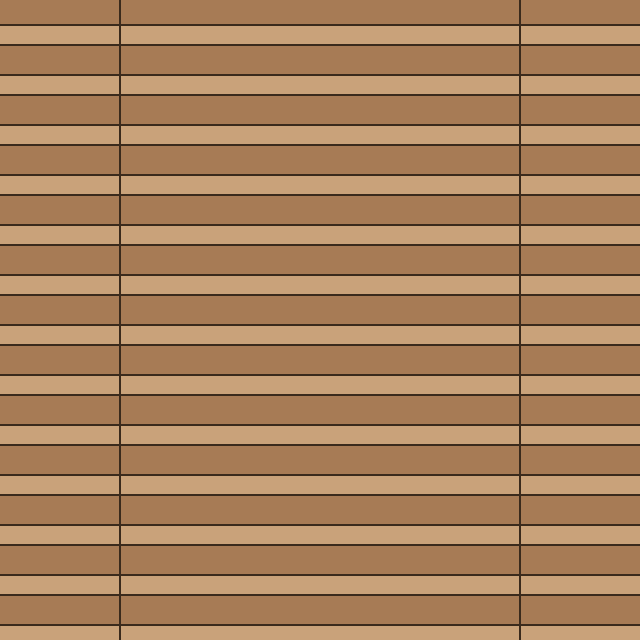 Tactile corduroy
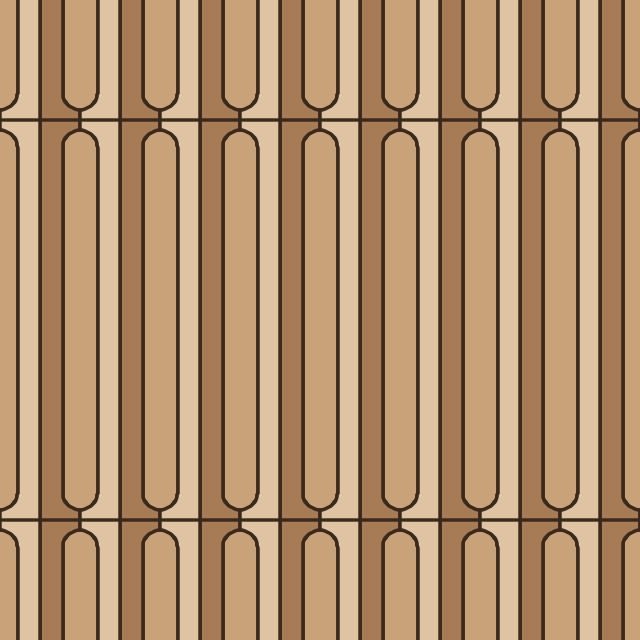 Tactile guidance bars
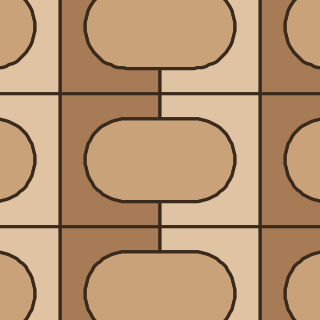 Tactile lozenge
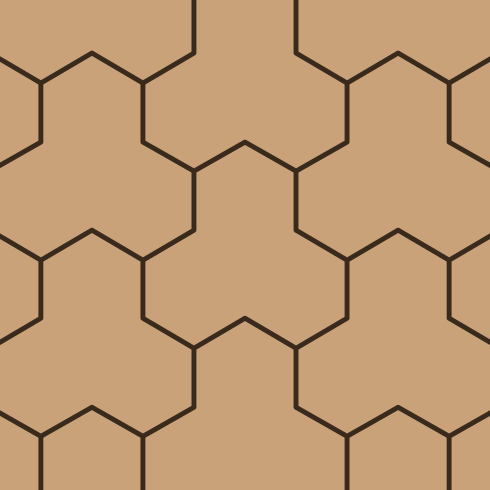 Tri-hexagon
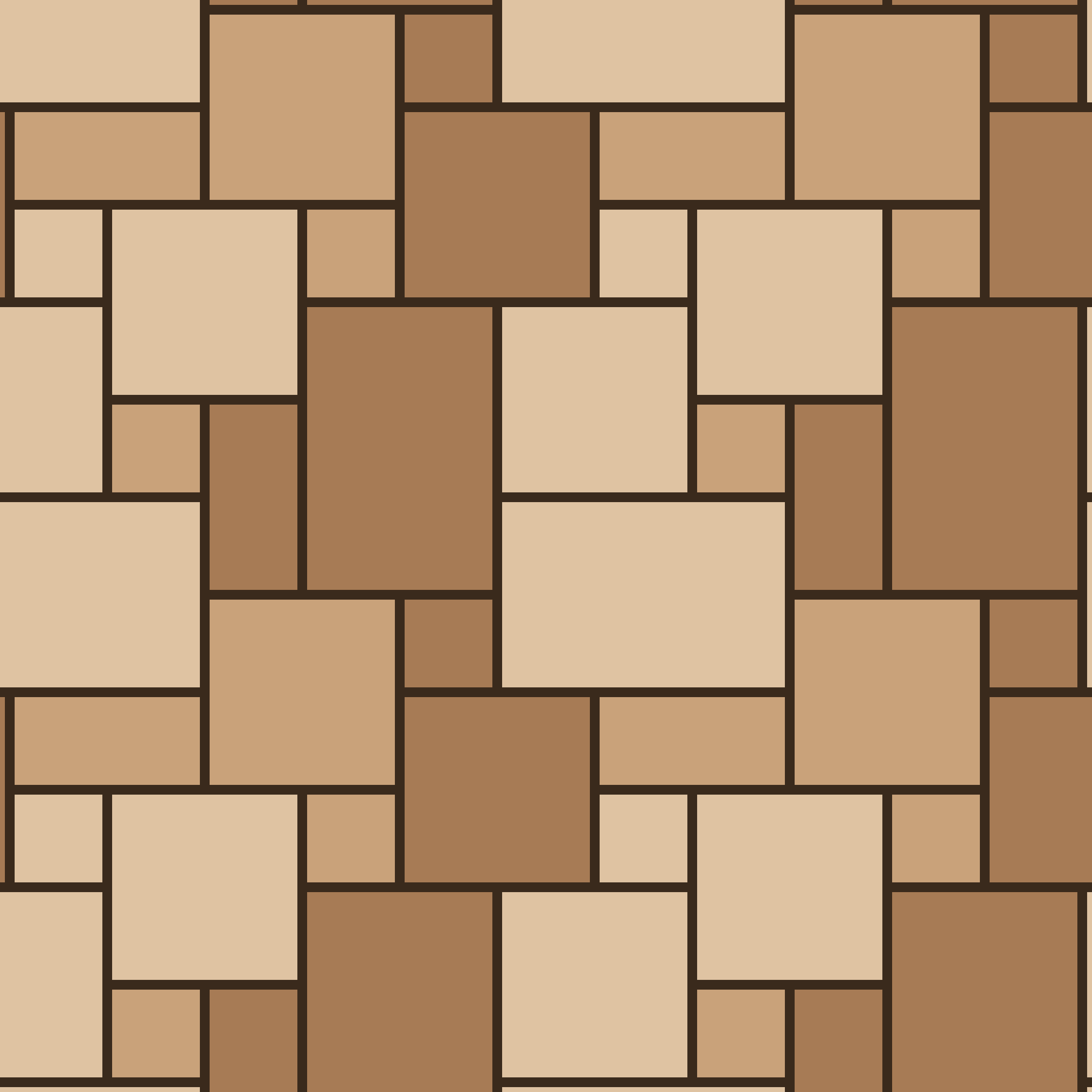 Versailles (alternate layout)
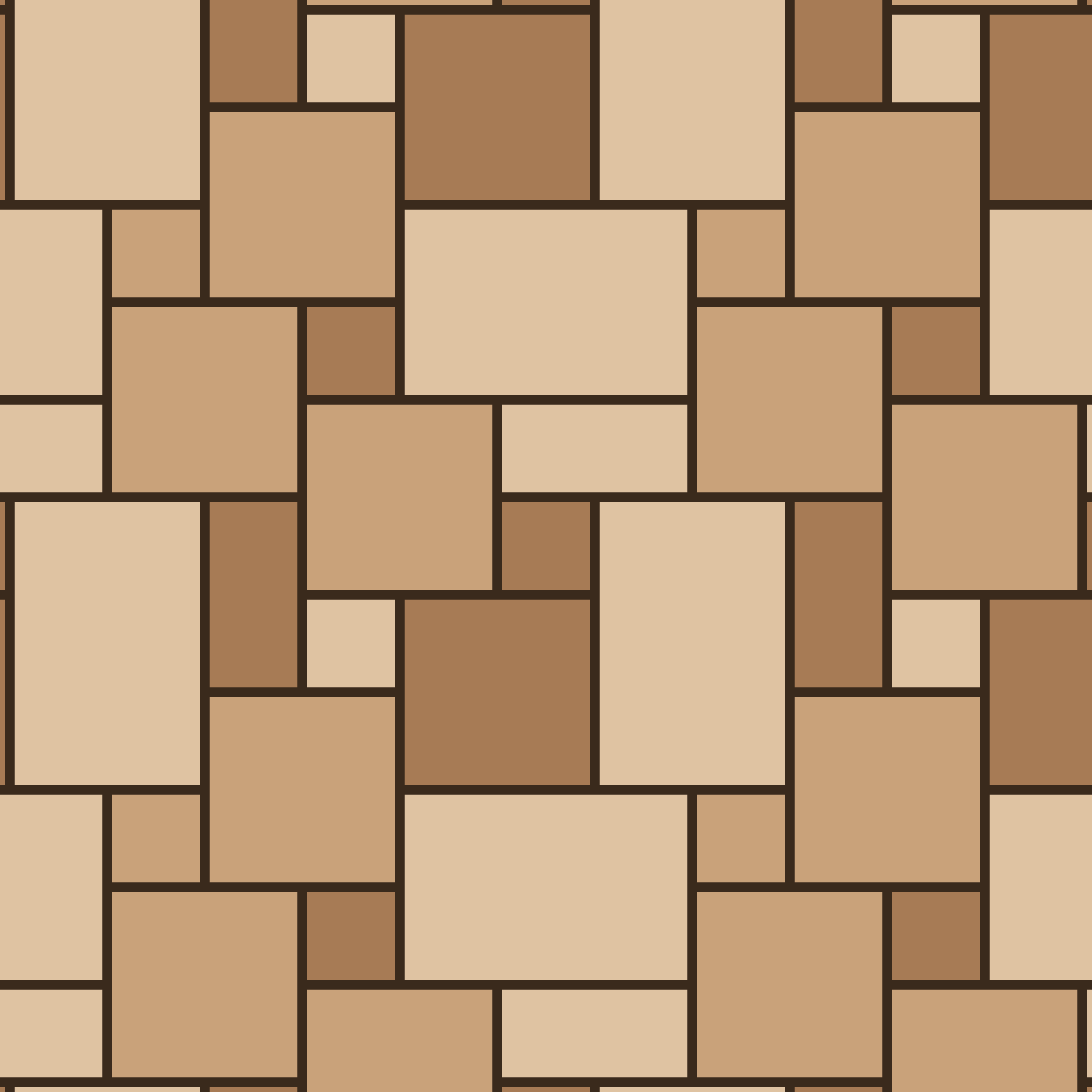 Versailles
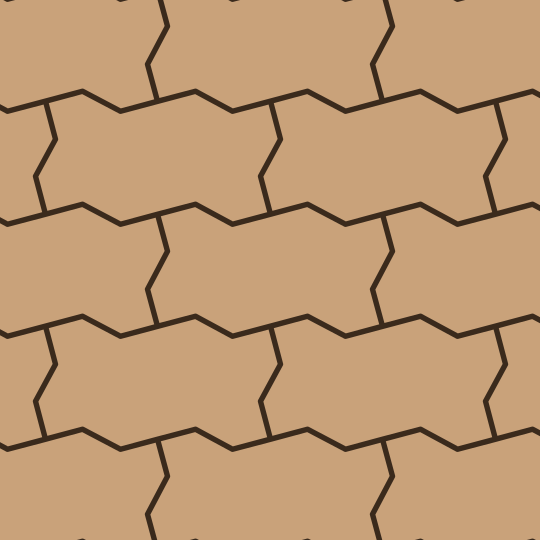 Zigzag interlock
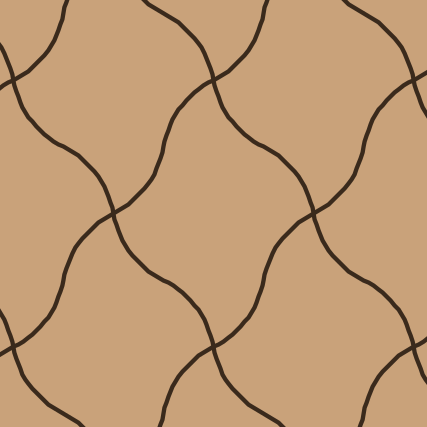 Arabesque
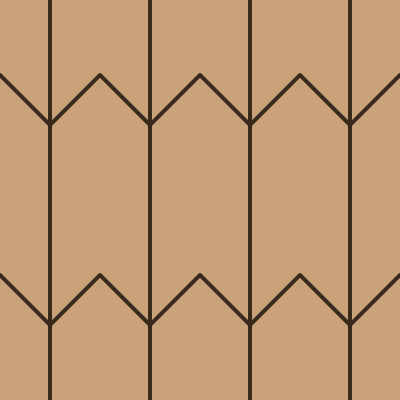 Arrow block
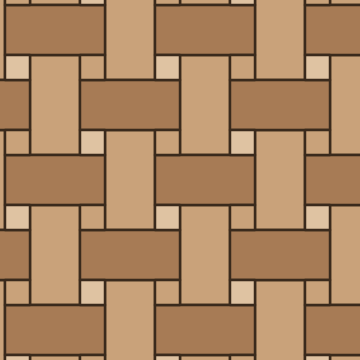 Basketweave with dot
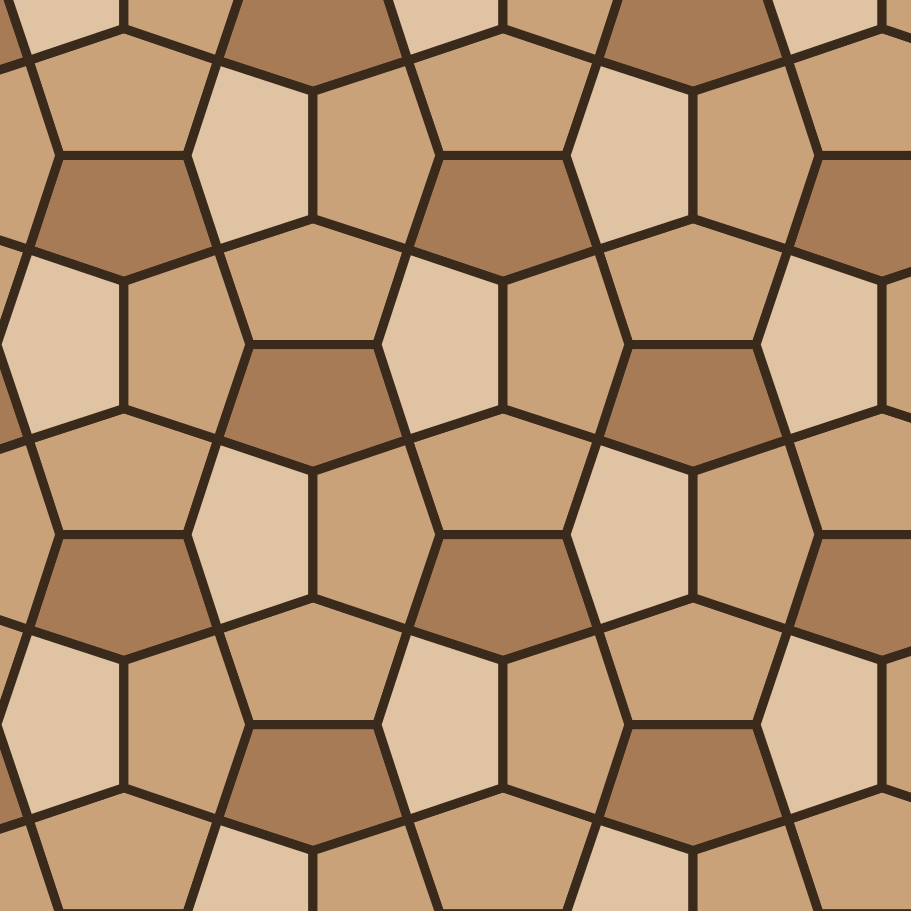 Cairo
Cairo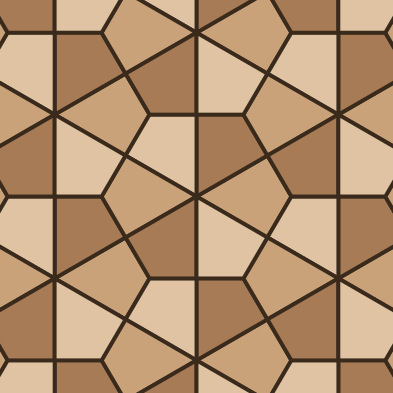 Kite (deltoidal trihexagonal)
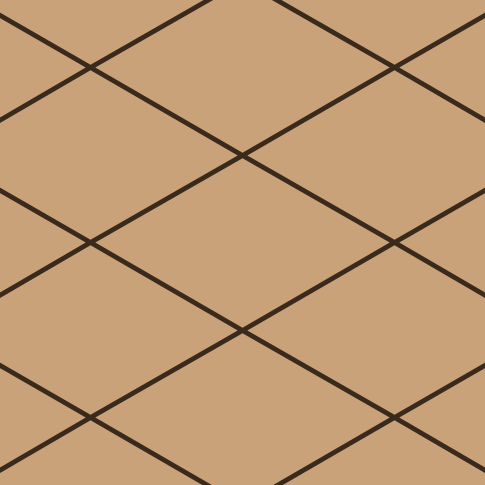 Diamond
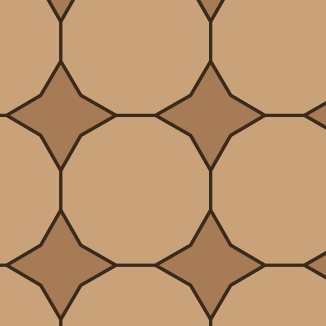 Dodecagon and four-point star
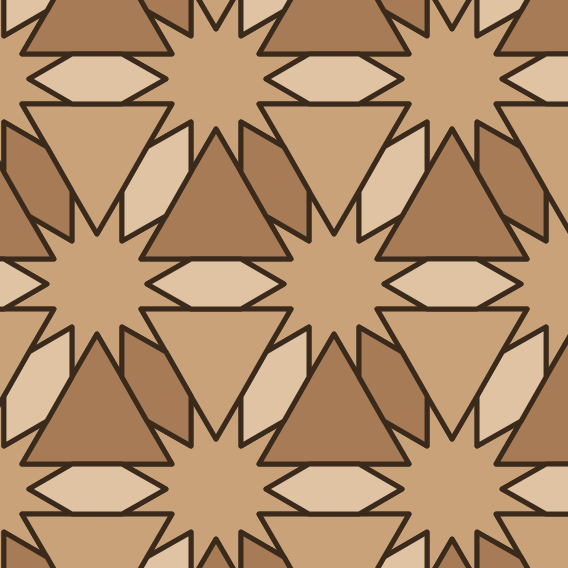 Dodecagram and hexagon
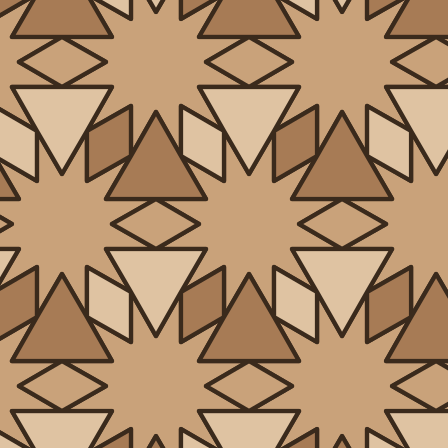 Dodecagram and triangle
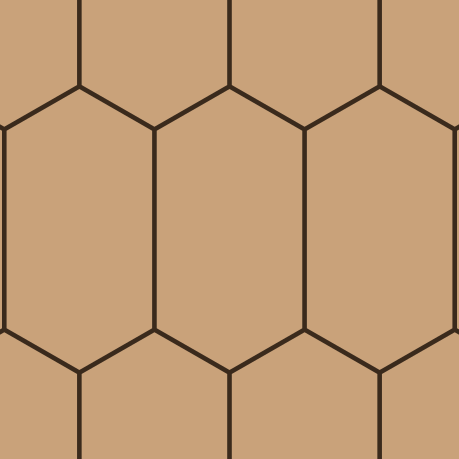 Elongated hexagon
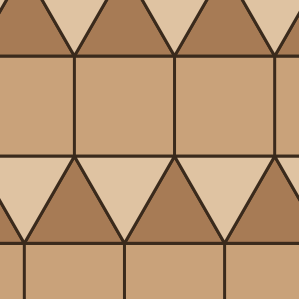 Elongated triangular
 Fish scale
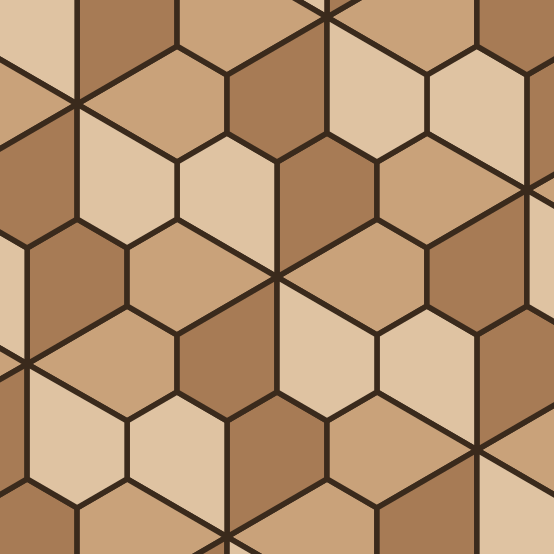 Floret pentagonal
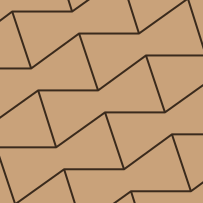 Girih bowtie
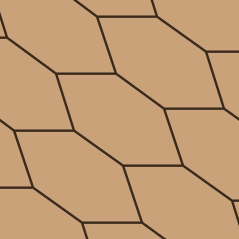 Girih hexagon
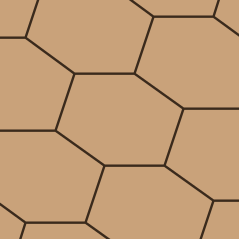 Girih wide hexagon
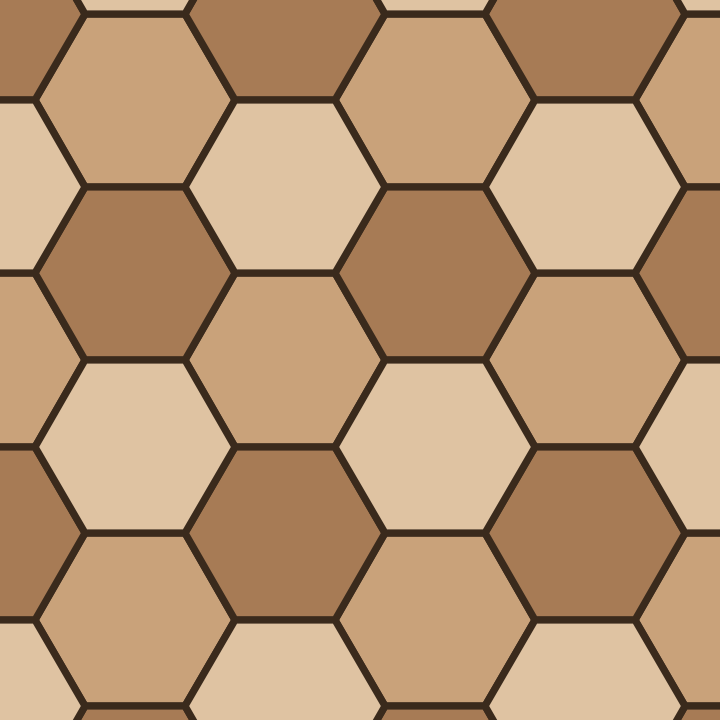 Hexagon, three tone
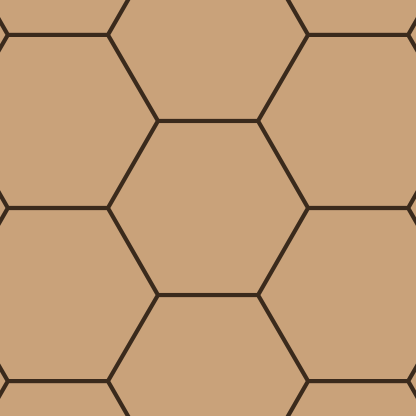 Hexagon
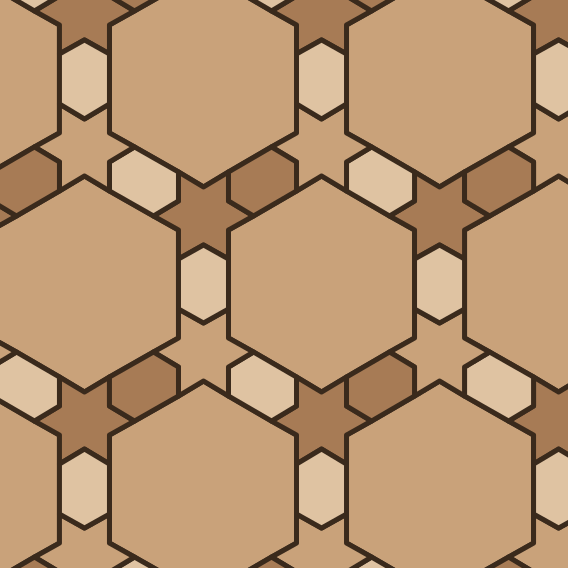 Hexagram and dodecagon
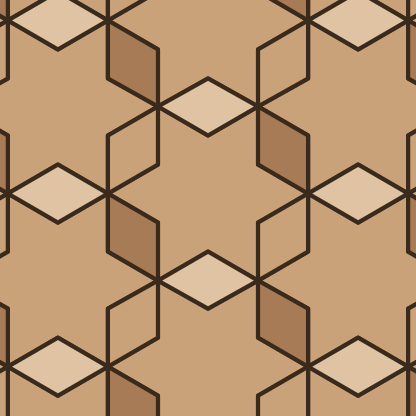 Hexagram and rhombus
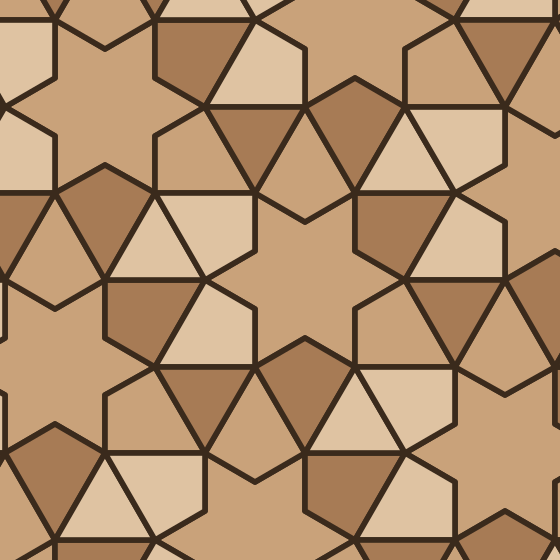 Hexagram and snub triangles
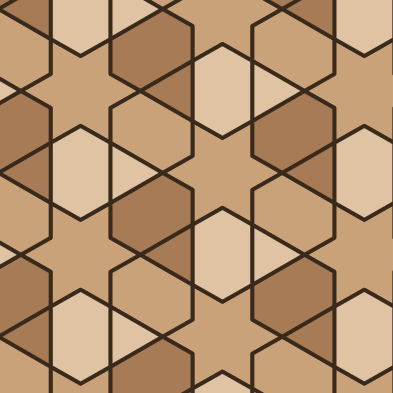 Hexagram, square and triangle
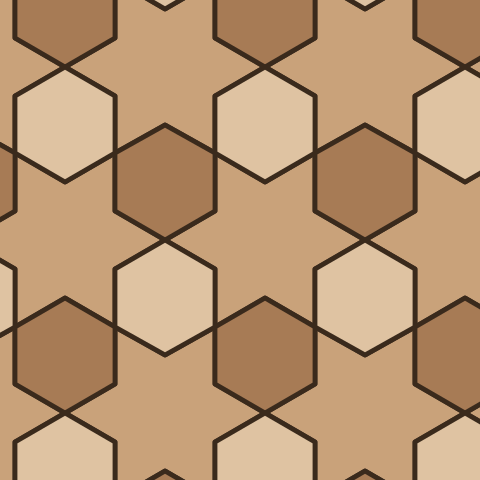 Hexagram and triangle
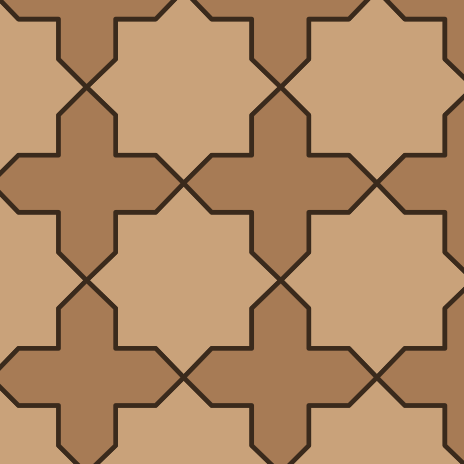 Khatem star
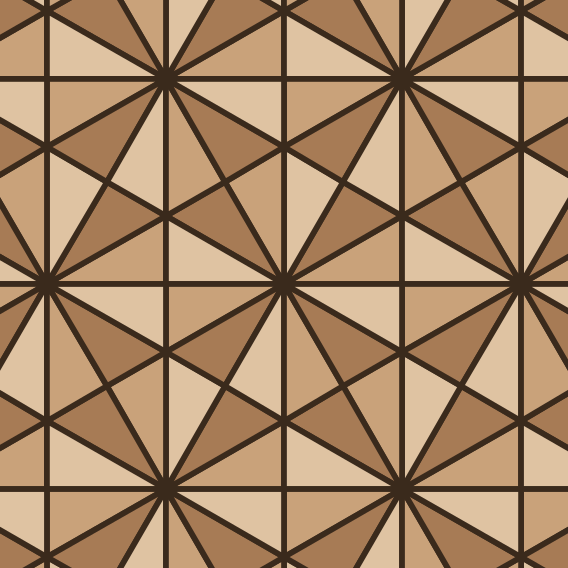 Kisrhombille
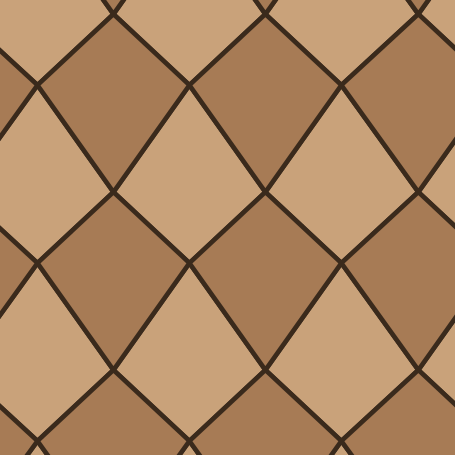 Kite
Kite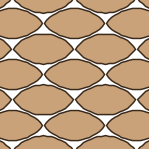 Leaf mosaic
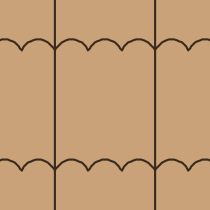 Multifoil sebka
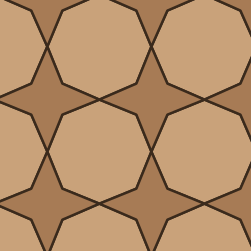 Octagon and four-point star
 Penny round
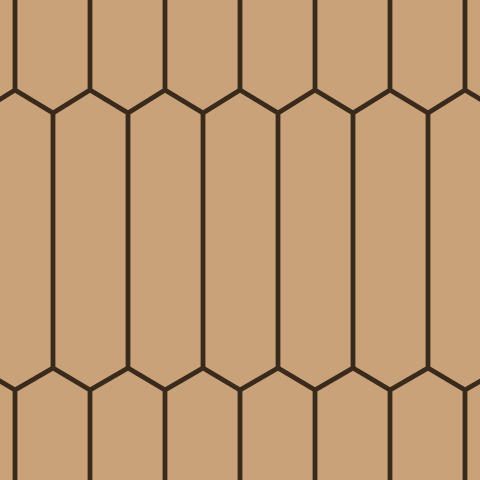 Picket (elongated hexagon)
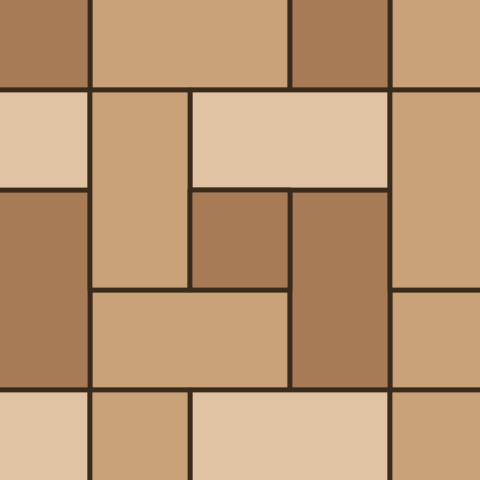 Pinwheel
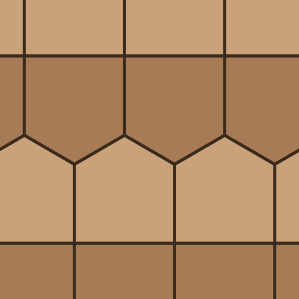 Prismatic pentagonal
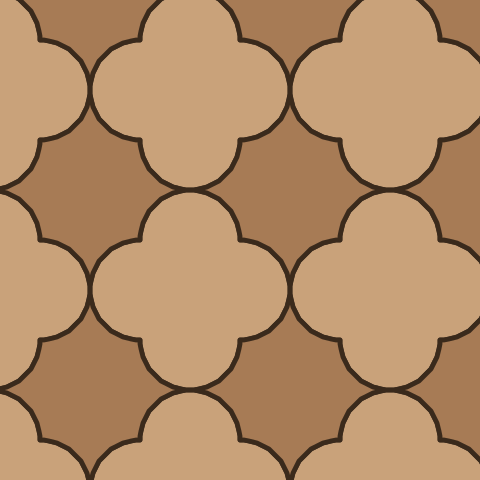 Quatrefoil
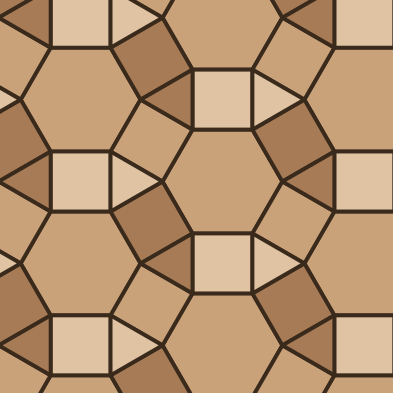 Rhombitrihexagonal
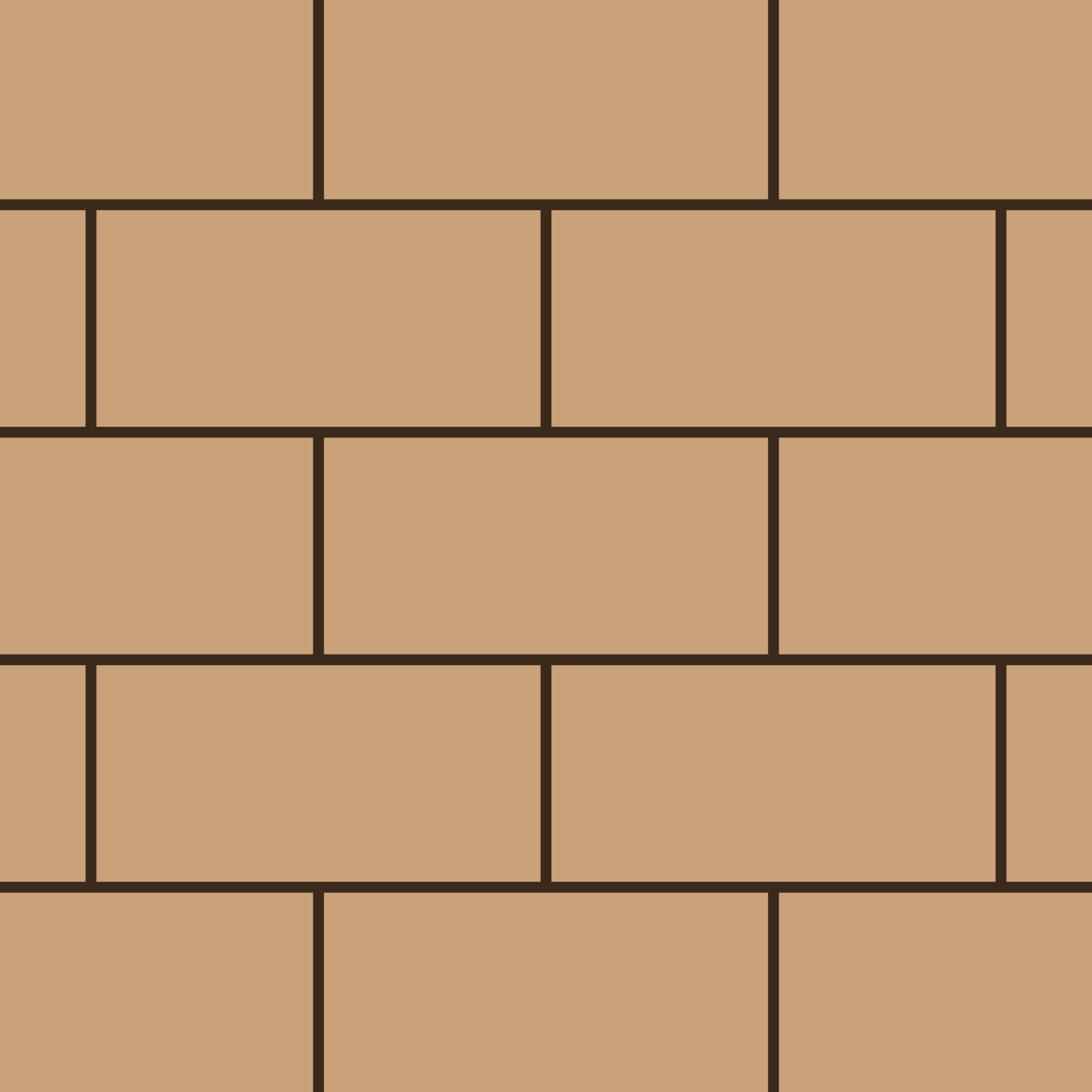 Running bond
 Saft
Saft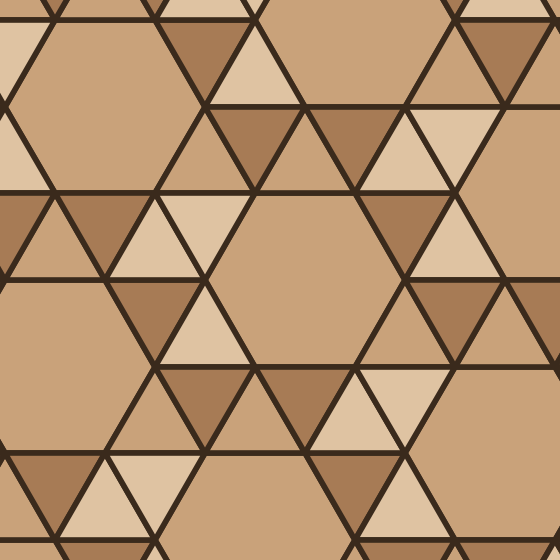 Snub hexagonal
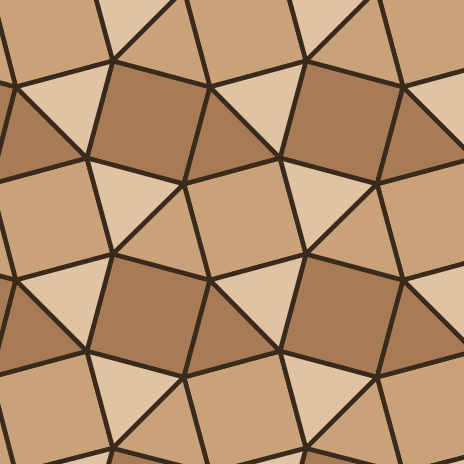 Snub square
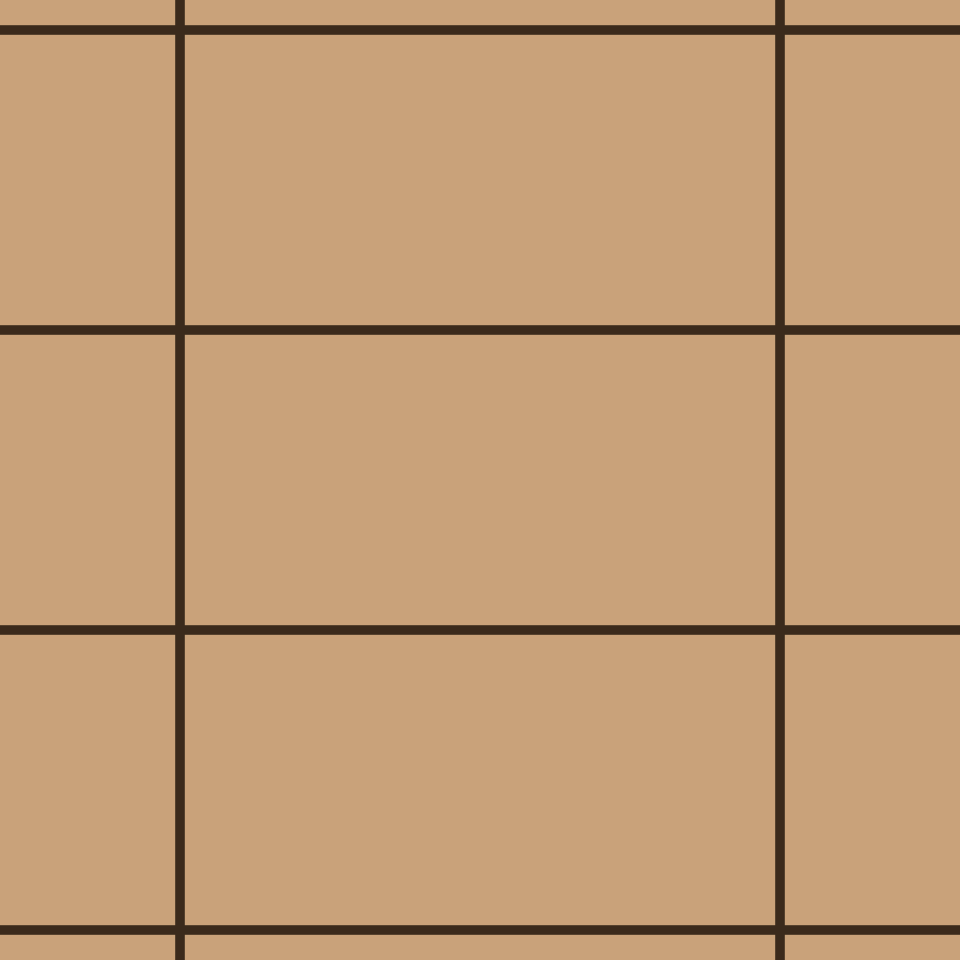 Stack bond
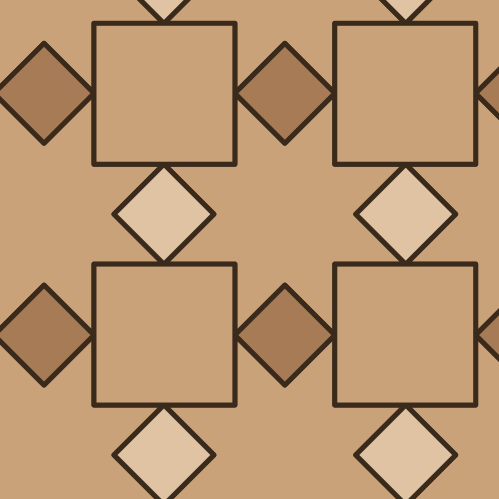 Star and cross
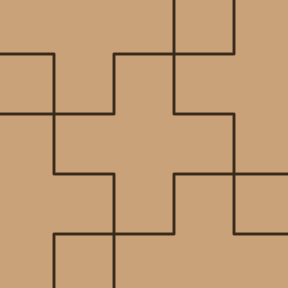 Swiss cross
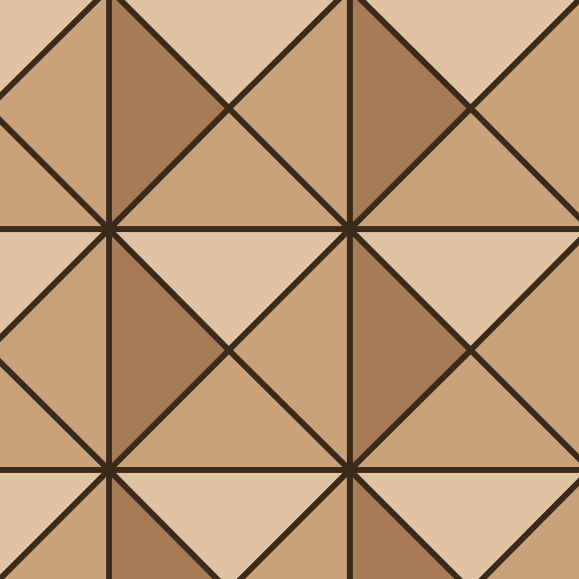 Tetrakis square
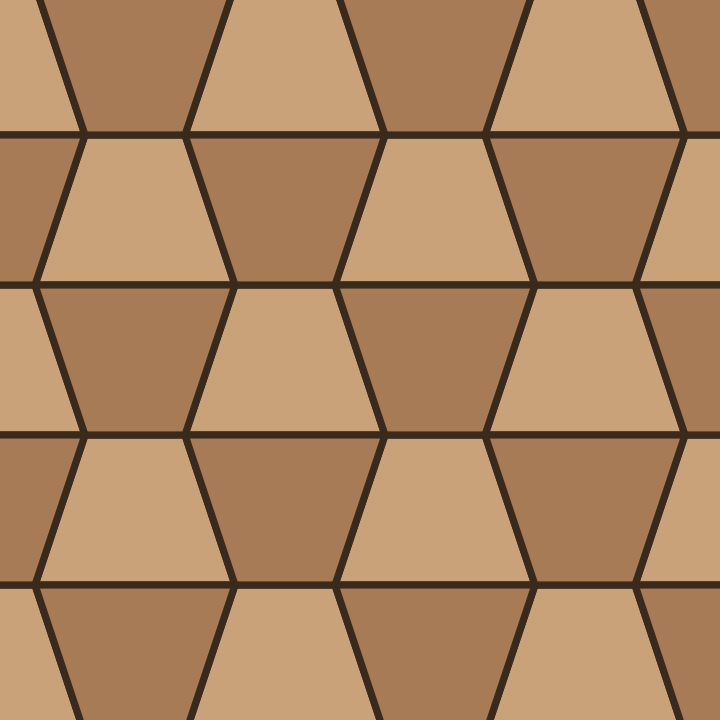 Trapezoid
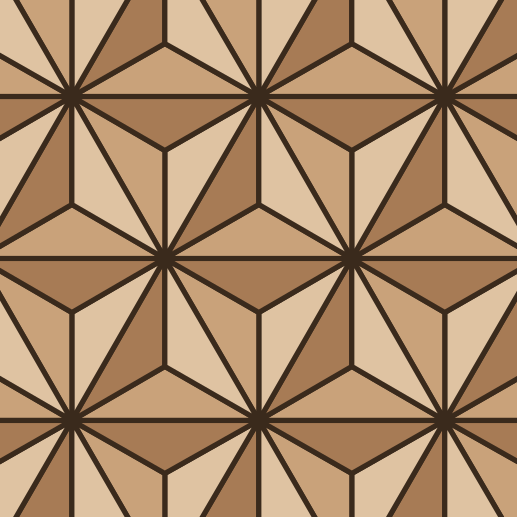 Triakis triangular
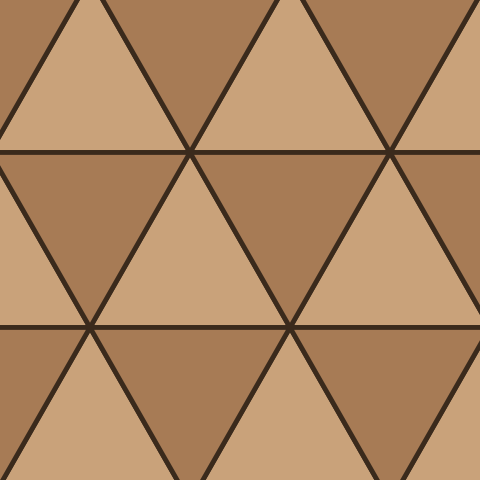 Triangle
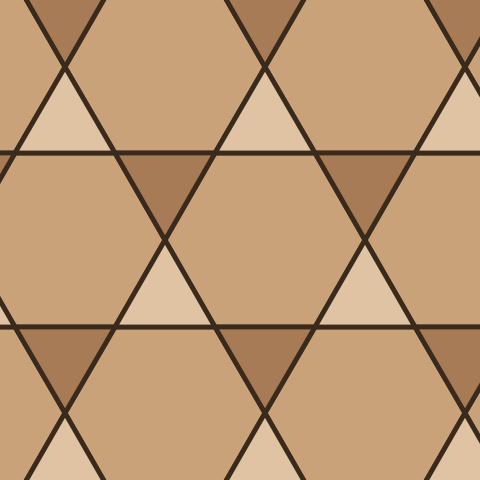 Trihexagonal (kagome)
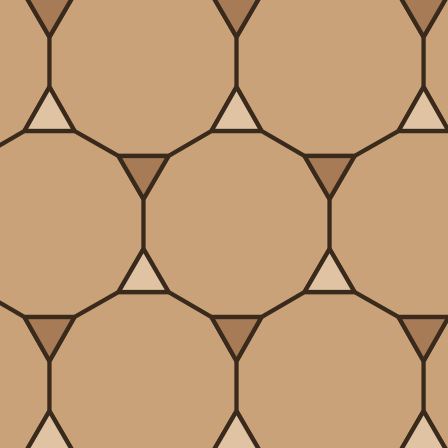 Truncated hexagonal
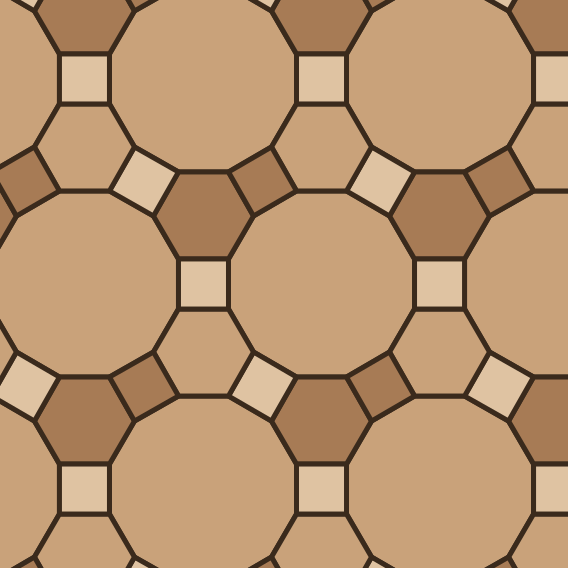 Truncated trihexagonal
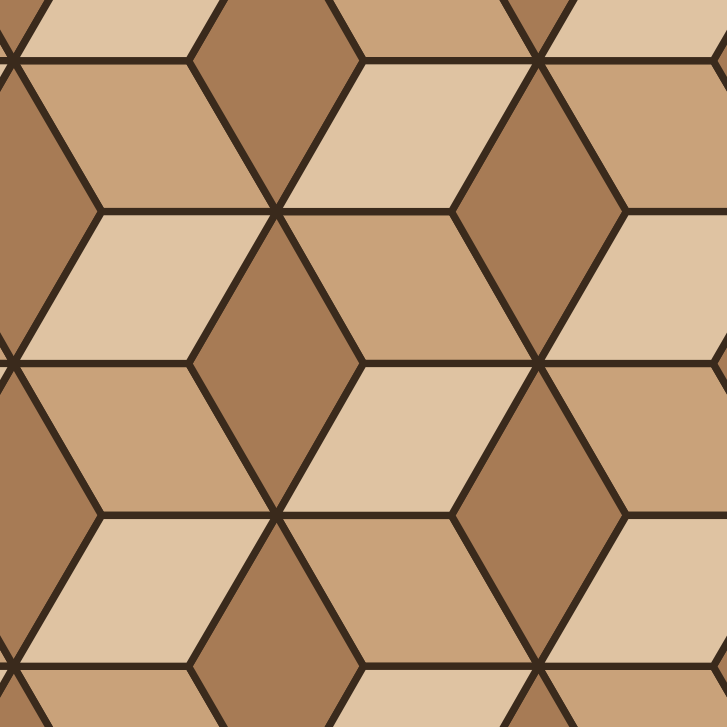 Tumbling blocks
Select a floor or wall in SketchUp, pick a pattern and Motif builds the 3D tiles, clipped to the face, with a takeoff of full tiles, cut tiles, area and waste.
Free in SketchUp: 10 uses a day (an Apply, a texture export or a hatch export is one use). Pro is a lifetime license, US$60 at the current sale price (US$120 list).
Yes. Every pattern, texture map (albedo, height, normal, roughness, metalness, ambient occlusion) and CAD hatch format is free to generate and download, with no account and no watermark. The SketchUp extension is free for 10 uses a day (each Apply, texture export or hatch export counts as one); after that Pro is a one-time lifetime license, US$60 at the current sale price (US$120 list).
Yes. Pick a pattern and a material, open the Texture tab and choose which maps to export: albedo, height, normal, roughness, metalness and ambient occlusion. Maps are seamless, repeating images at the size you set.
Yes. The Hatch tab exports AutoCAD .pat, Revit model .pat, Revit drafting .pat, SVG and DXF for all 145 patterns. Curved patterns that a PAT file cannot hold exactly can be exported as a stepped approximation, and the tool tells you when it does.
Texture sites give you a flat image. Motif also builds real 3D tiles with thickness, grout gap and bevel, clipped to a floor or wall, with each tile cut from its own random window of the photo and its own tone shift. The 3D preview above runs the same engine as the SketchUp extension. Some texture generators lock normal maps and CAD hatches behind a paid plan (checked October 2026); Motif does not.
It tiles the faces you select in your own model: real tile geometry in one undo step, editable afterwards (change pattern, size, grout or seed and regenerate), plus an exact takeoff of full and cut tiles, area and waste with CSV export. It needs SketchUp 2022 or newer.
Download motif.rbz, then in SketchUp open Window > Extension Manager, click Install Extension, choose the downloaded file and confirm. Restart SketchUp if it asks.
Built-in photo materials such as wood, marble, terracotta, slate and concrete, or your own image. A material can span the whole layout as one image, give each tile its own random window of the photo, or show the whole image on every tile.