 Motif
MotifDiamond pattern — free hatch (.pat), texture & 3D tiles
Diamond is a ceramic layout built from 1 tile per repeat (sizes 303.1 × 175 mm), repeating on the lattice a = (151.6, 87.5) mm, b = (151.6, -87.5) mm, a cell of 26522 mm². The seamless texture repeat is 303.1 × 175 mm. Download it as a CAD hatch, a seamless texture or SVG and DXF lines, count the tiles for your room, or build it as real 3D tiles in SketchUp. All free.
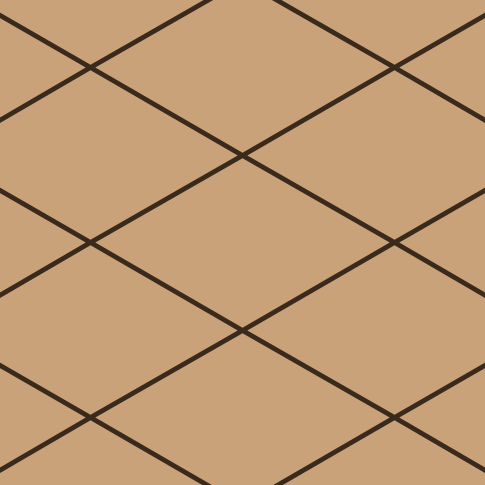
Diamond in numbers
| Category | Ceramic, mosaic and geometric tiles |
|---|---|
| Tiles in one repeat | 1 |
| Lattice vector a | (151.6, 87.5) mm |
| Lattice vector b | (151.6, -87.5) mm |
| Repeat cell area | 26522 mm² |
| Tile sizes | 303.1 × 175 mm |
| Seamless texture repeat | 303.1 × 175 mm |
| Default short diagonal | 175 (range 20–600) |
| Default long / short diagonal | 1.7320508075688772 (range 1–4) |
Free downloads for Diamond
- AutoCAD hatch (.pat)diamond.pat
- Revit model hatch (.pat)diamond-revit.pat
- SVG linesdiamond-hatch.svg
- DXF linesdiamond.dxf
- Seamless albedo PNG502 × 290 px preview
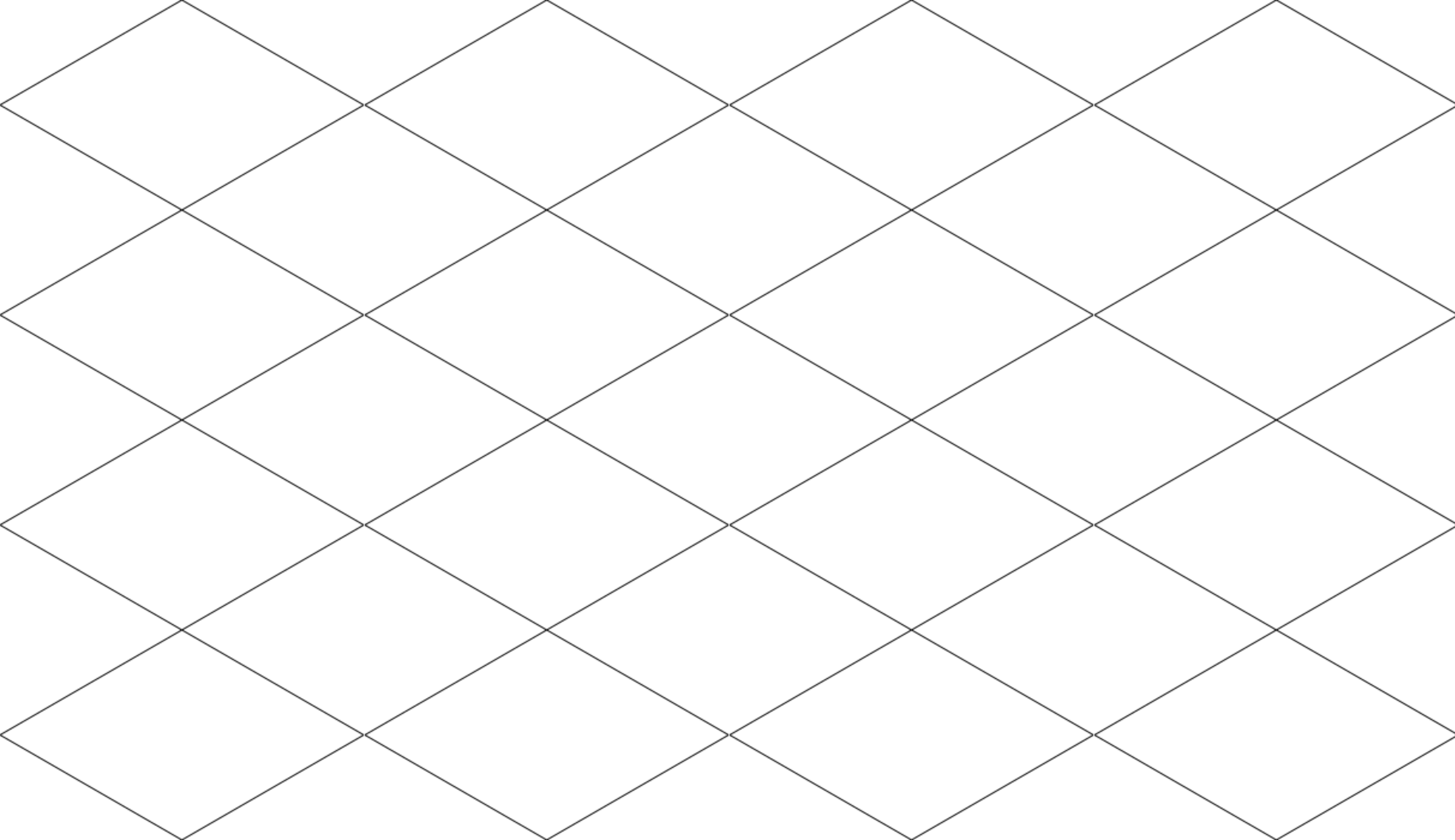
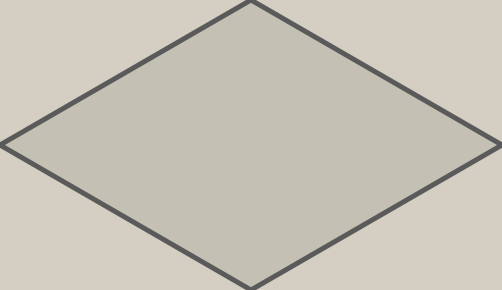
Hatch units are millimetres at the default tile size. For other sizes use the hatch page or the editor, which exports every format at the size you set.
Diamond tile calculator
Enter the room, grout and tile size. The count comes from the same engine that lays the 3D tiles, so the cut tiles are real cuts against your room edges (a 4 × 3 m room is shown first). More patterns: tile calculator.
- Full tiles
- 413
- Cut tiles
- 90
- Whole tiles used
- 503
- Area (net)
- 12 m²
- Tile area bought
- 13.34 m²
- Waste from cuts
- 11.2 %
- Tiles to order
- 554
| Size | Full tiles | Cut tiles |
|---|---|---|
| 303.1 × 175 mm | 413 | 90 |
Open it in the editor or in SketchUp
Use it in SketchUp (10 free uses a day) motif.rbz
Questions about Diamond
How many Diamond tiles do I need for a 4 × 3 m room?
With the default tile size and a 3 mm joint, a 4 × 3 m floor needs 413 full tiles and 90 cut tiles (503 whole tiles counting each cut tile as one). The net area is 12 m² and the tiles bought cover 13.34 m², so cutting alone wastes 11.2 %. Enter your own room and tile size in the calculator on this page.
Is the Diamond hatch exact?
Yes. The .pat file draws the tile edges exactly: every edge direction of this pattern is parallel to a lattice vector, so a PAT line family reproduces it without approximation. Units are millimetres and the pattern name inside the file is diamond.
How do I use the .pat file in AutoCAD?
Copy the .pat file into a folder that is in AutoCAD's Support File Search Path (Options > Files), keep the file name (the pattern name inside the file matches it), then pick the pattern in the HATCH command. If Windows blocks the download, right-click the file, open Properties and tick Unblock.
How do I use the .pat file in Revit?
In Revit open Manage > Additional Settings > Fill Patterns, click New, choose Custom and browse to the .pat file. Use the model variant when the pattern must keep its real size on the building.
What is the repeat size of Diamond?
One repeat of the lattice covers 26522 mm² with 1 tile. The smallest rectangle that repeats seamlessly in both directions, which is what a texture image needs, is 303.1 × 175 mm at the default sizes.
Related patterns
 Dodecagram and hexagon186.6 × 186.6, 150 × 129.9 mm (+2)
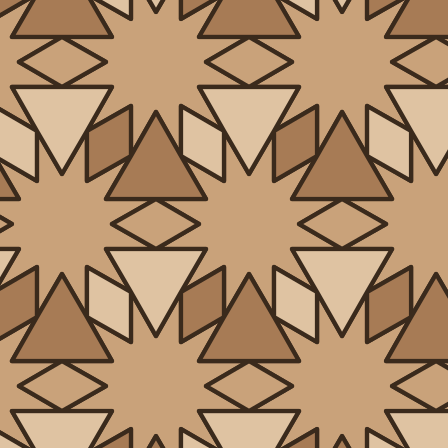 Dodecagram and triangle186.6 × 186.6, 75 × 43.3 mm (+2)
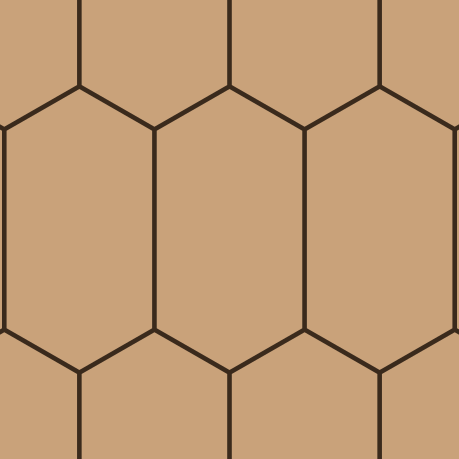 Elongated hexagon286.6 × 150 mm
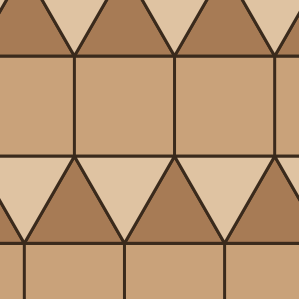 Elongated triangular100 × 100, 100 × 86.6 mm
 Fish scale100 × 100 mm
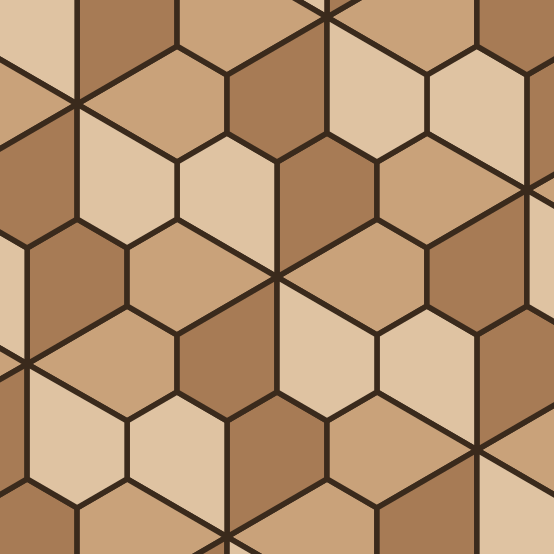 Floret pentagonal150 × 115.5, 144.3 × 100 mm
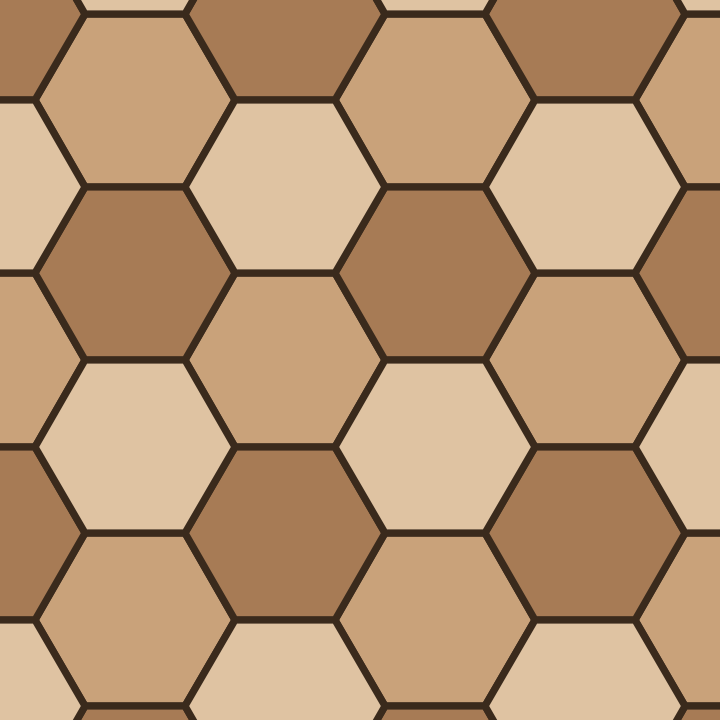 Hexagon, three tone200 × 173.2 mm
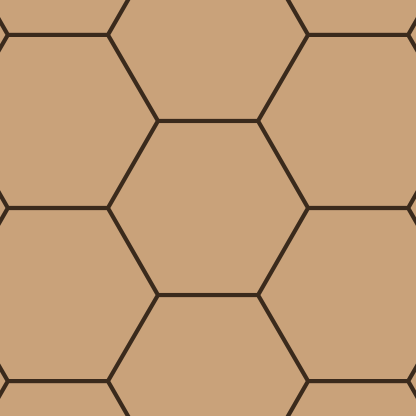 Hexagon200 × 173.2 mm