 Motif
MotifFree hatch patterns for AutoCAD and Revit (.pat), SVG & DXF
Tile and paving hatches drawn from exact tile edges: 15 plain tile sizes and 115 laying patterns including herringbone, chevron, brick bonds, Versailles and hexagon. No account, no watermark. Files are in millimetres.
Tile size grids: 300 × 600, 600 × 600 and more
A stack-bond grid at the exact tile pitch, so the hatch lines up with the real tile size without scaling.
| Tile size (mm) | AutoCAD .pat | Revit model .pat |
|---|---|---|
| 100 × 100 | tile-100x100.pat | tile-100x100-revit.pat |
| 150 × 150 | tile-150x150.pat | tile-150x150-revit.pat |
| 200 × 200 | tile-200x200.pat | tile-200x200-revit.pat |
| 300 × 300 | tile-300x300.pat | tile-300x300-revit.pat |
| 300 × 600 | tile-300x600.pat | tile-300x600-revit.pat |
| 400 × 400 | tile-400x400.pat | tile-400x400-revit.pat |
| 400 × 800 | tile-400x800.pat | tile-400x800-revit.pat |
| 450 × 450 | tile-450x450.pat | tile-450x450-revit.pat |
| 500 × 500 | tile-500x500.pat | tile-500x500-revit.pat |
| 600 × 600 | tile-600x600.pat | tile-600x600-revit.pat |
| 600 × 1200 | tile-600x1200.pat | tile-600x1200-revit.pat |
| 800 × 800 | tile-800x800.pat | tile-800x800-revit.pat |
| 900 × 900 | tile-900x900.pat | tile-900x900-revit.pat |
| 1000 × 1000 | tile-1000x1000.pat | tile-1000x1000-revit.pat |
| 1200 × 1200 | tile-1200x1200.pat | tile-1200x1200-revit.pat |
Herringbone hatch for AutoCAD and Revit
The herringbone page has the .pat, SVG and DXF for the default 600 × 100 mm board; the editor exports any board size. Vietnamese: lát gạch xương cá.
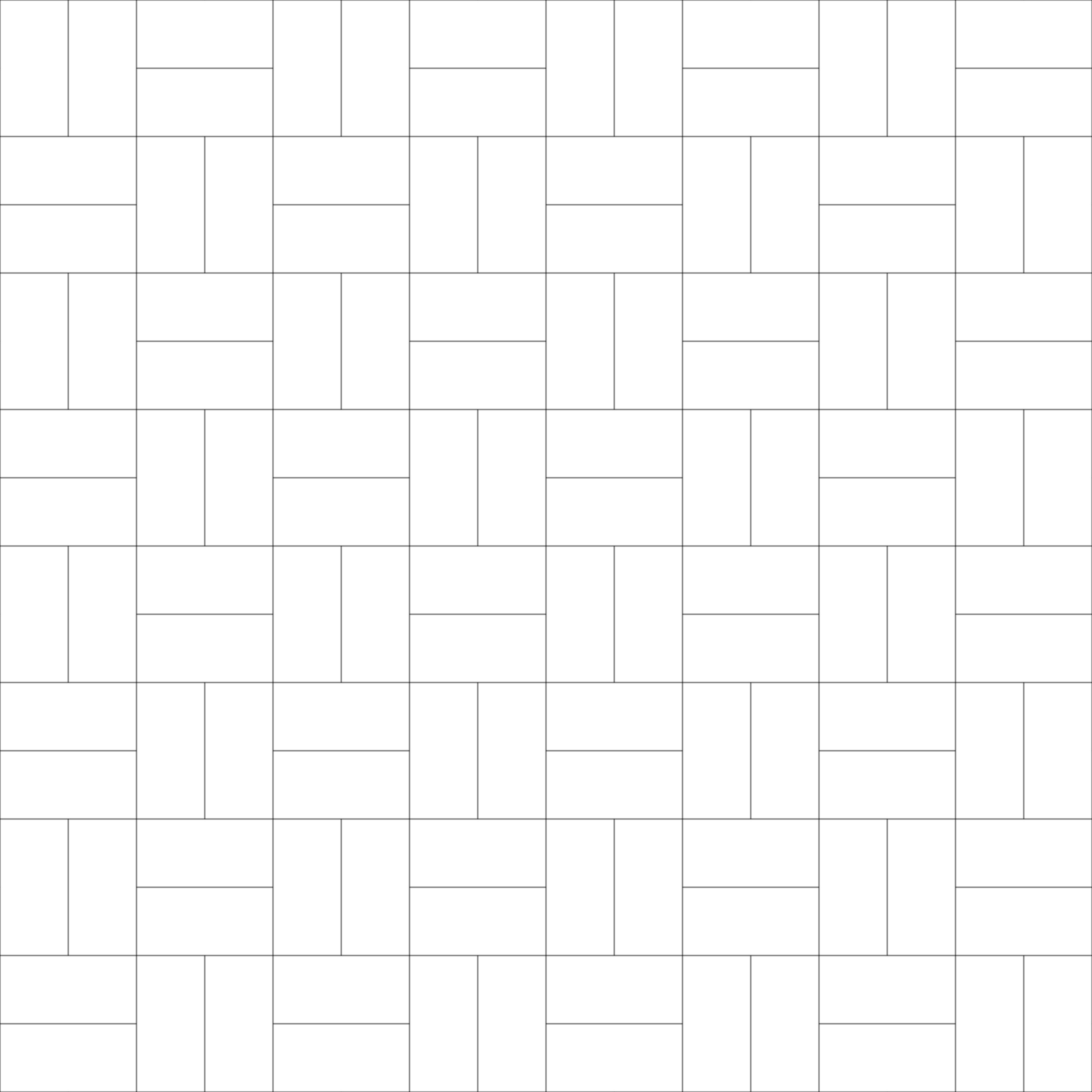
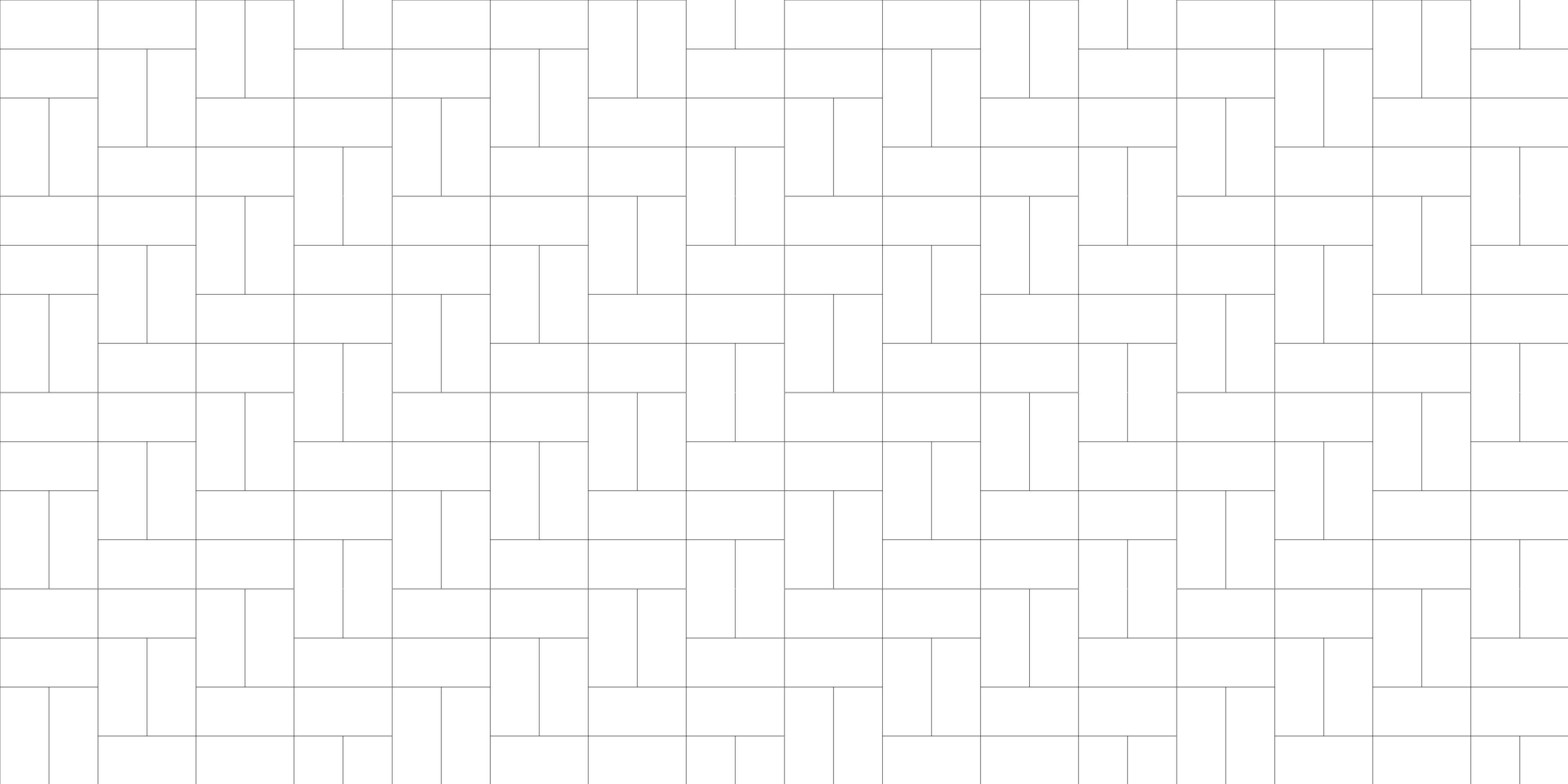
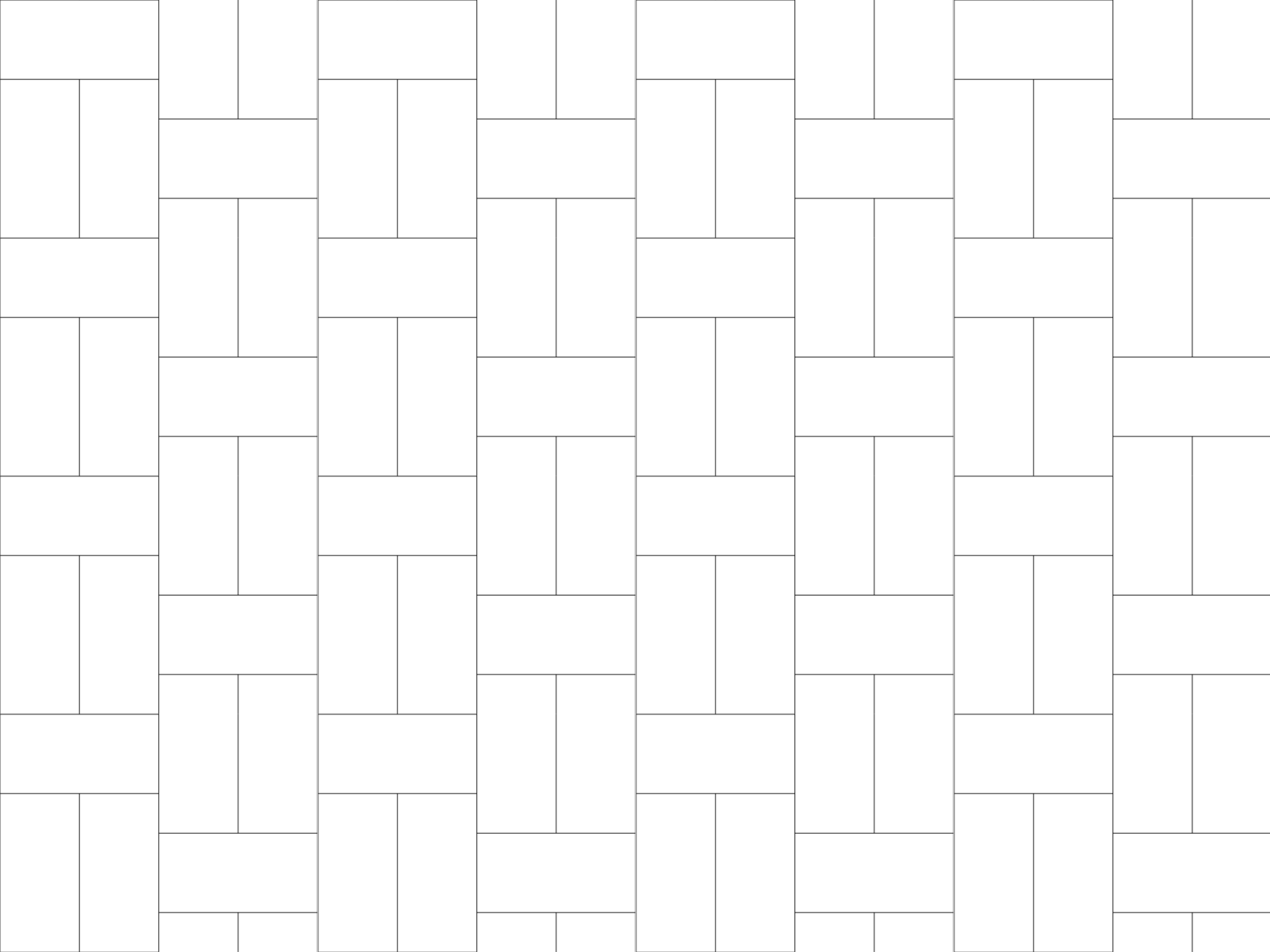
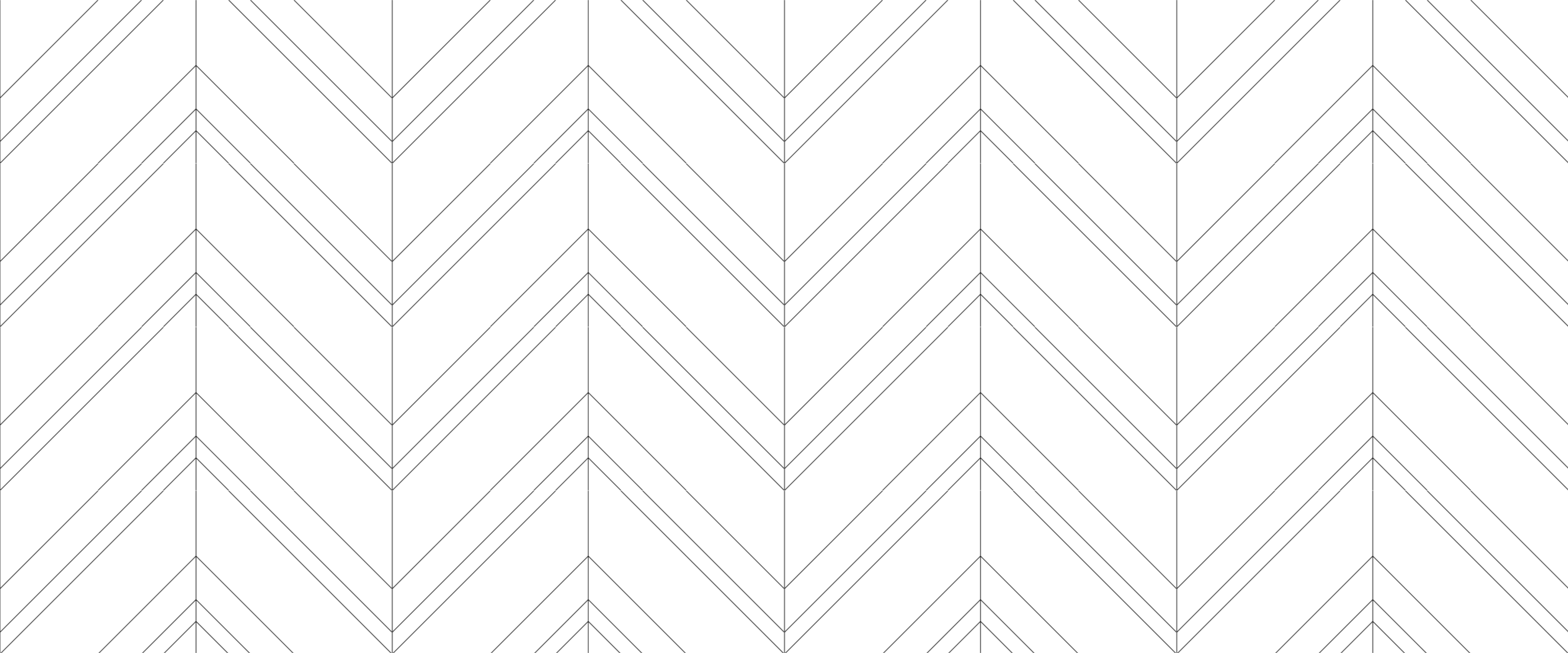
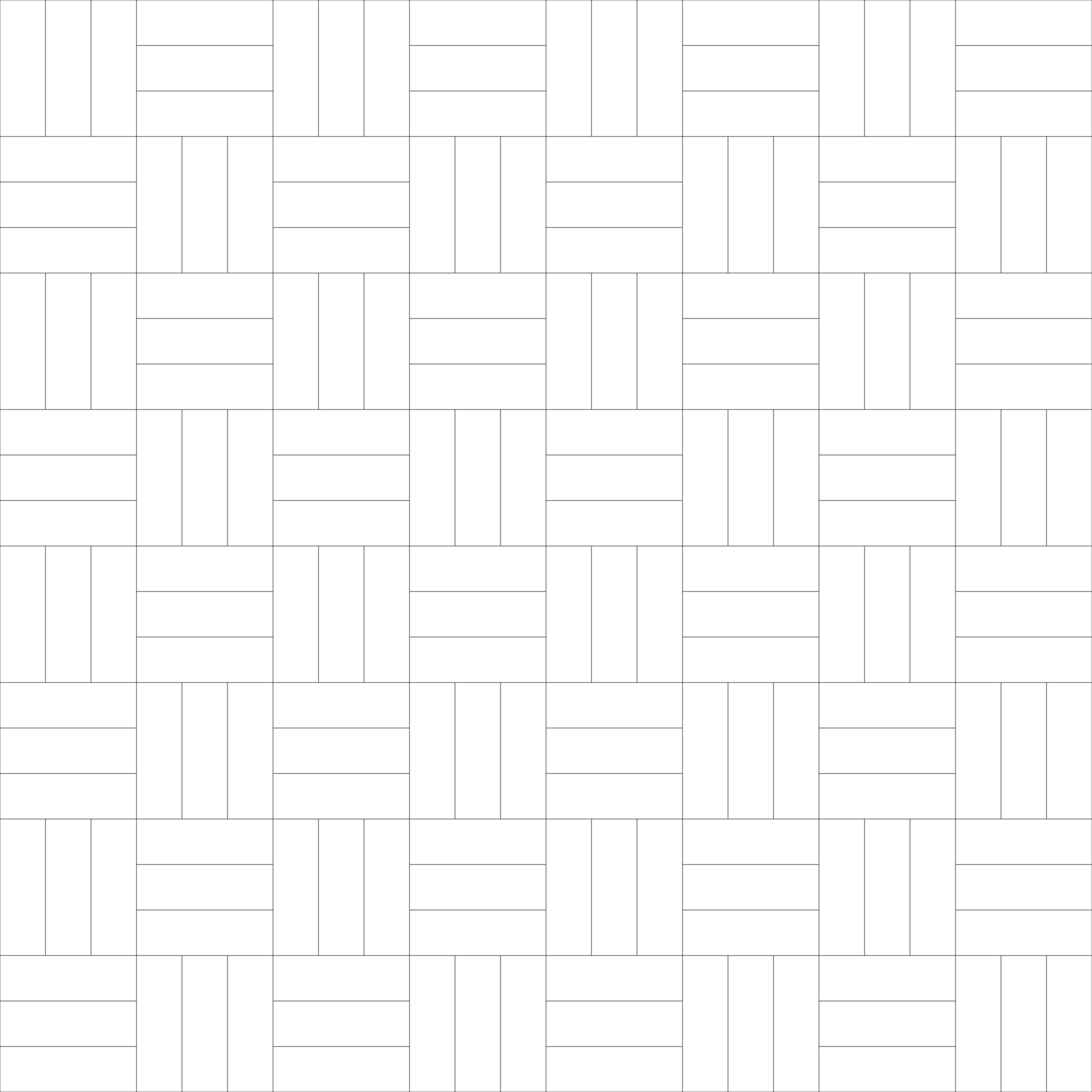
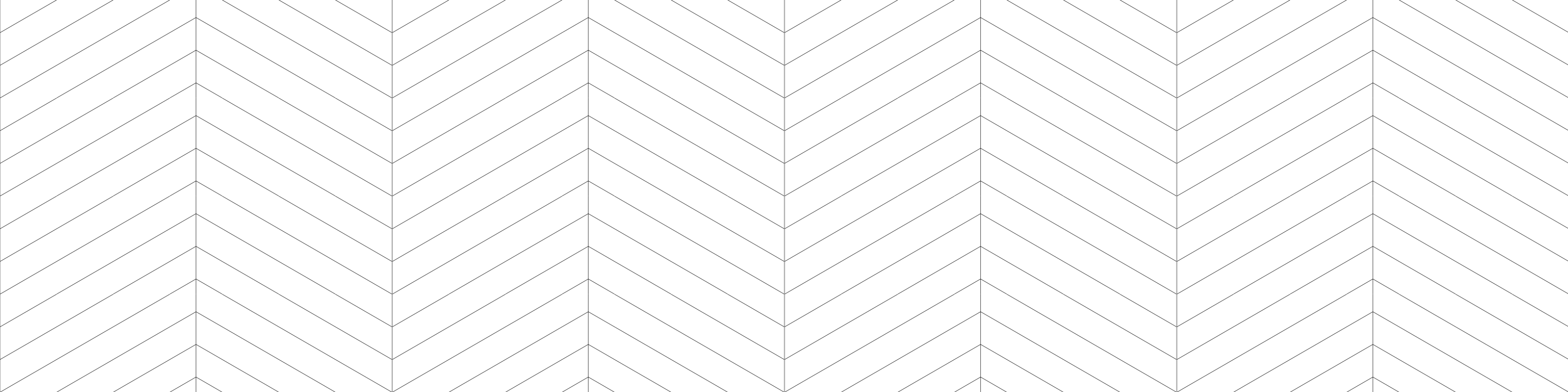
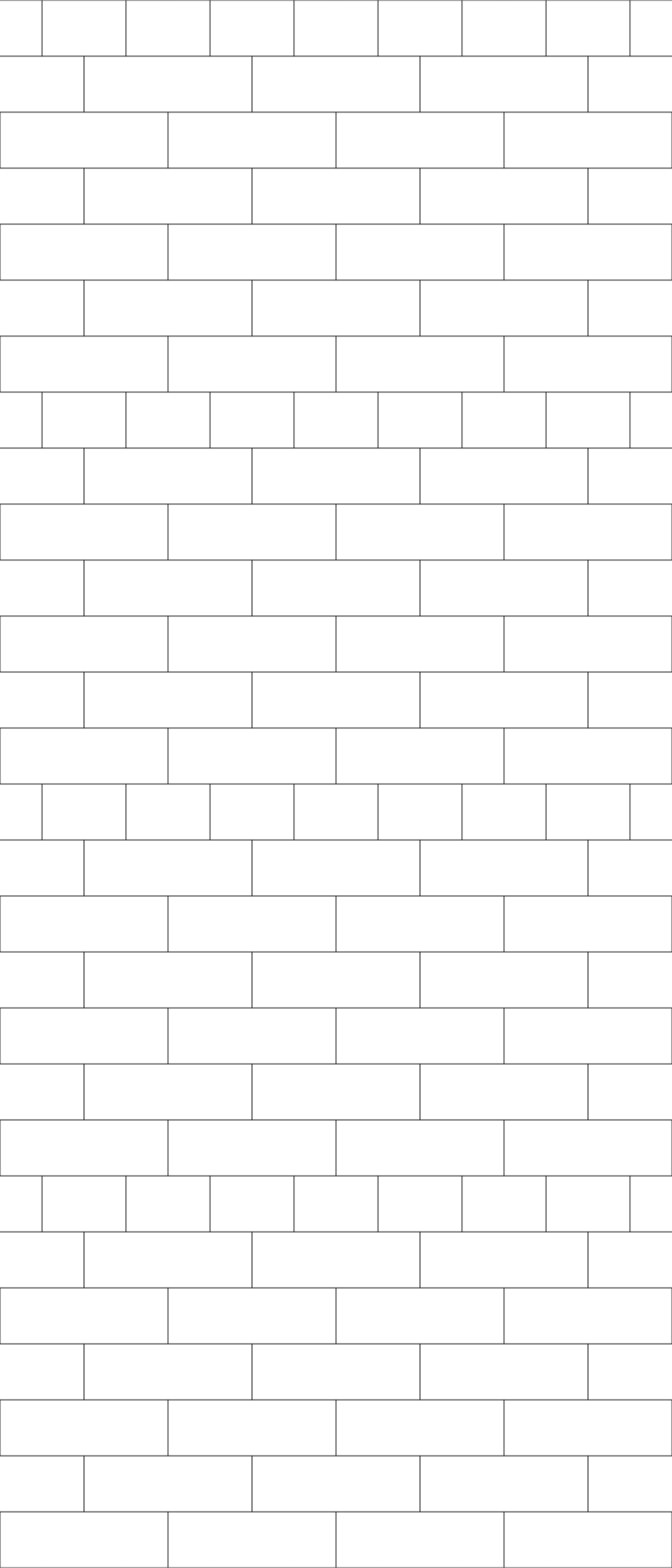
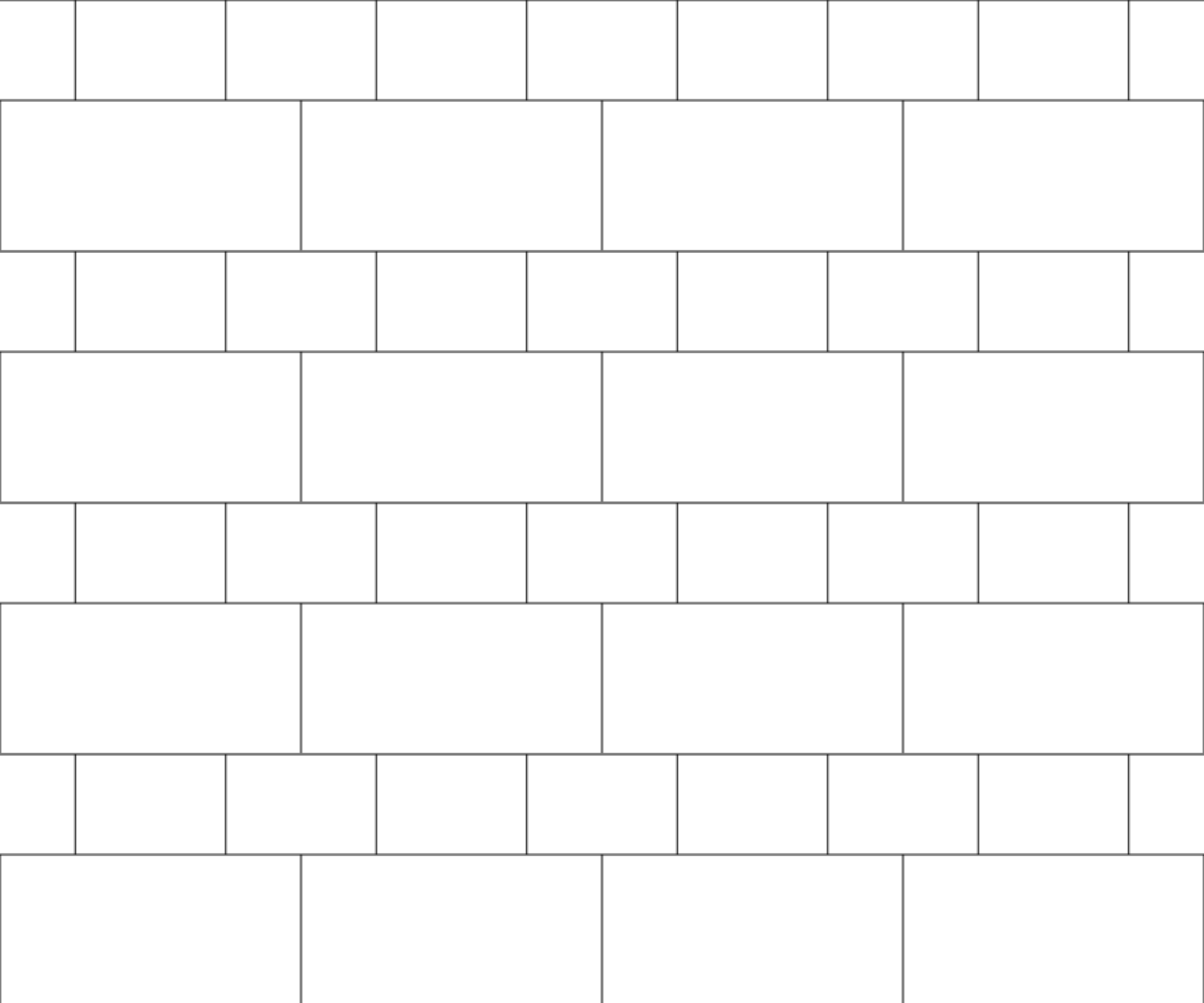
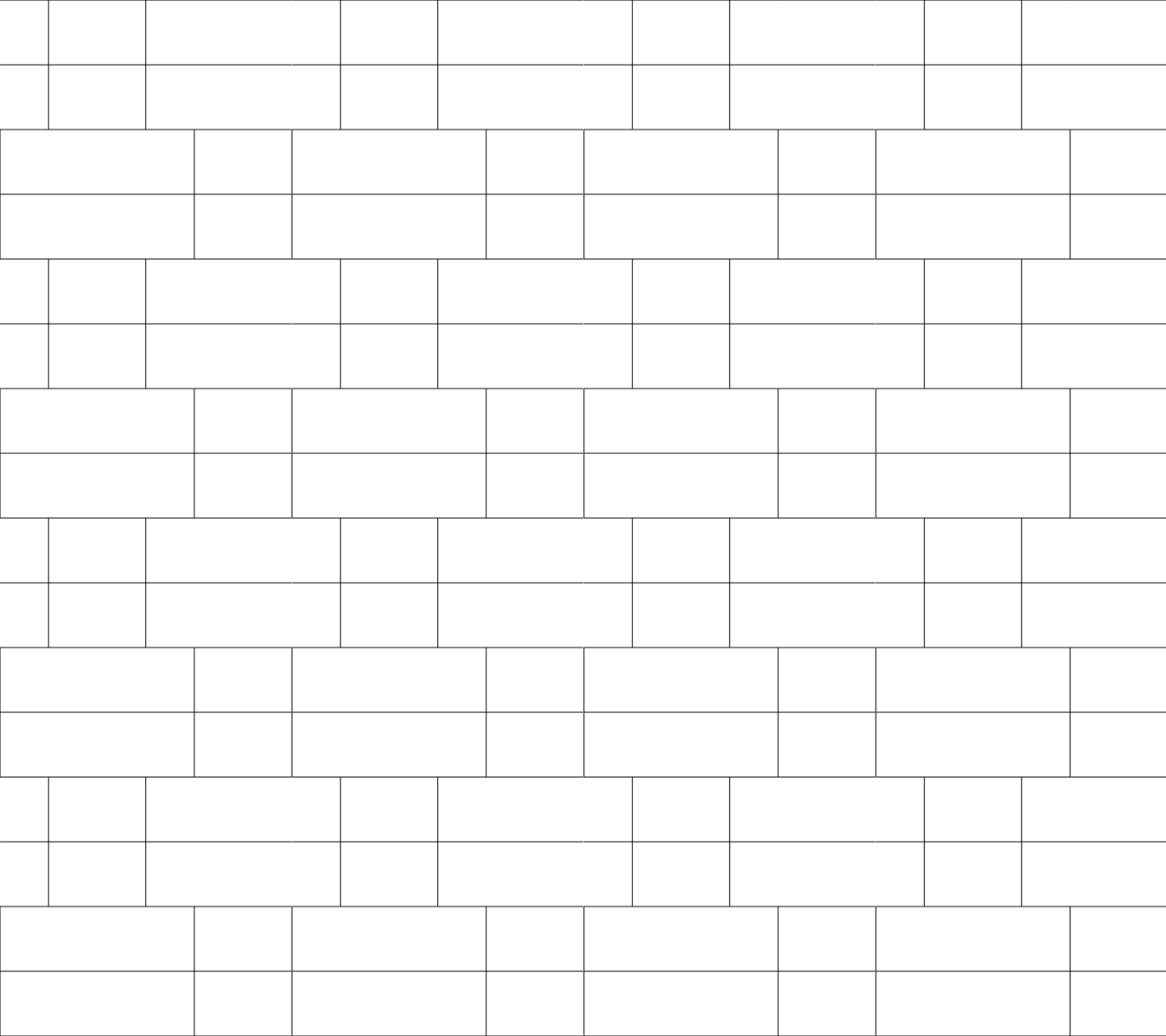
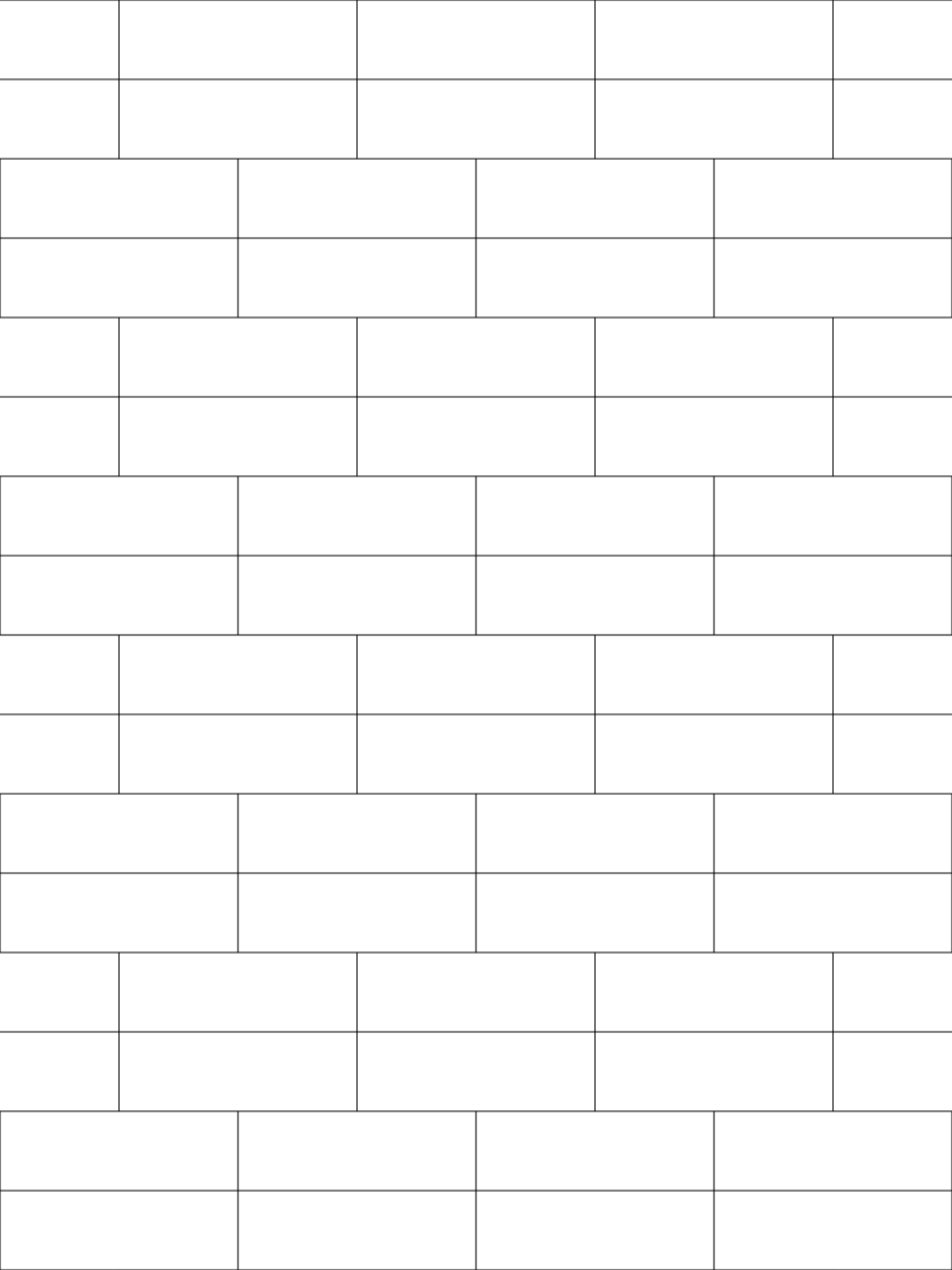
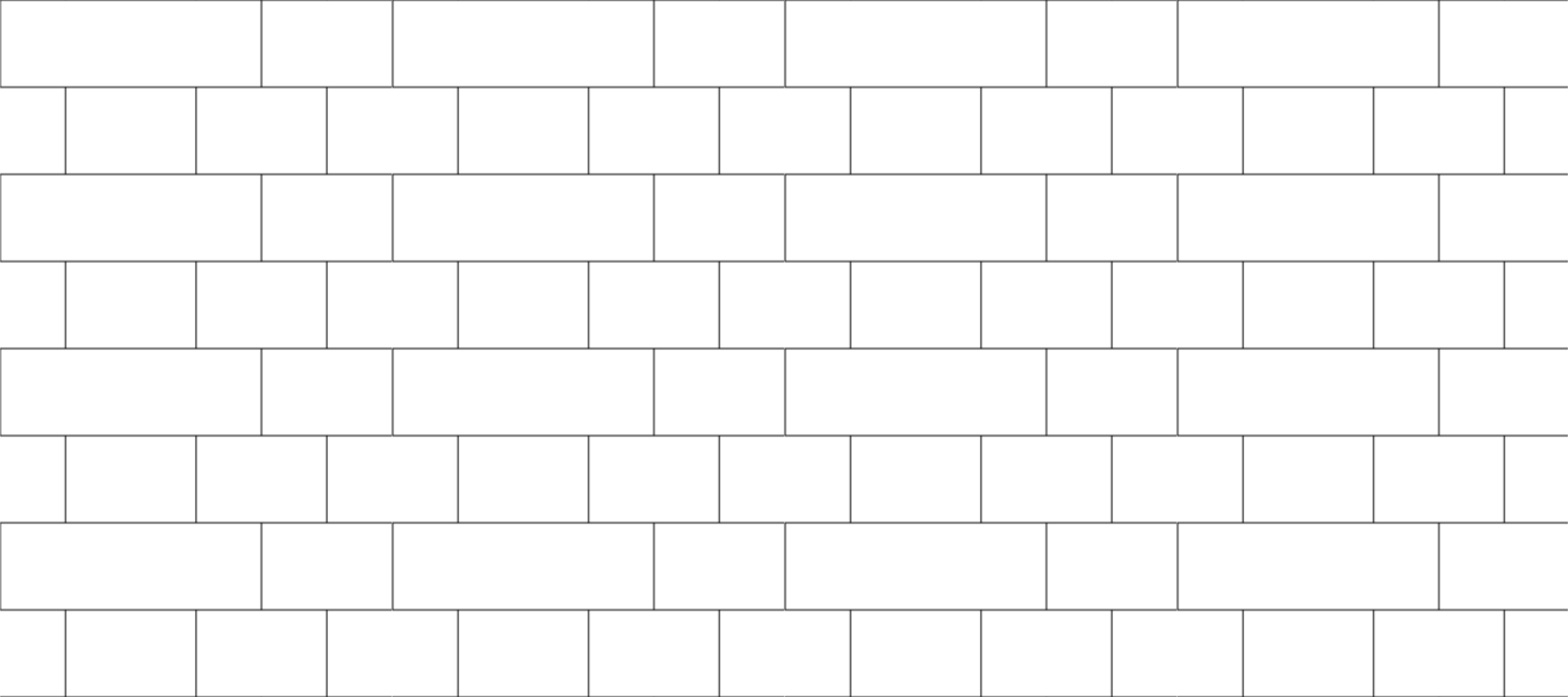
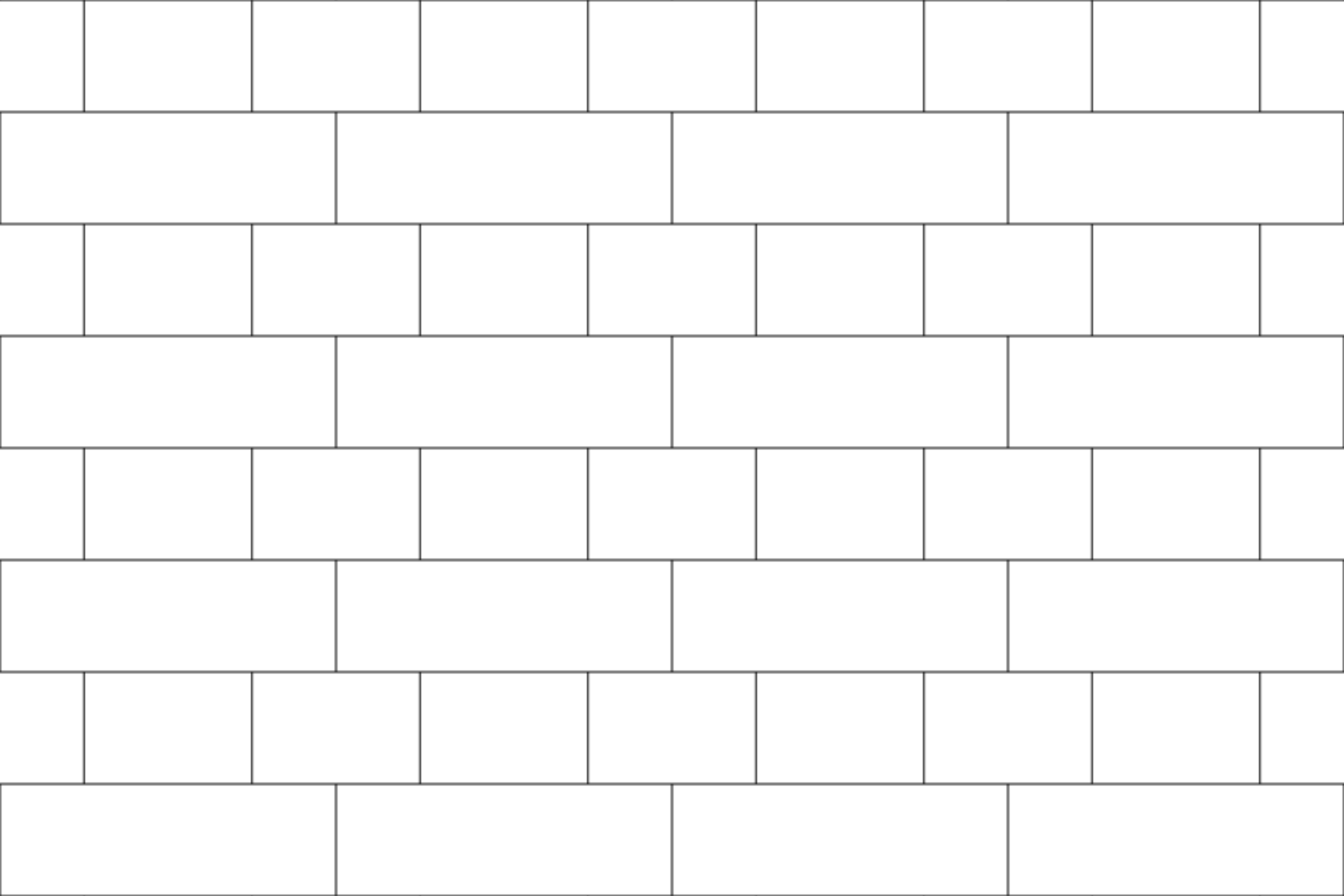
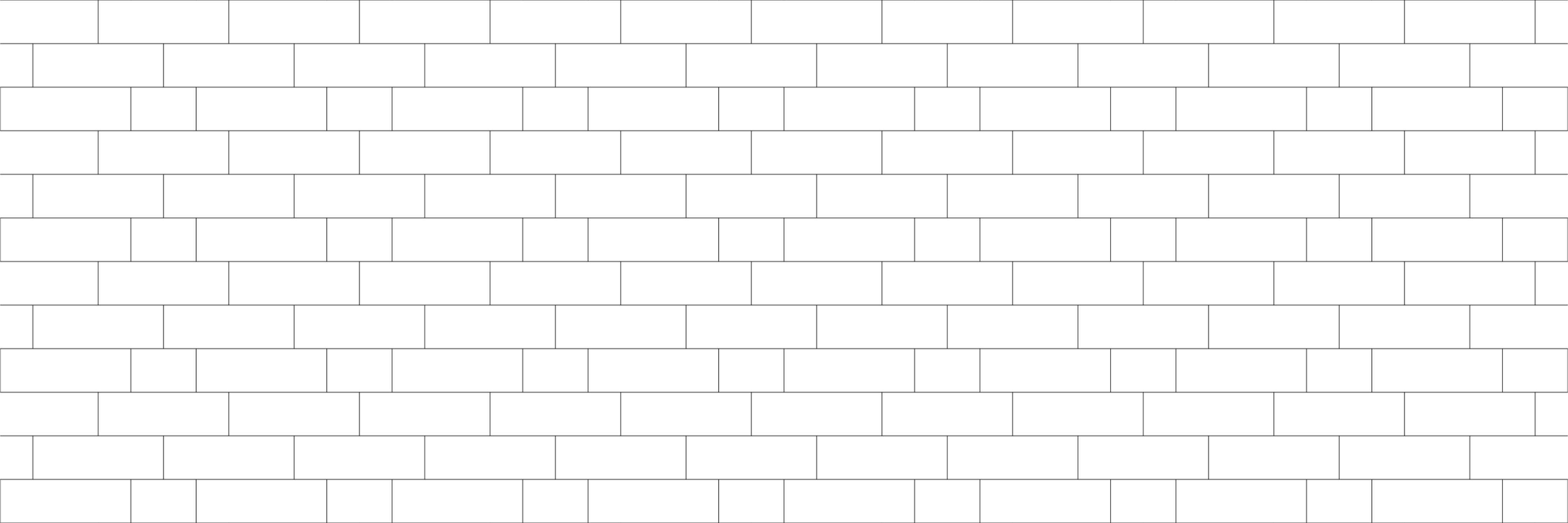
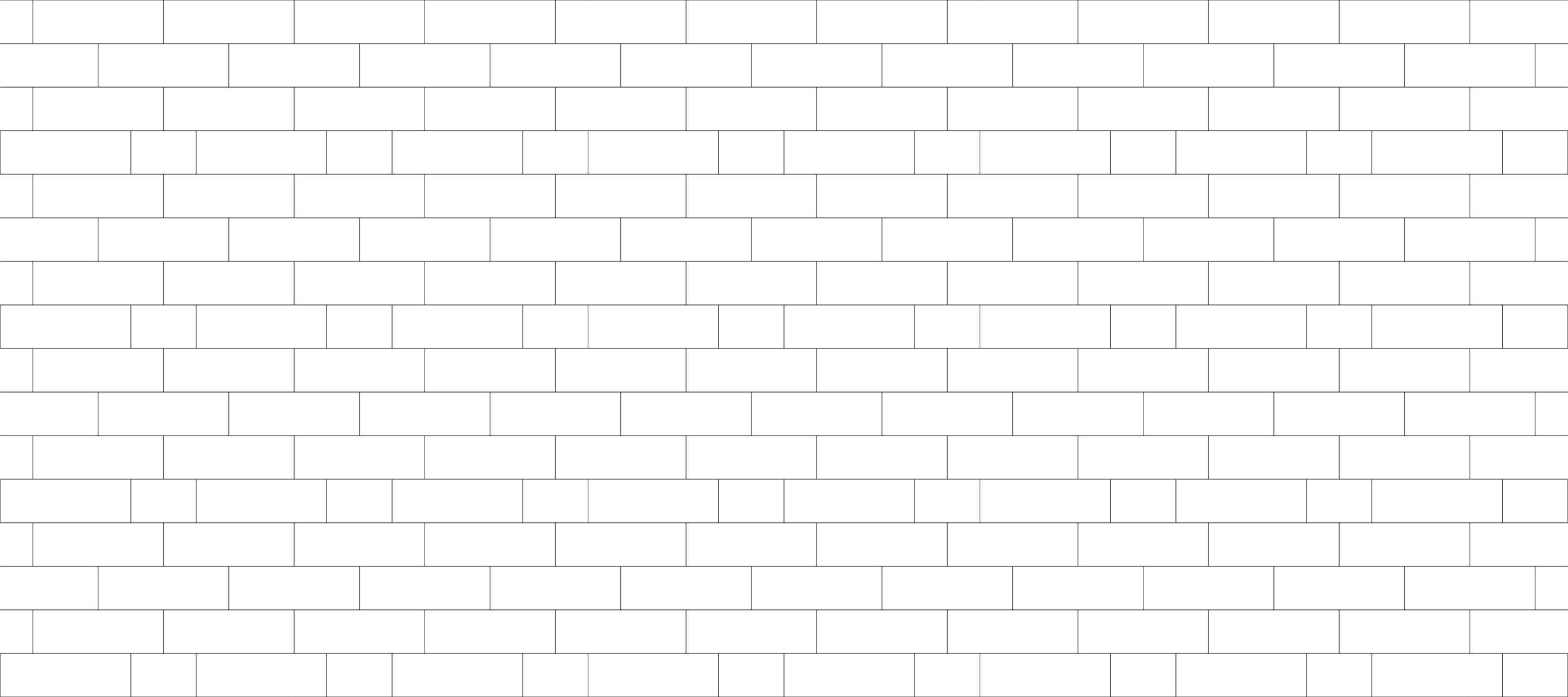
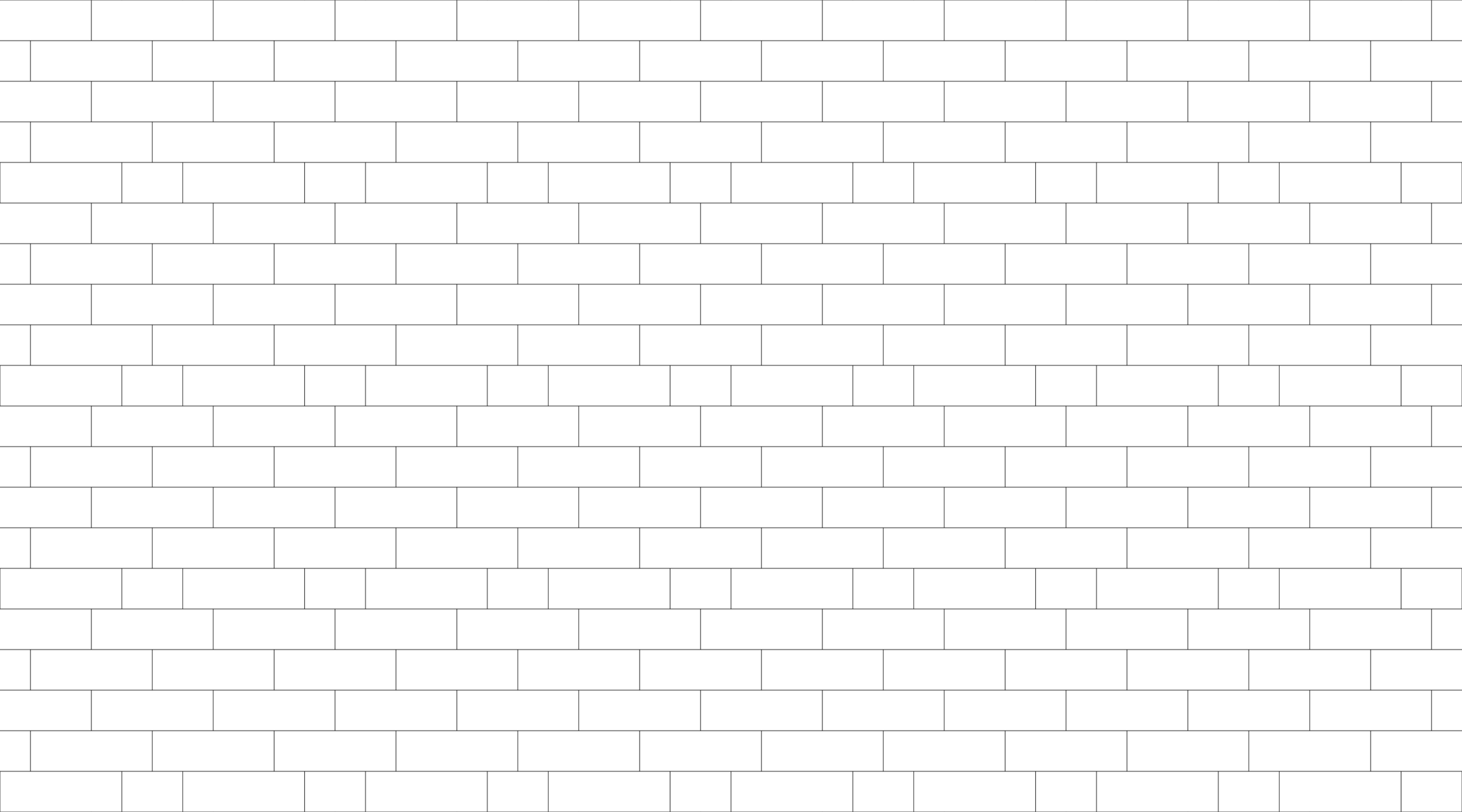
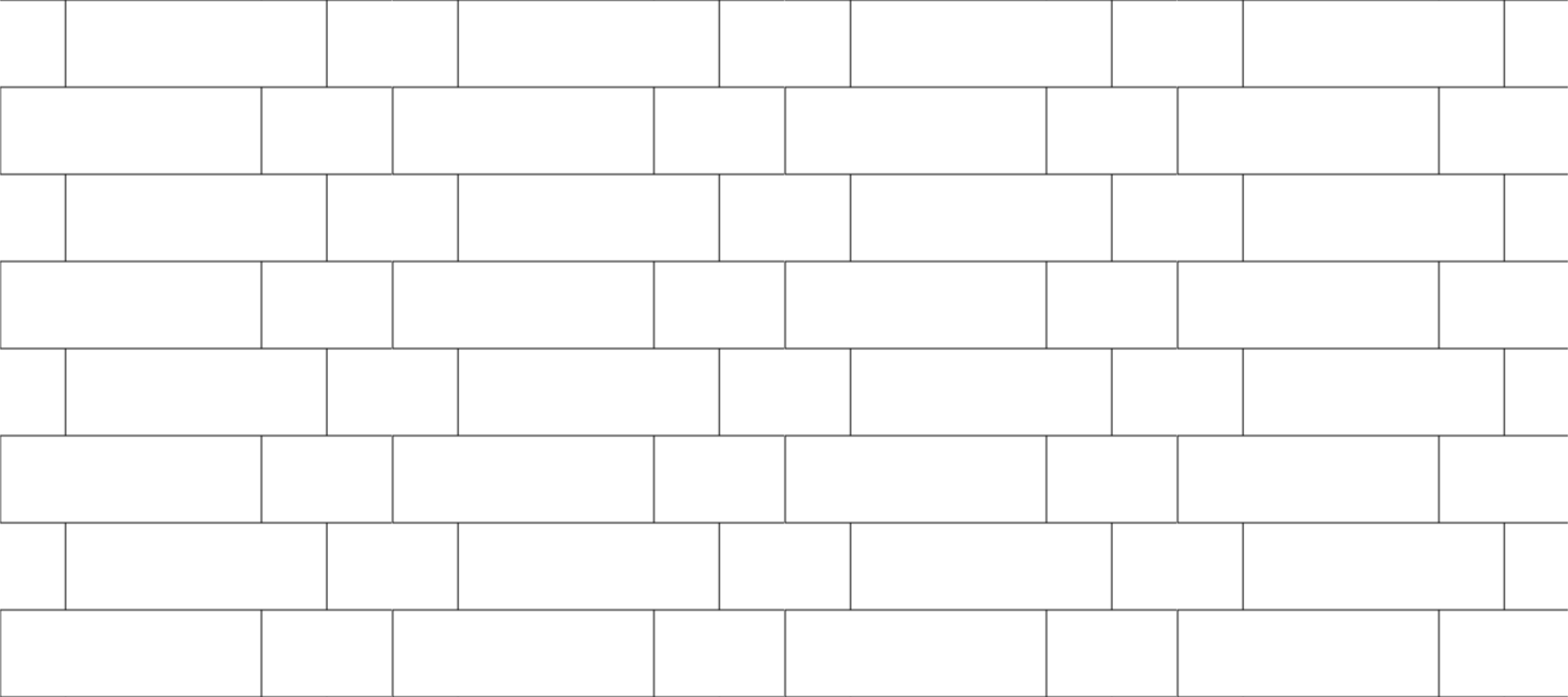
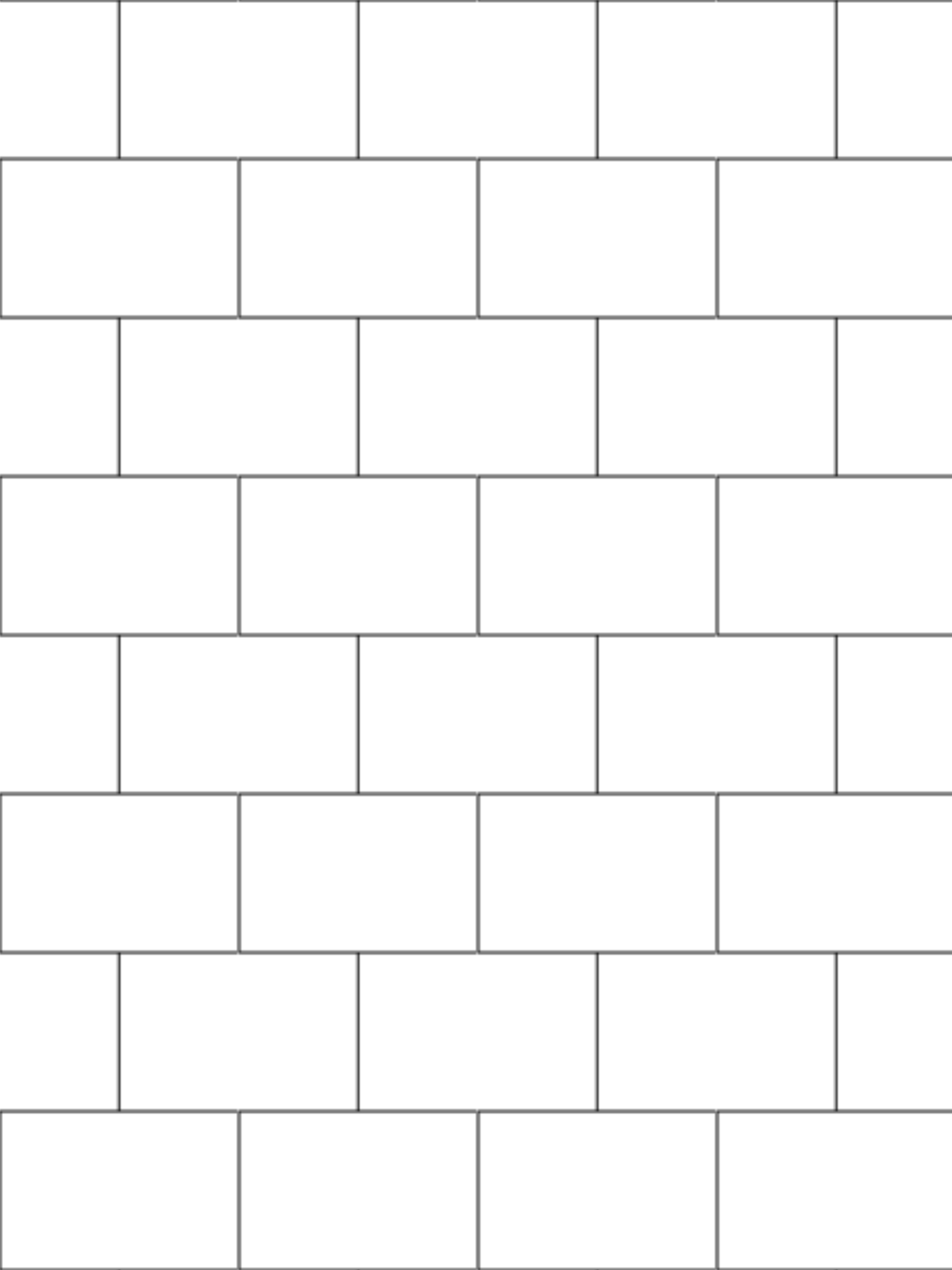
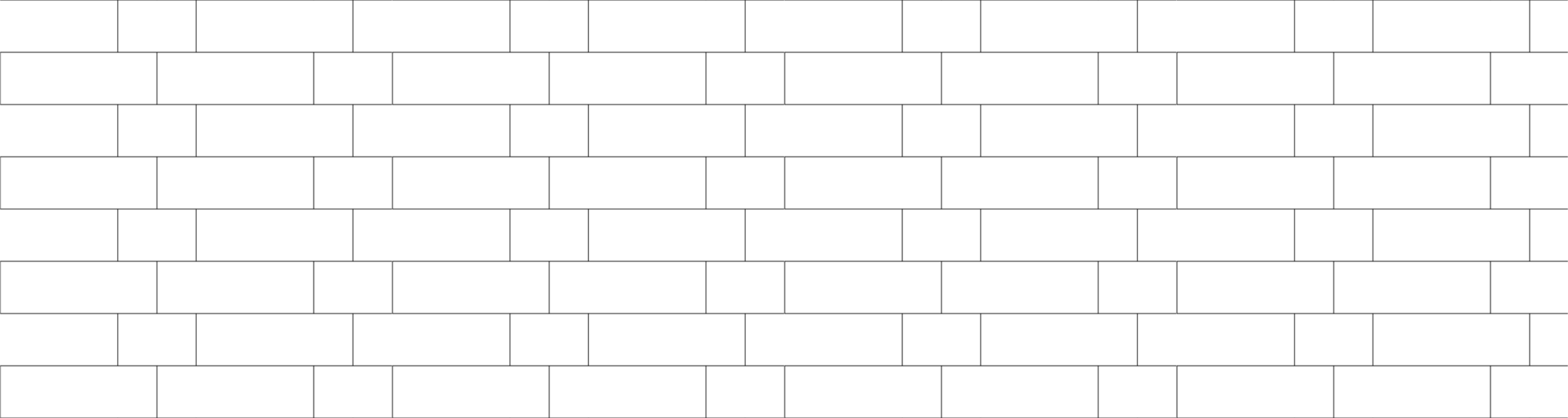
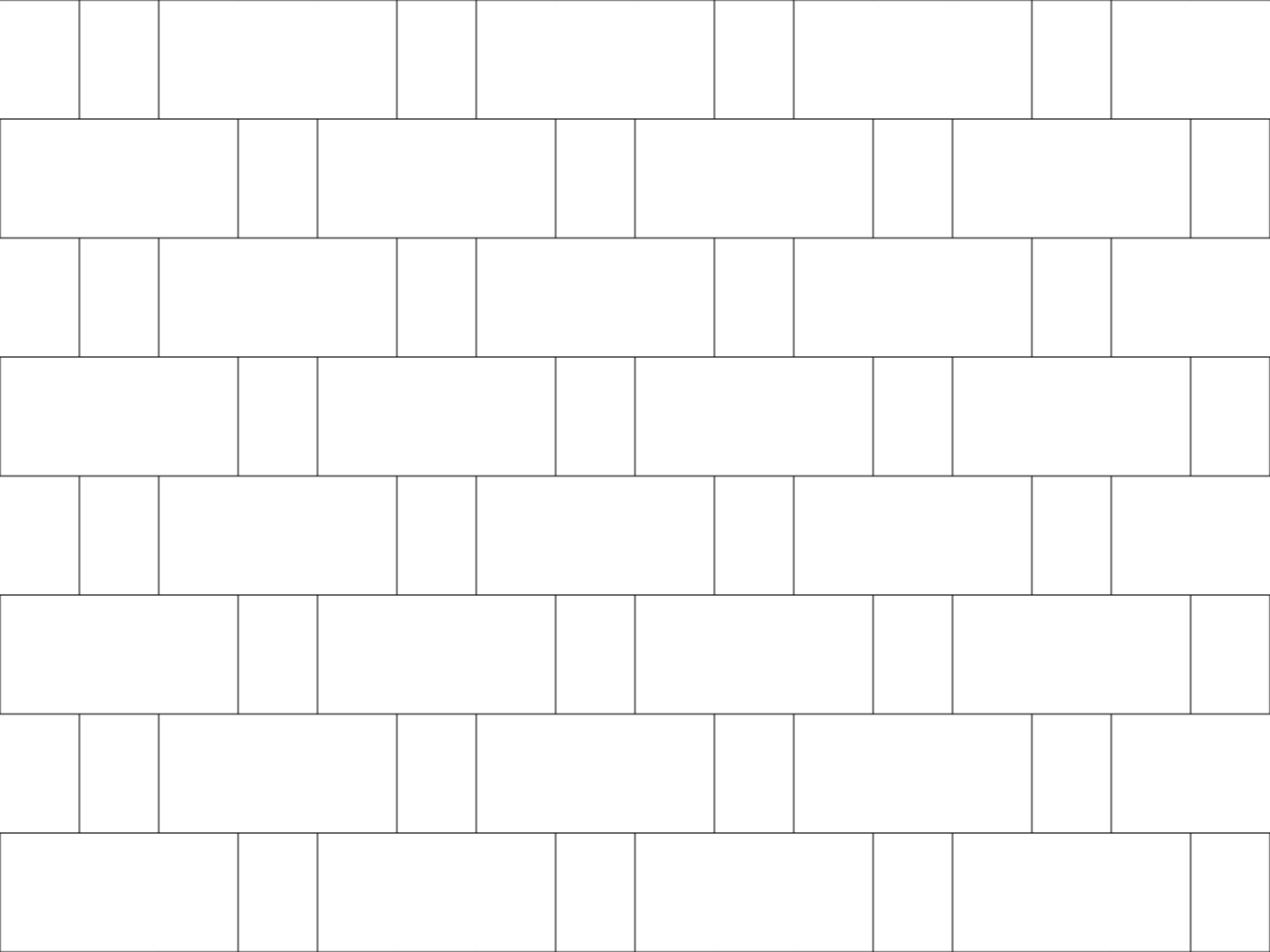
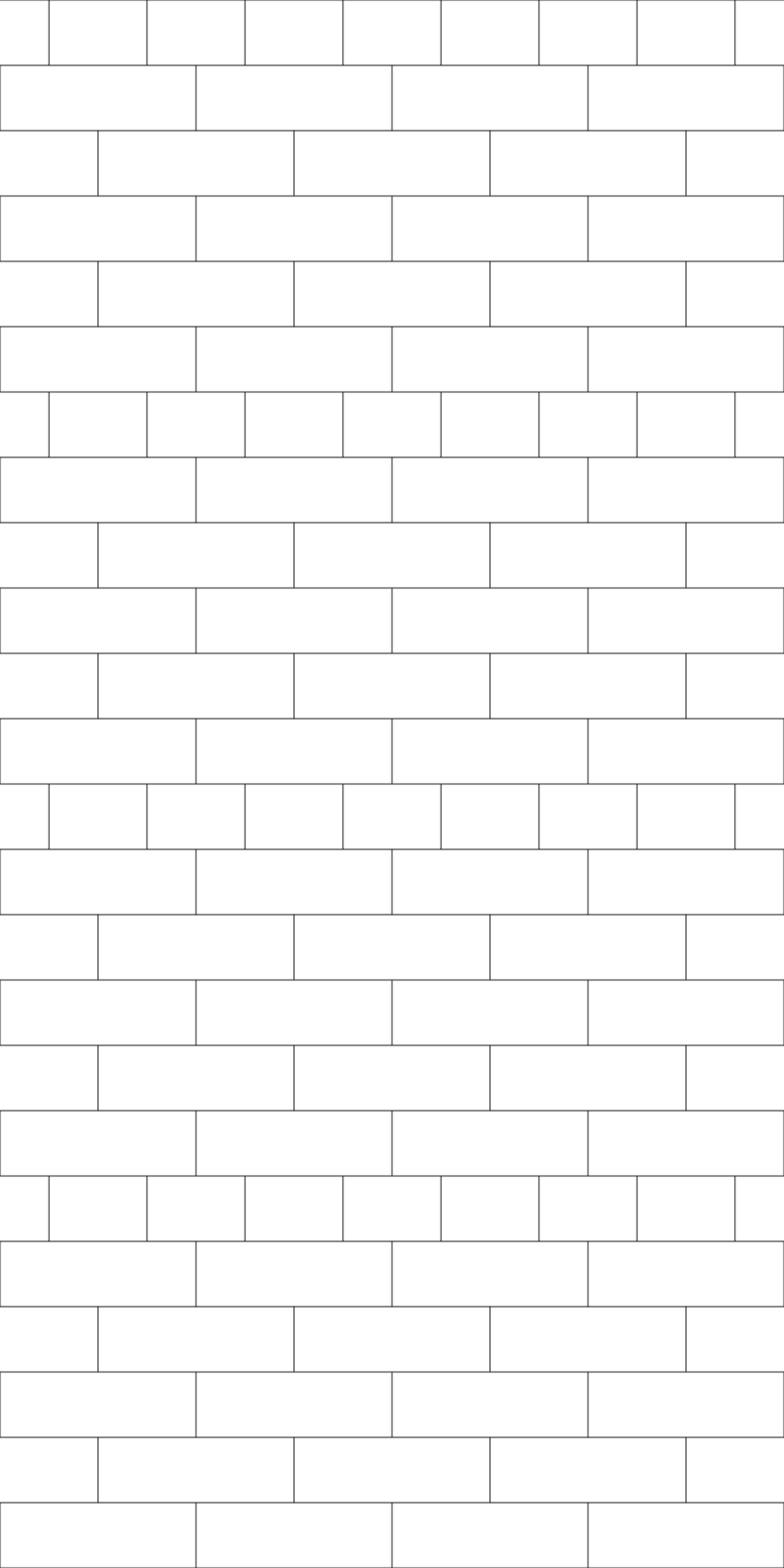
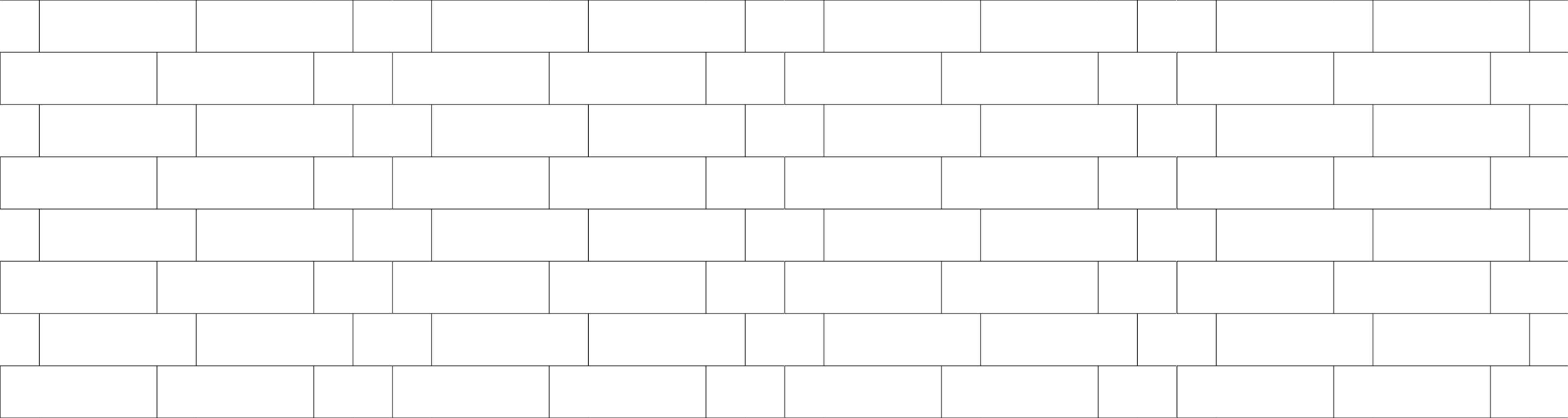
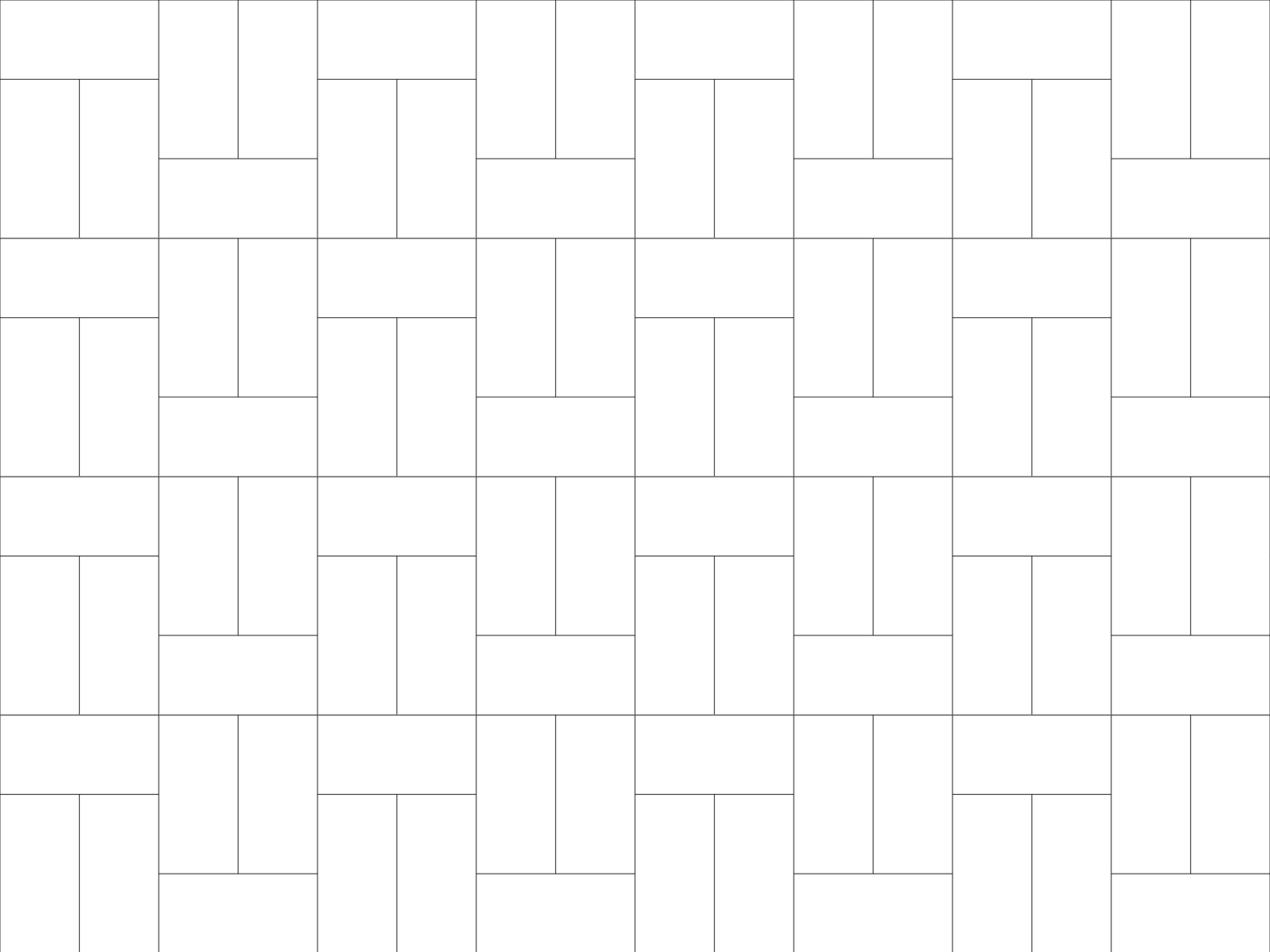
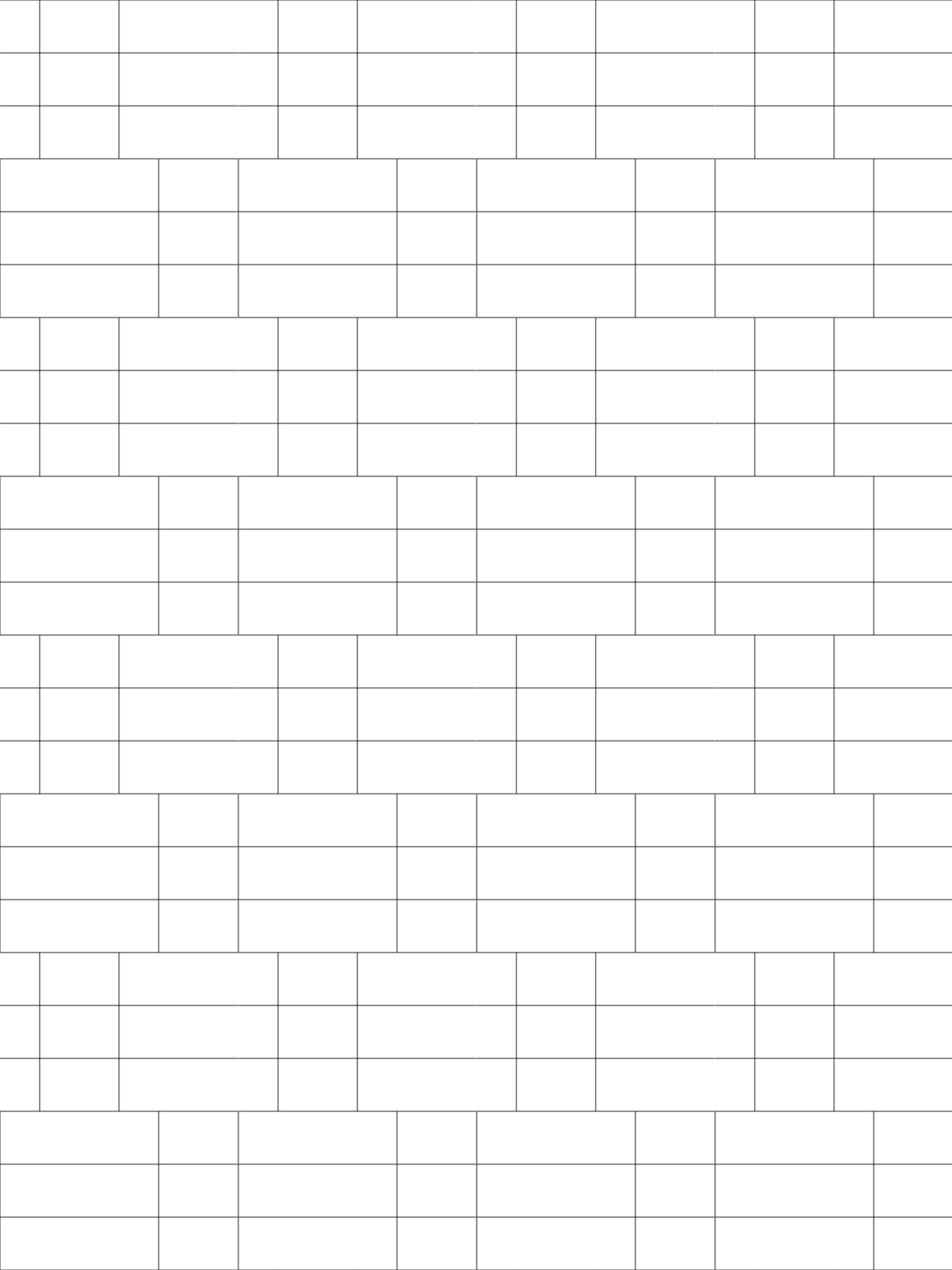
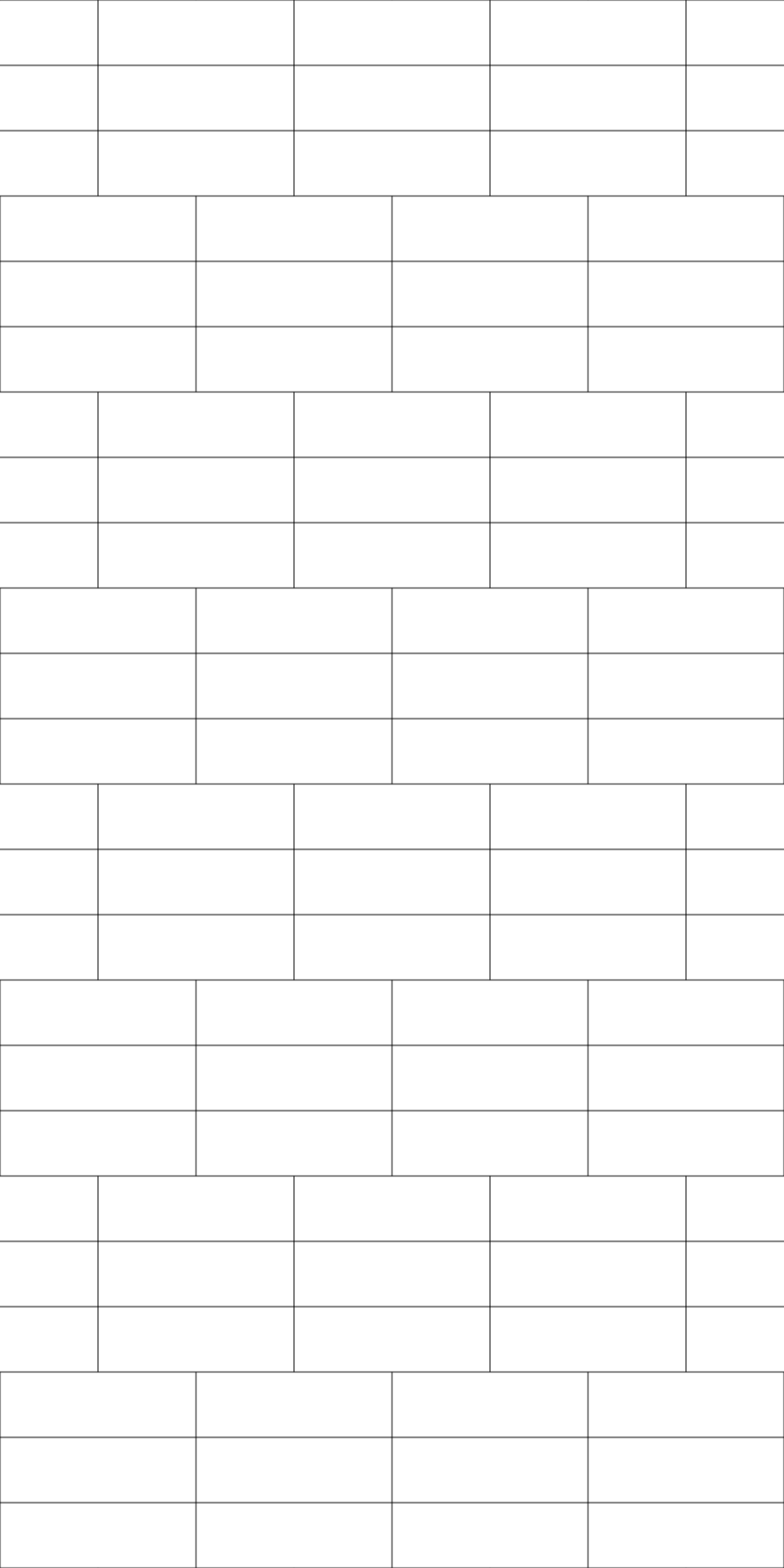
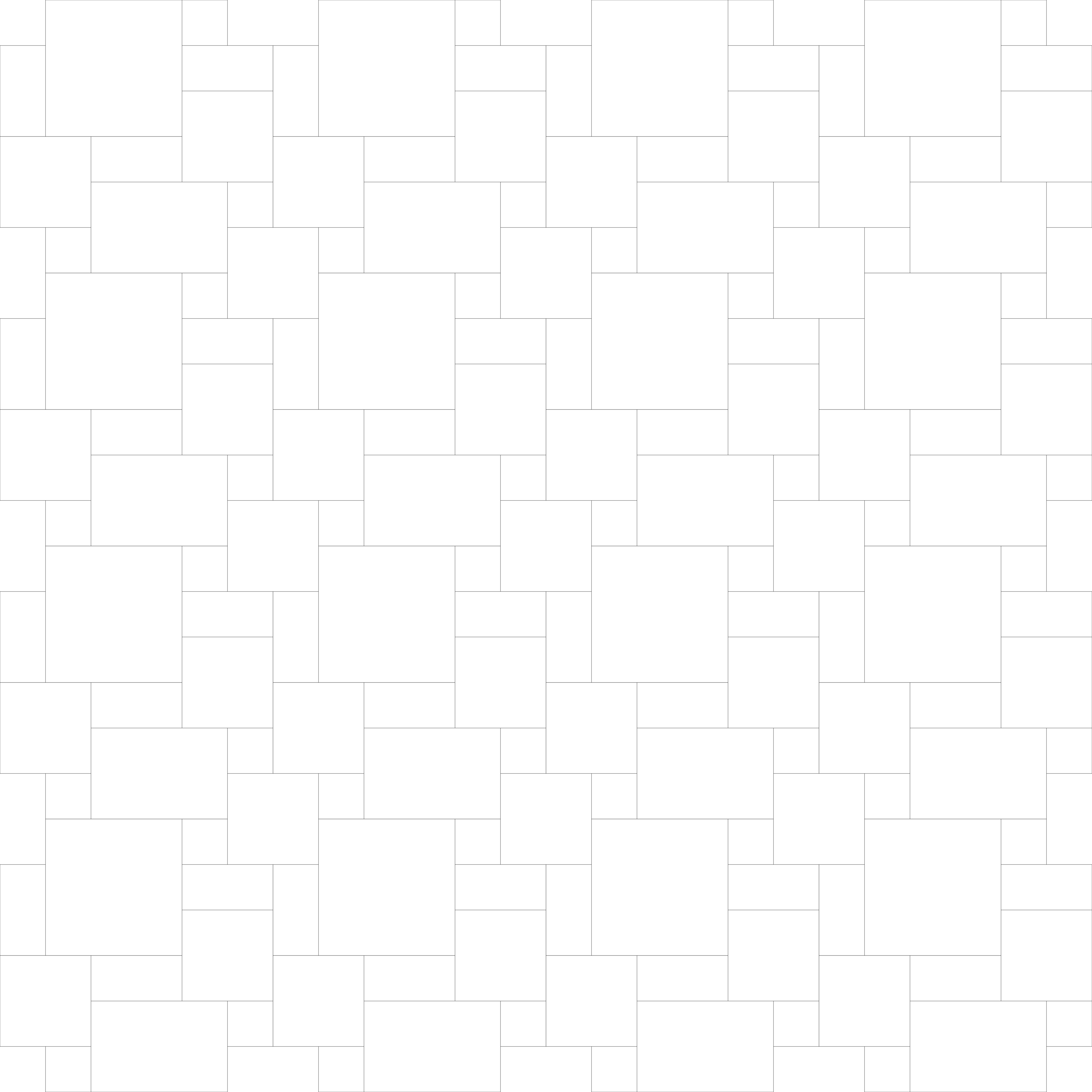
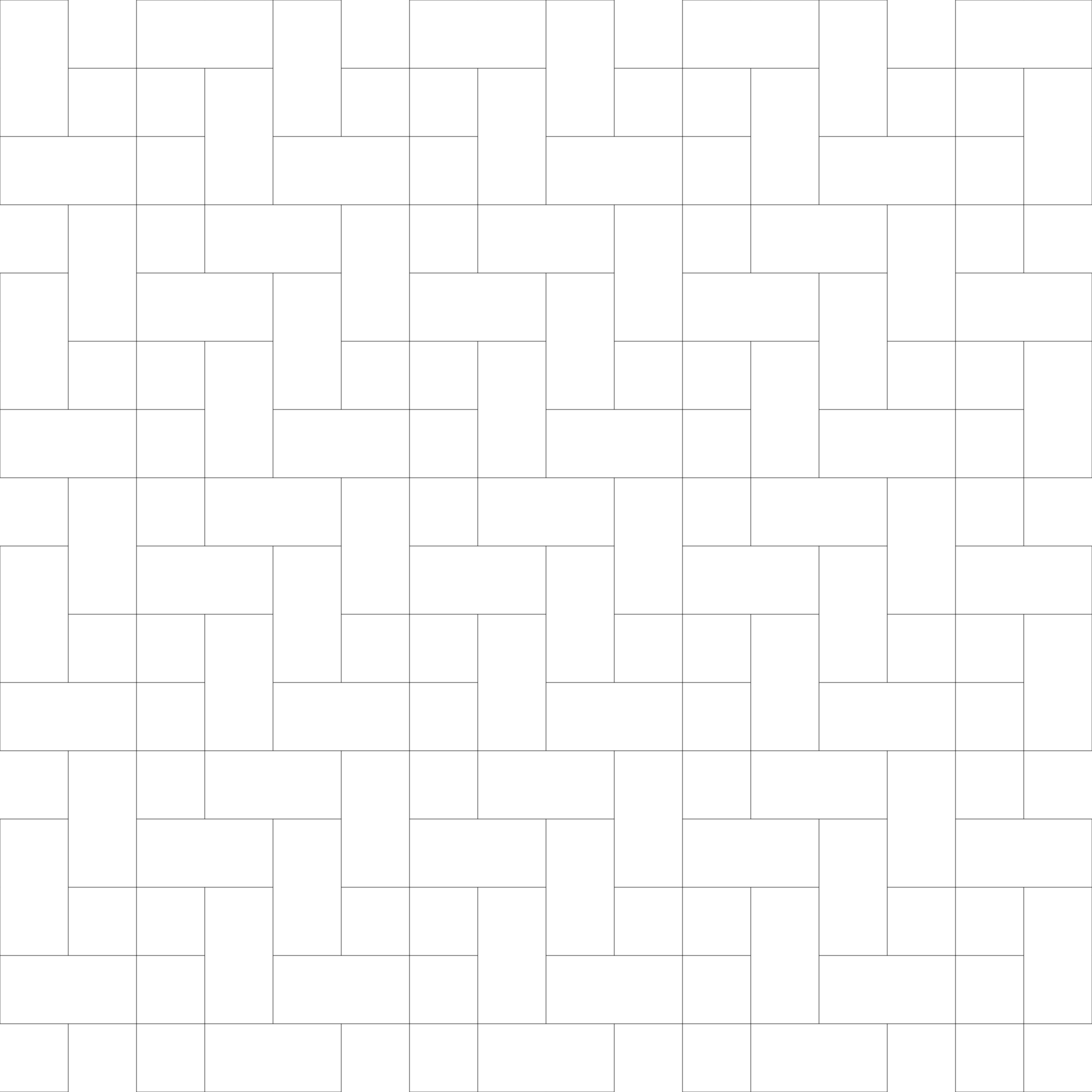
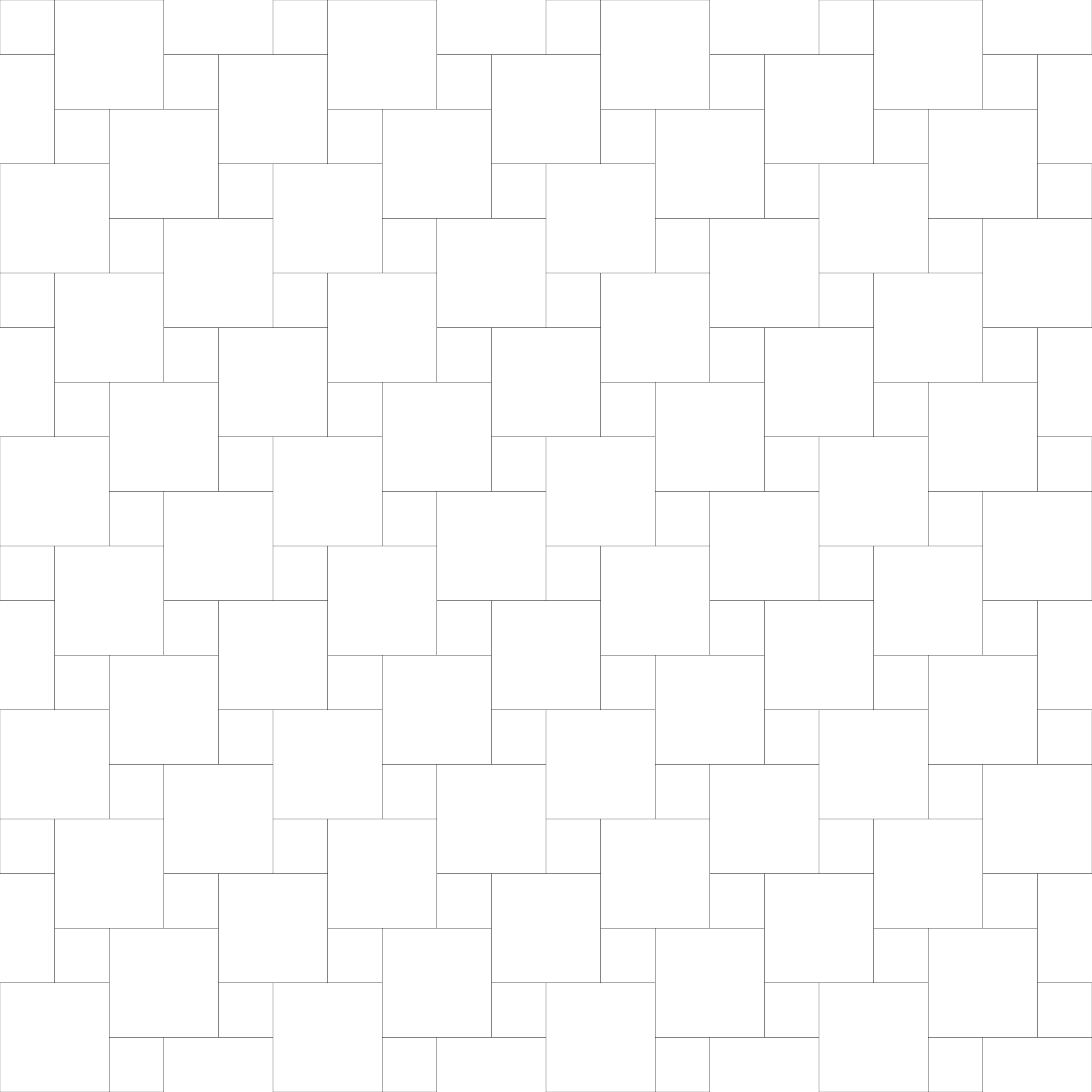
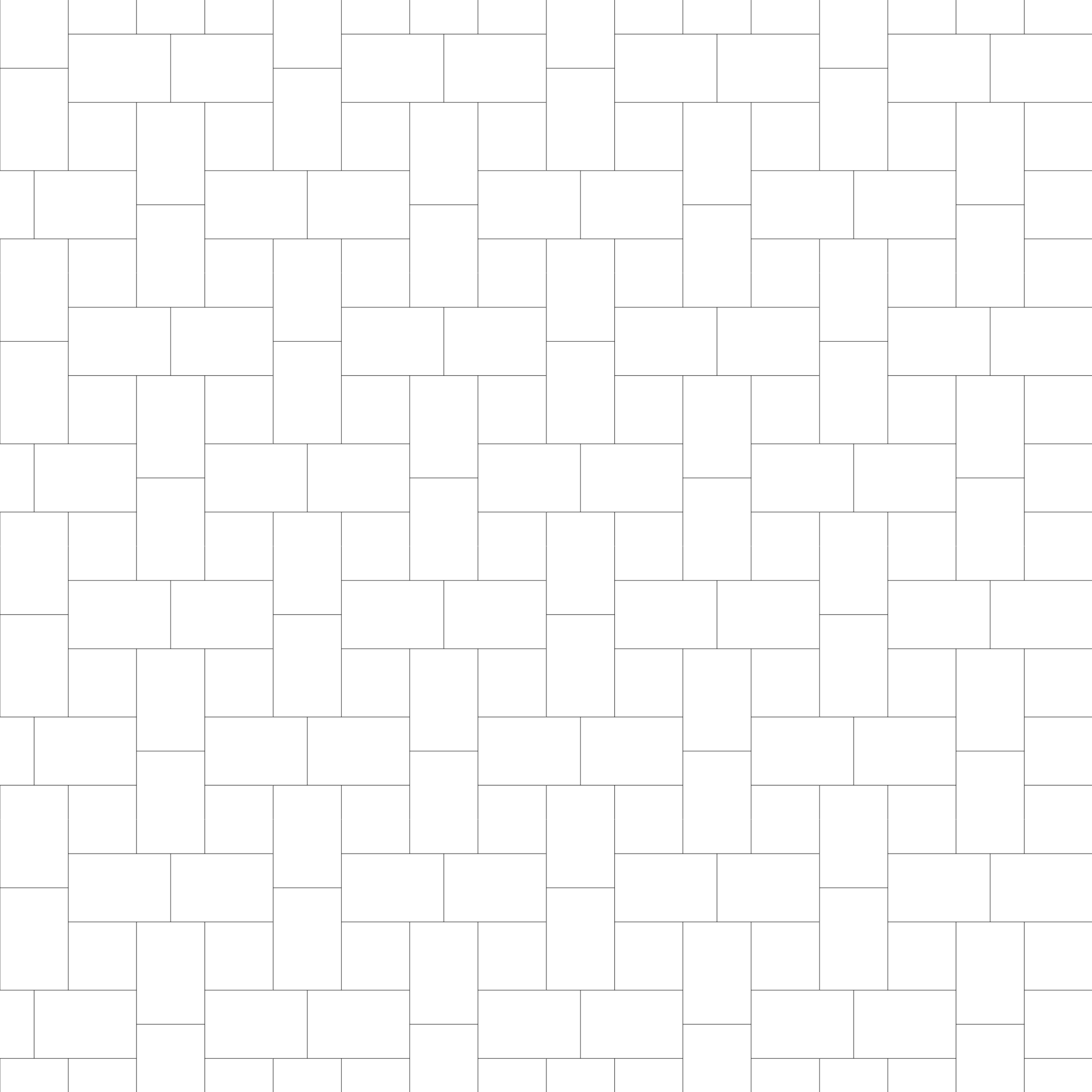
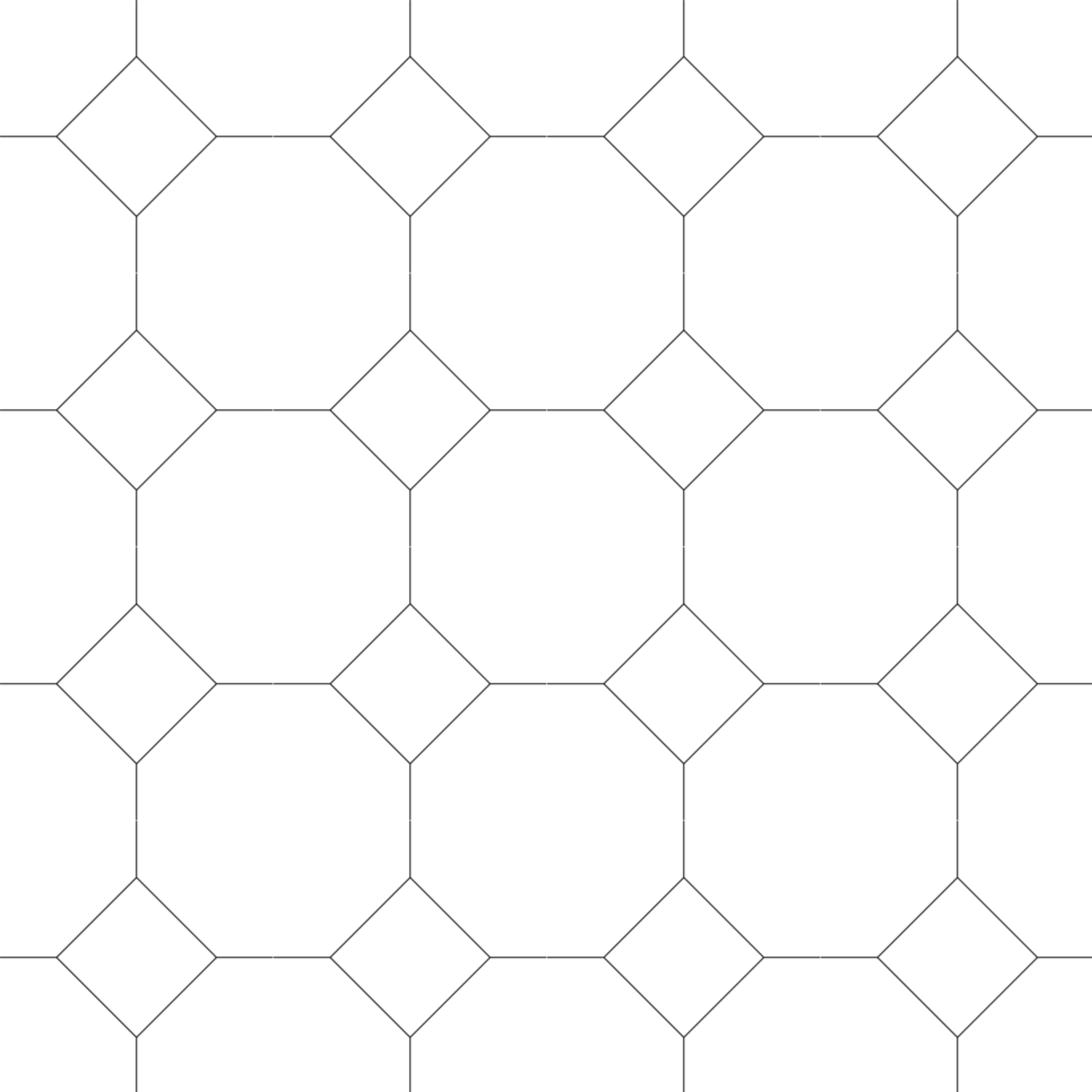
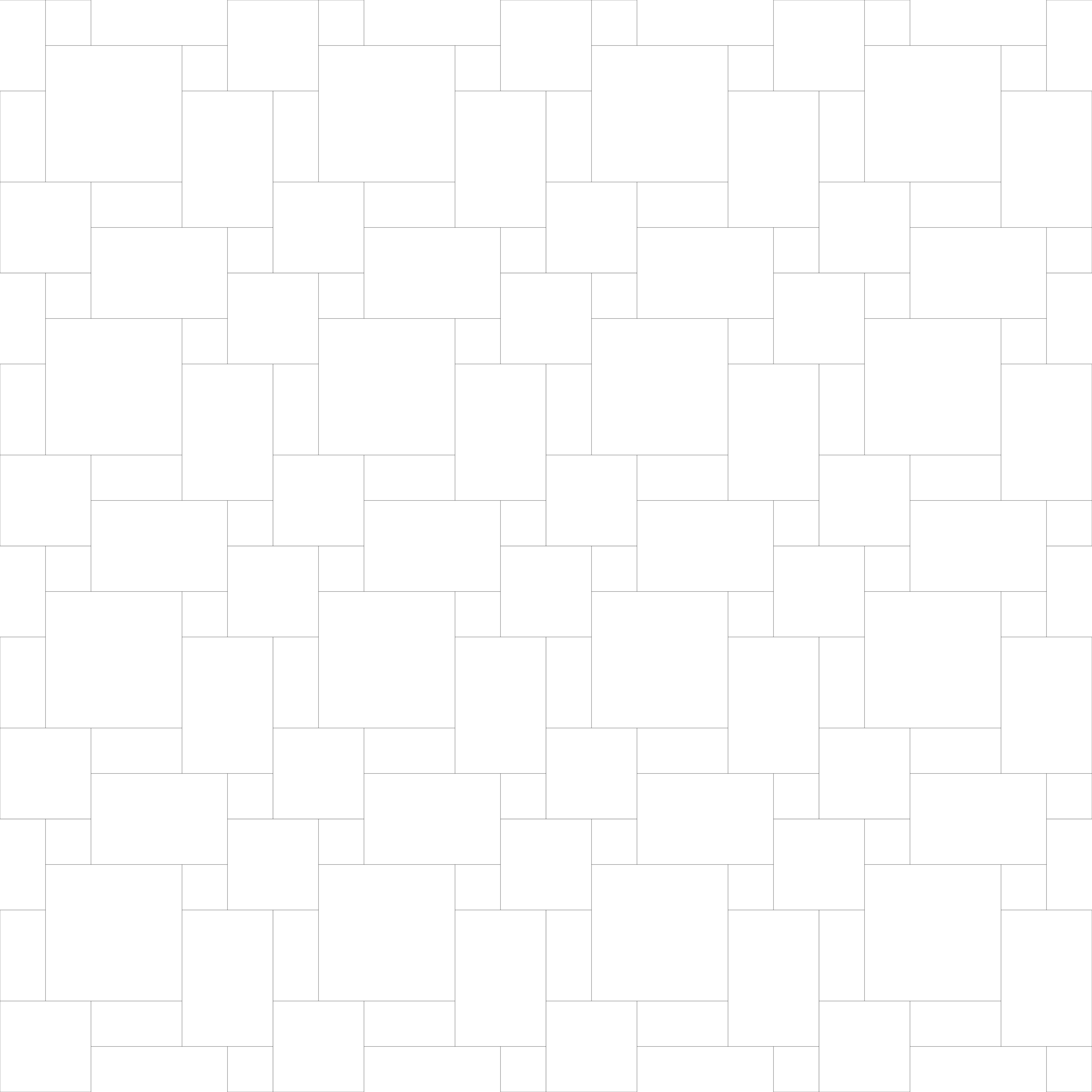
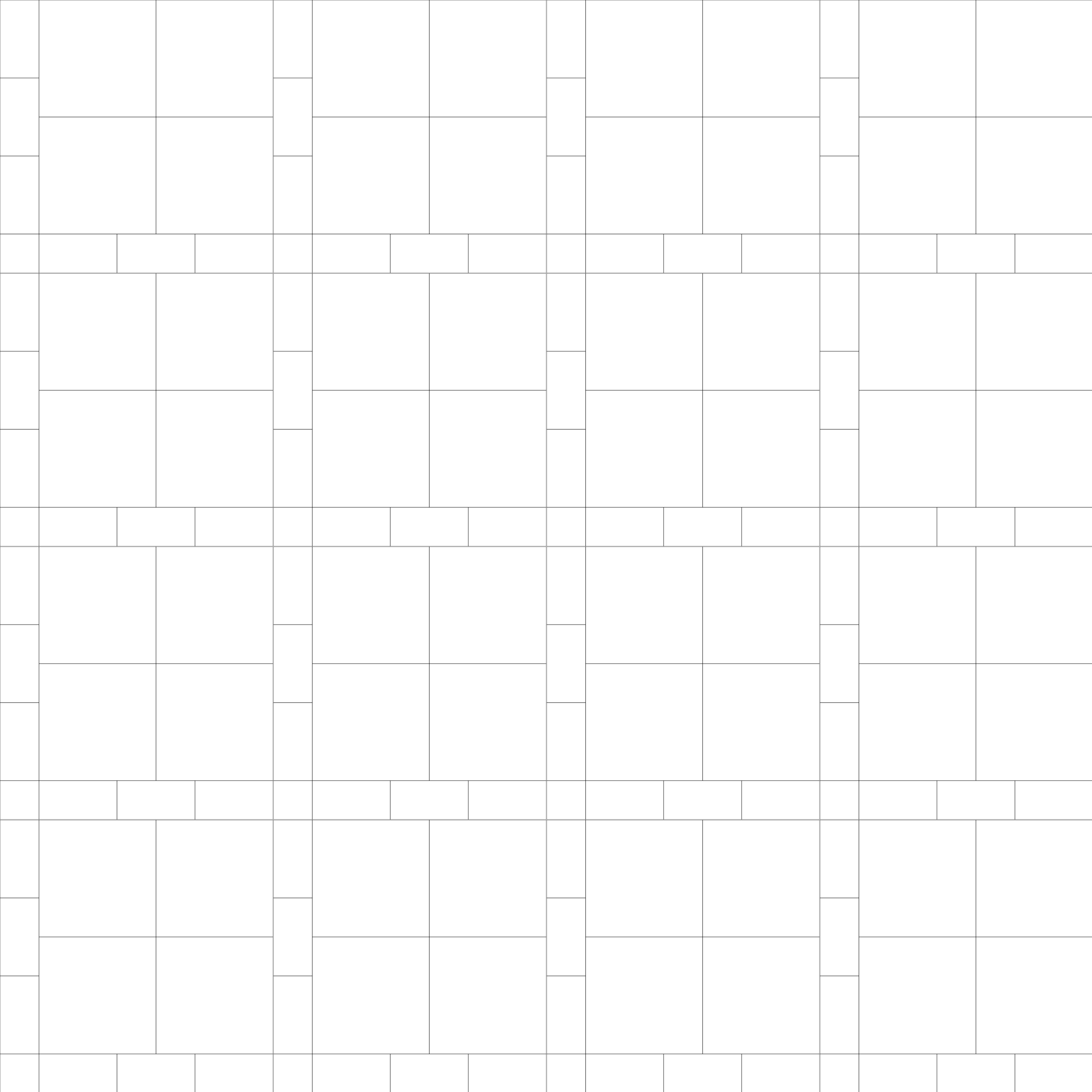
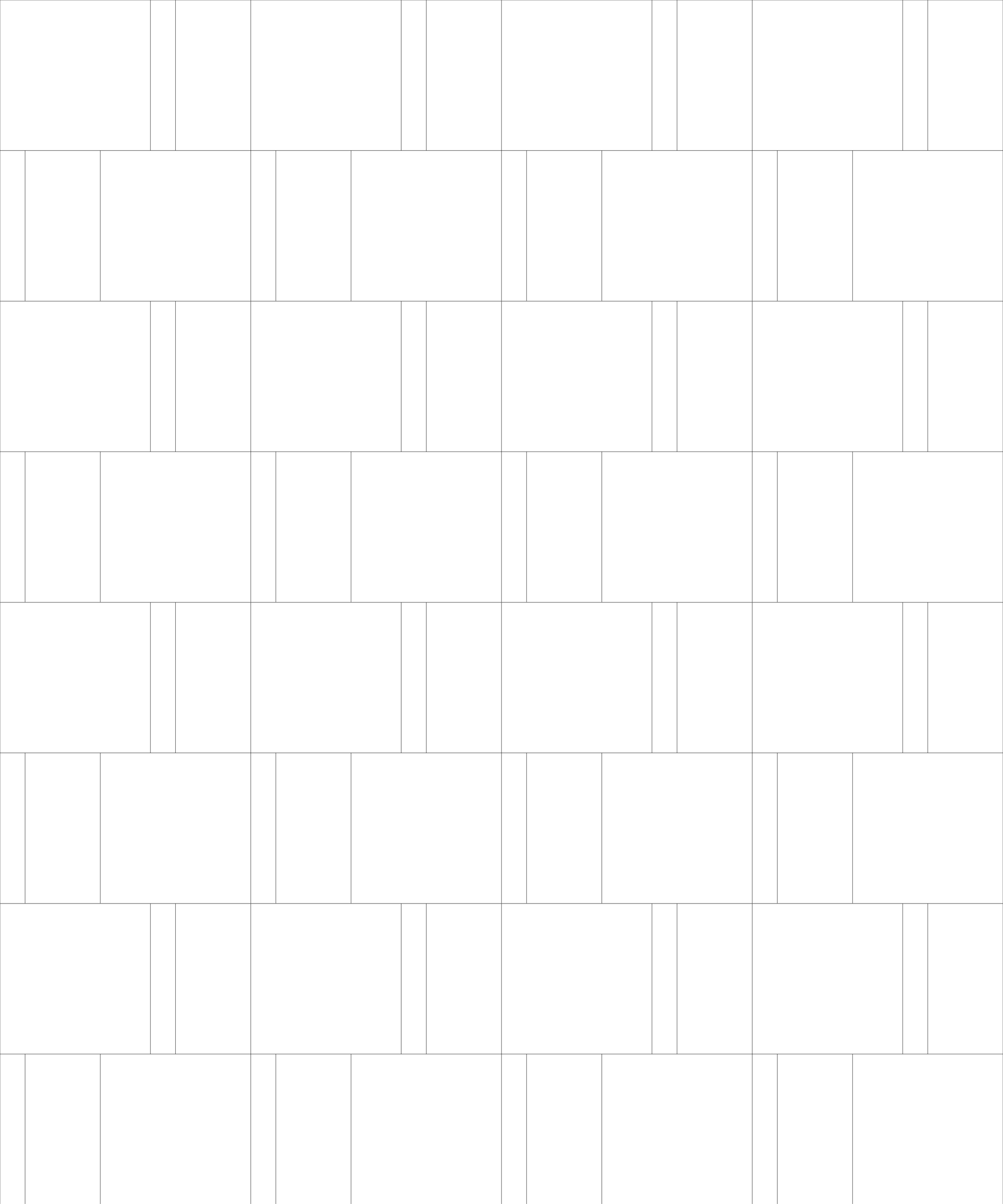
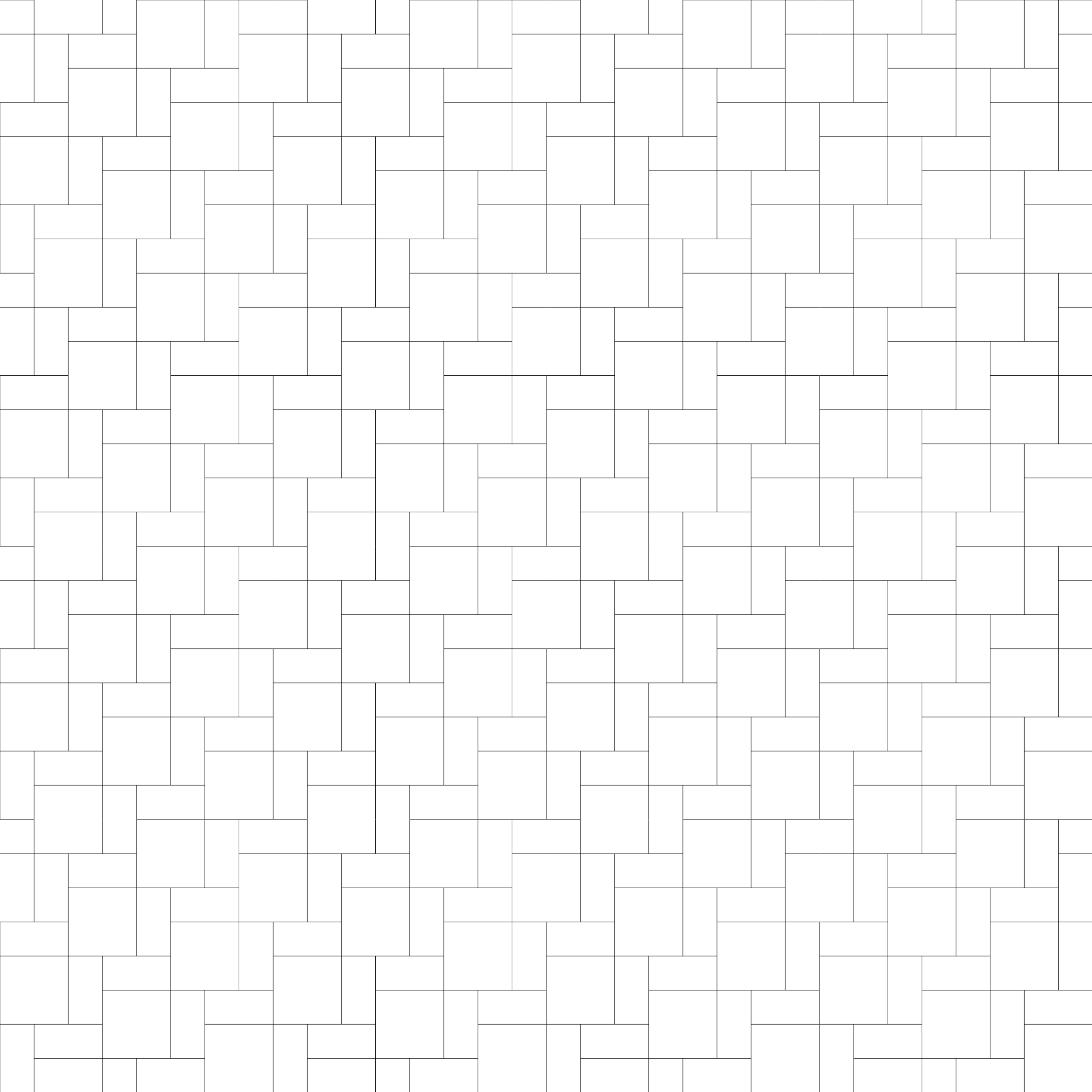
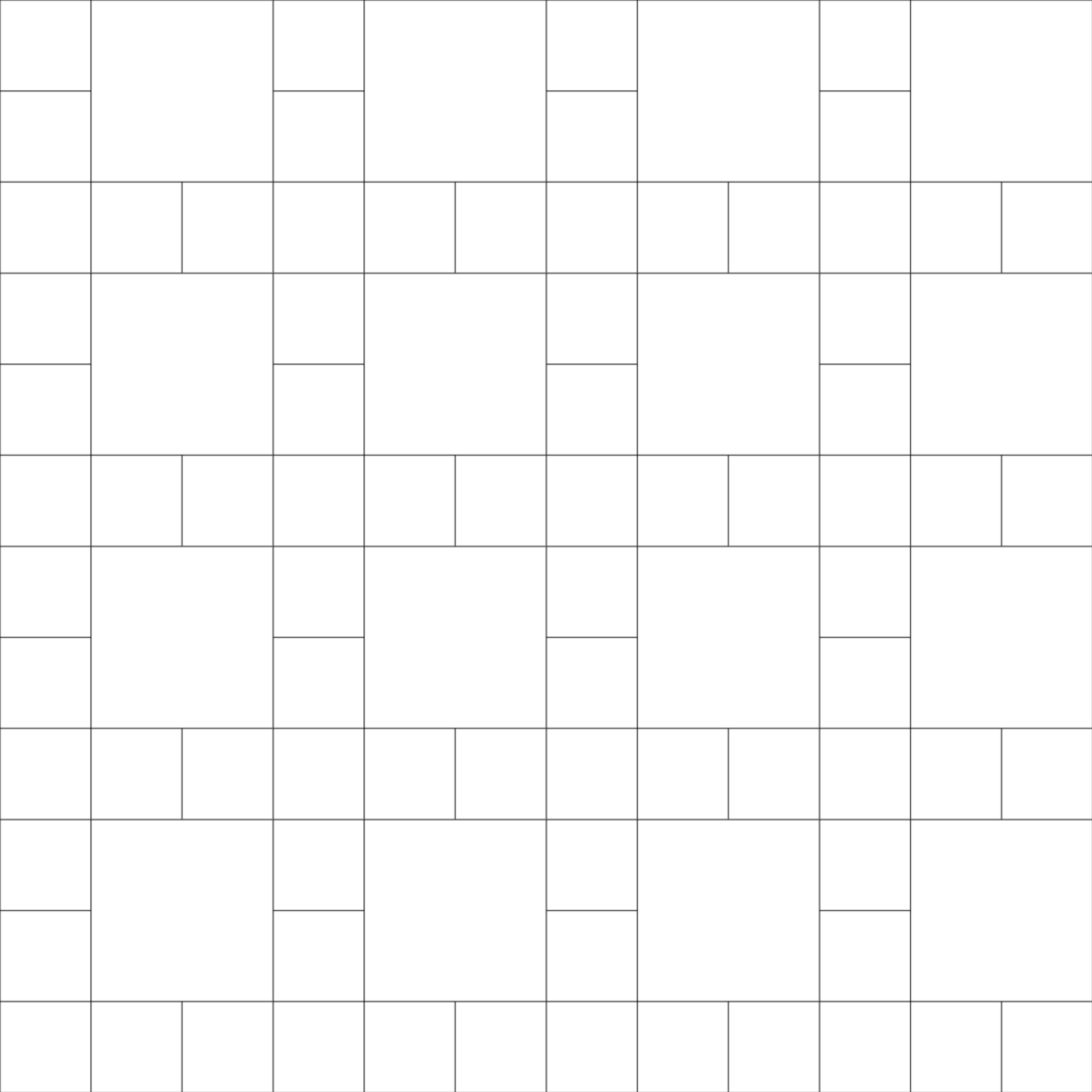
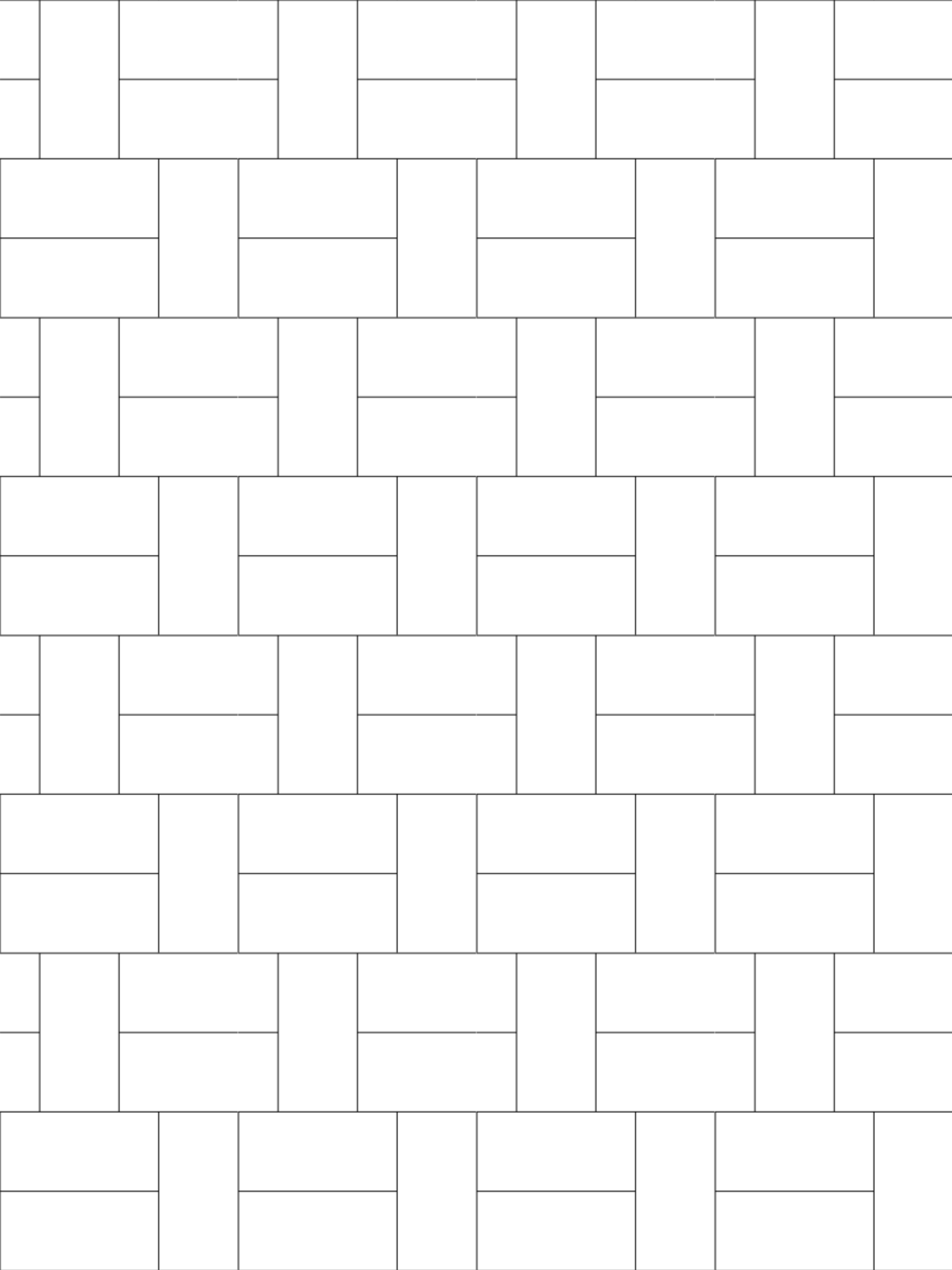
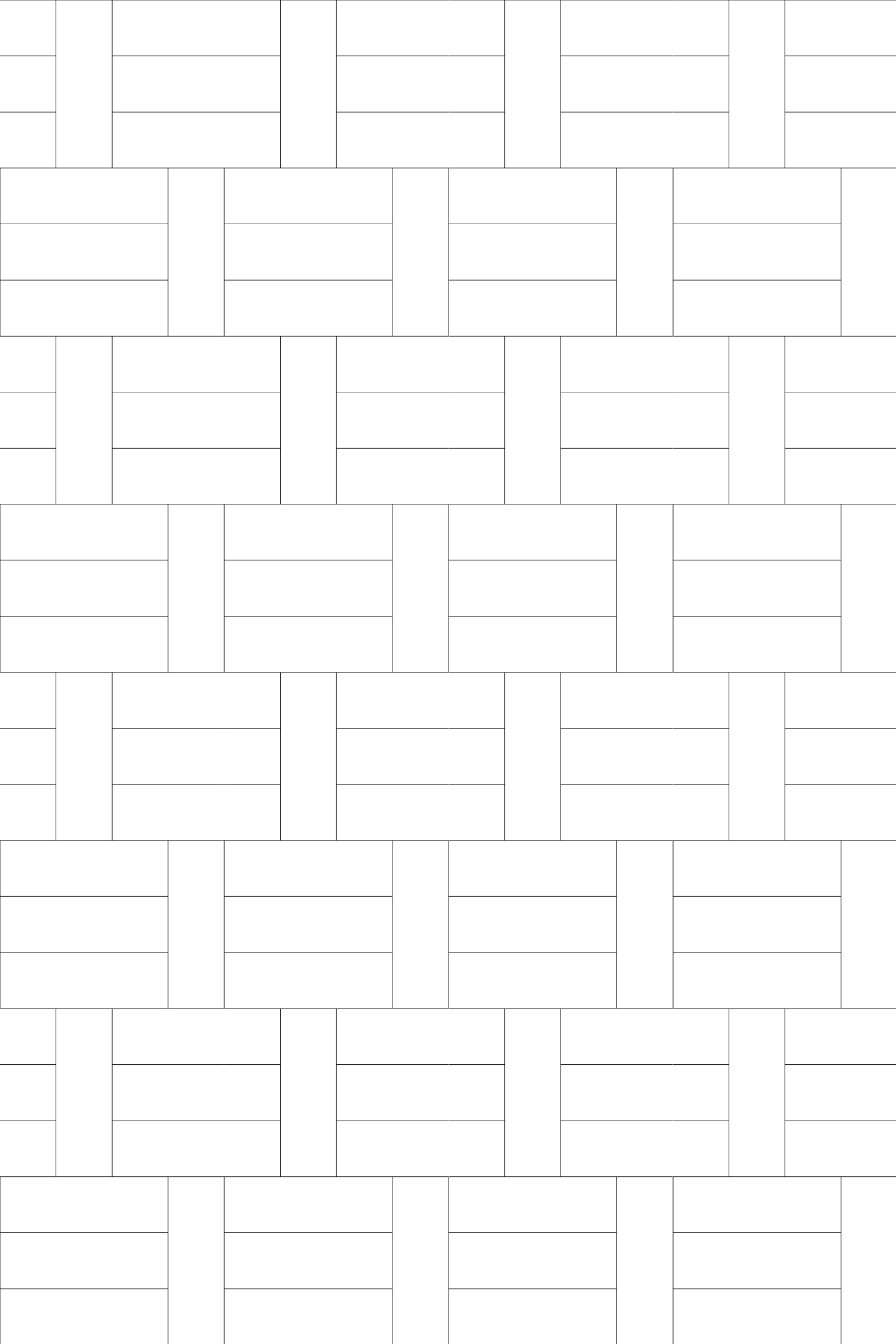
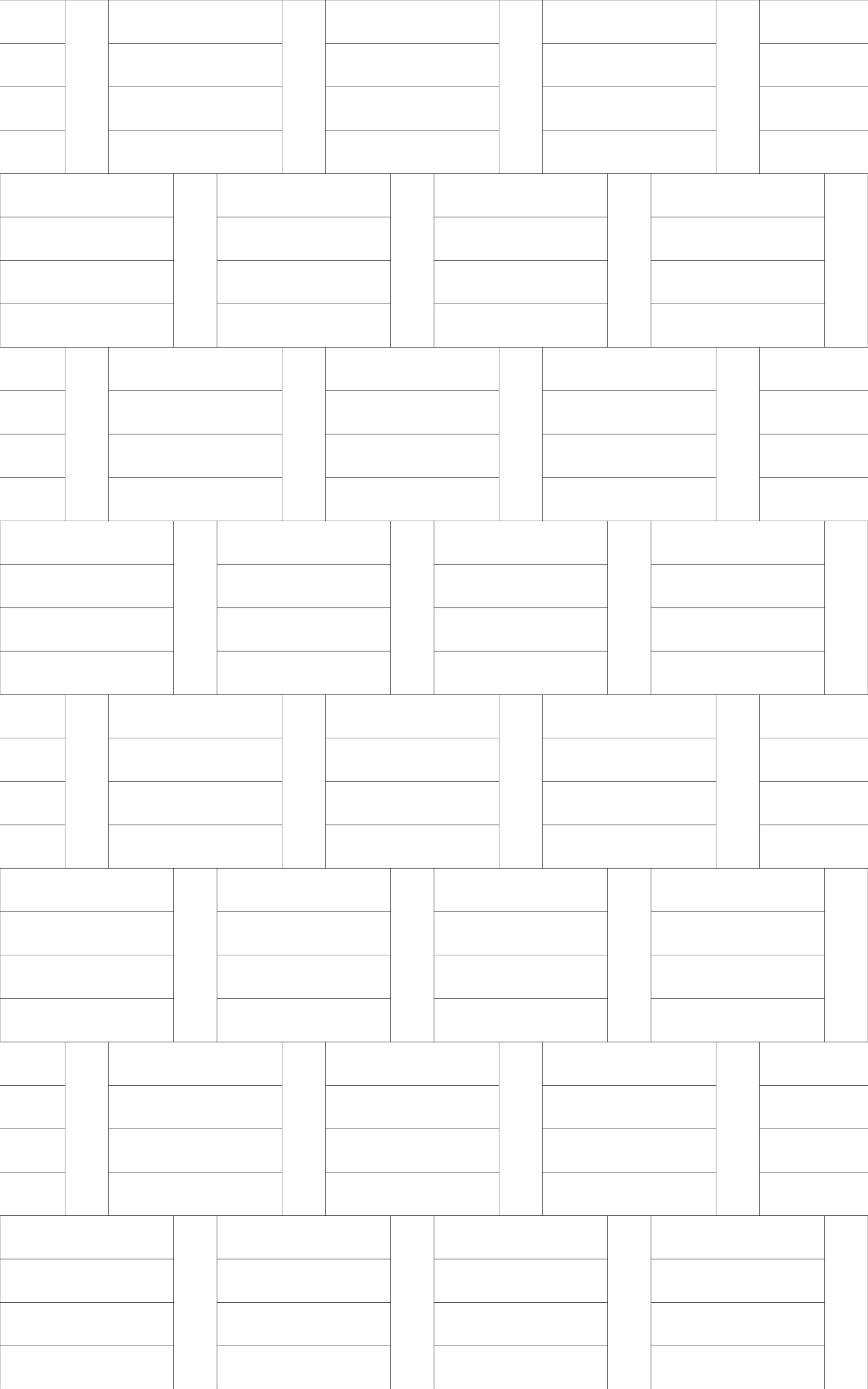
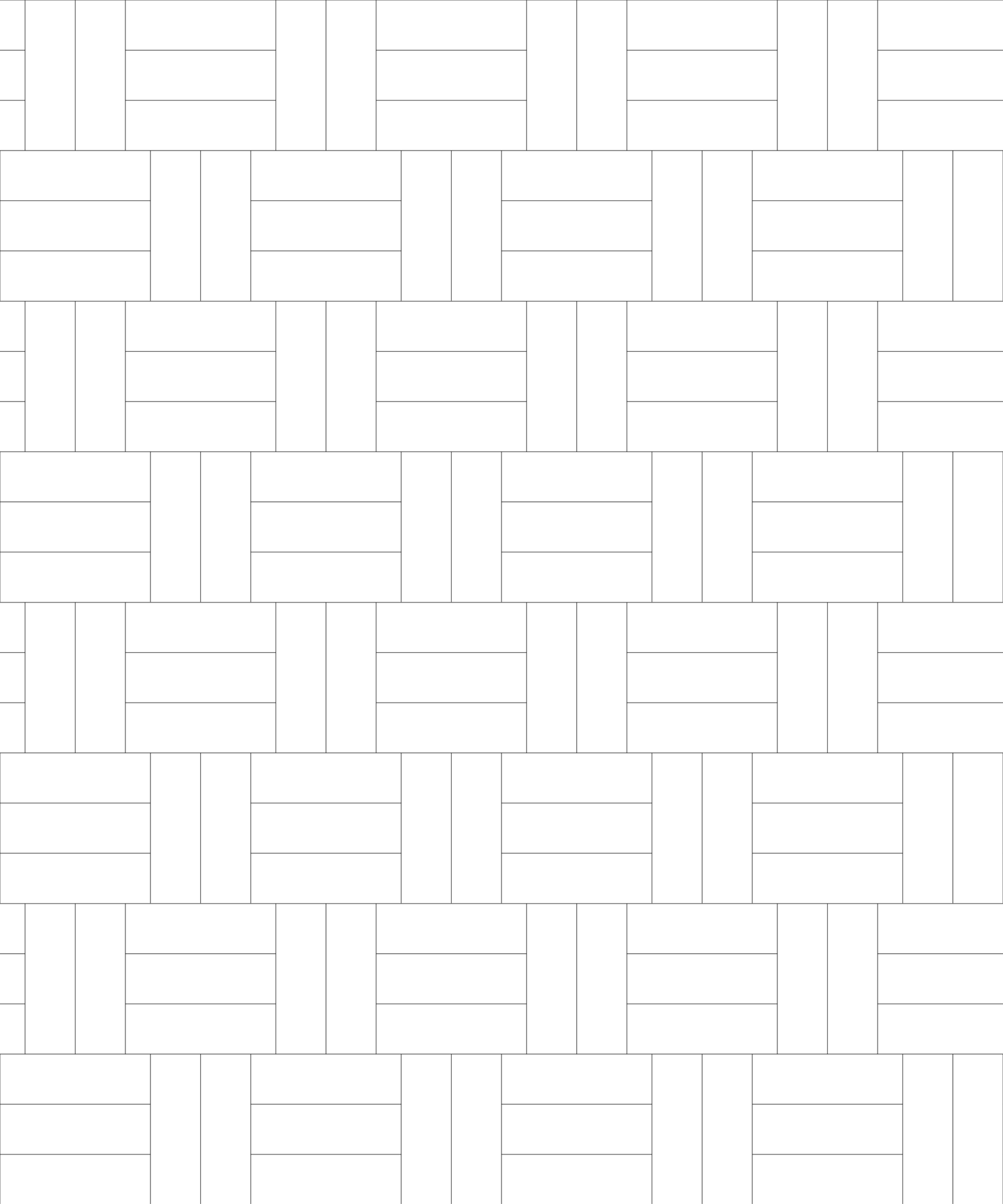
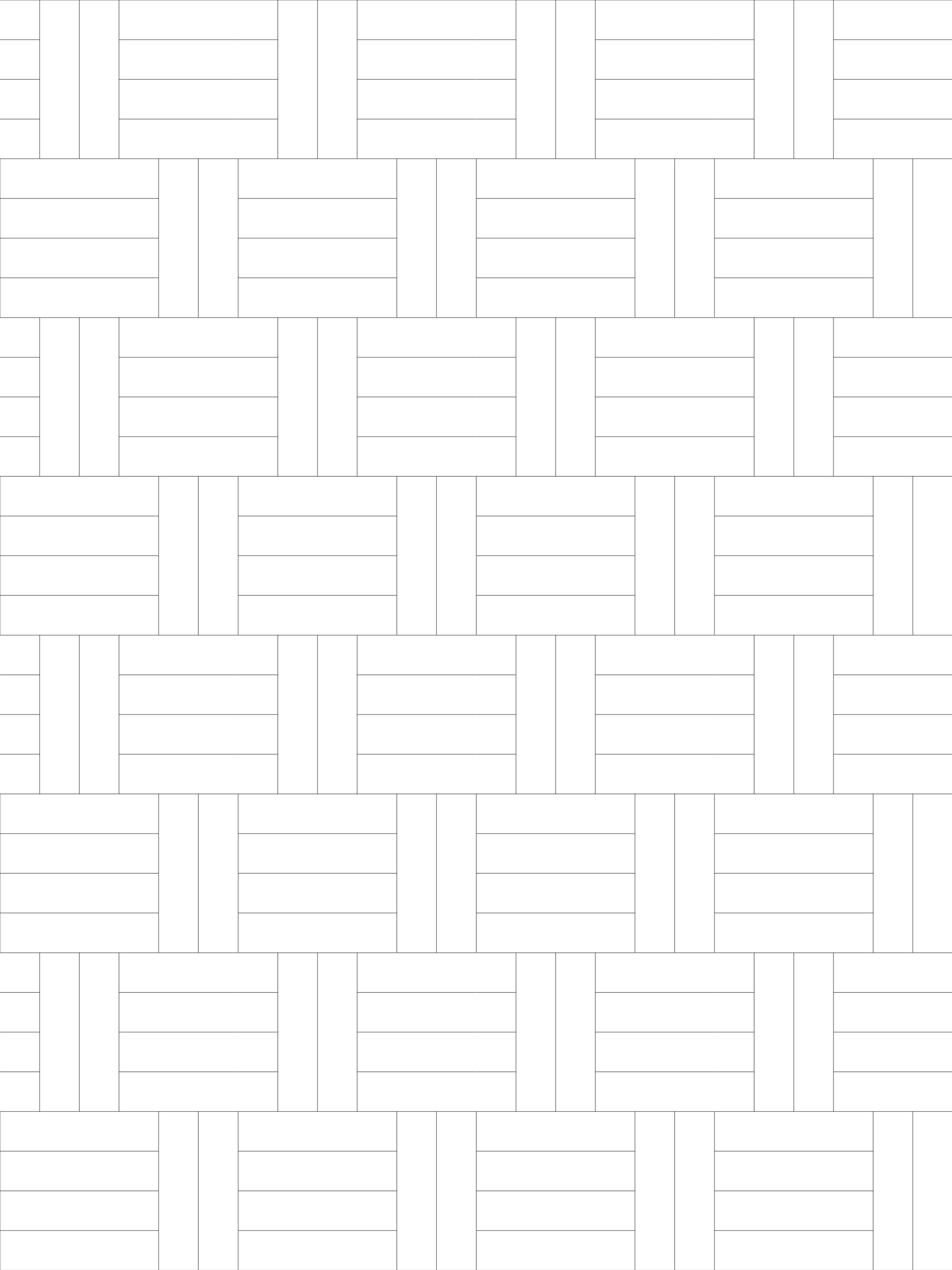
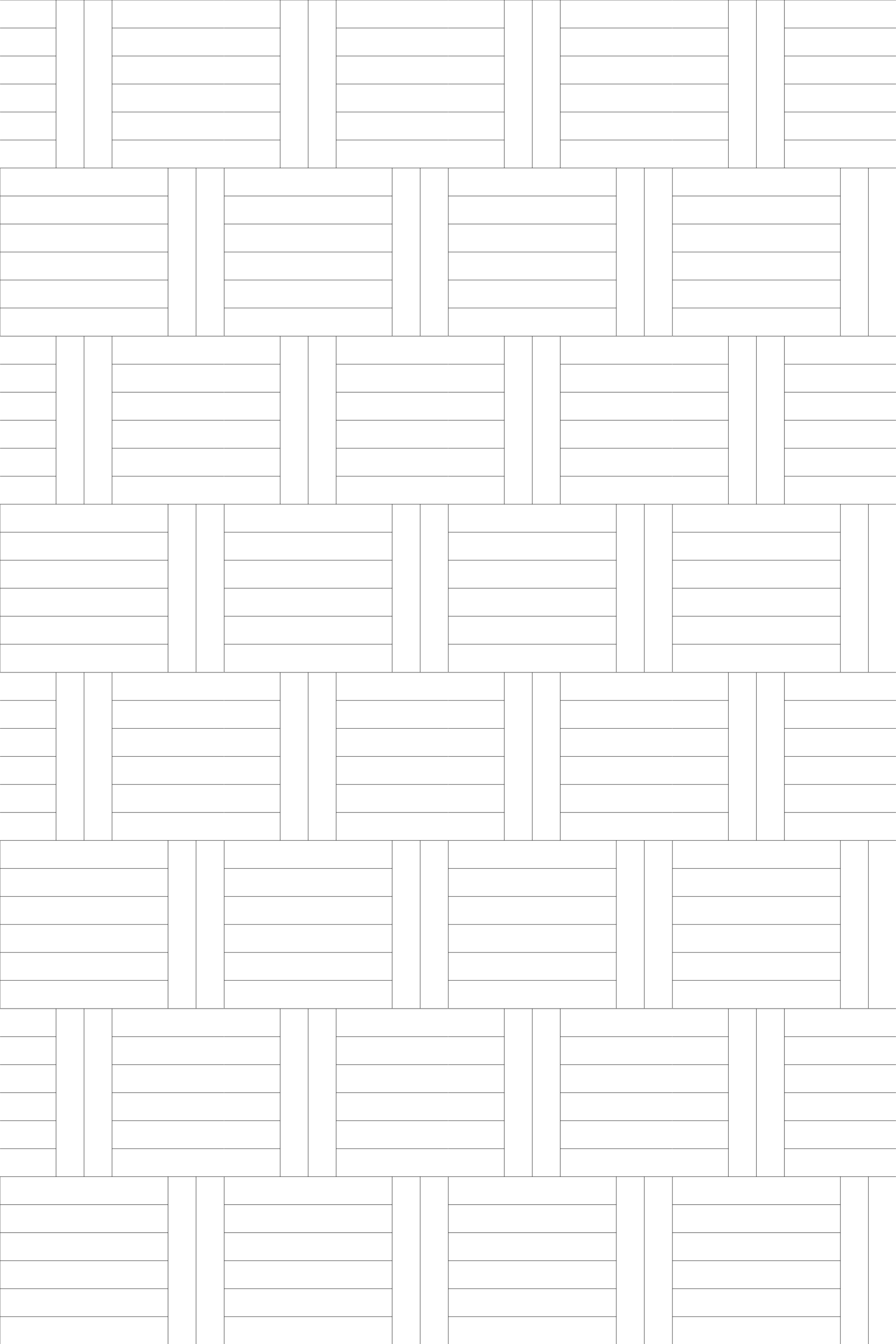
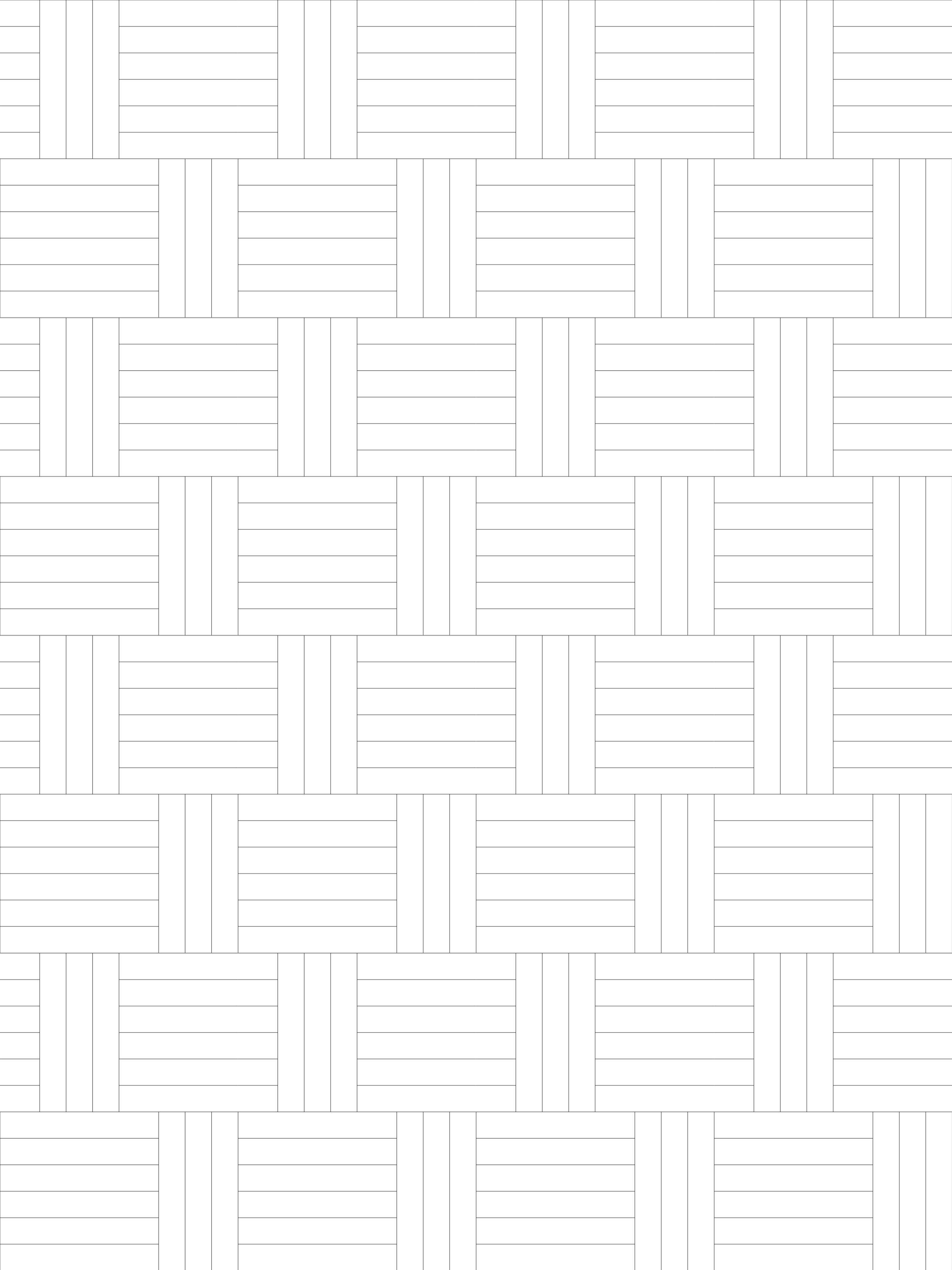
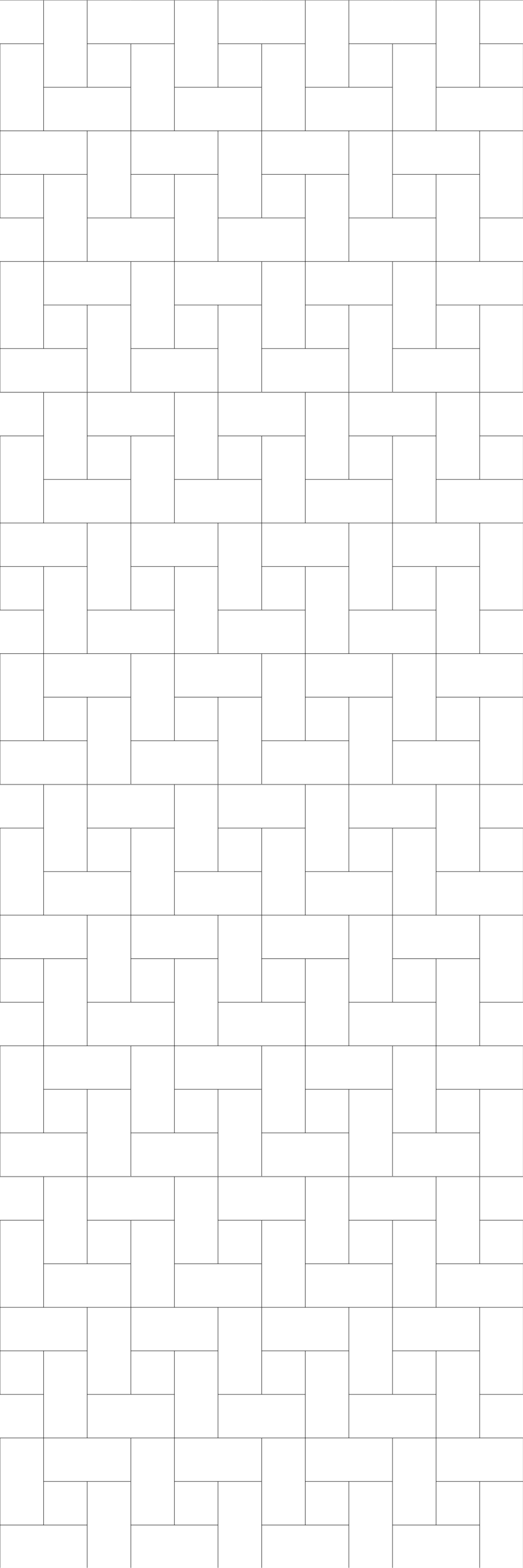
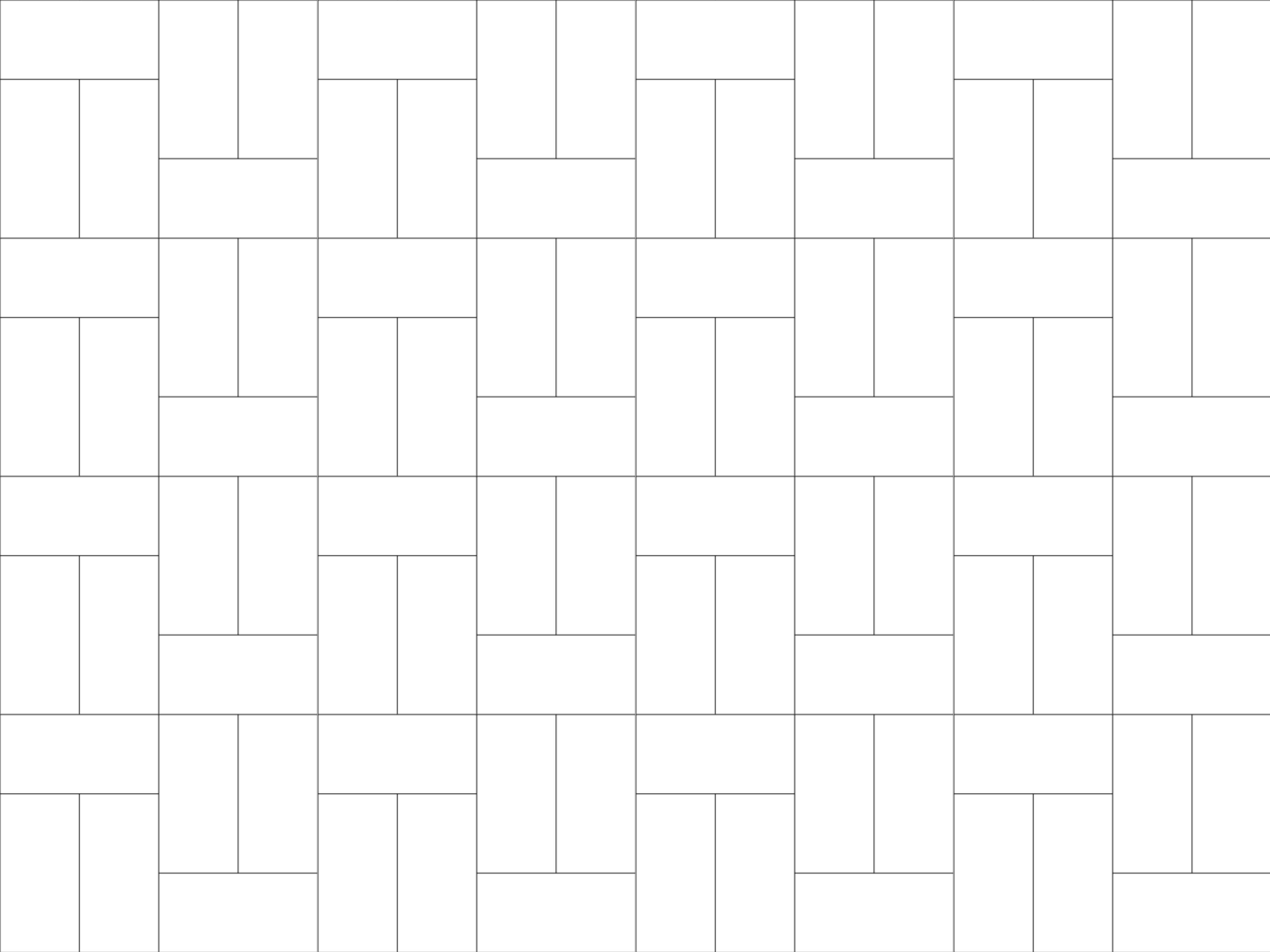
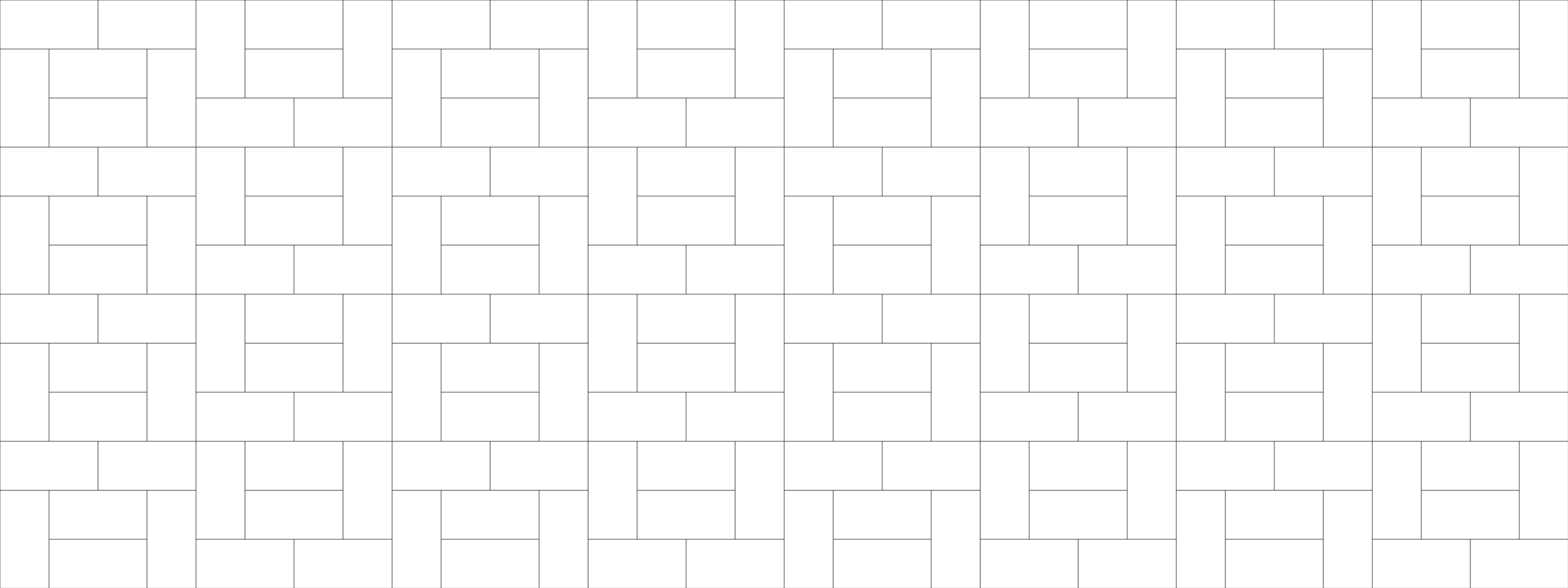
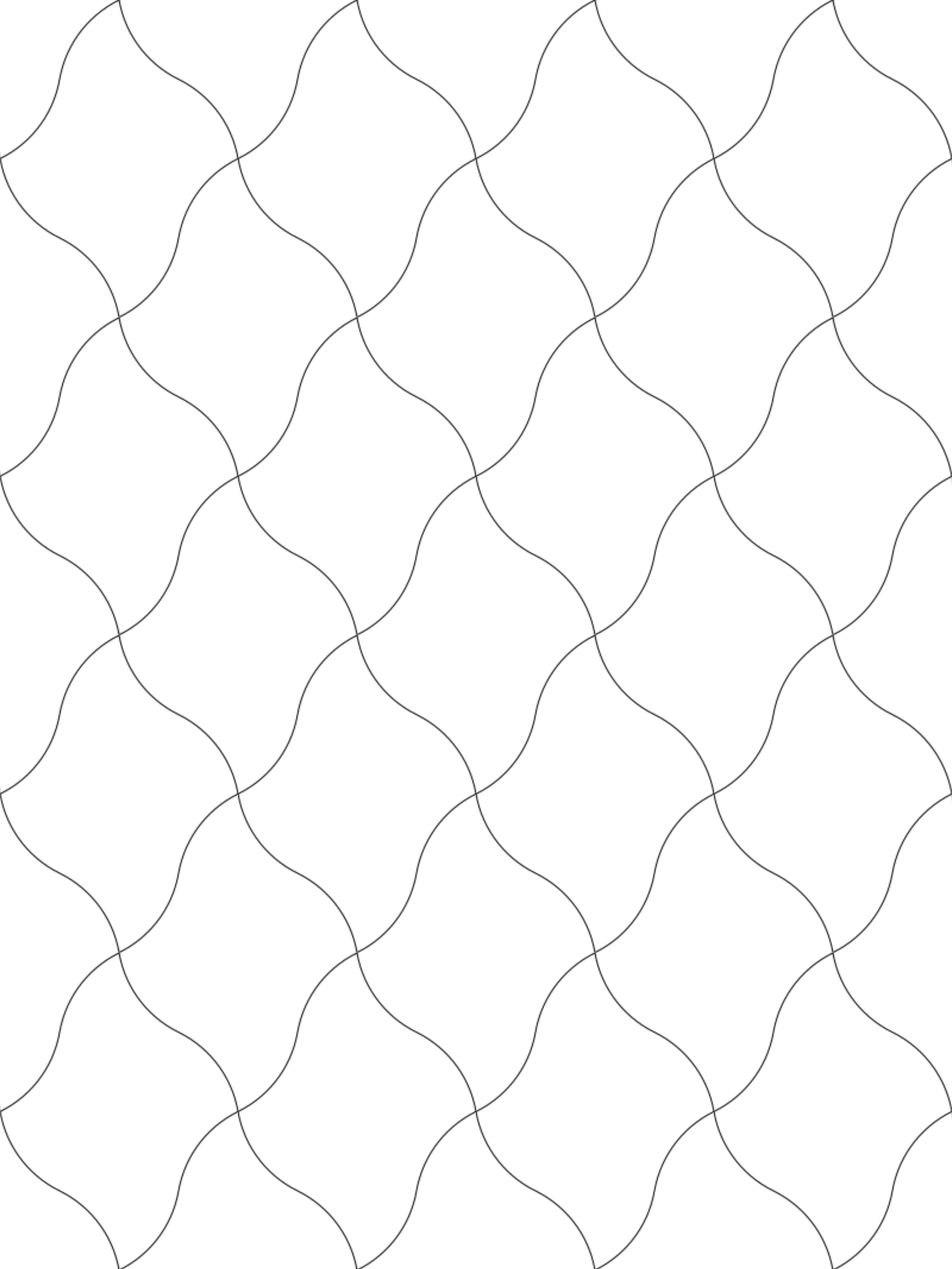
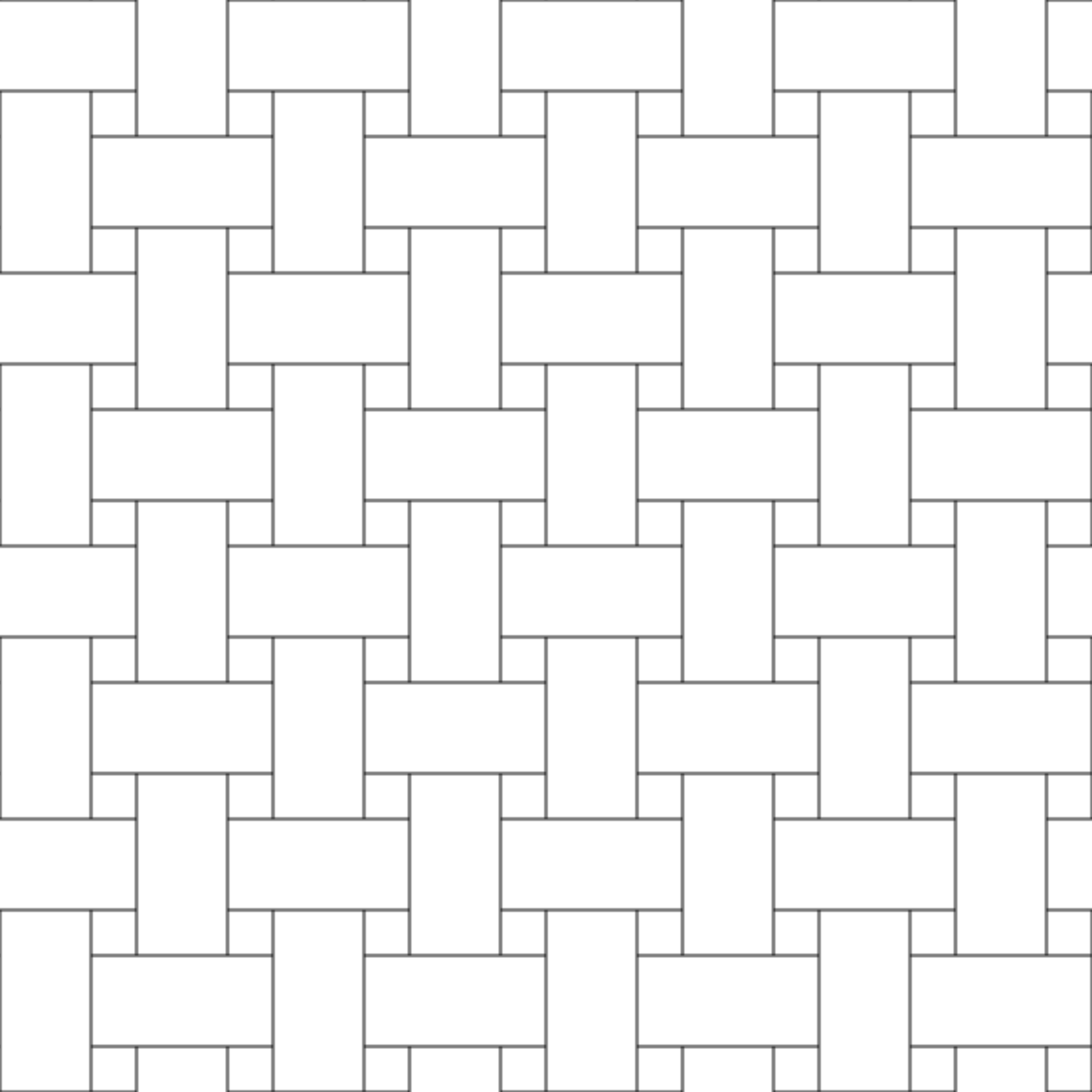
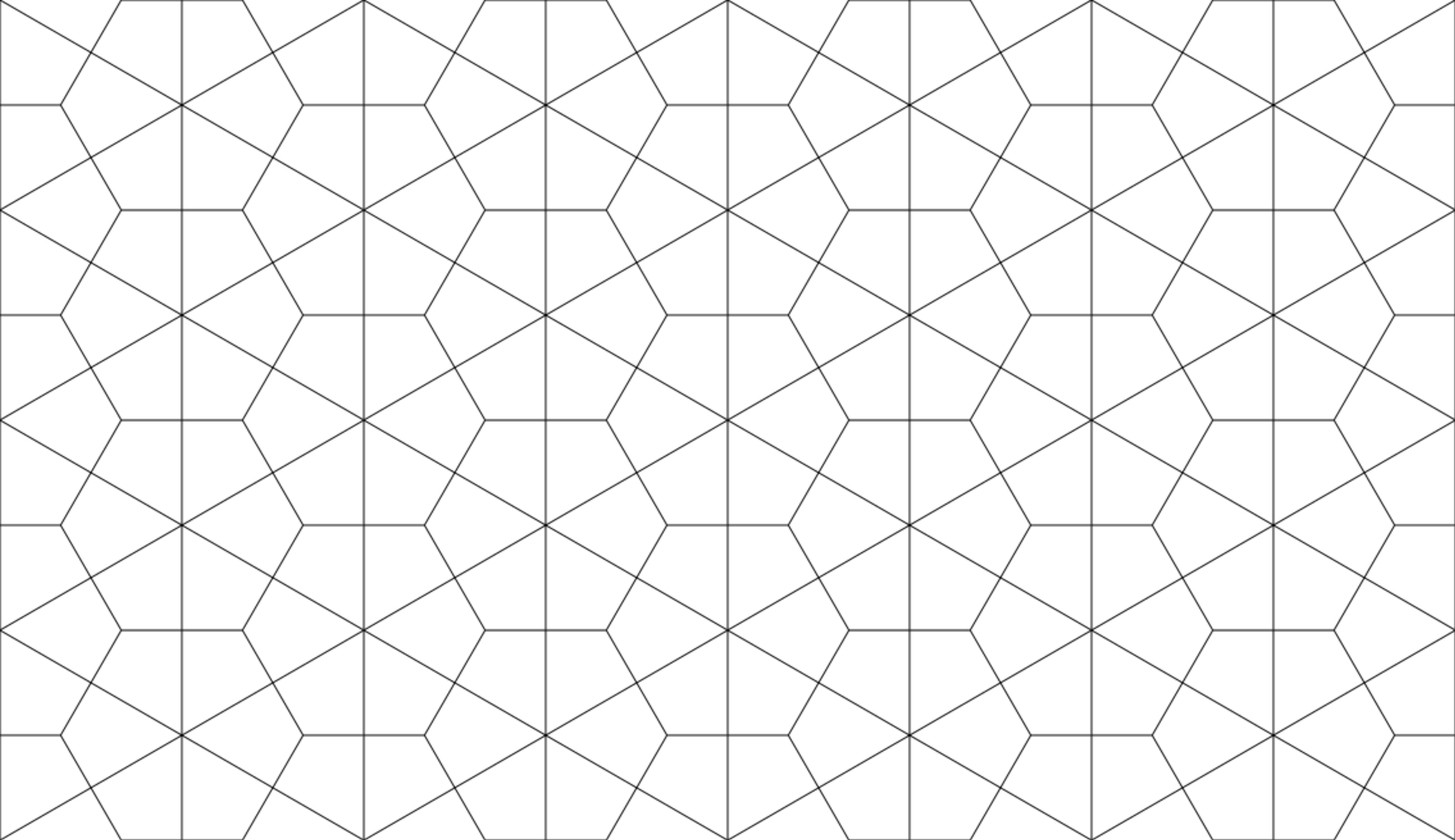
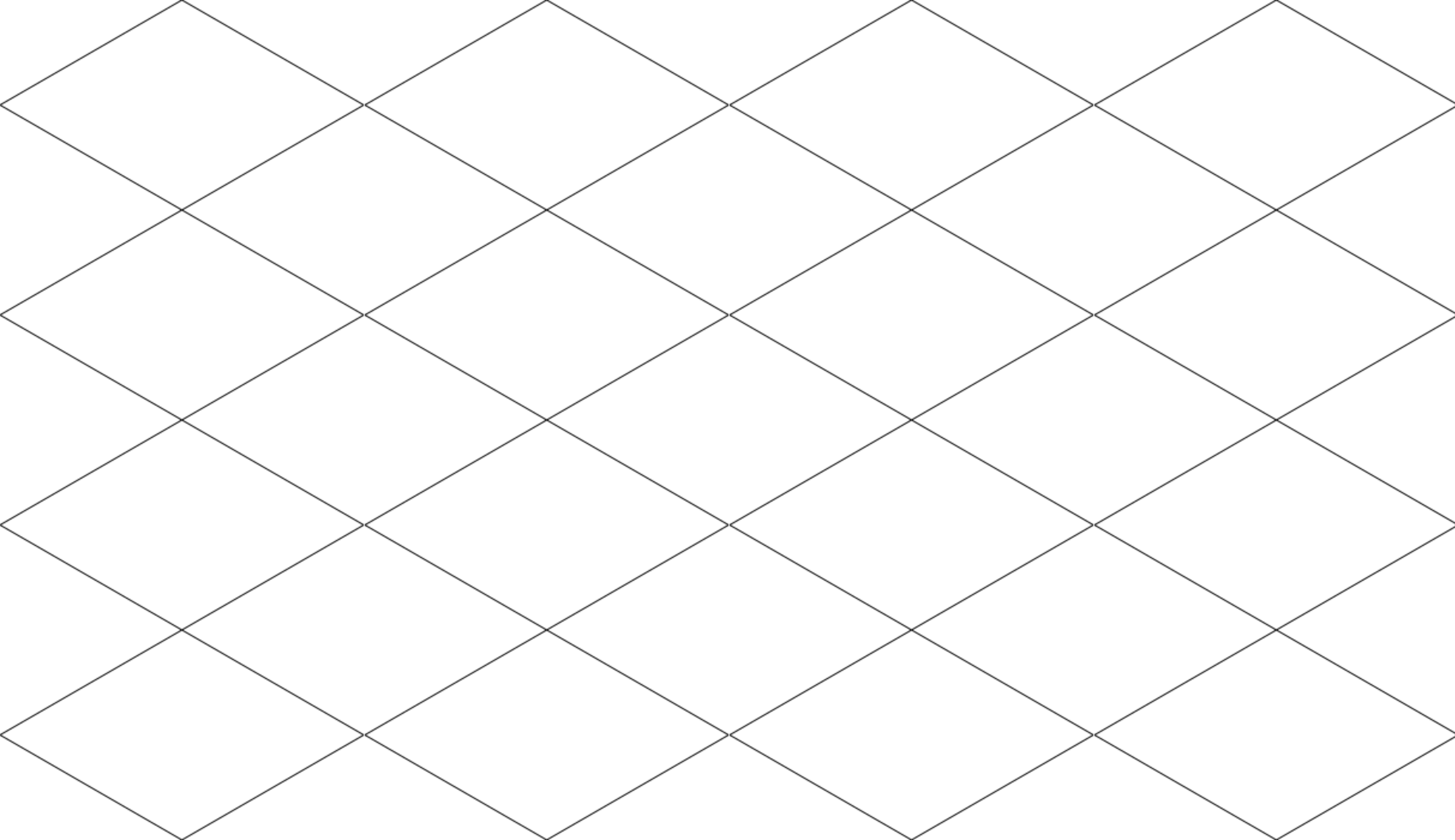
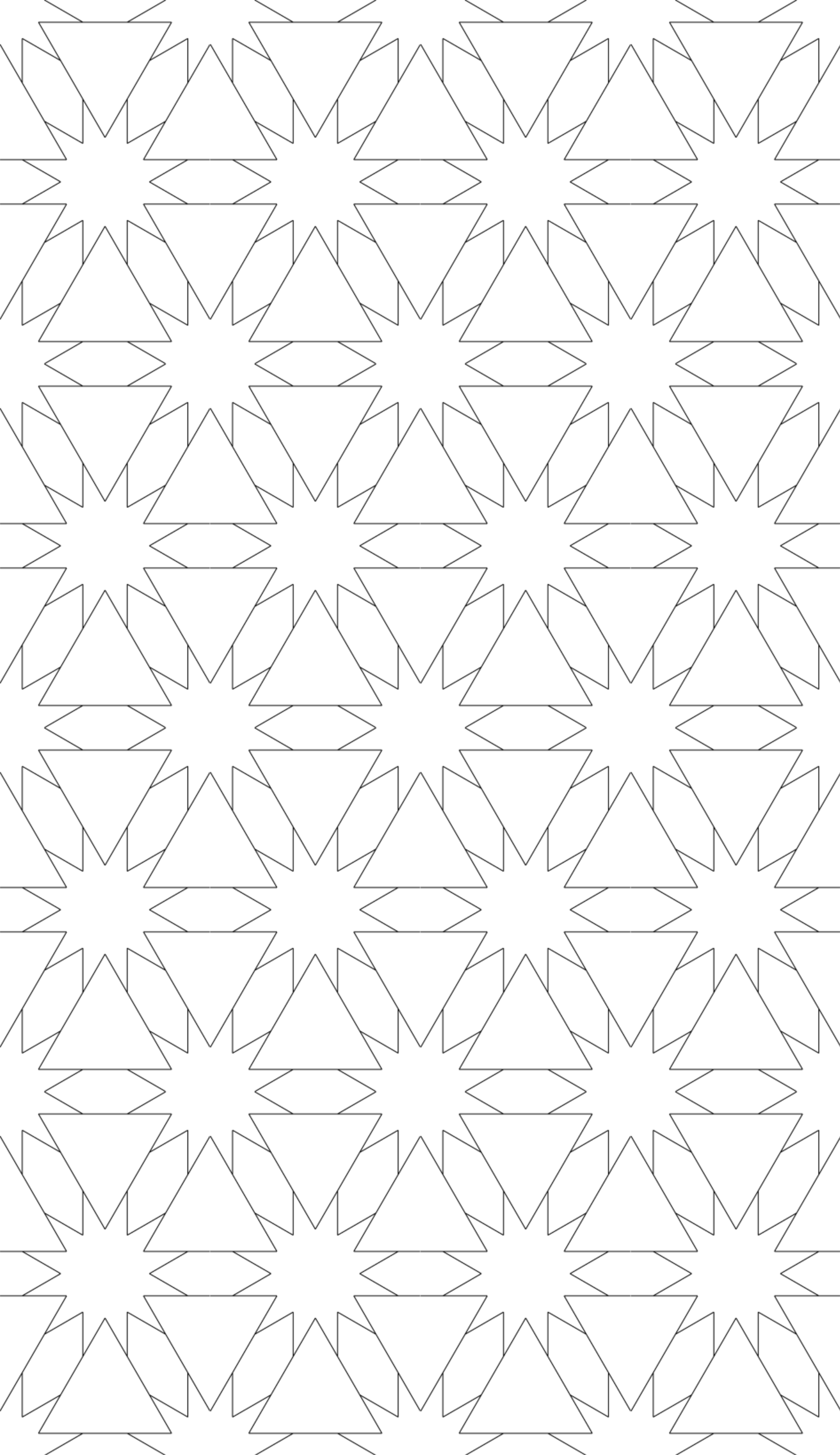
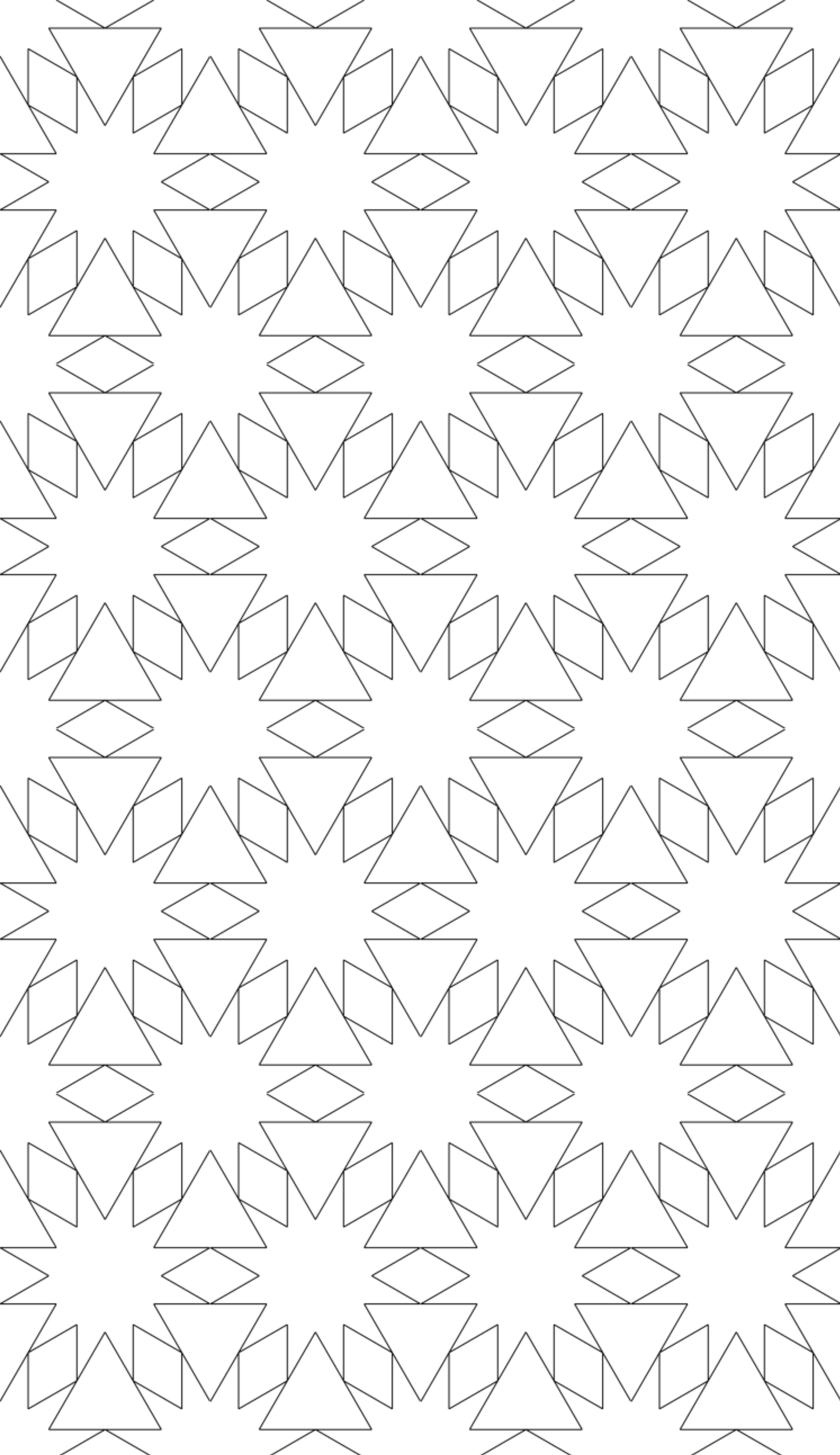
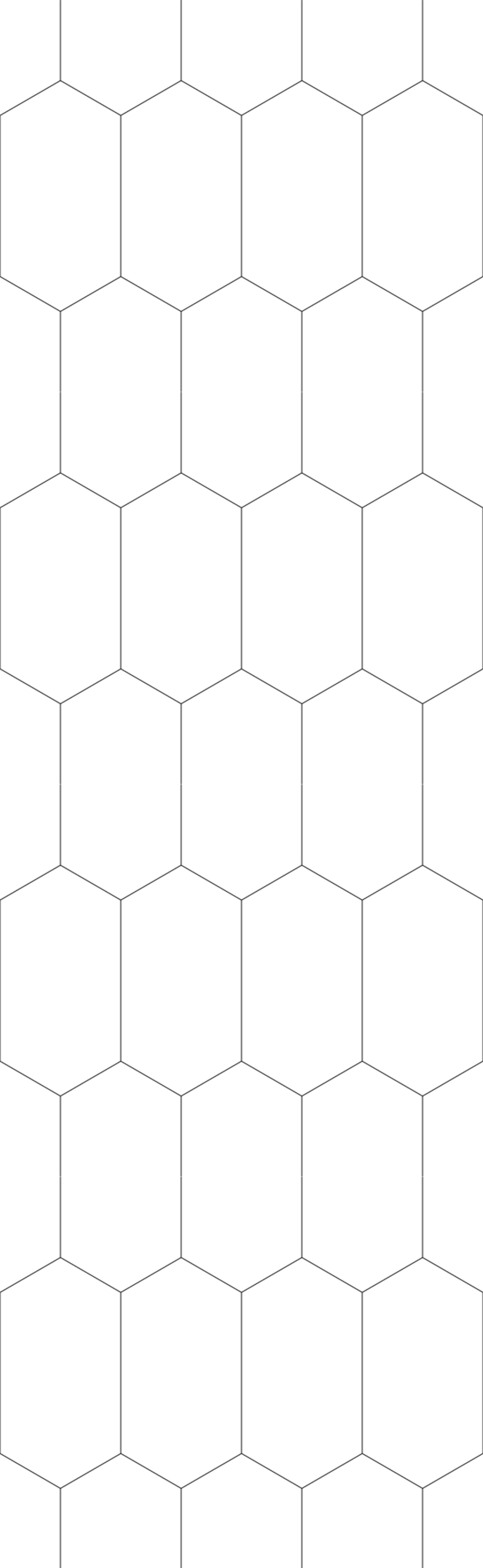
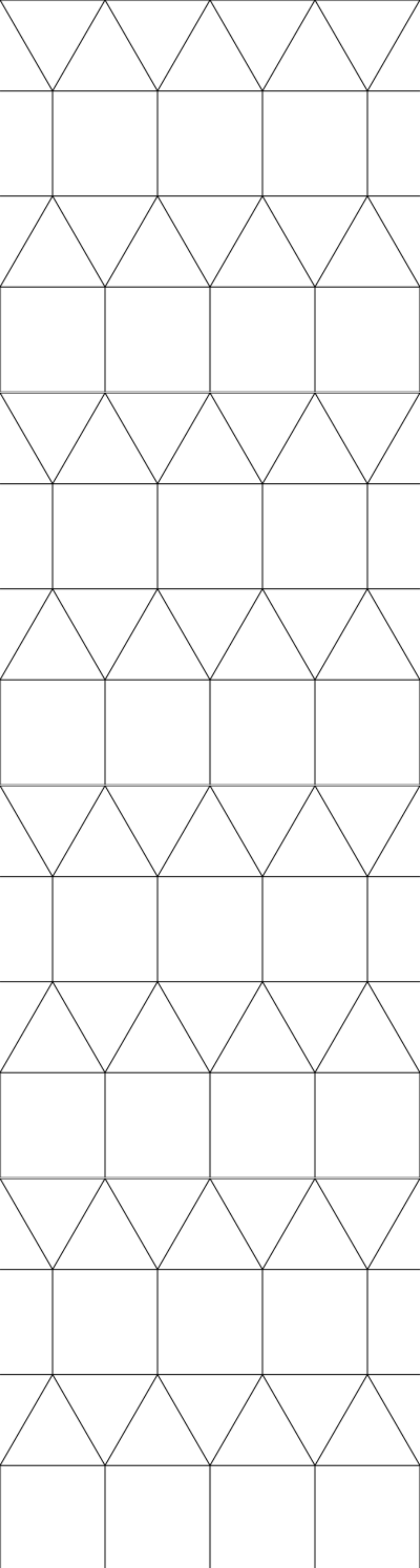
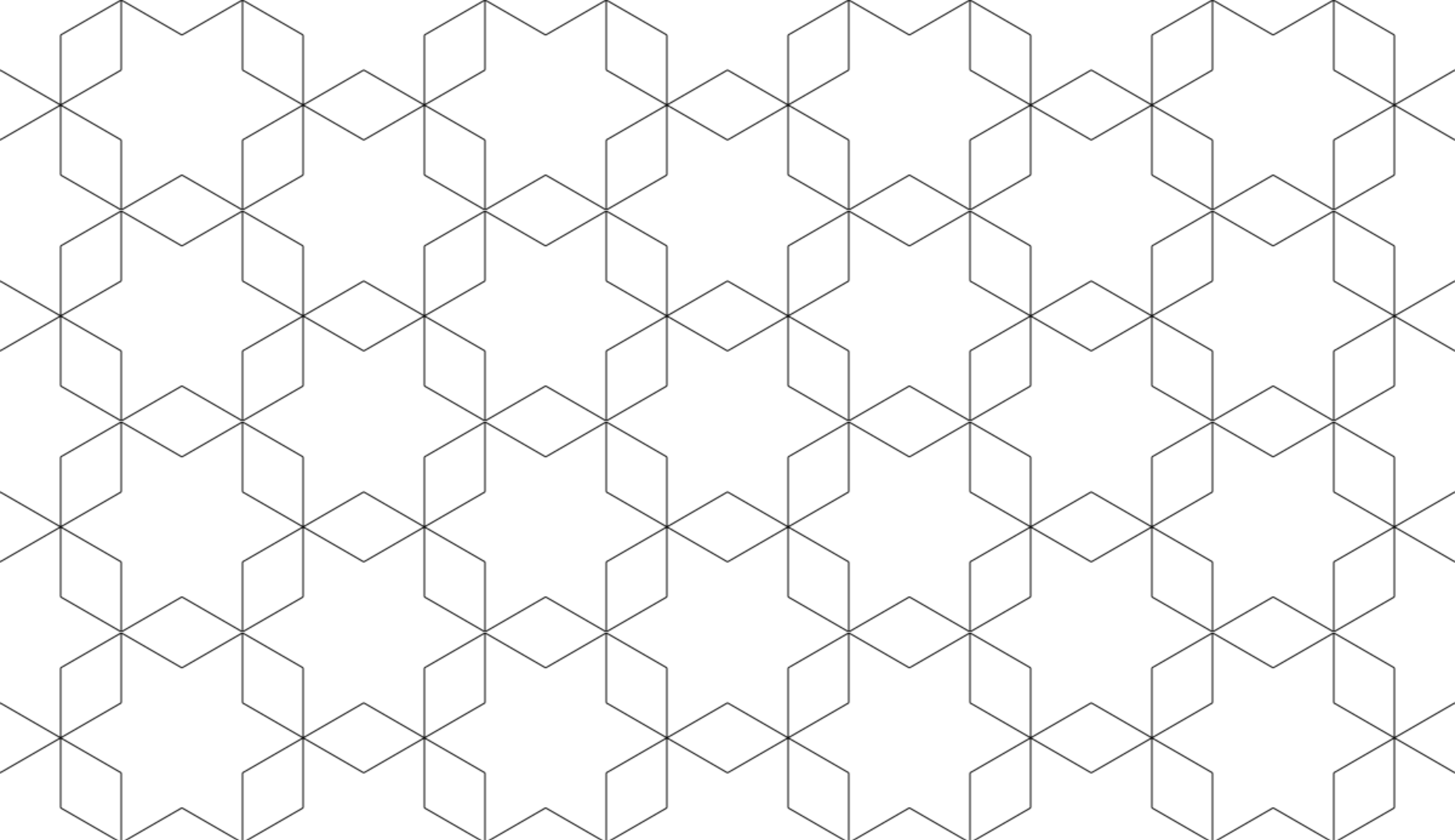
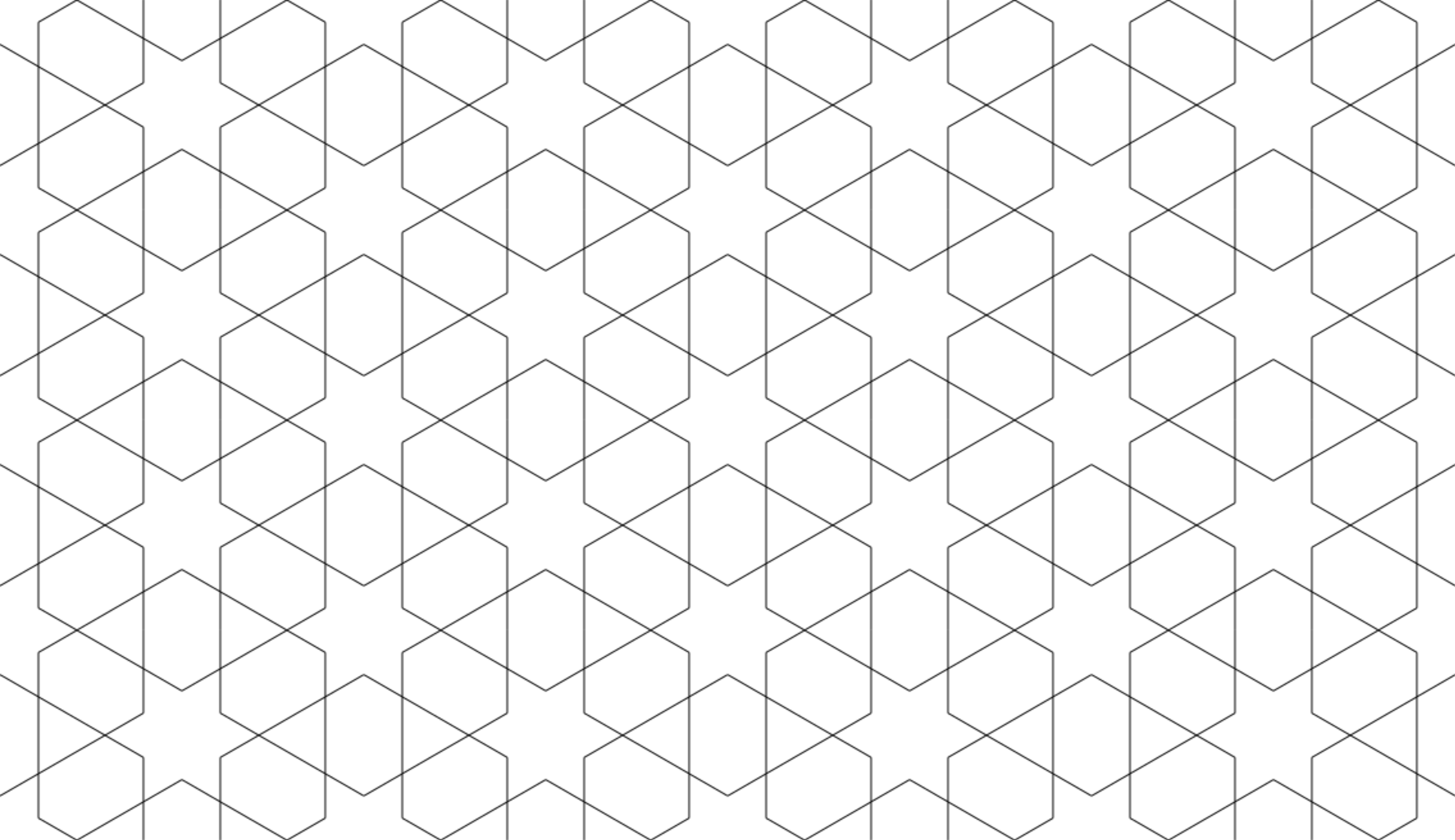
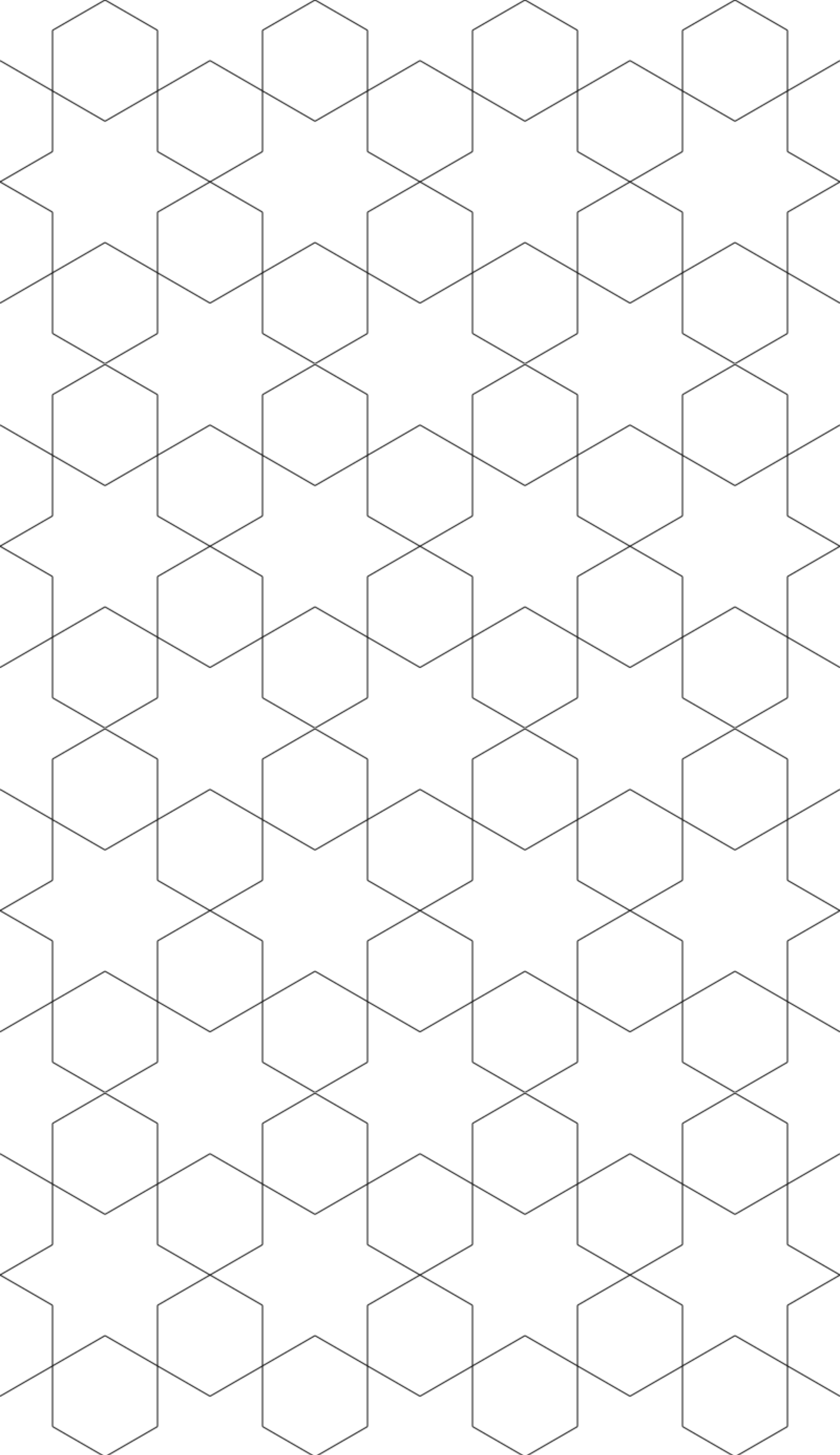
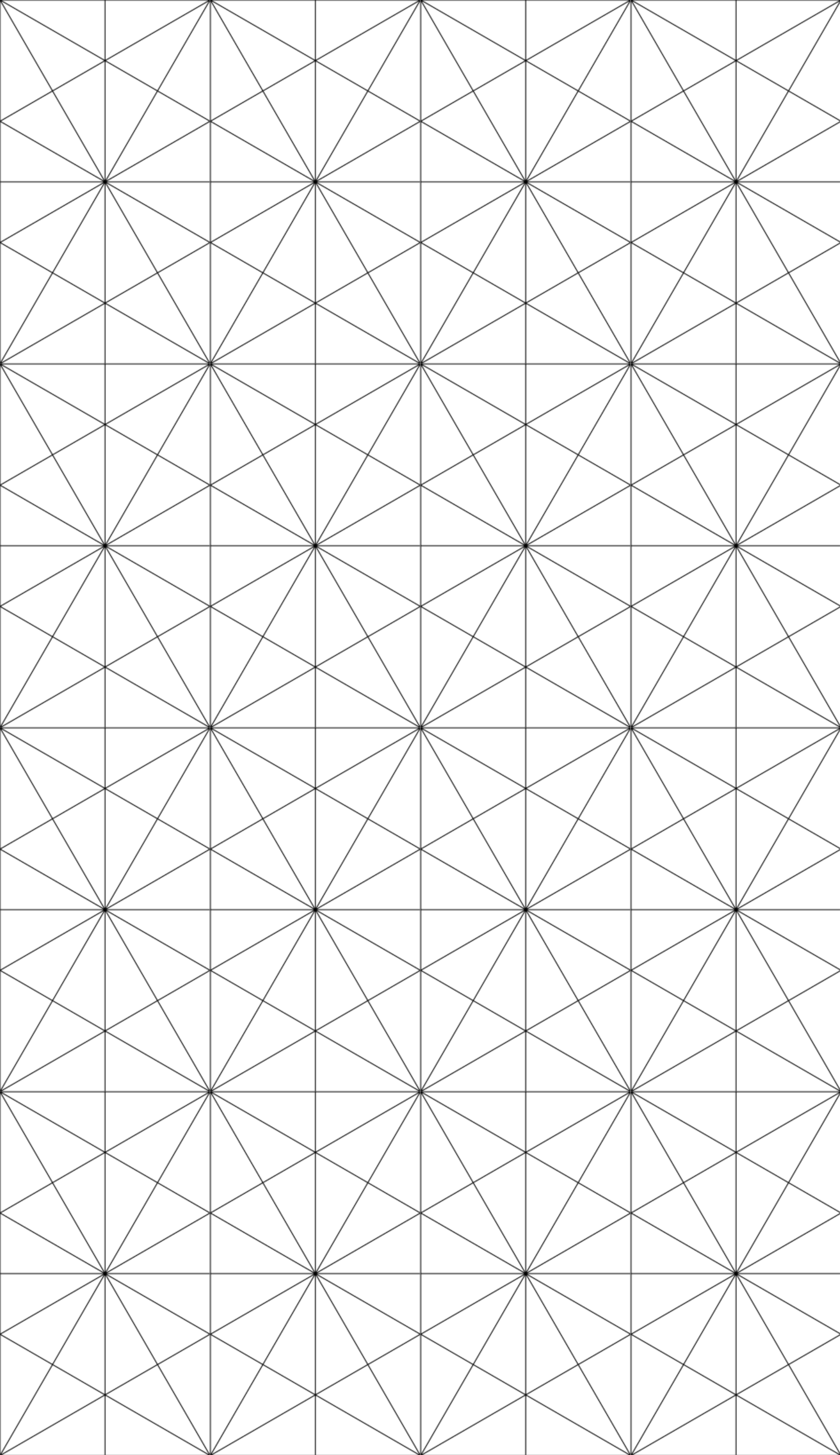
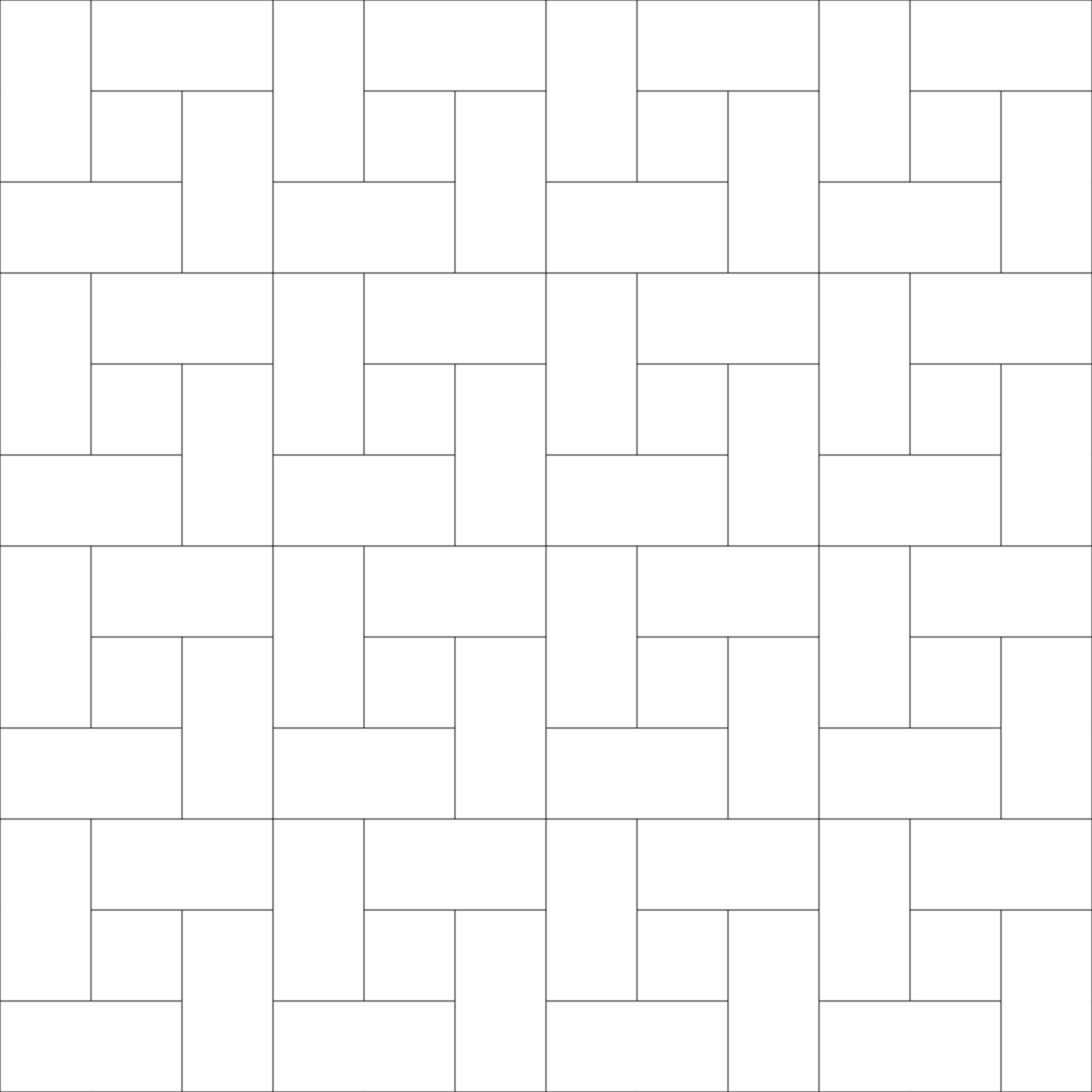
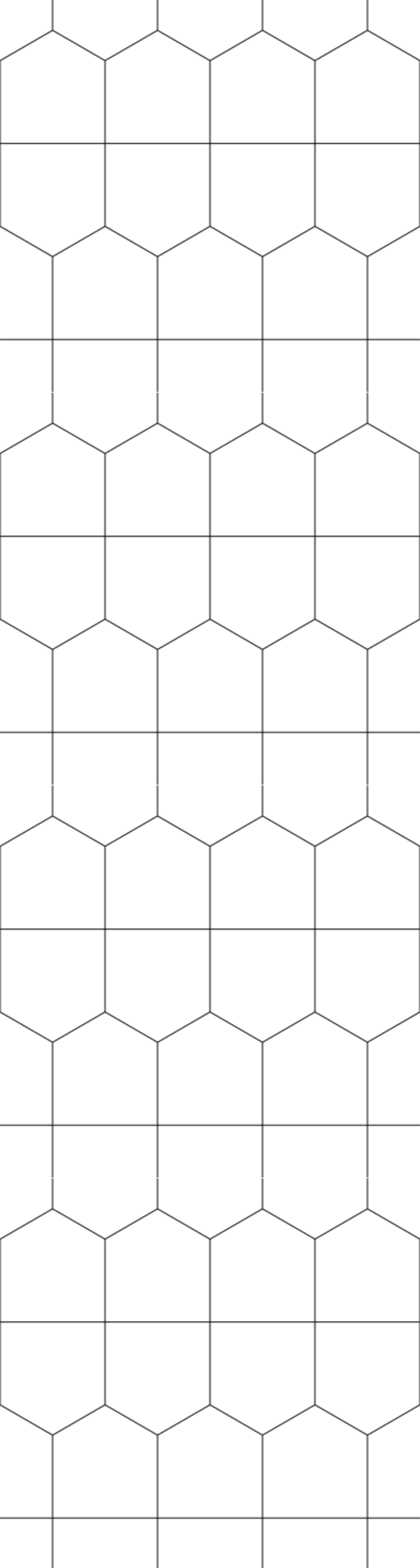
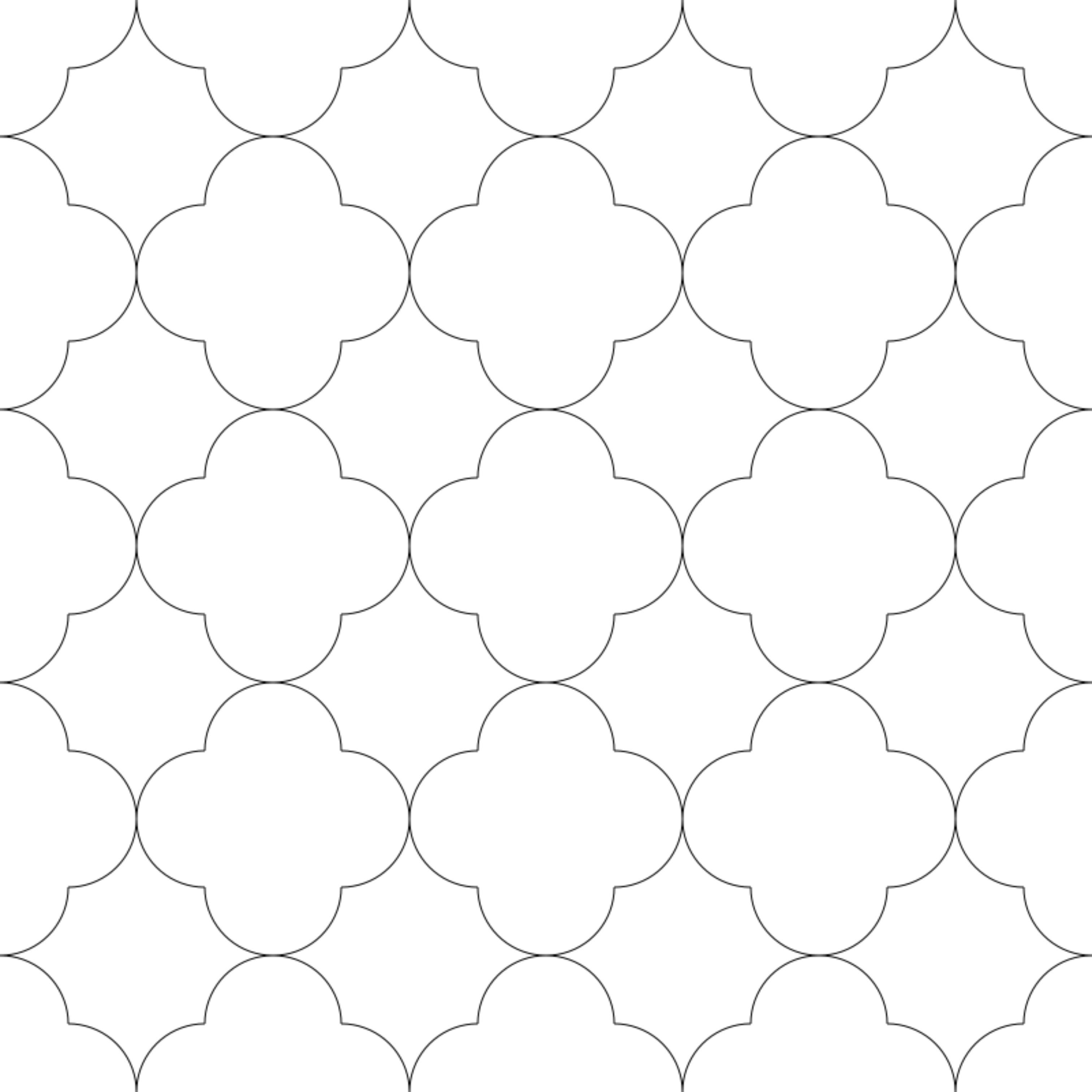
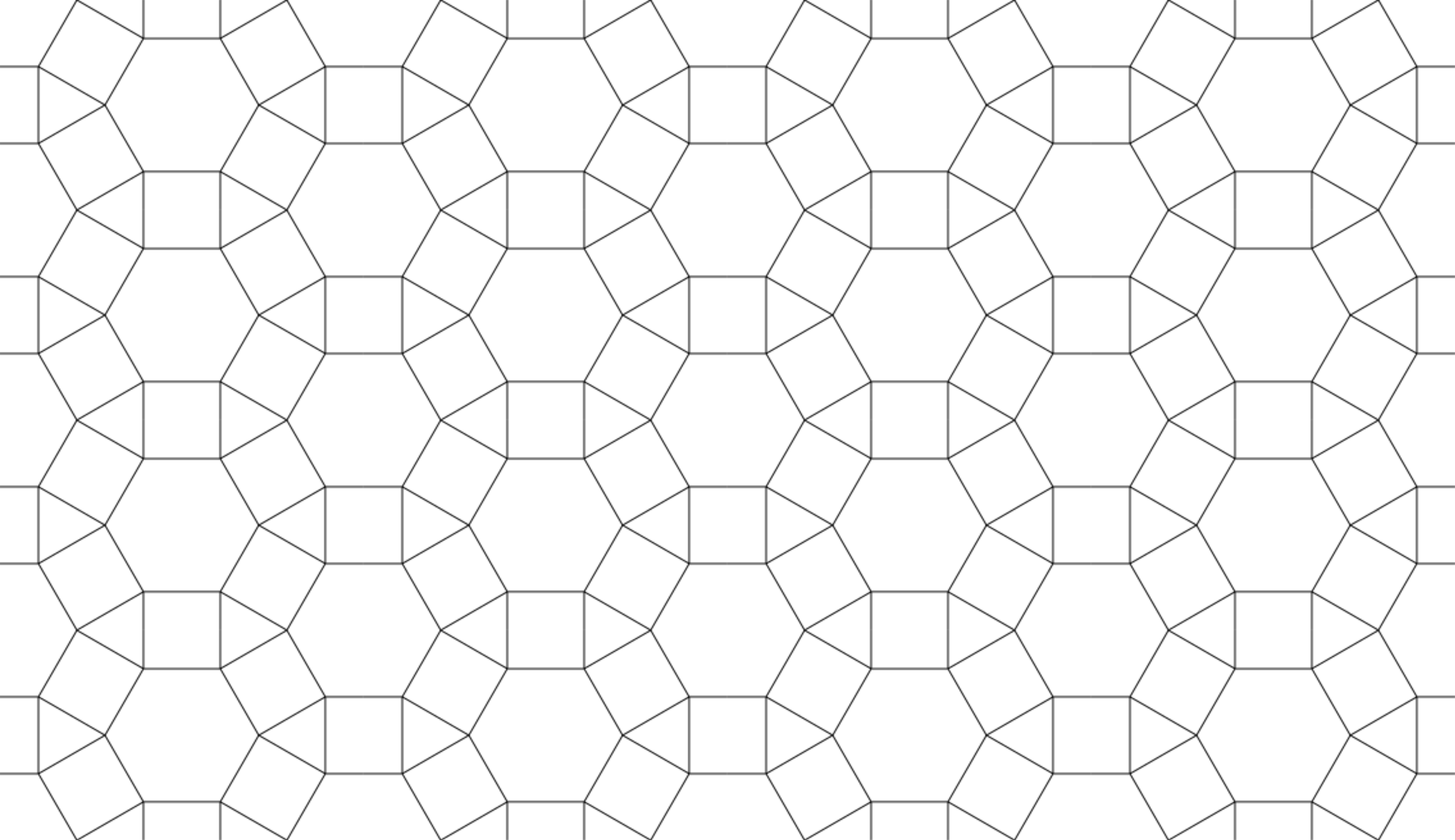
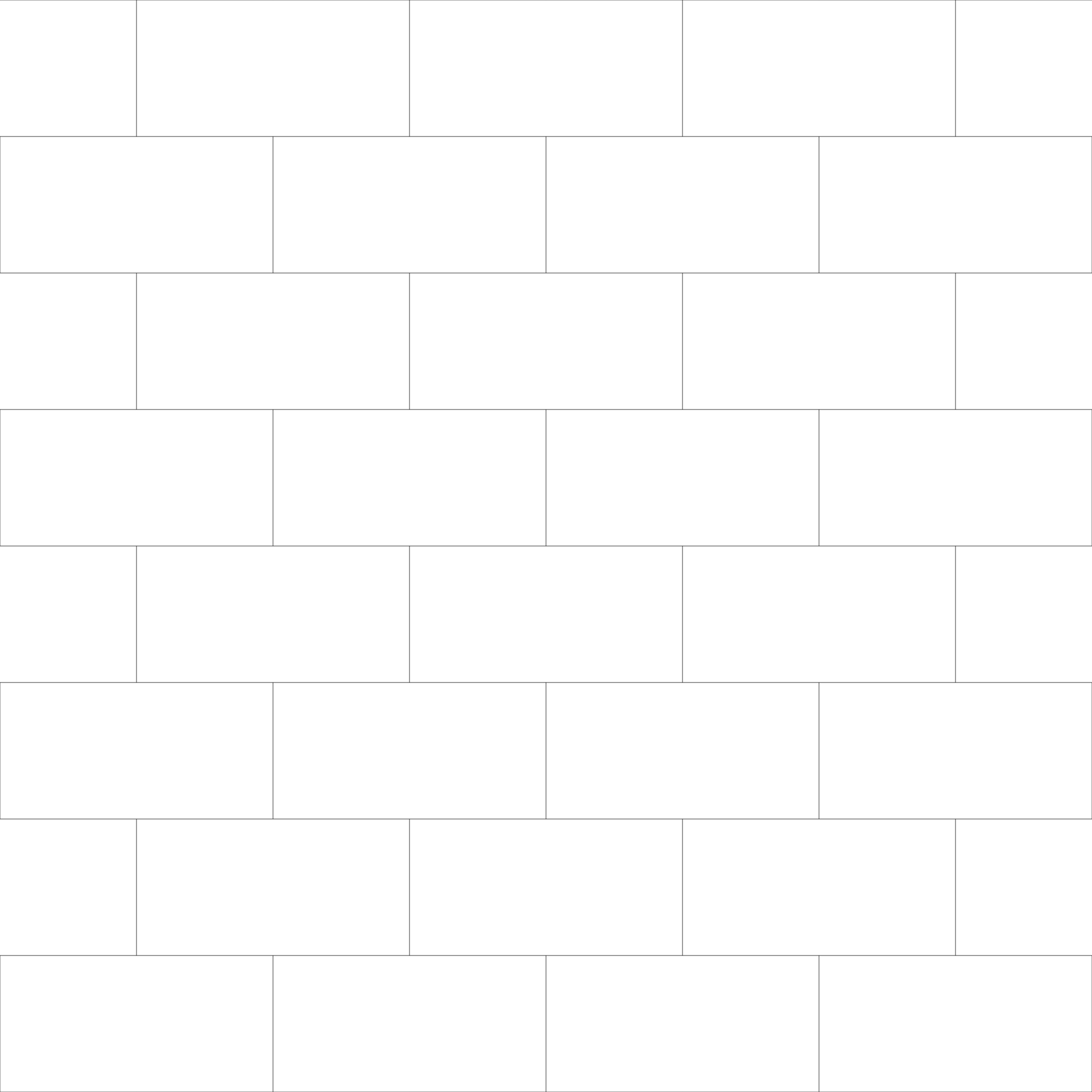
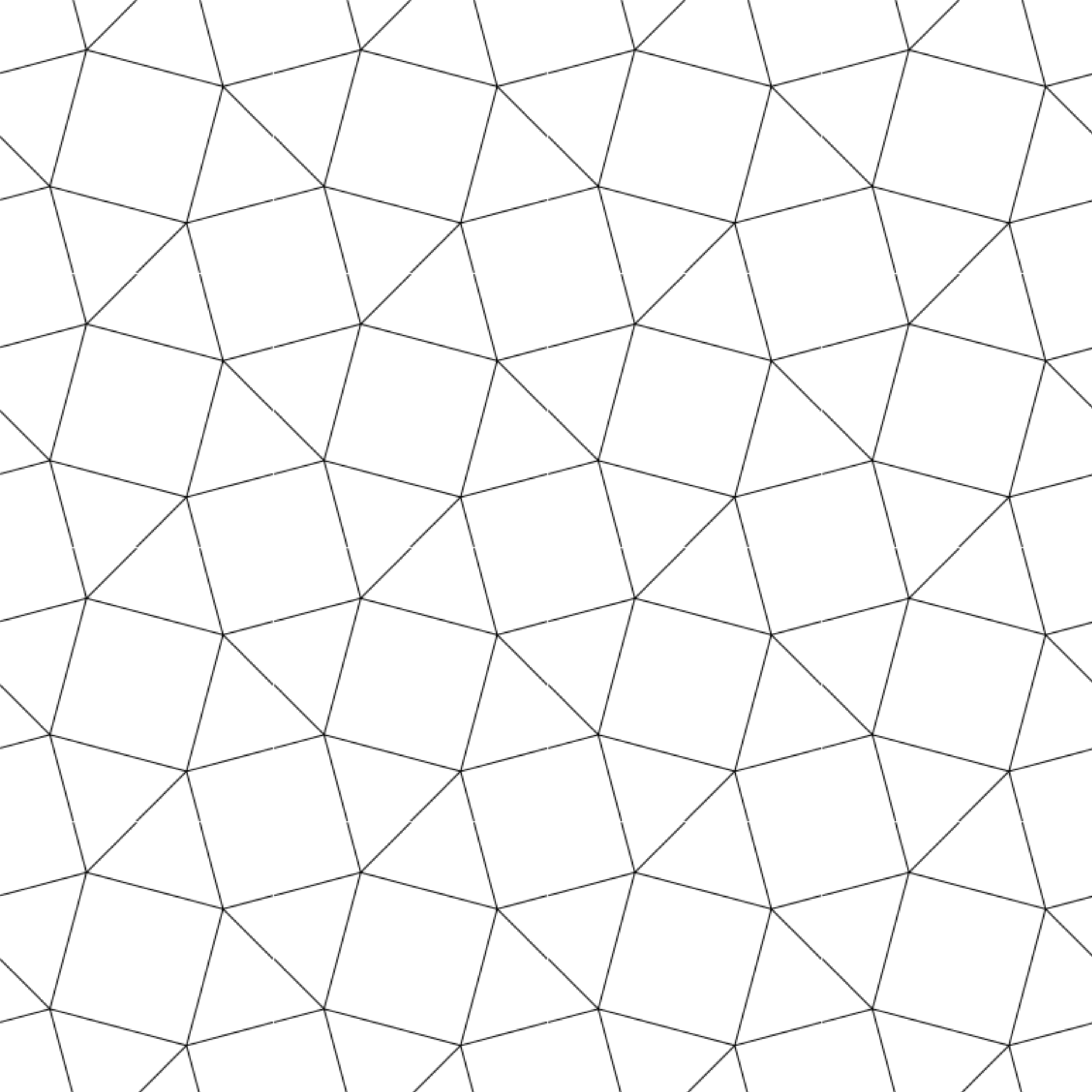
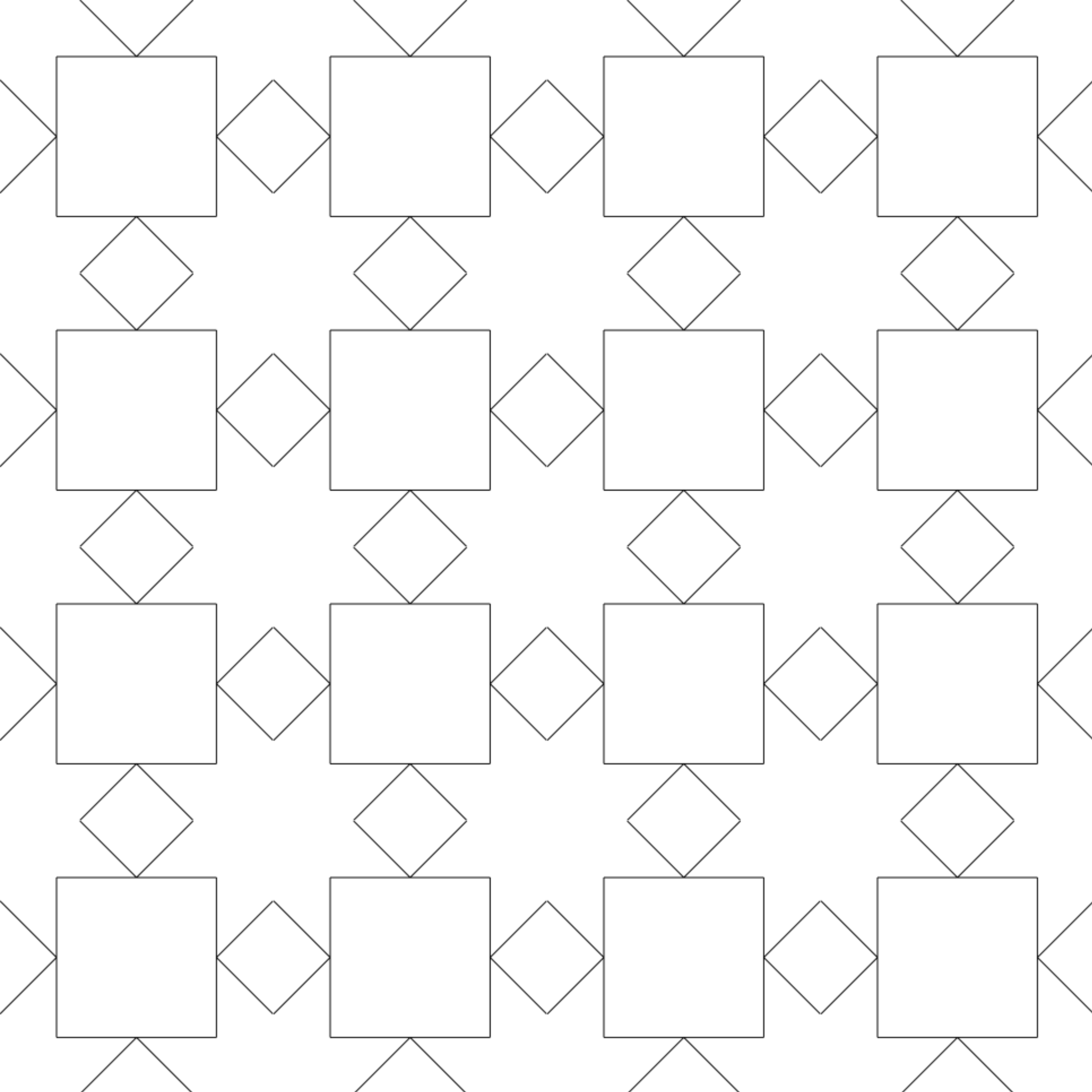
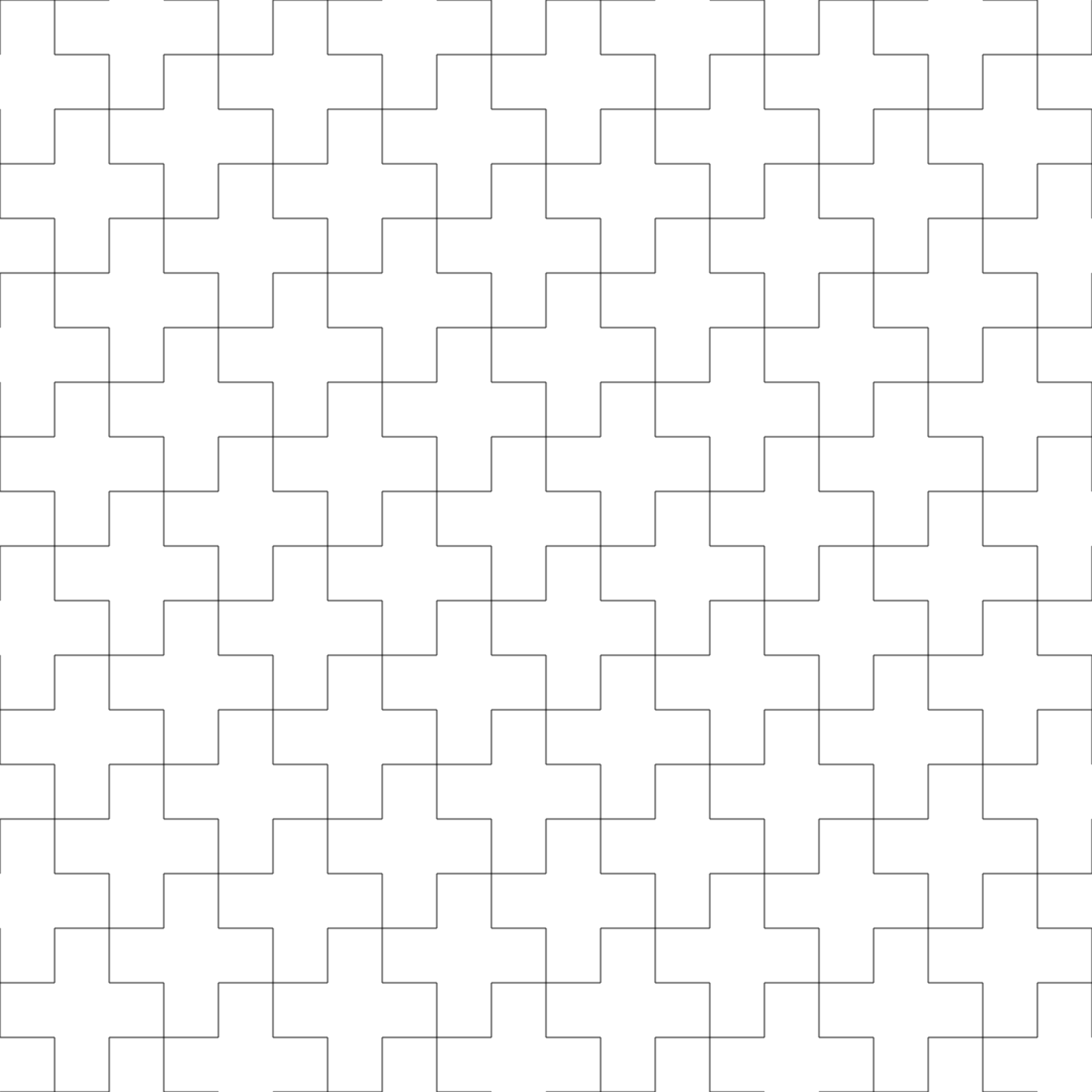
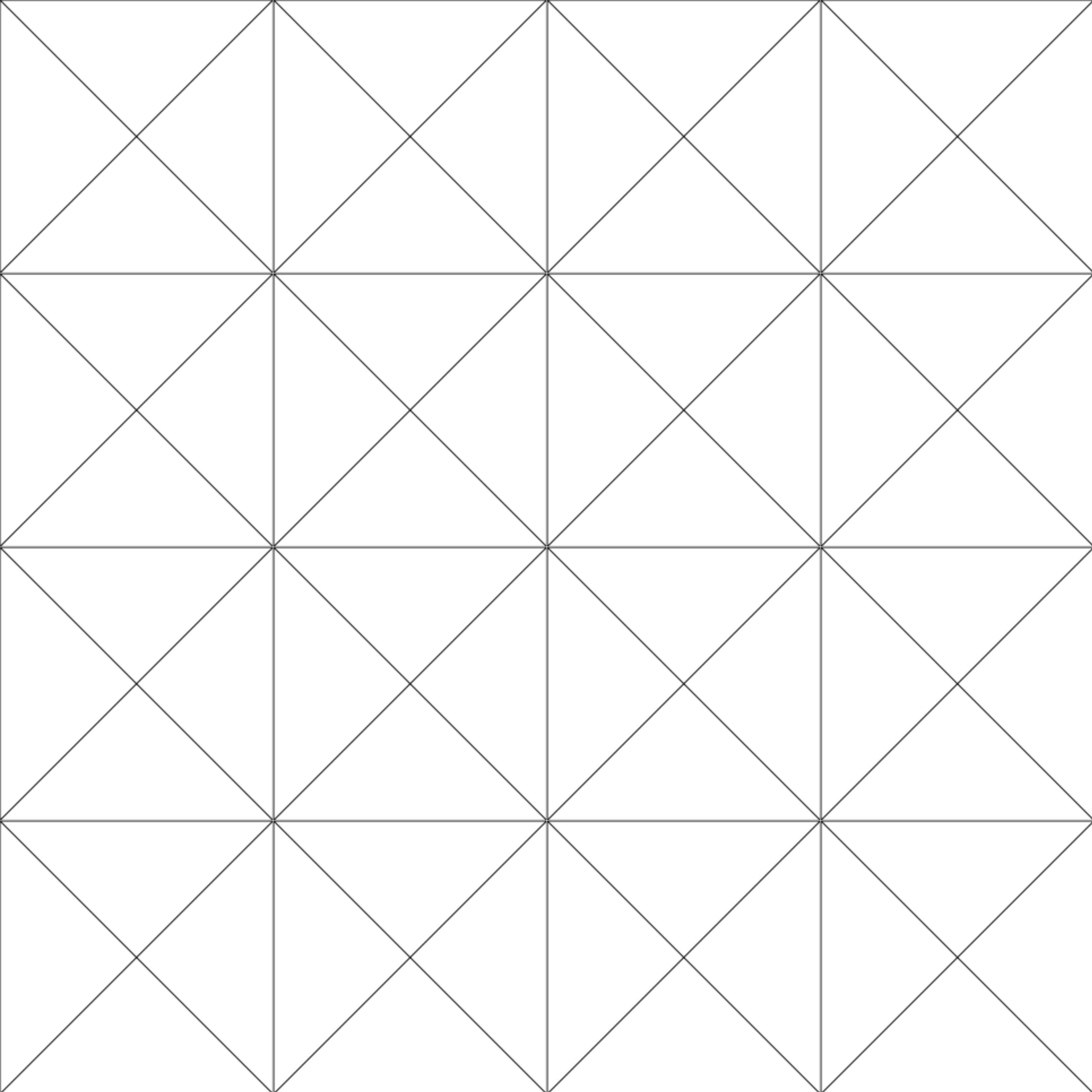
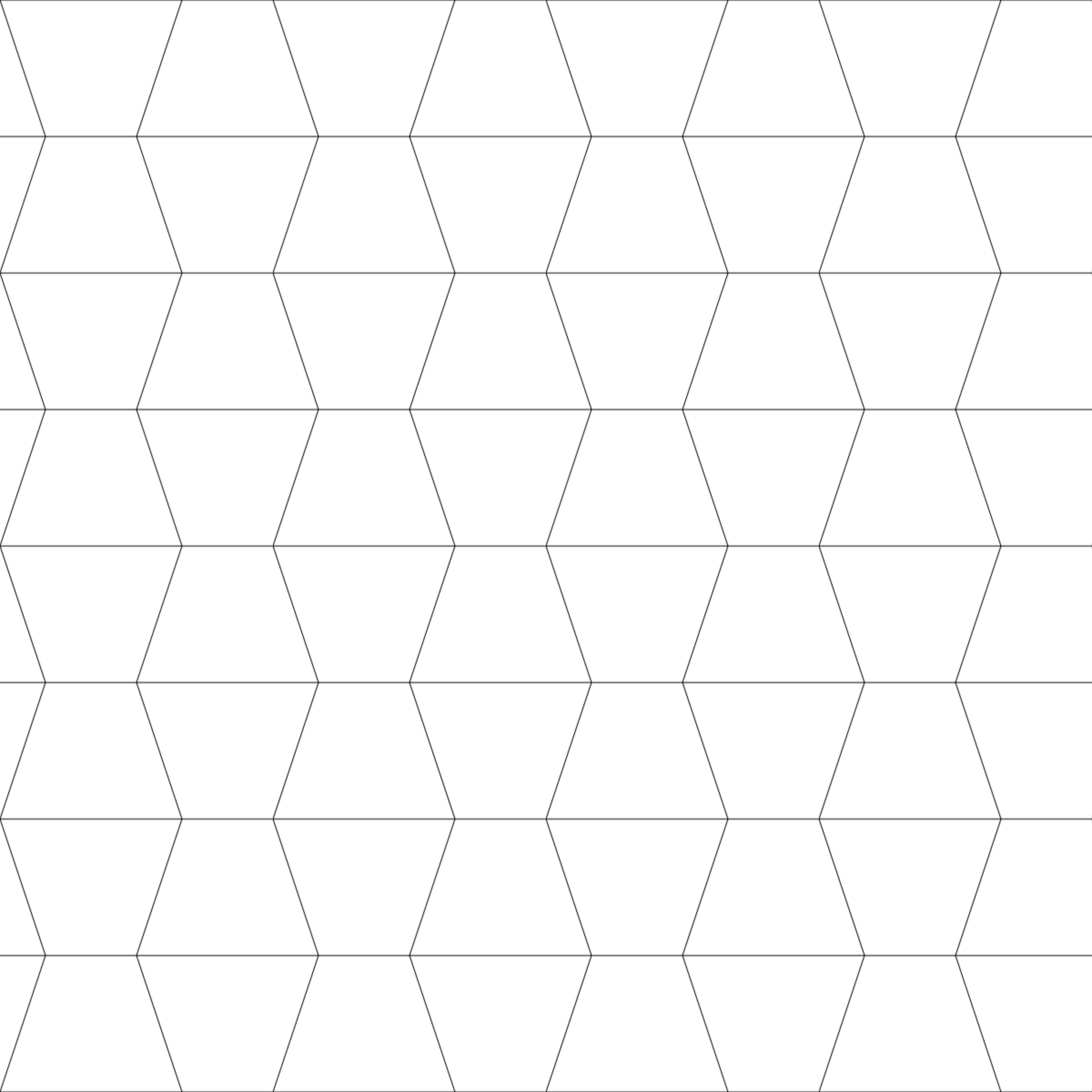
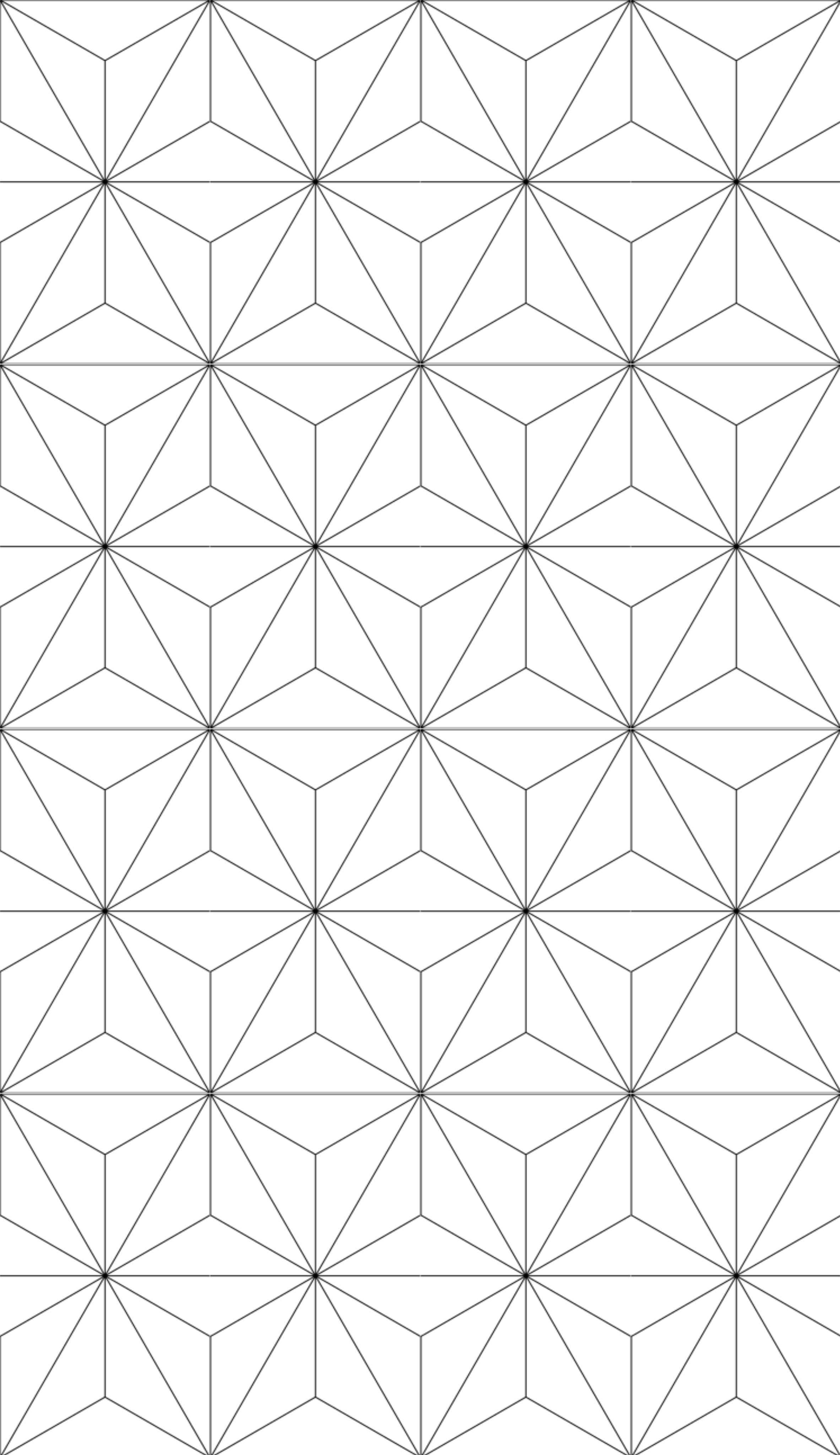
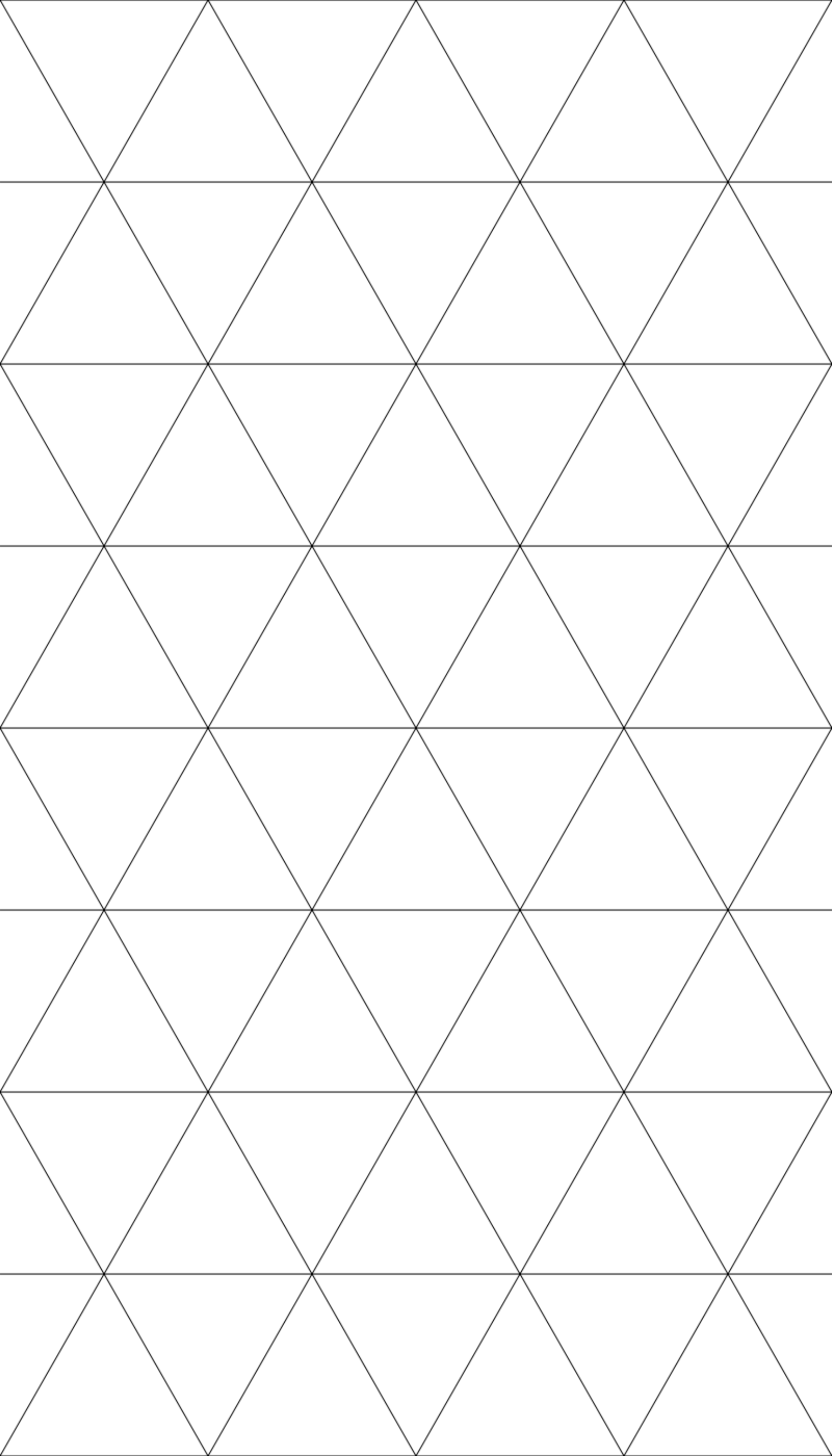
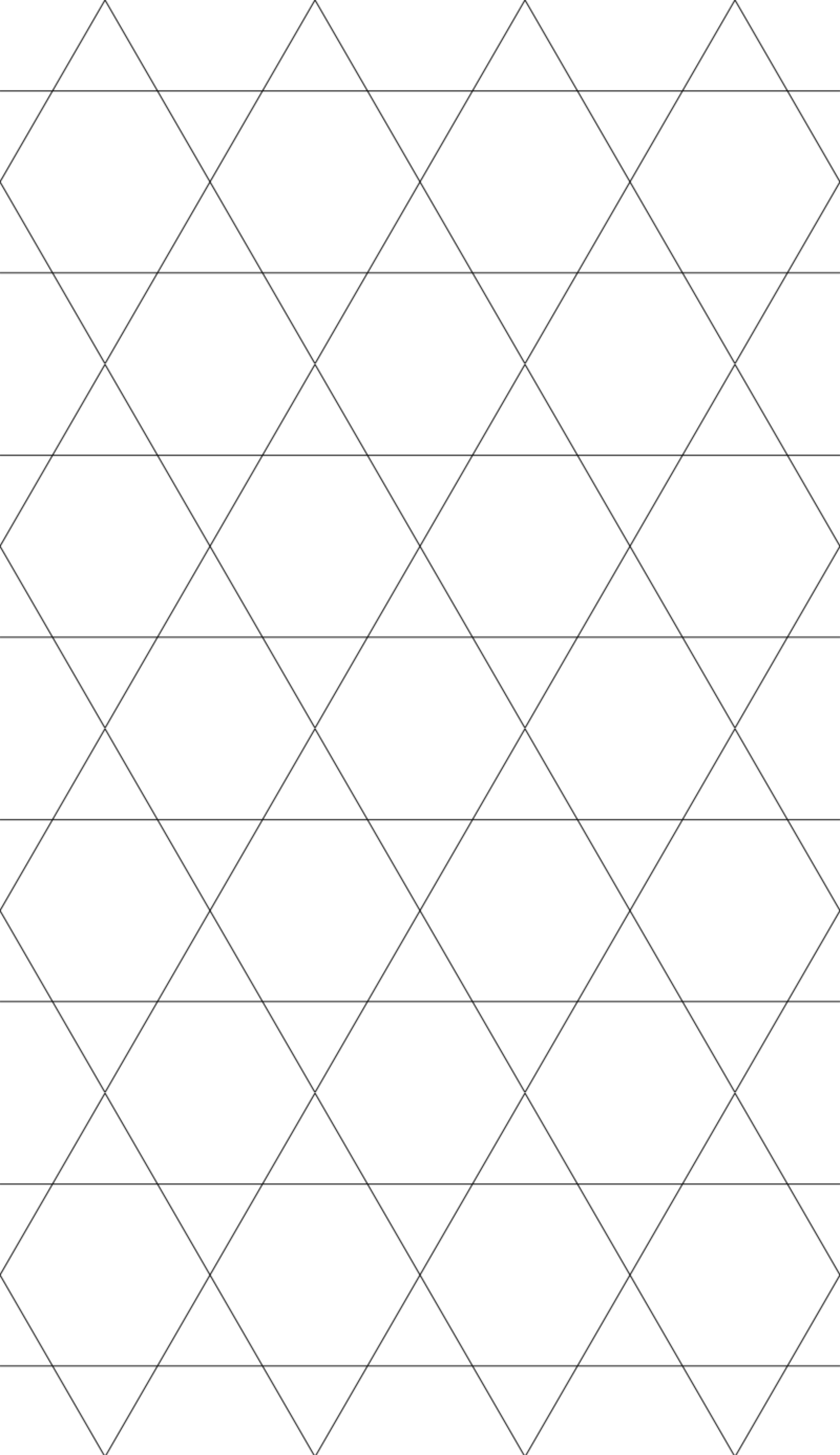
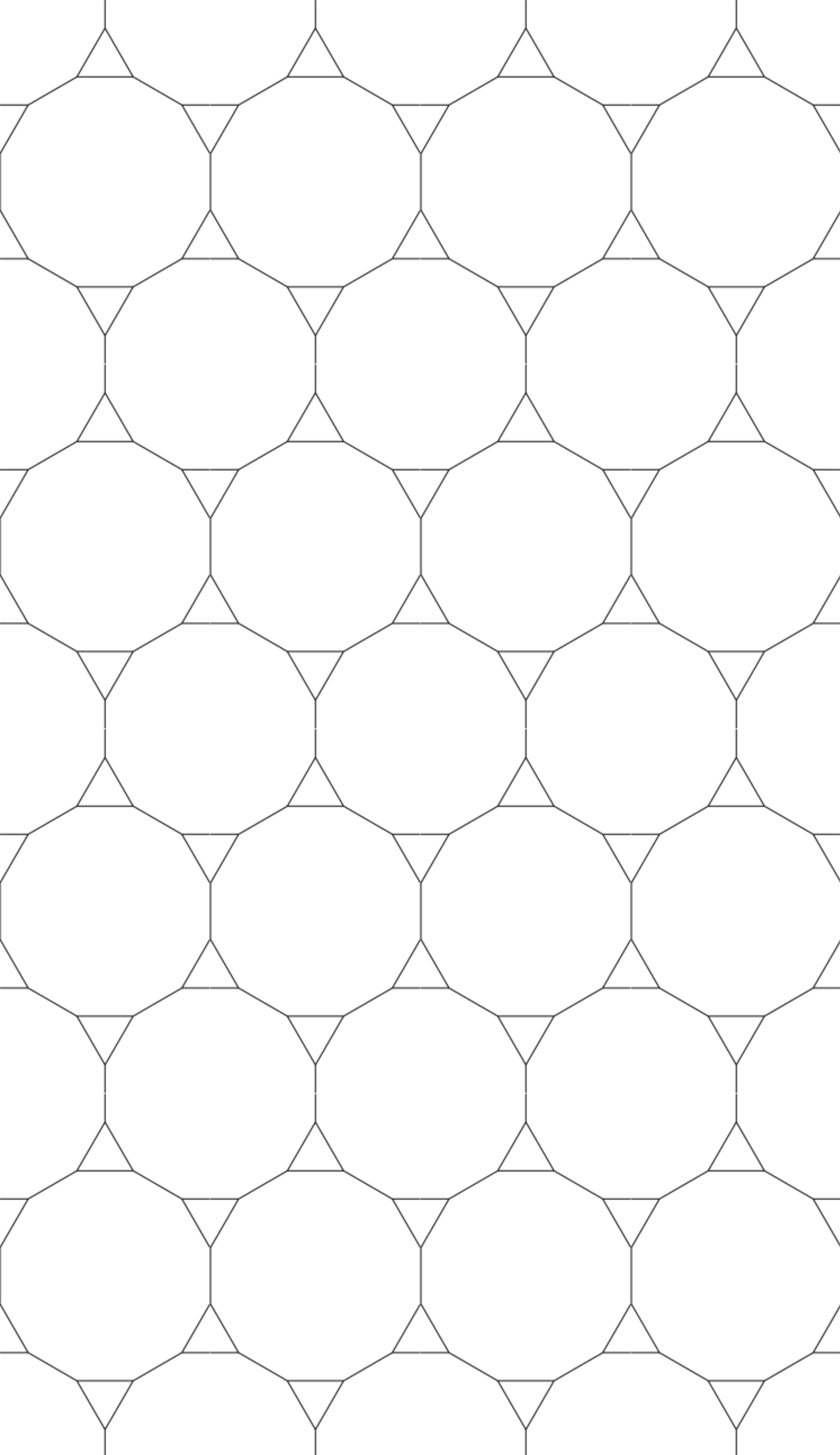
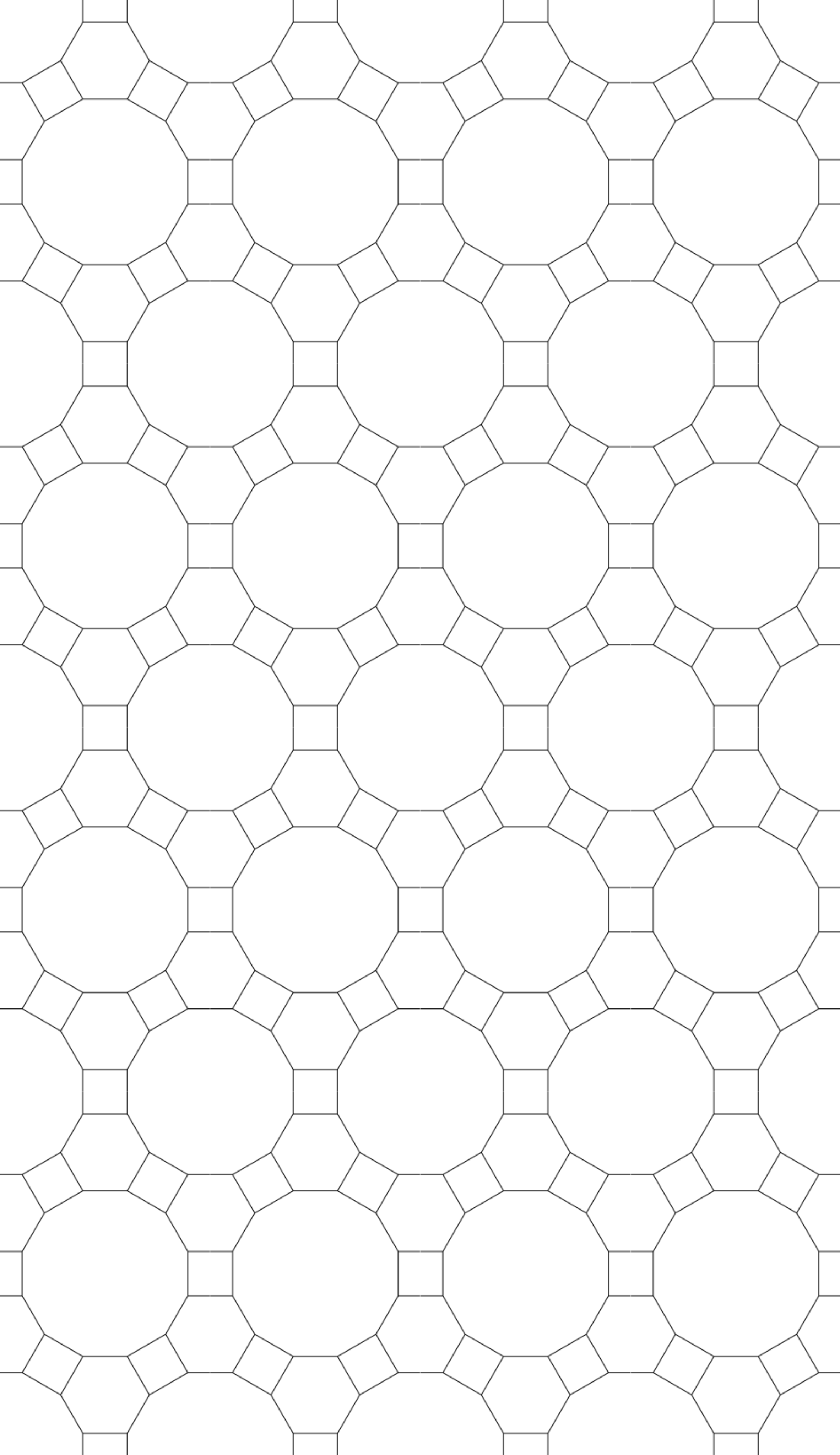
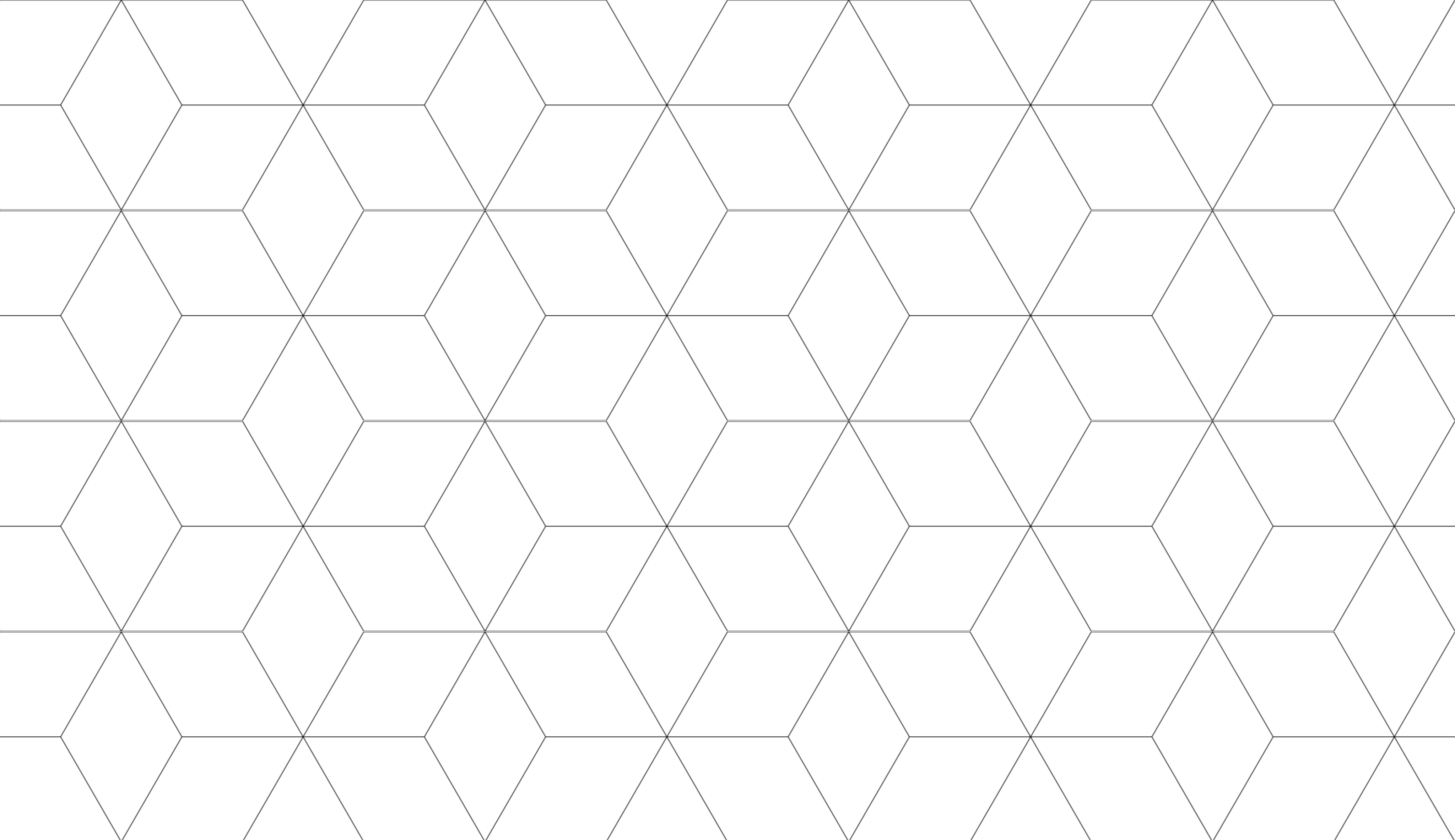
All 115 patterns
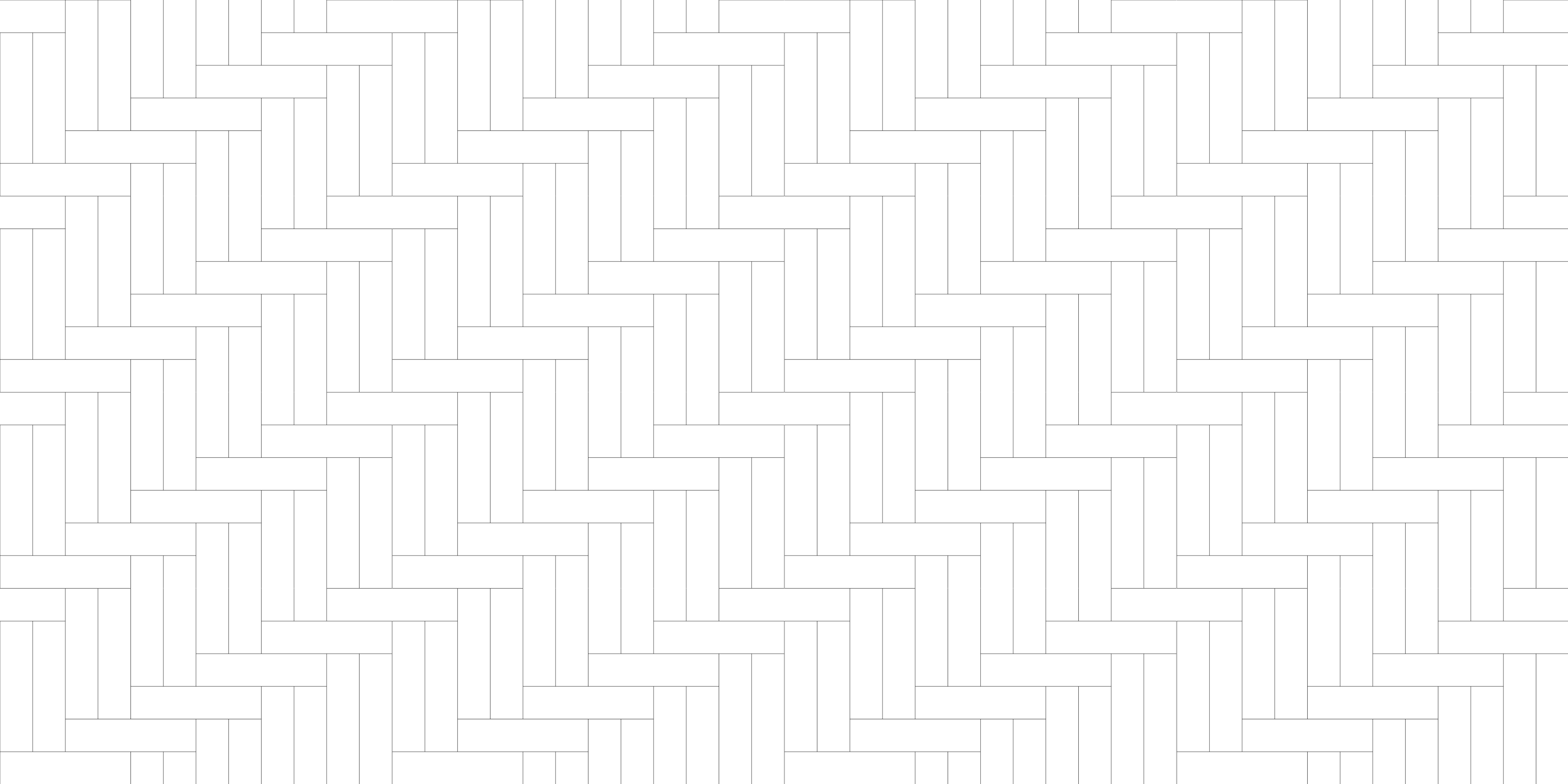
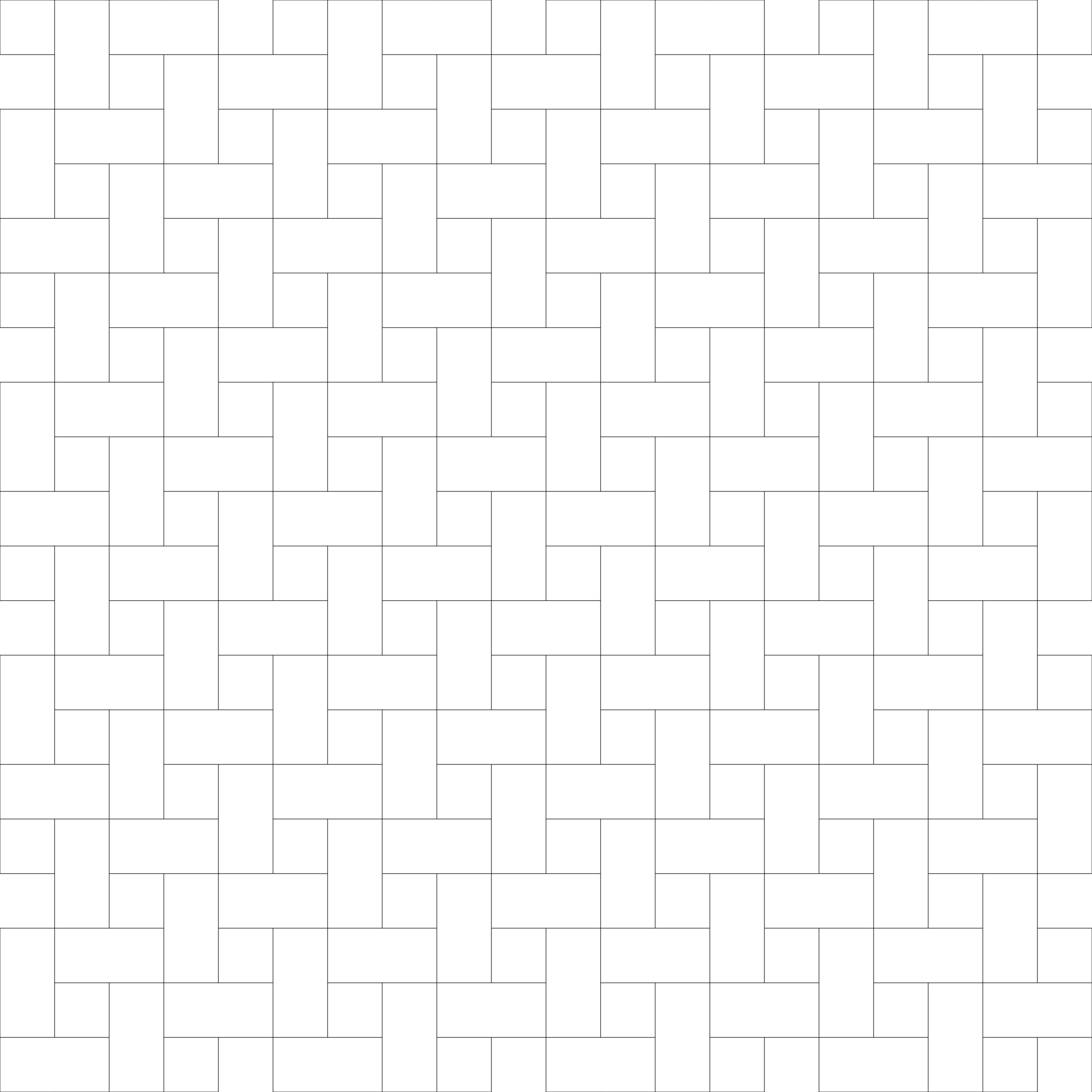
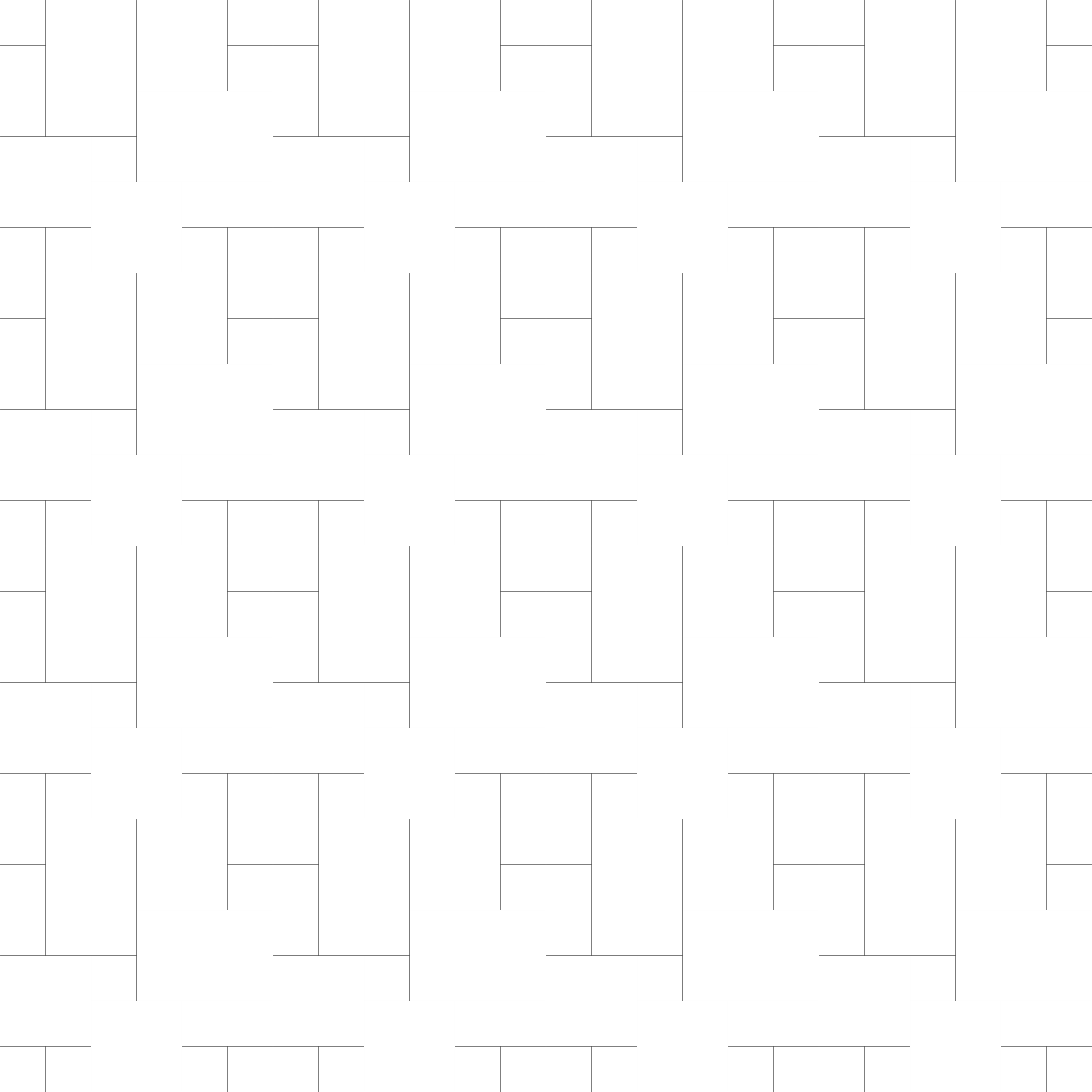
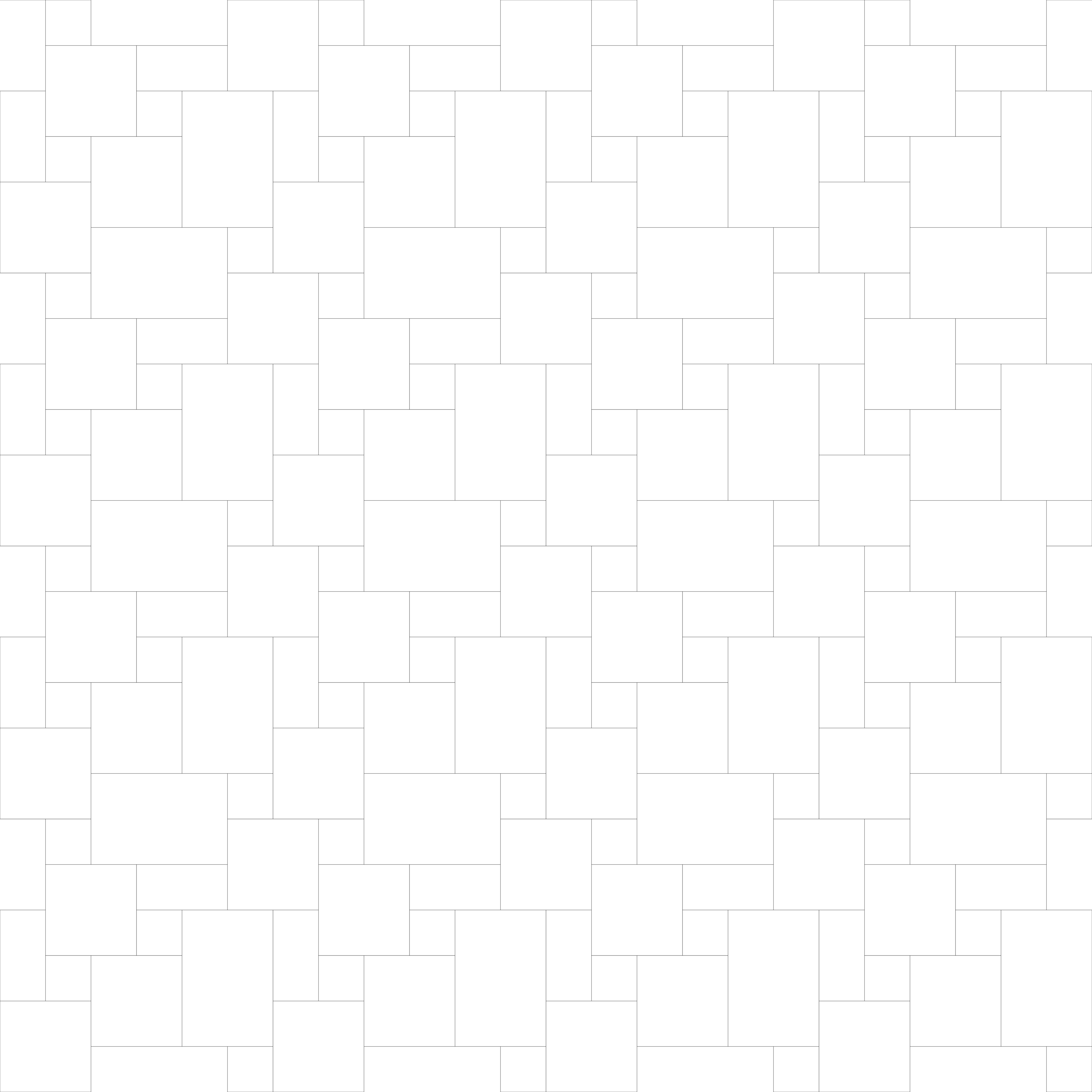
≈ marks a .pat that draws some edges as a staircase (16 patterns); its SVG and DXF are exact.








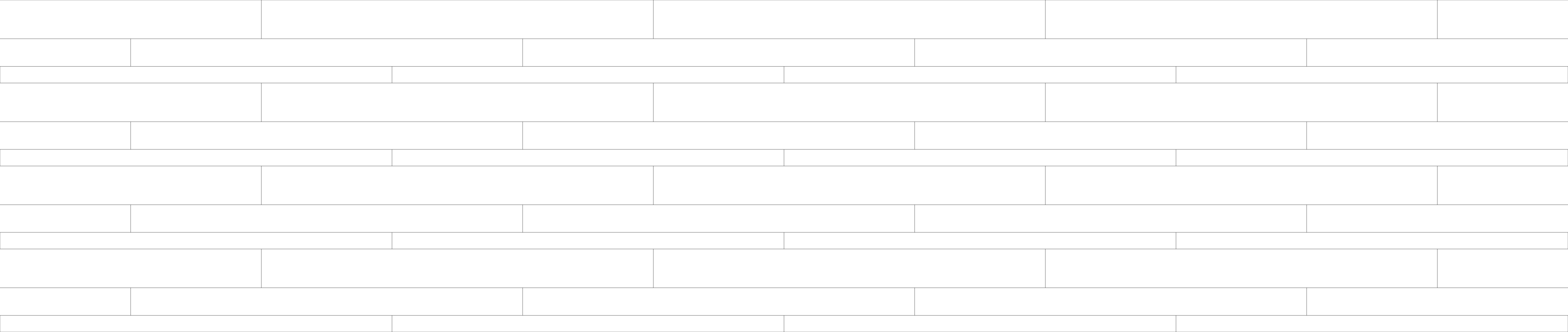


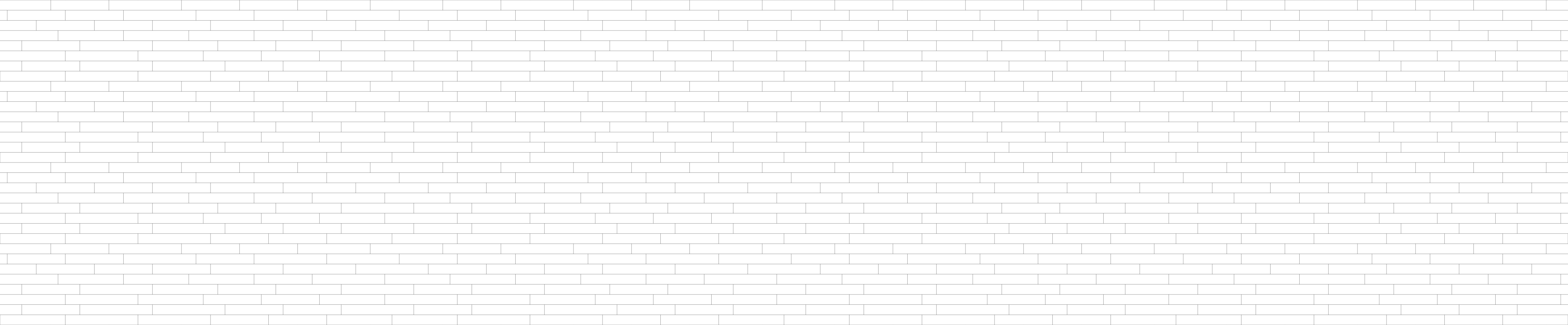



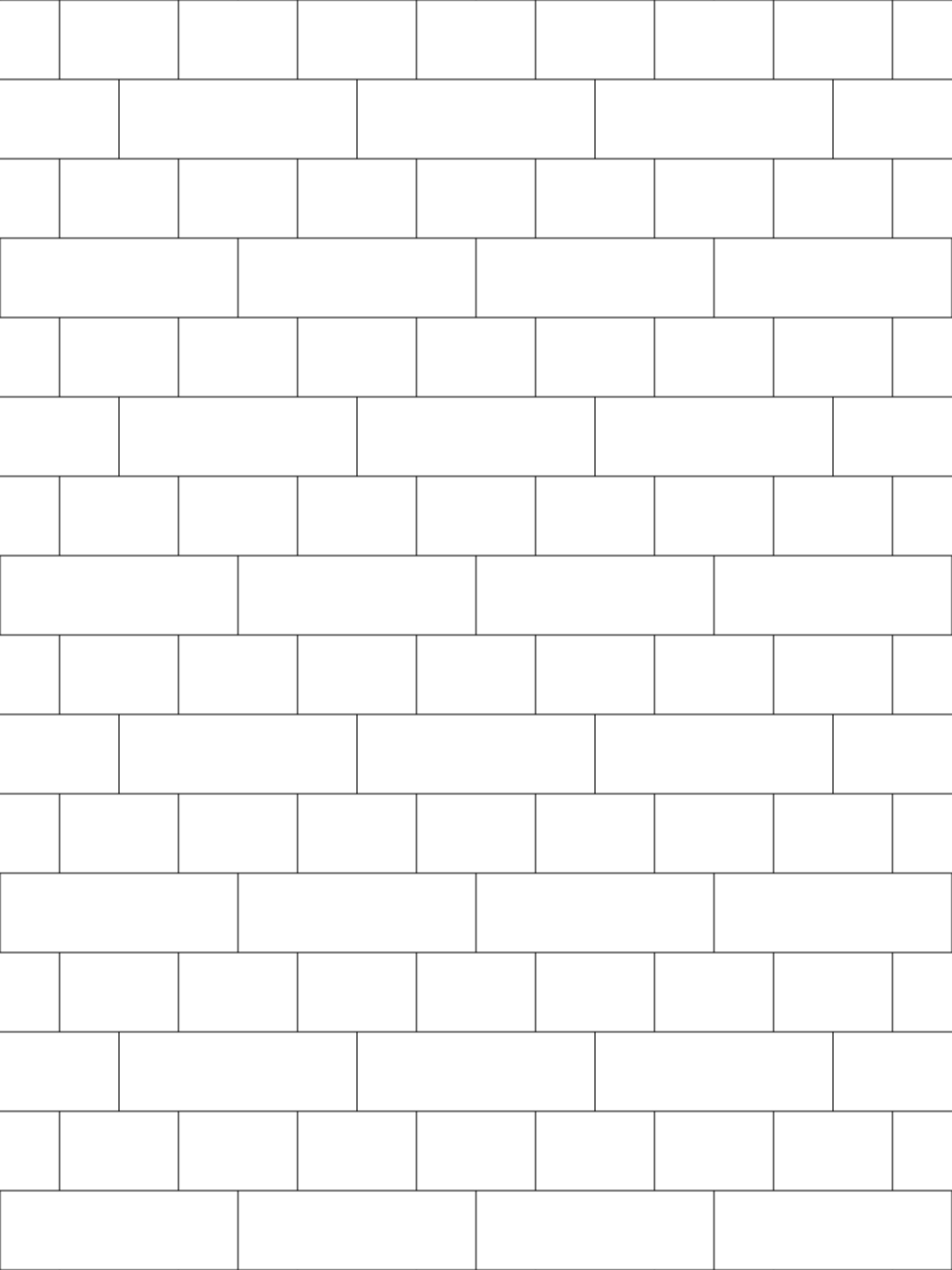
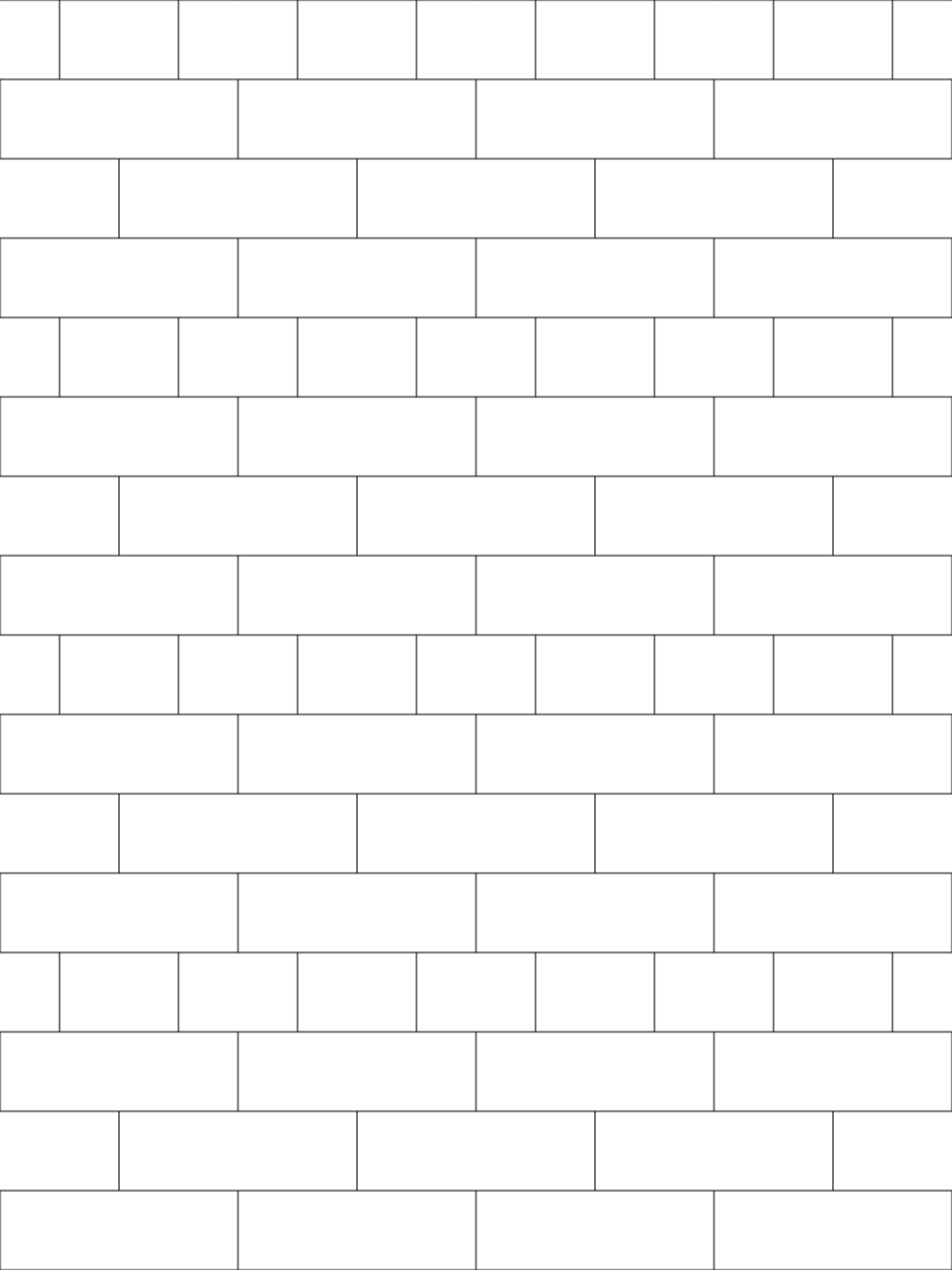
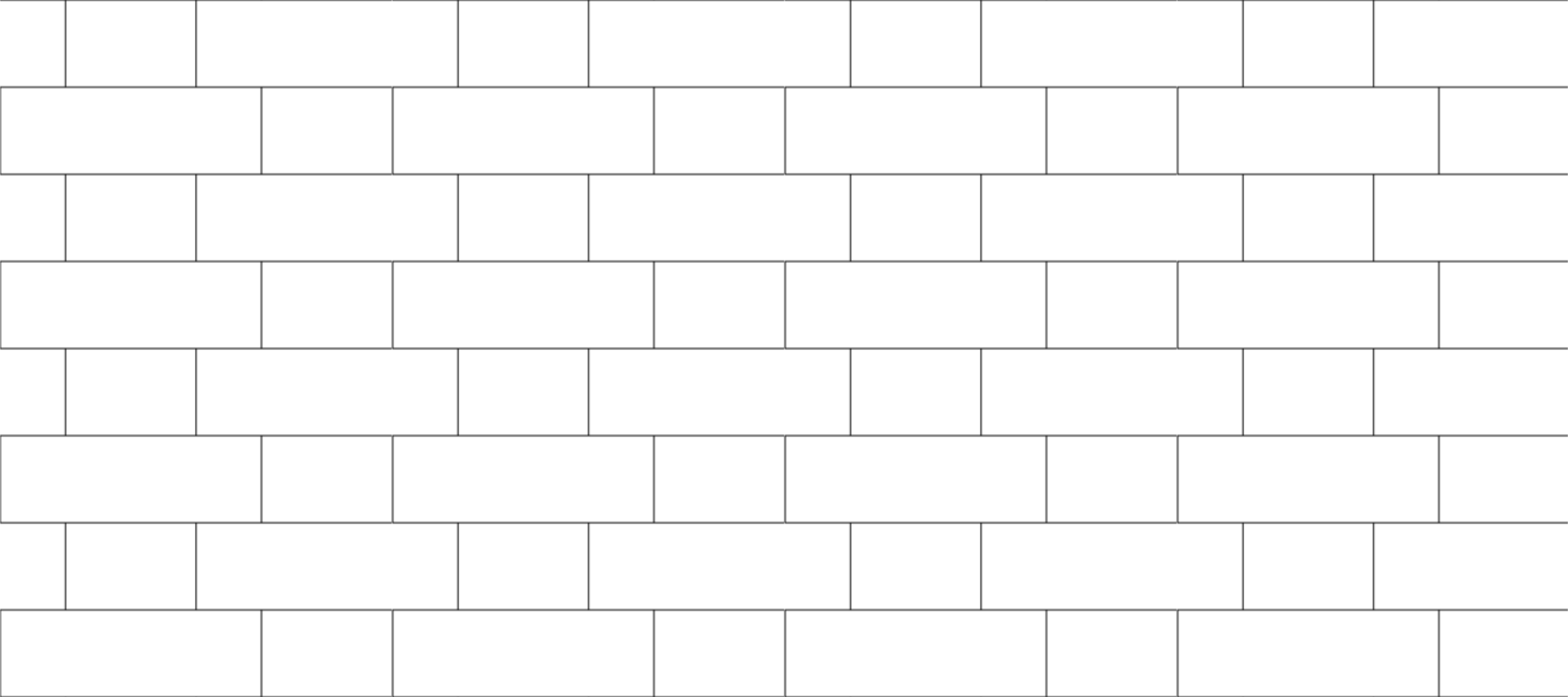

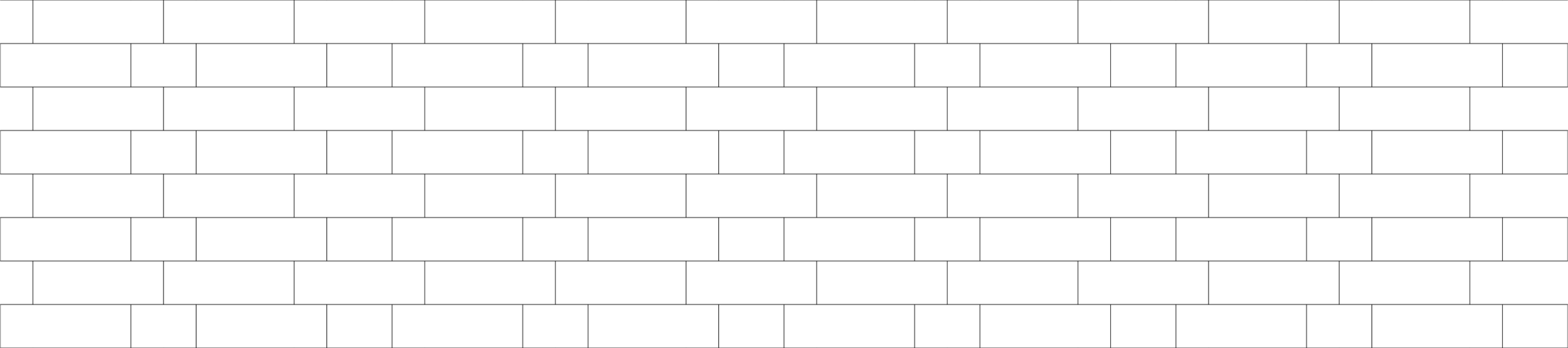













How to use the files
How do I use a .pat hatch in AutoCAD?
Copy the .pat file into a folder that is in AutoCAD's Support File Search Path (Options > Files), keep the file name (the pattern name inside the file matches it), then pick the pattern in the HATCH command. If Windows blocks the download, right-click the file, open Properties and tick Unblock.
How do I import a .pat into Revit?
In Revit open Manage > Additional Settings > Fill Patterns, click New, choose Custom and browse to the .pat file. Use the model variant when the pattern must keep its real size on the building.
What do the tile sizes in the file names mean?
tile-300x600 draws a grid whose cells are 300 mm wide and 600 mm high, centre line to centre line of the joint. Add your grout joint to the tile size to get the pitch (a 300 x 600 mm tile with a 3 mm joint has a pitch of 303 x 603 mm). Rotate the hatch 90 degrees for the other orientation. Units are millimetres.
Why are some pattern hatches marked approximate?
A PAT line family is a set of straight dashed lines. 16 of the 115 patterns have edges (curves, arcs, slanted sides) that no such family reproduces exactly, so their .pat files draw those edges as a staircase. The SVG and DXF files of every pattern are exact.